
Detail
Detail is the instant video app for the next generation of creators. We make it easy and fun to record podcasts, interviews, and talking video. Just press record, and Detail turns it into polished, ready-to-share content instantly.
Detail is the instant video app for the next generation of creators. We make it easy and fun to record podcasts, interviews, and talking video. Just press record, and Detail turns it into polished, ready-to-share content instantly.
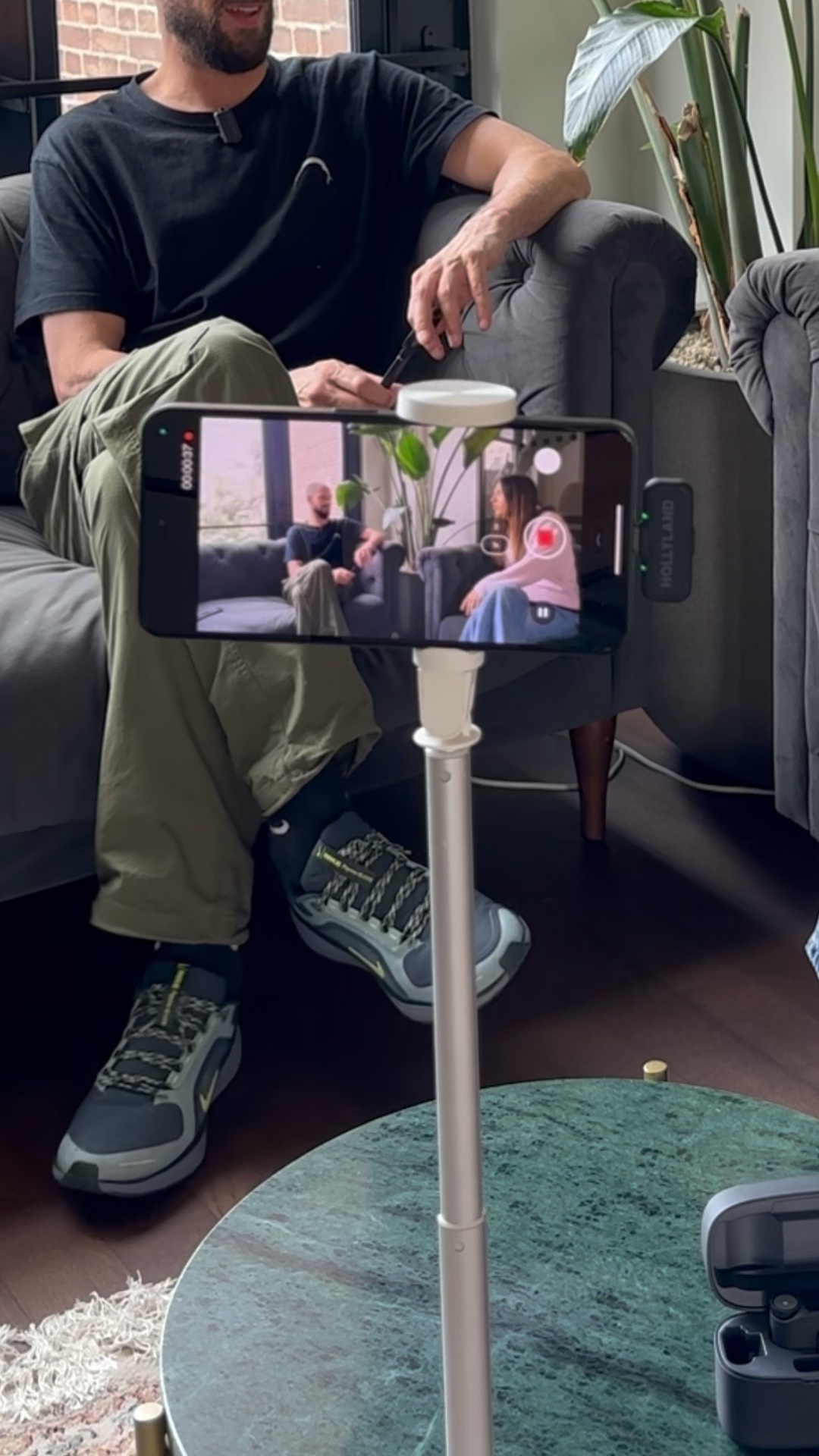
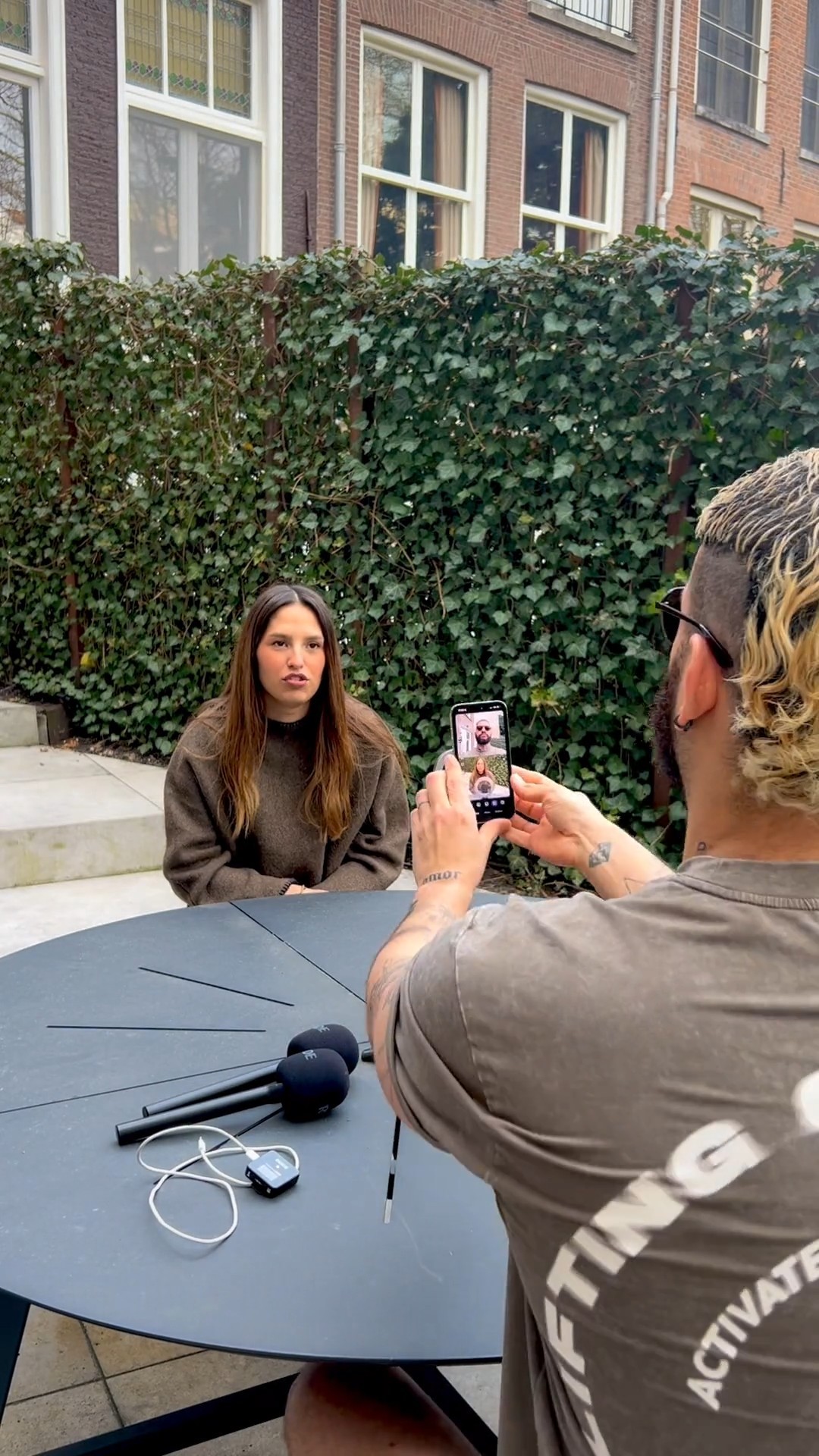
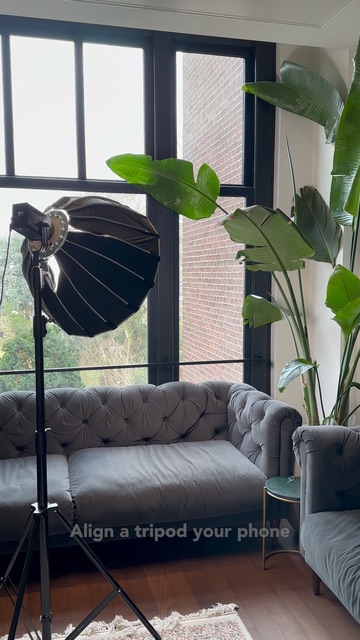
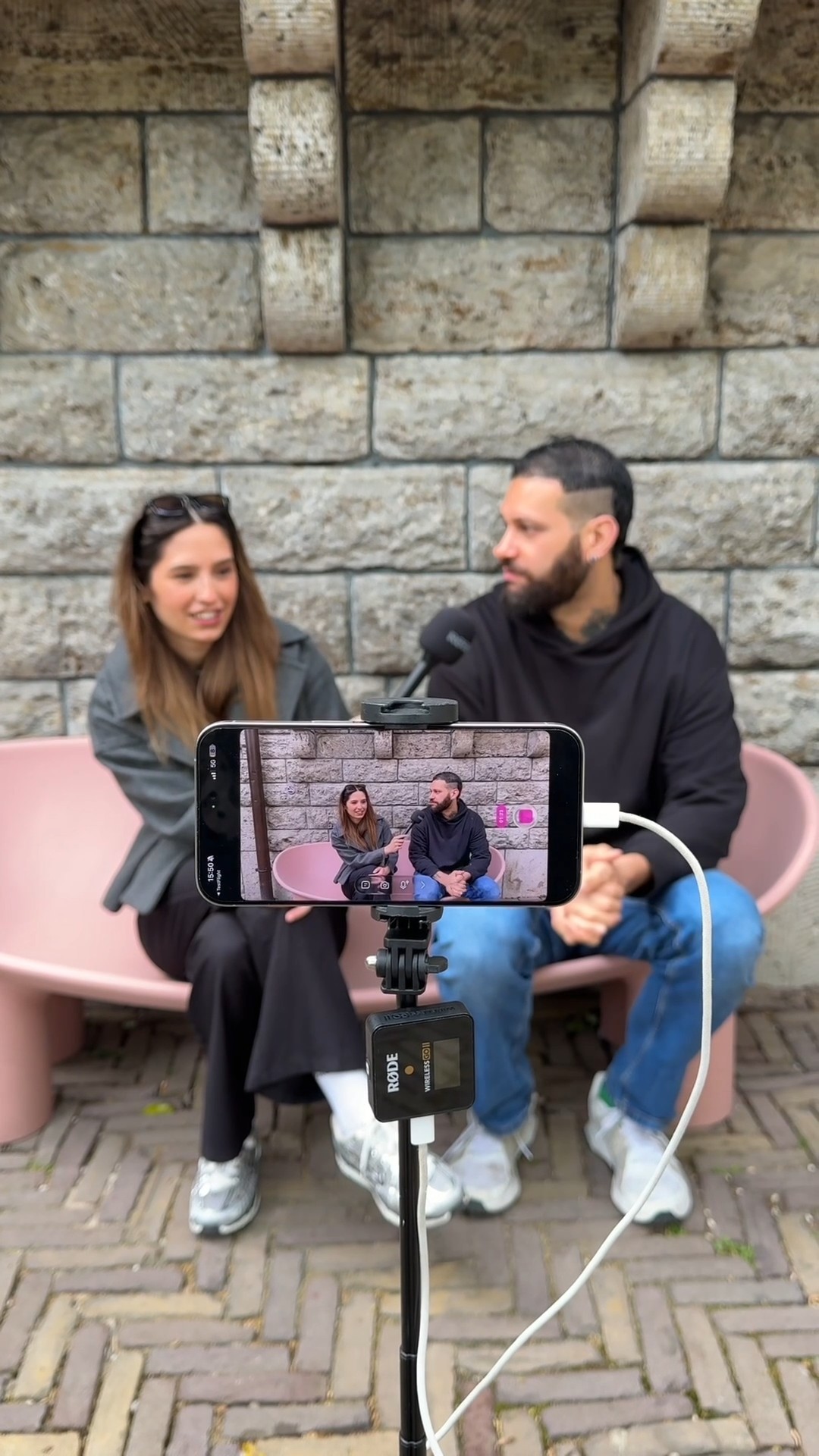
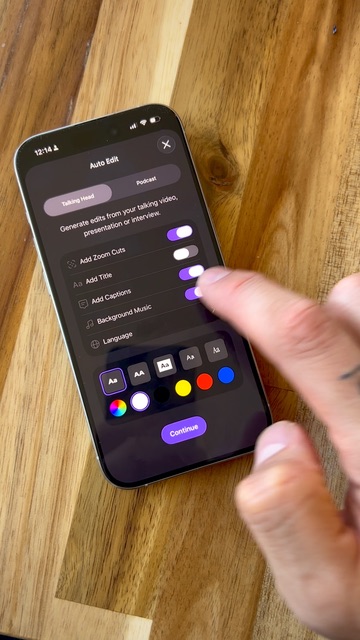
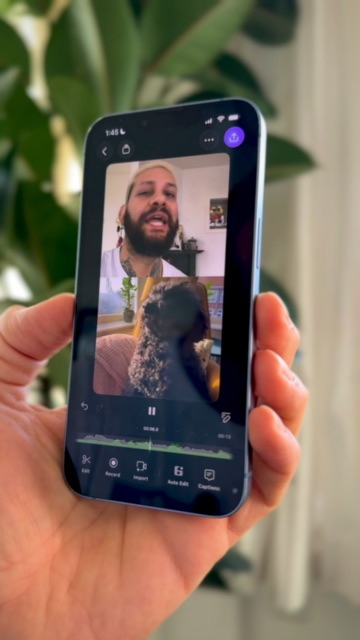
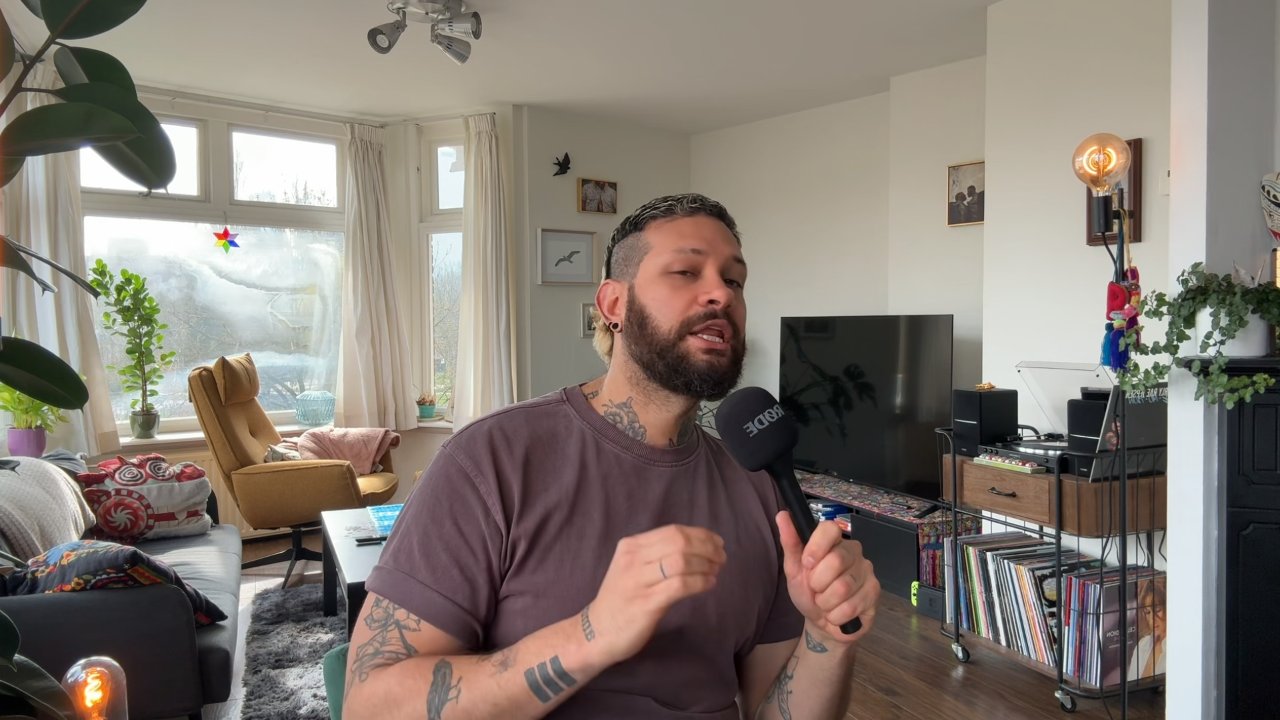
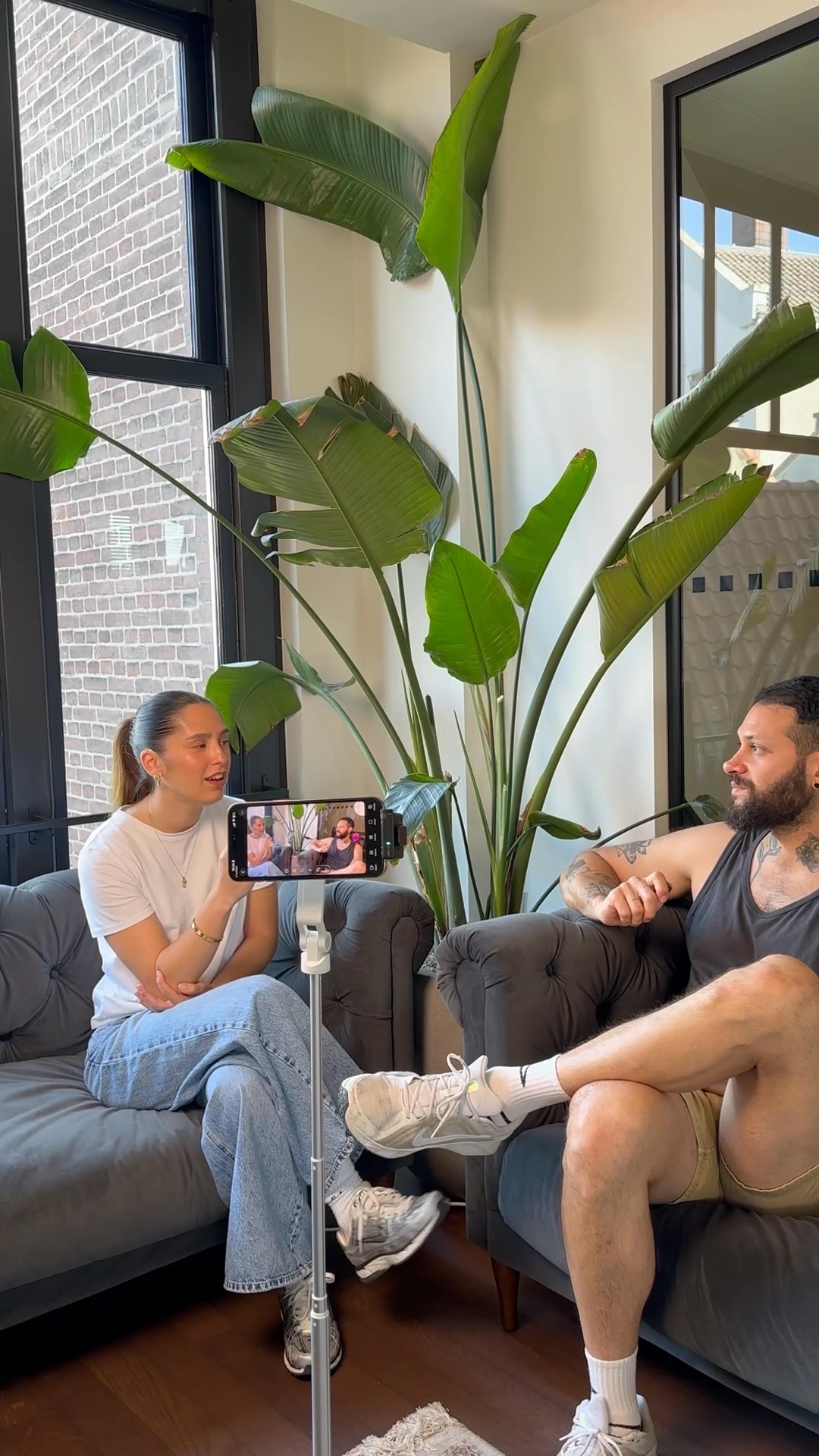
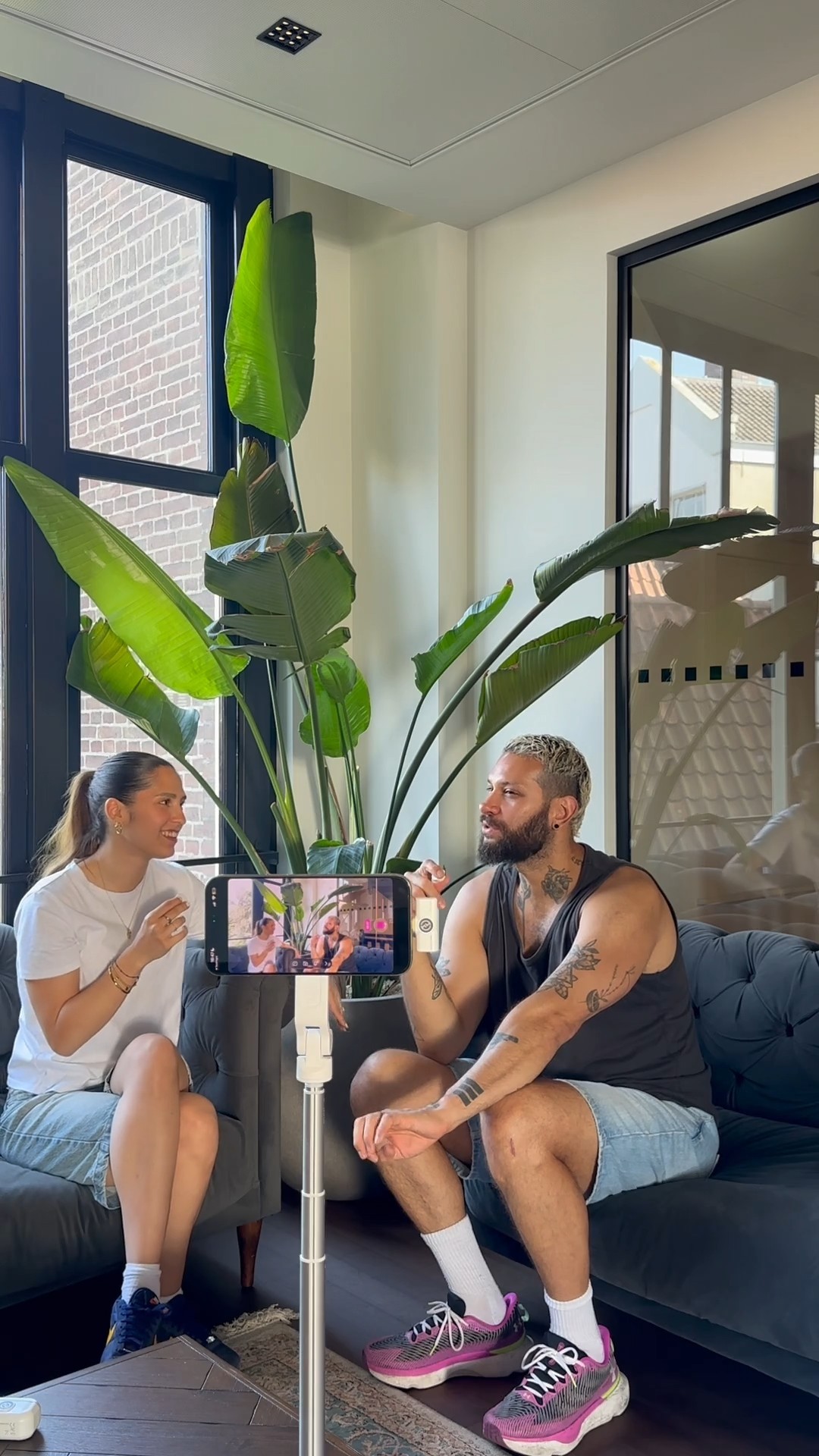
A tripod, one iPhone, and wireless mics are all you need to record and auto-edit a podcast video using the Detail app.
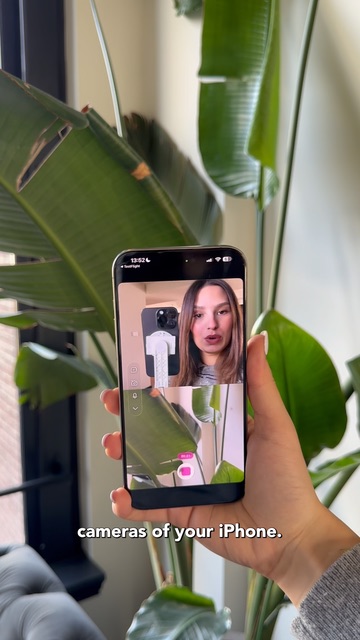
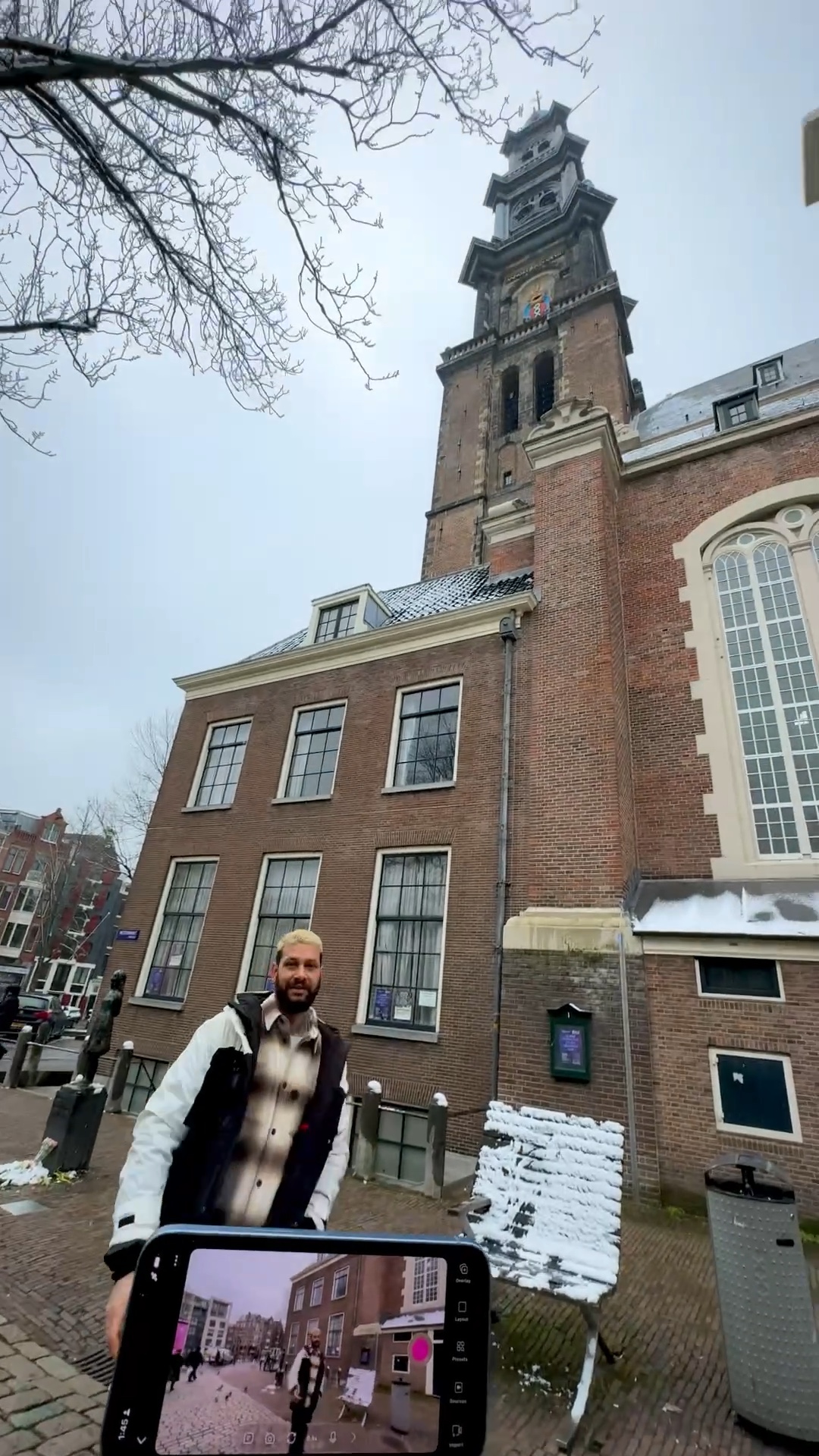
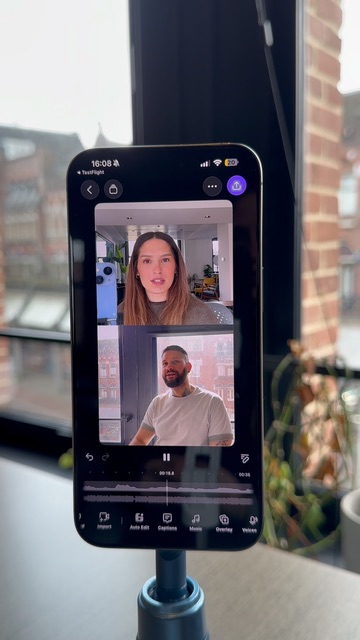
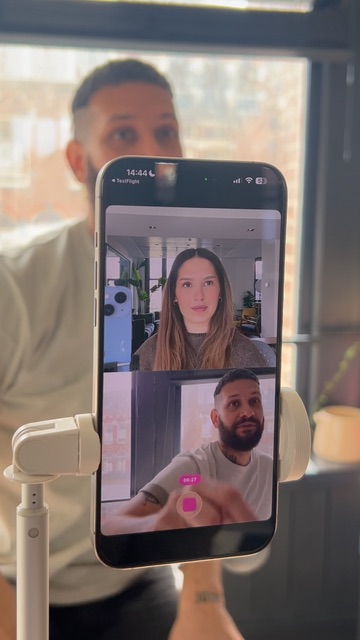
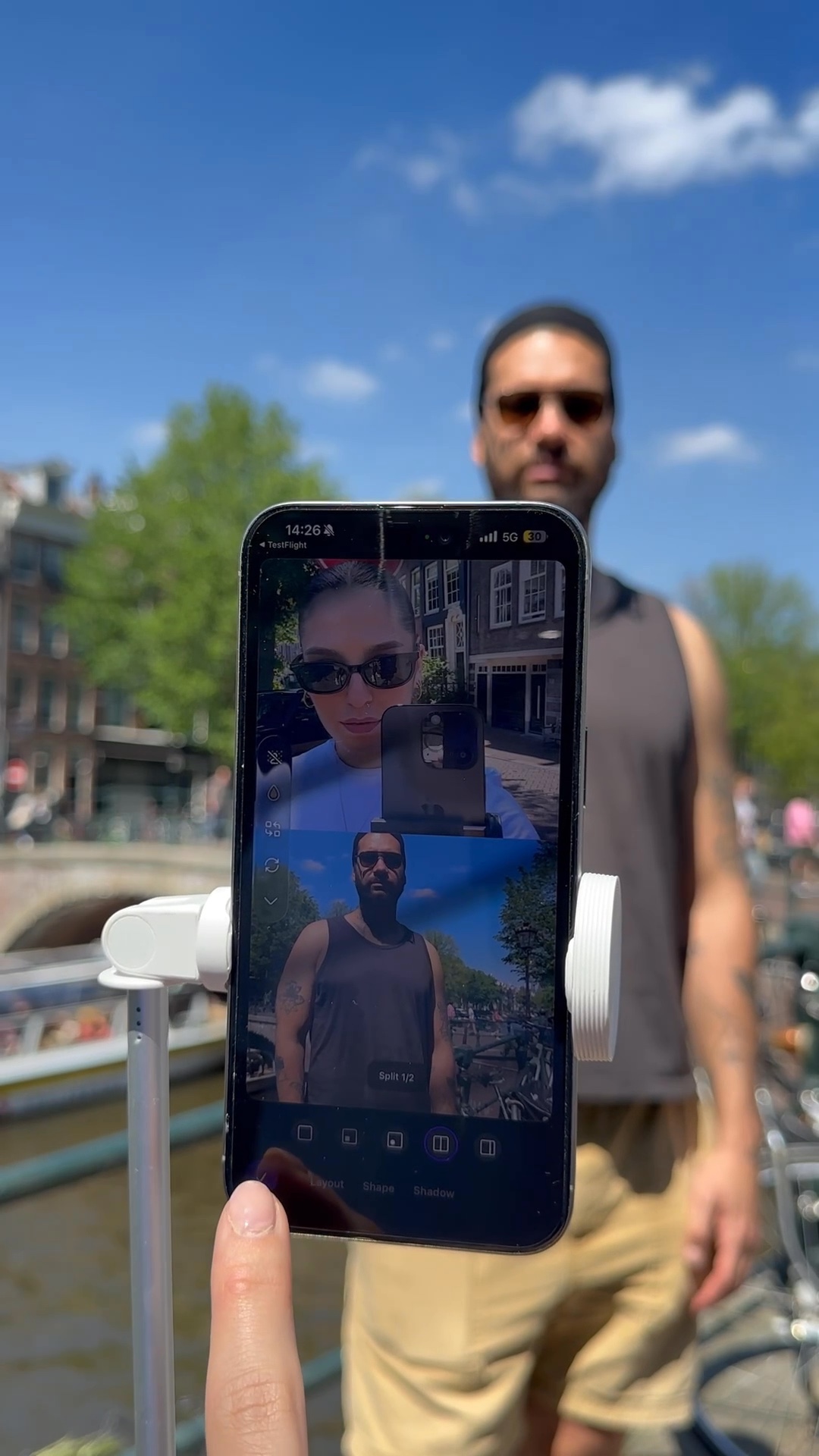
Detail's split layout lets you record front and back camera simultaneously in one take, no extra gear needed.
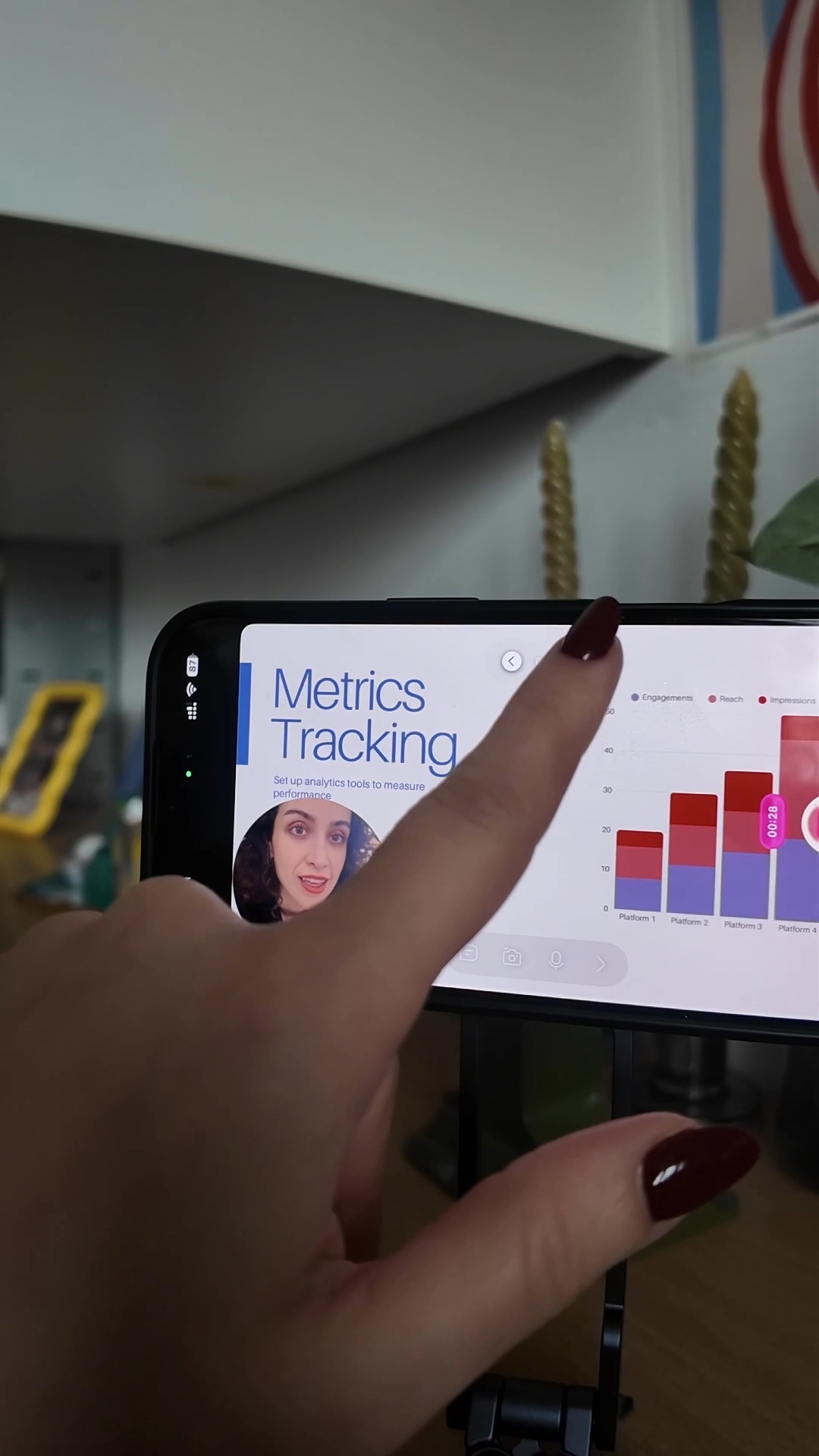
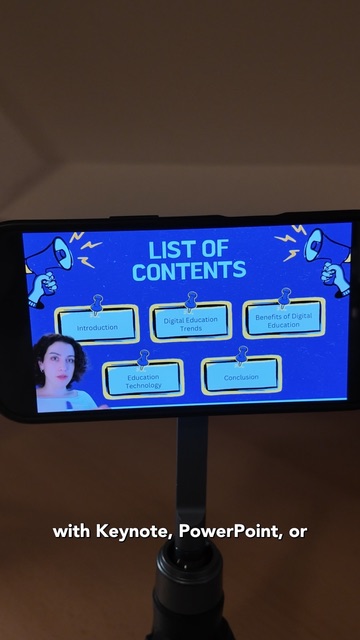
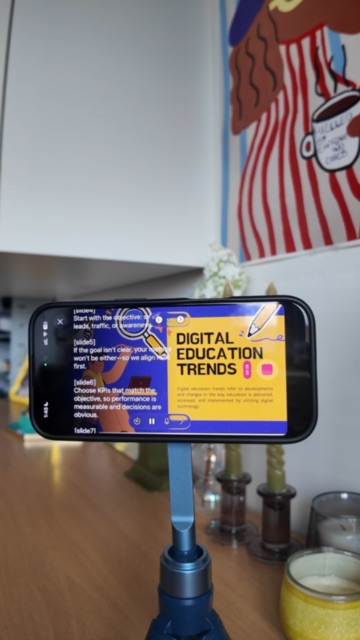
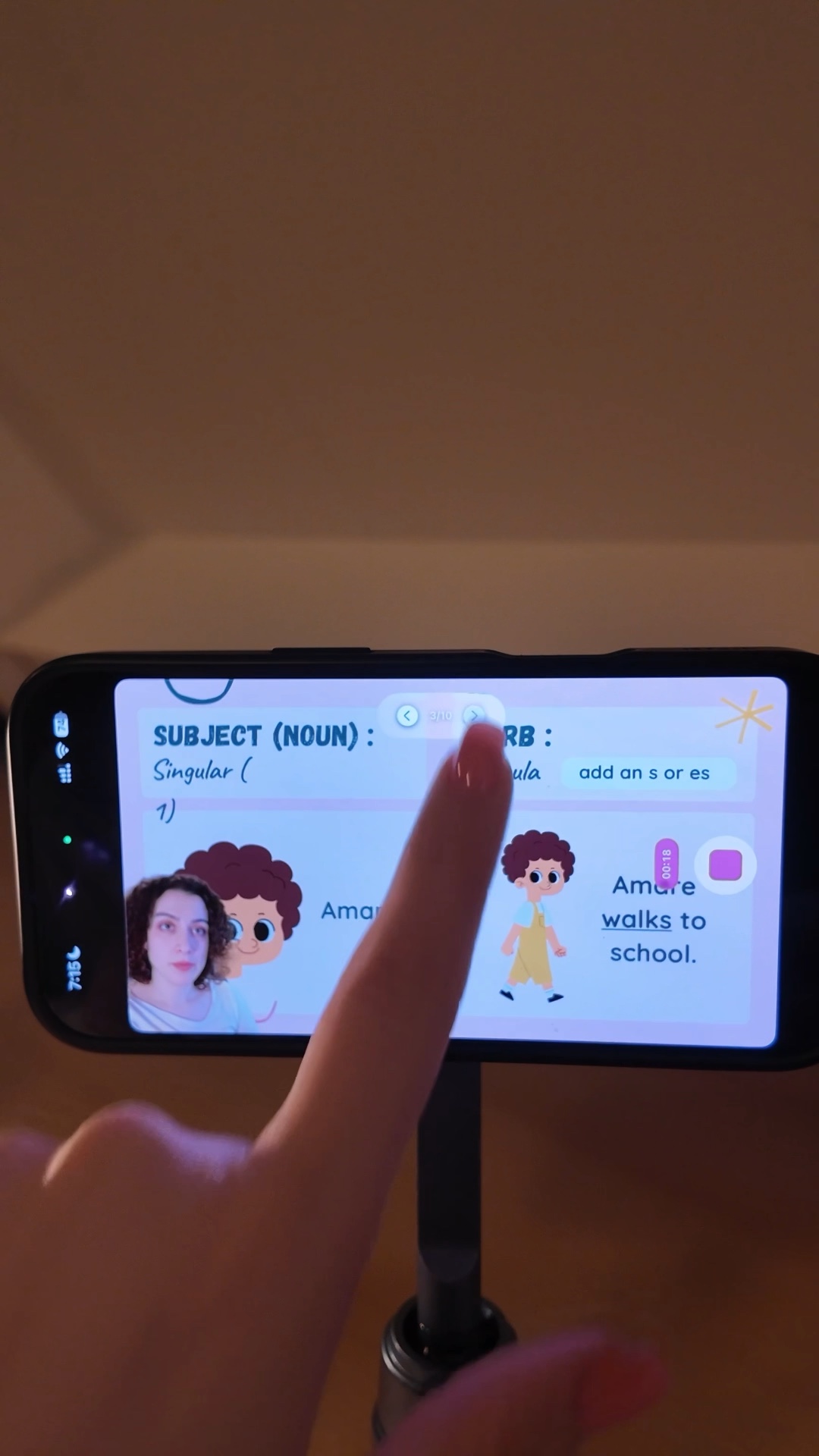
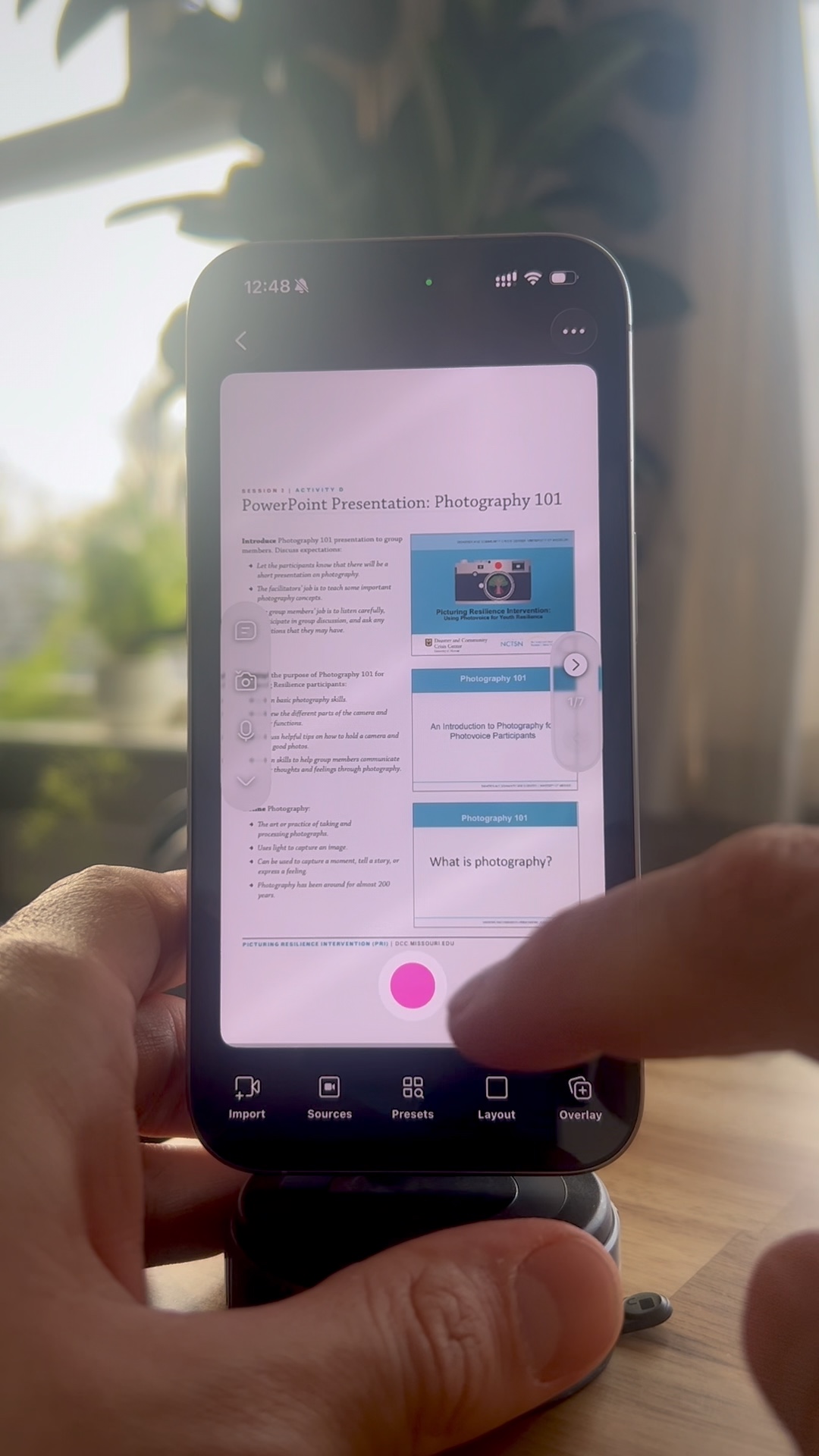
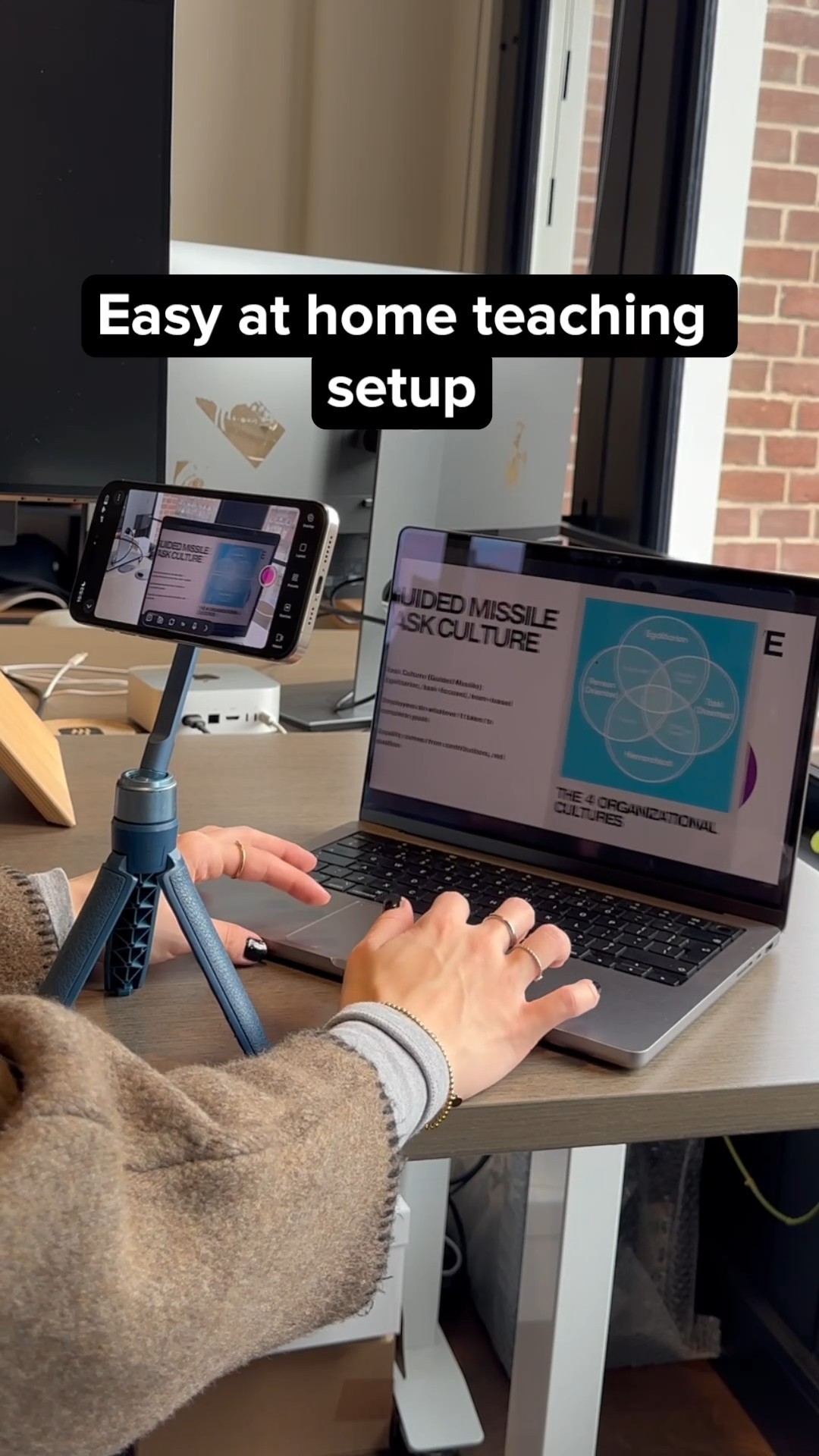
The Detail app lets you record teaching videos with slides on just your iPhone, with multiple layout options and per-slide timeline editing.
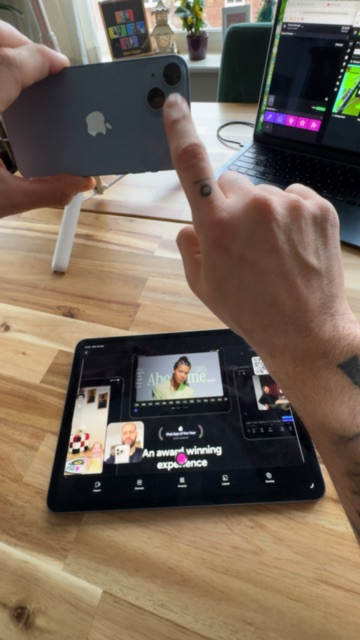
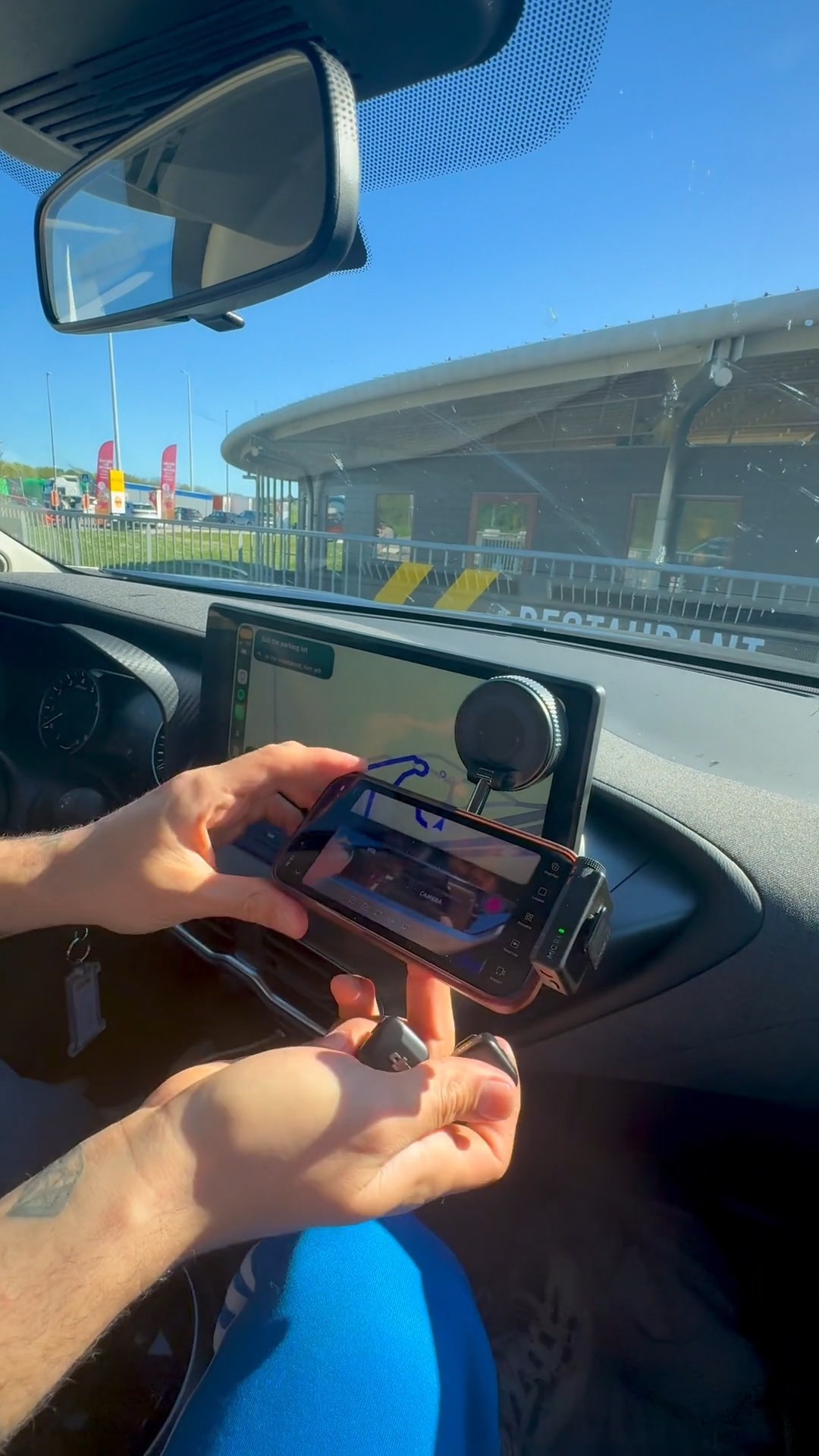
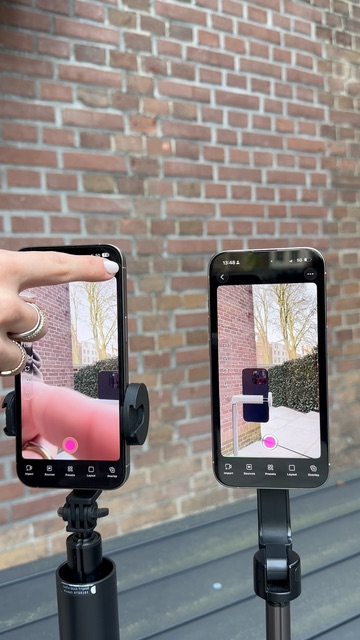
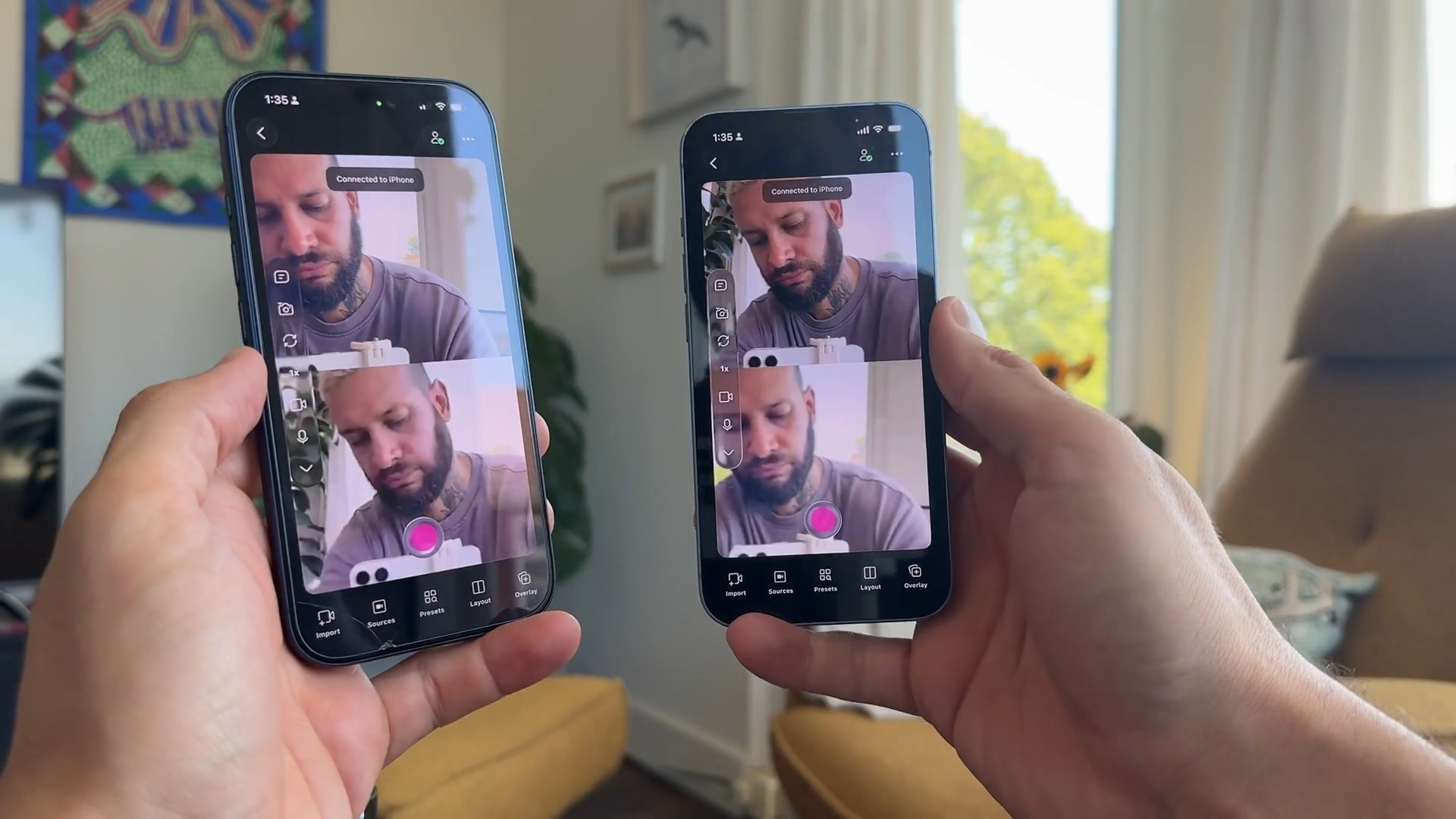
Two iPhones and a free app called Detail let you watch yourself through your back camera in real time while you record.
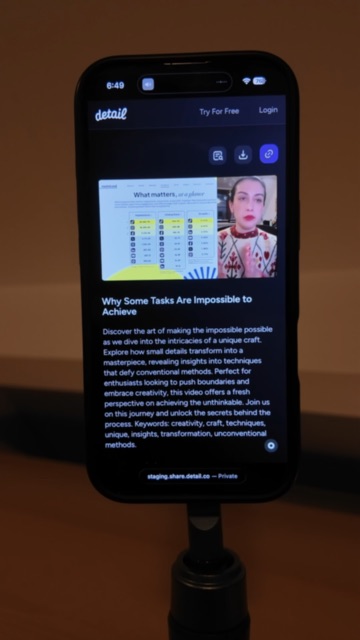
A tripod, a MagSafe ring light, and the Detail app are all it takes to record and edit polished classroom videos straight from an iPhone.
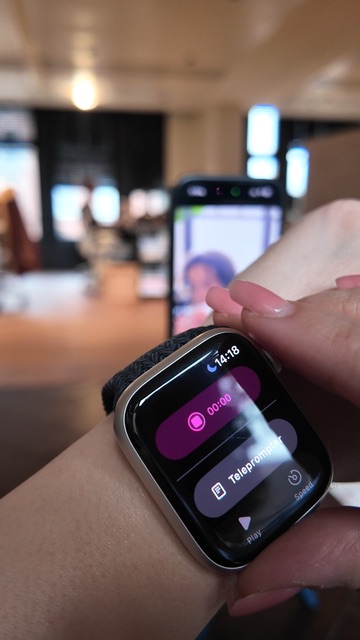
The Detail Apple Watch integration lets solo creators start and stop recording from their wrist, no walking back to the camera required.
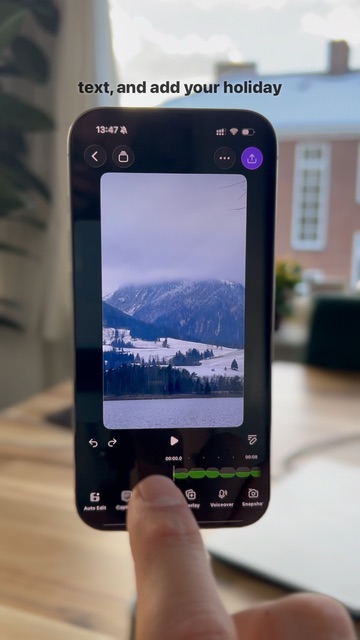
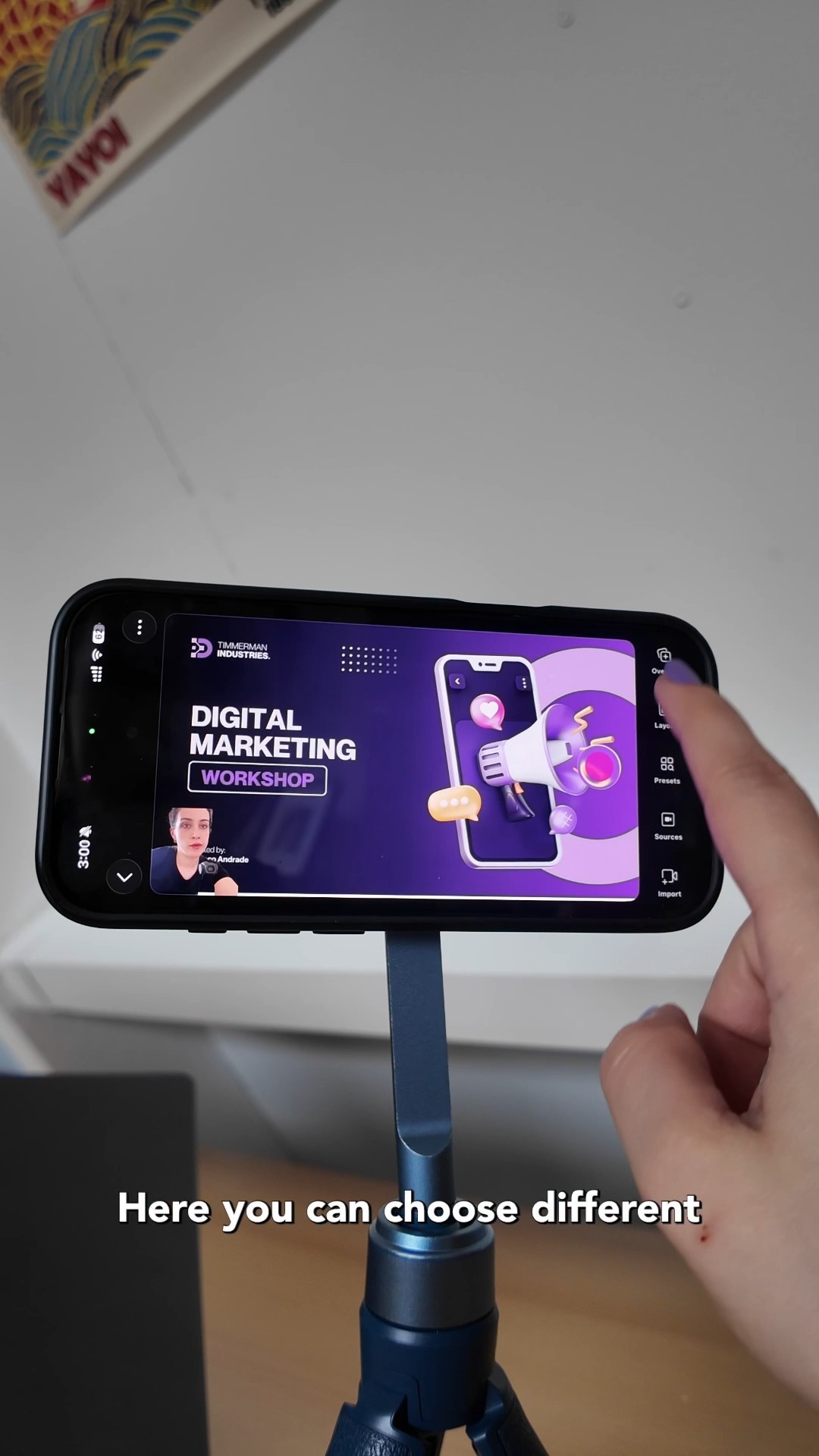
Filming polished course videos at home takes just your phone and the Detail app. Import slides, add your script, and record.
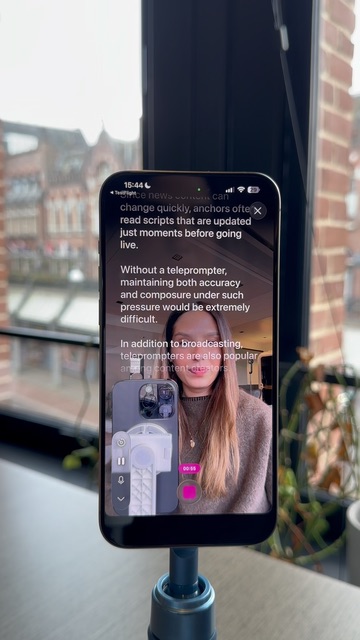
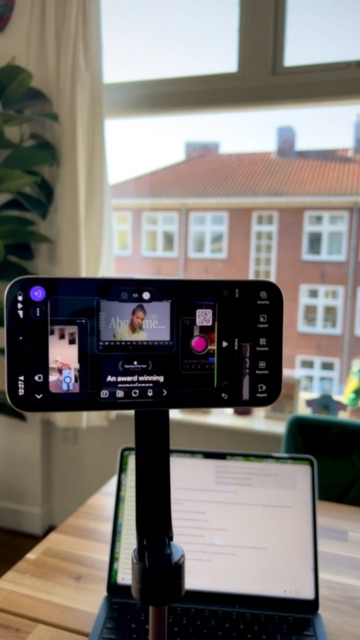
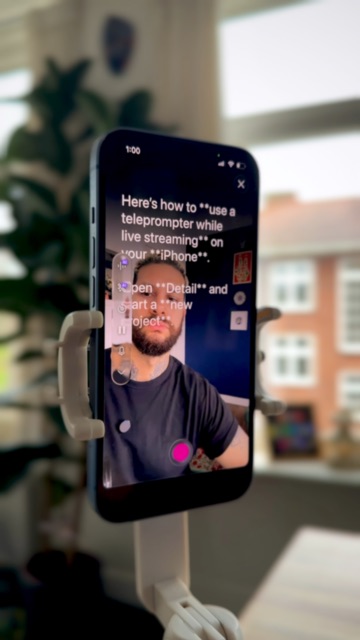
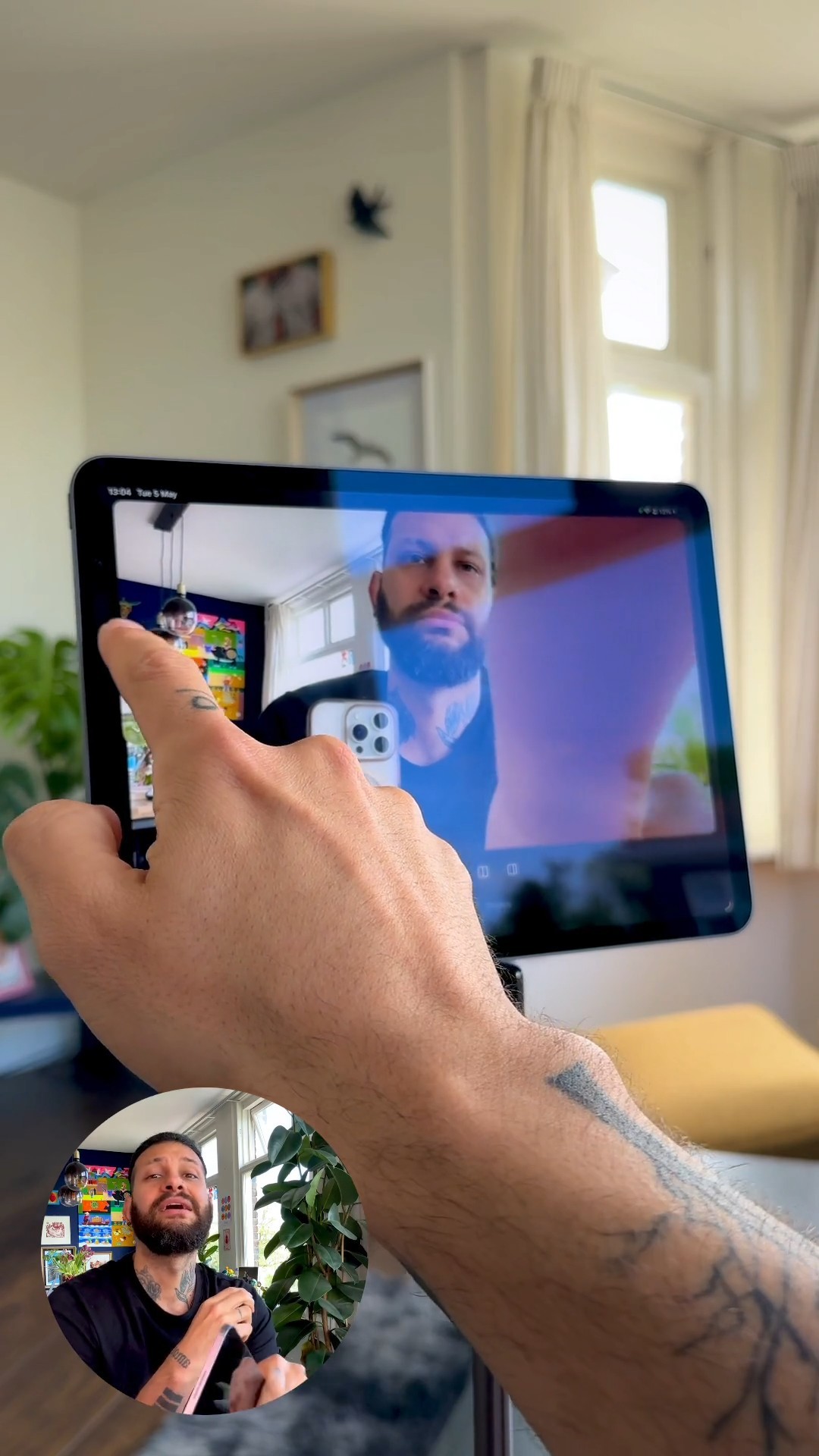
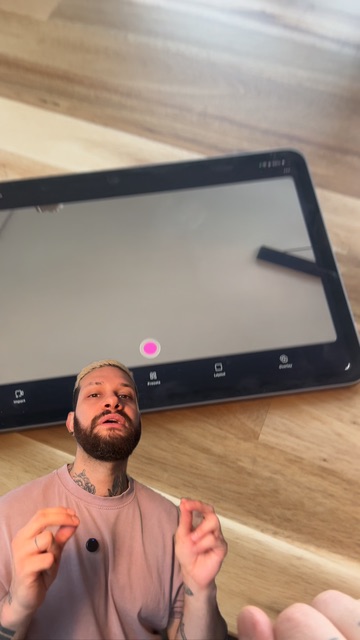
A two-device teleprompter setup using an iPhone and iPad in Detail makes solo video production surprisingly simple and professional.
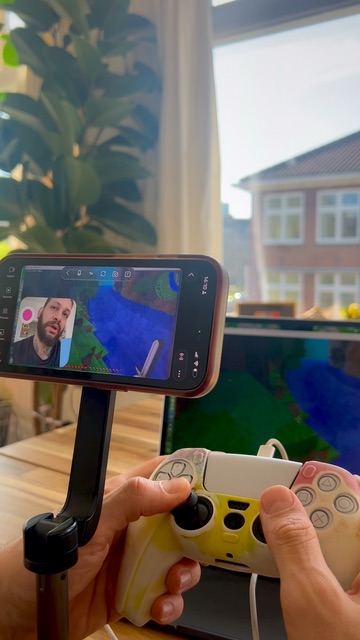
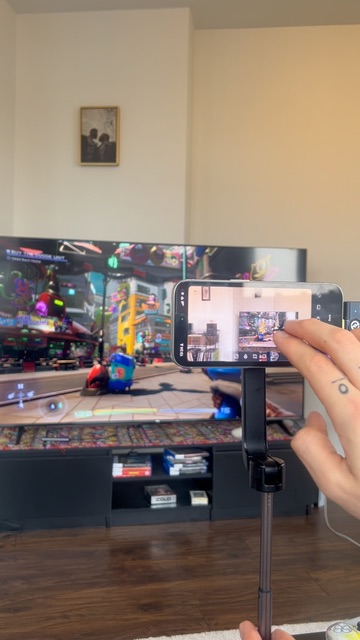
Streaming PS5 to Twitch and Kick with no capture card takes a phone, a tripod, wireless mics, and the Detail app. Live in under five minutes.
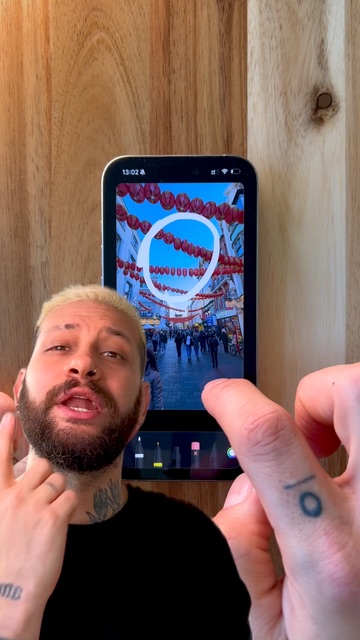
Drawing arrows, highlights, and doodles on videos takes thirty seconds to set up in Detail, using nothing but your finger.
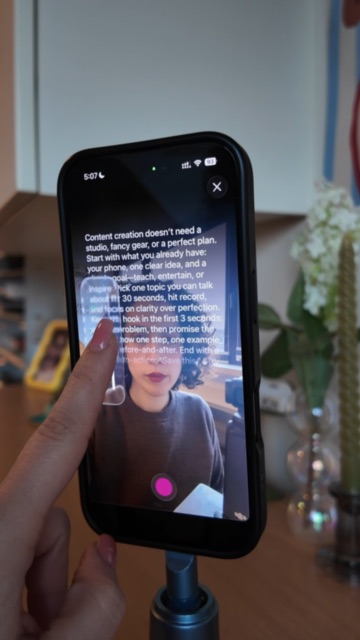
Detail is the cleanest teleprompter app for iPad, with AI script generation, adjustable scroll speed, and font size controls. Free on the App Store.
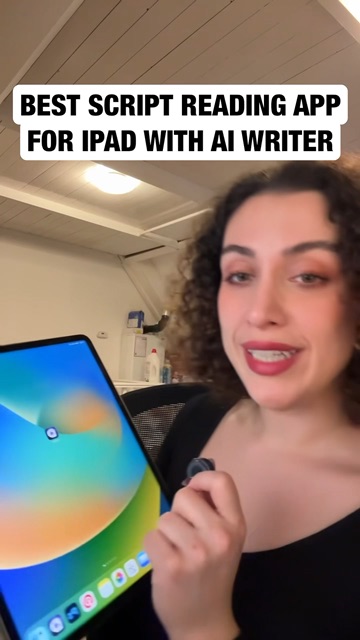
You can turn saved slide images into a narrated, annotated class presentation video on your iPad using Detail, with music added from a TikTok, YouTube, or Instagram link.
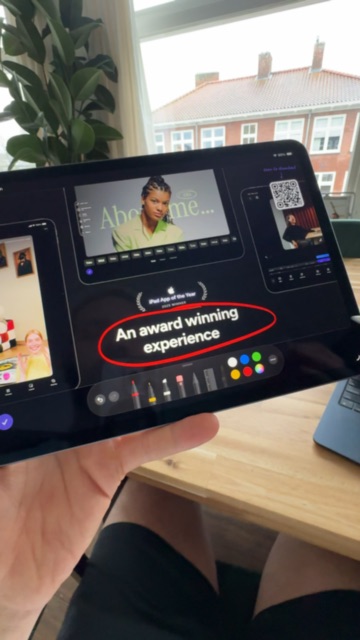
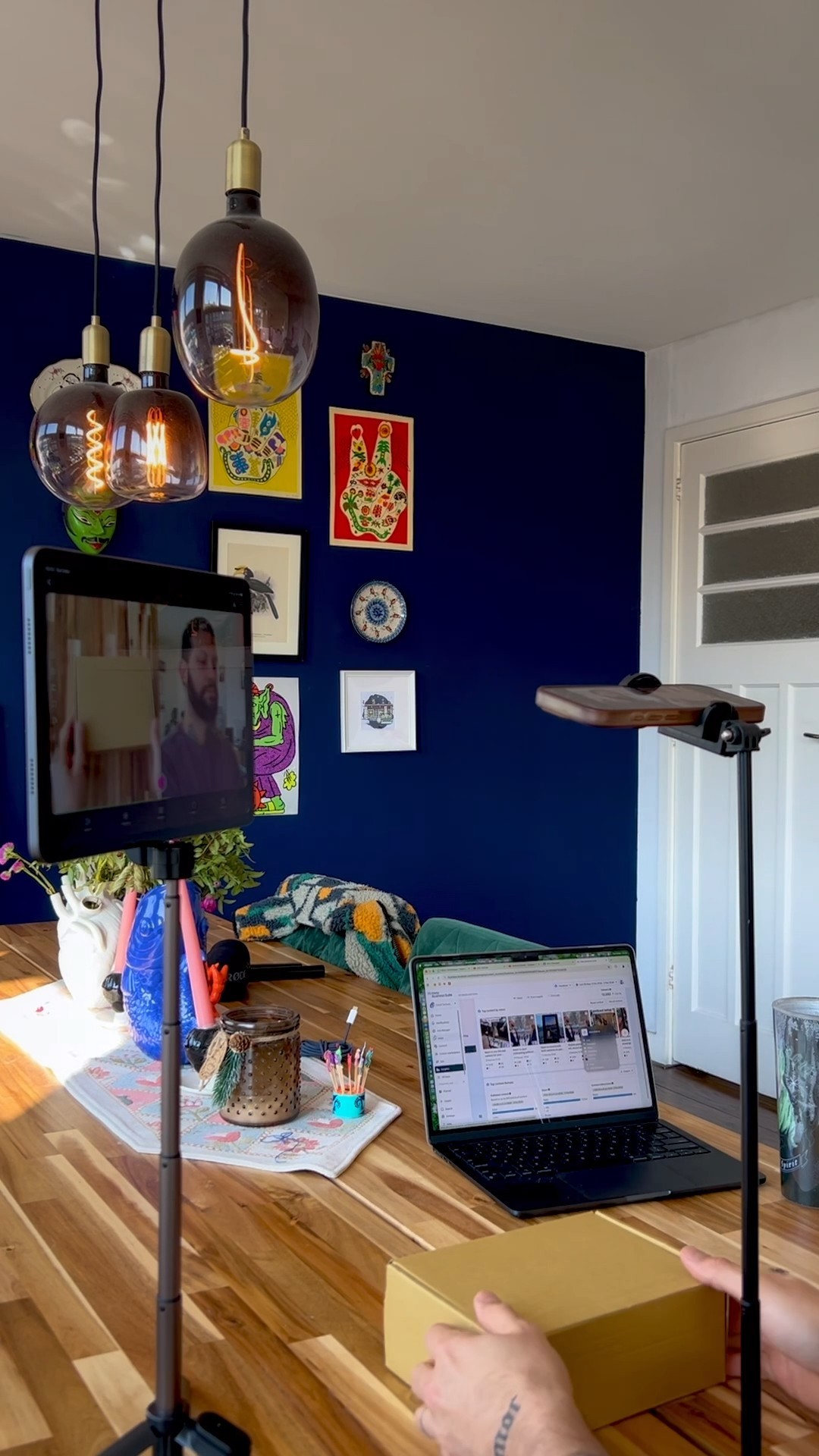
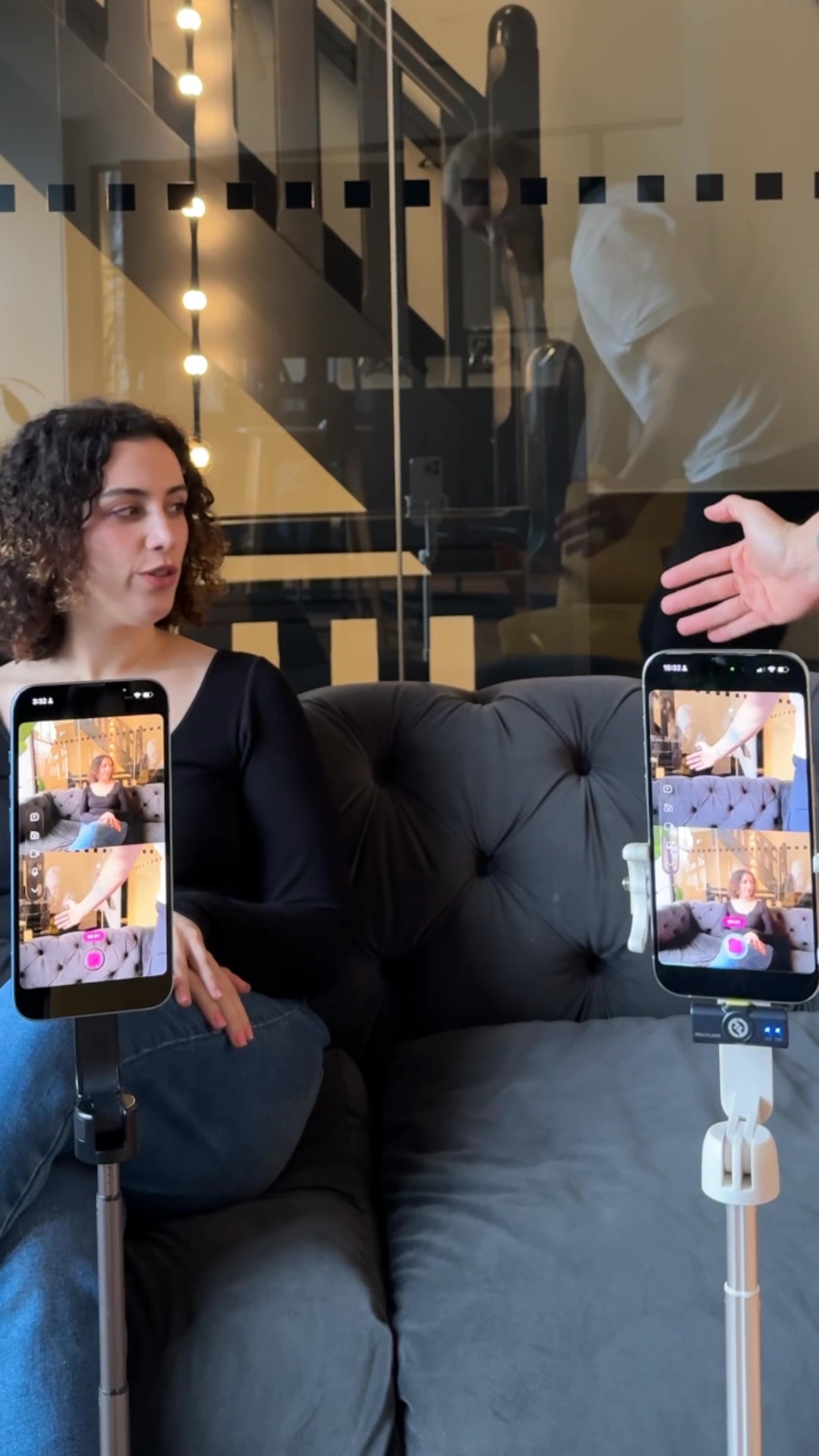
Two phones, two tripods, and one set of wireless mics are all you need for a two-camera podcast setup using the Detail app.
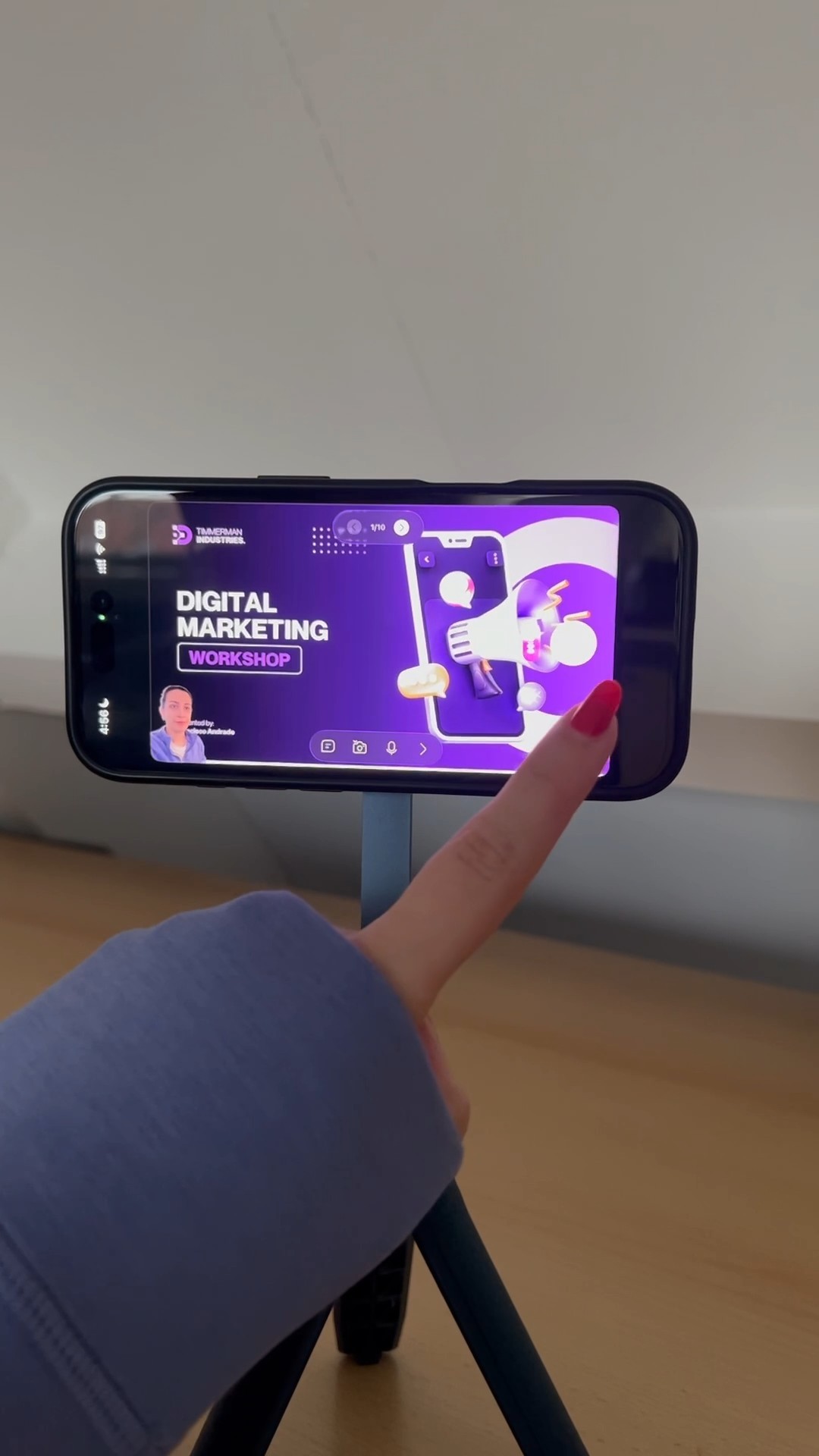
One tripod, one iPhone, and the Detail app are all you need to record and edit a slide-based course video from your phone.
You only need a tripod, your phone, and two microphones to record and edit a podcast. Detail's auto-edit and podcast mode handle the rest.
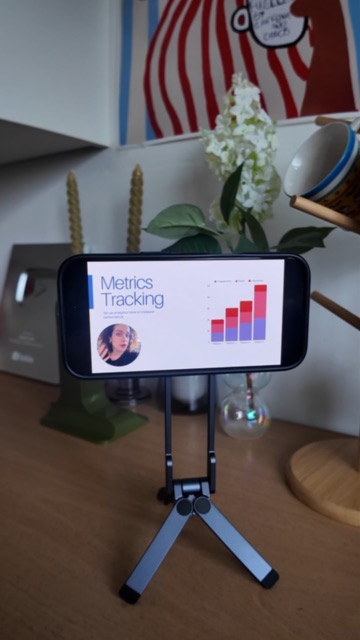
Detail on iPhone lets you record a slide presentation from any PDF, then replace individual slide clips without re-recording the whole thing.
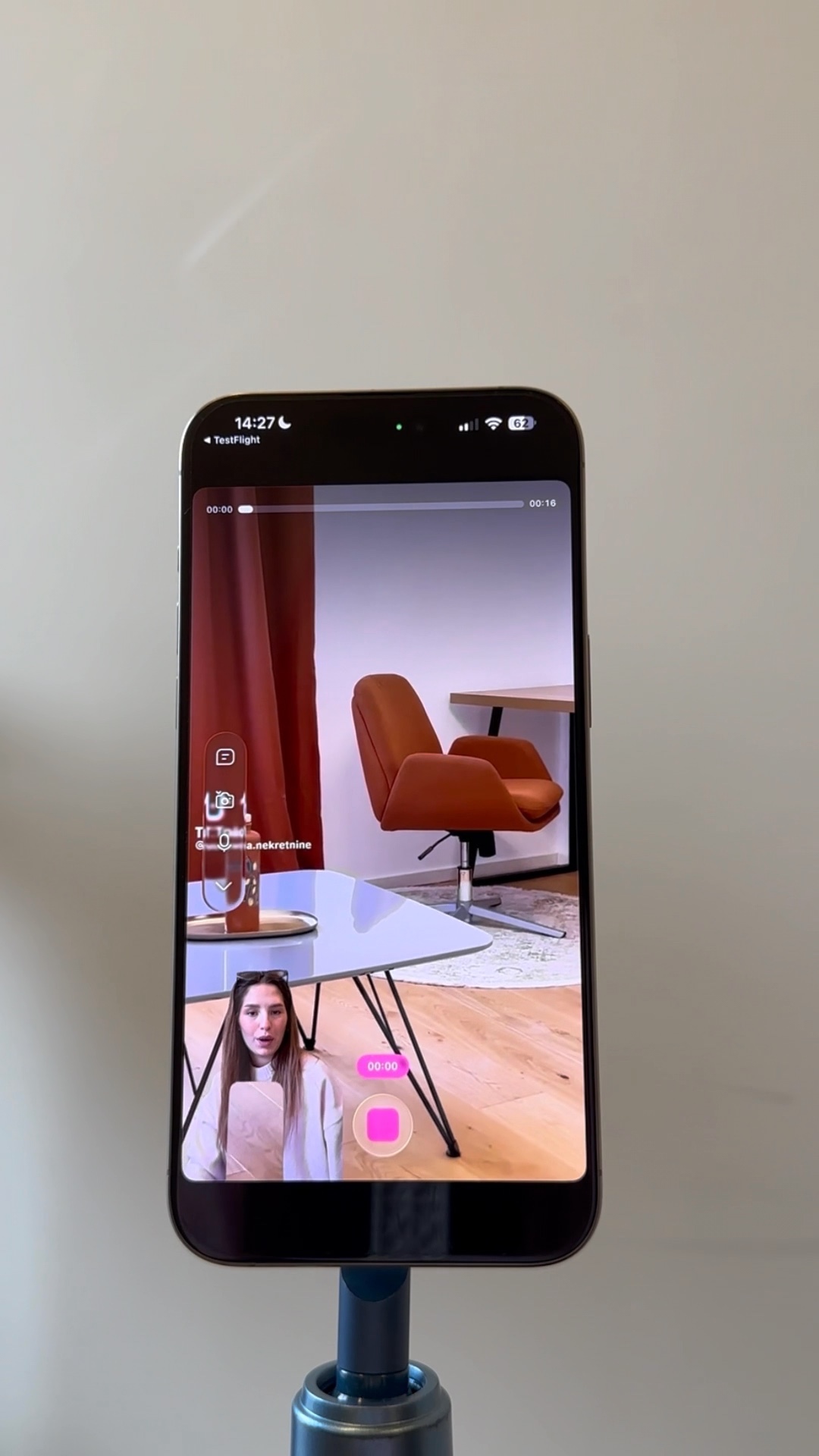
Detail's reaction video preset turns real estate footage into polished TikTok and Reels content in a few taps.
Detail's split layout lets you record front and back camera at the same time, with two taps and no post-production needed.
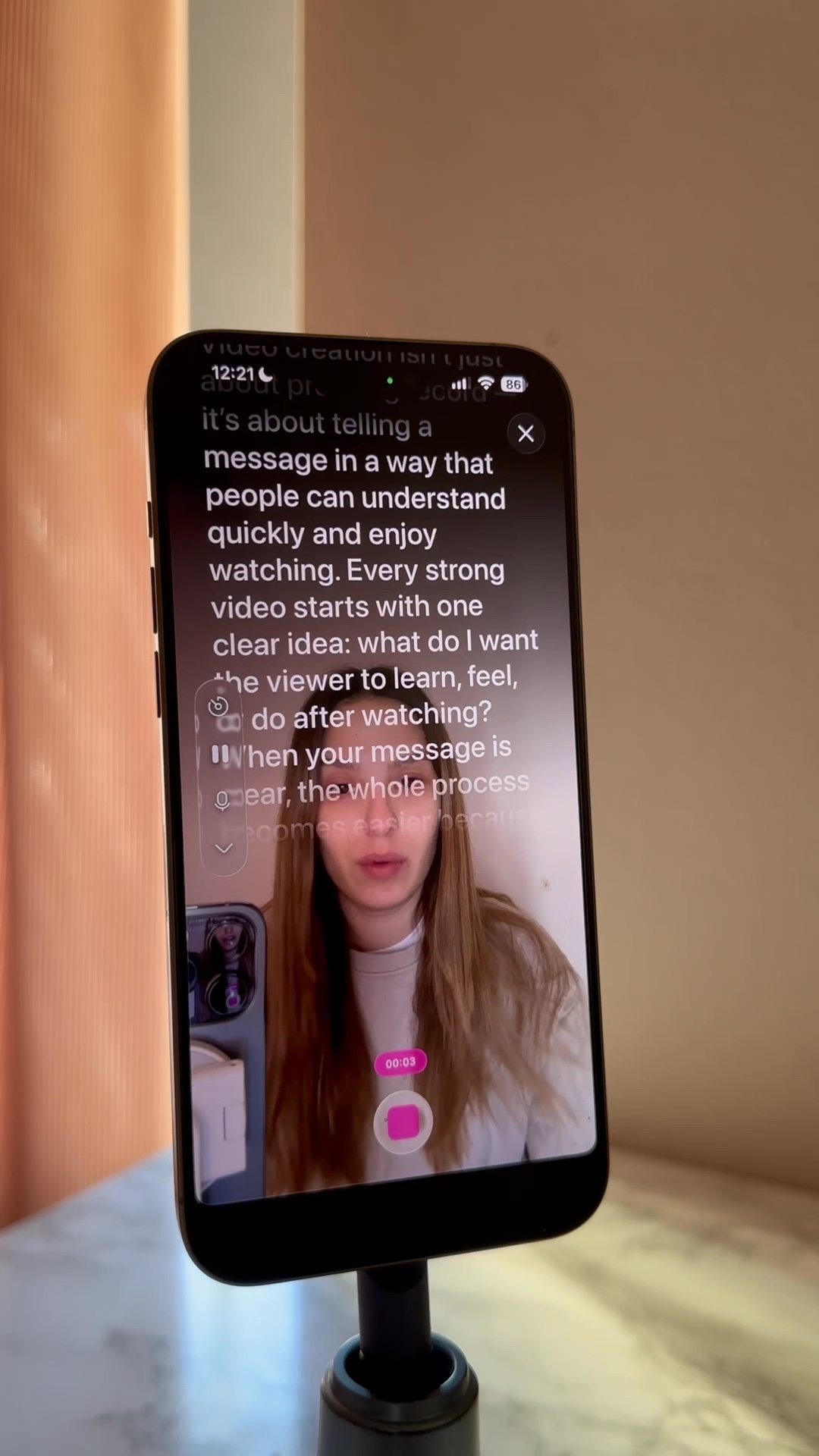
The Detail app's voice-tracking teleprompter feature lets you record straight to your iPad's front camera while your script scrolls automatically as you speak.
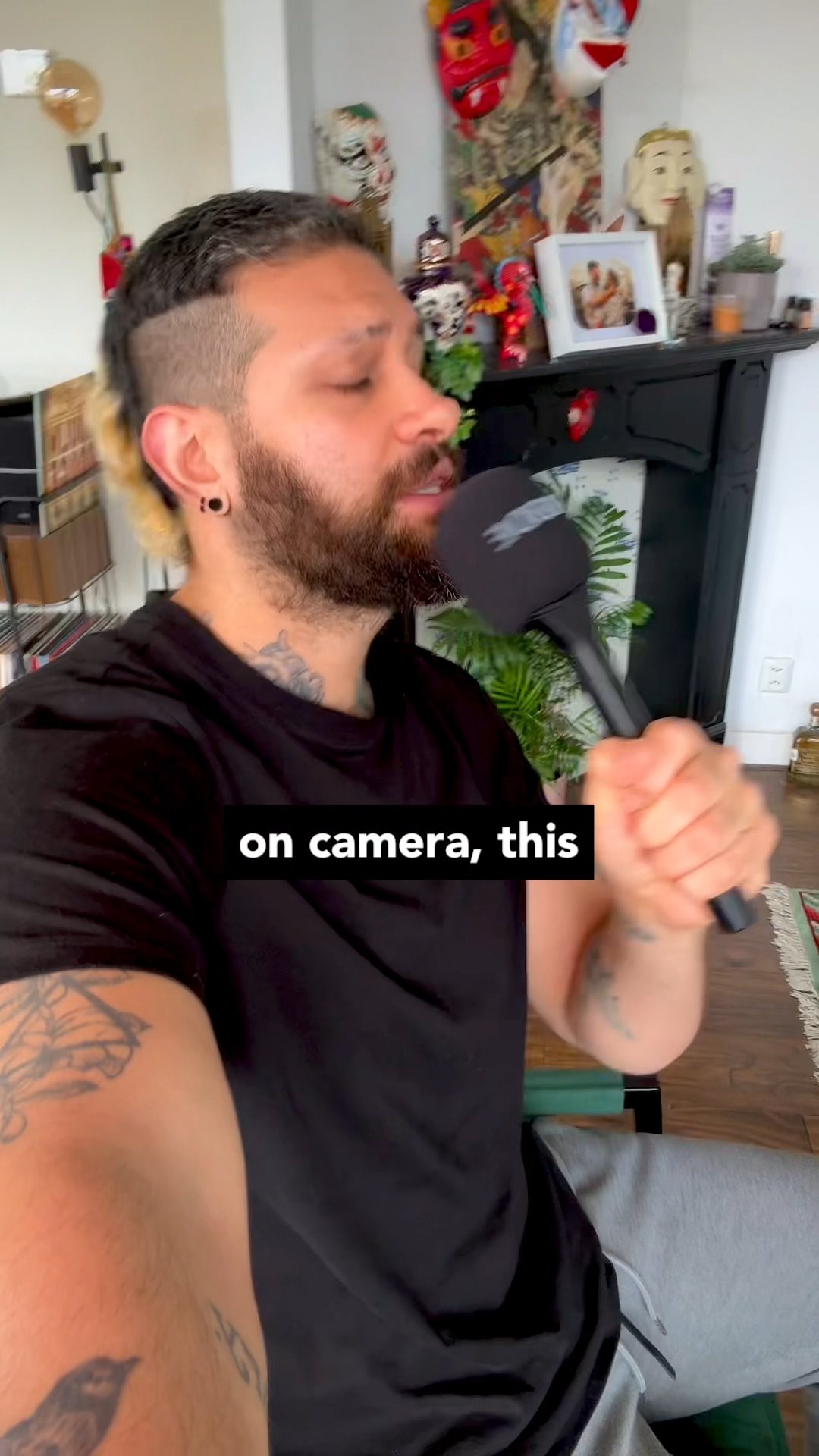
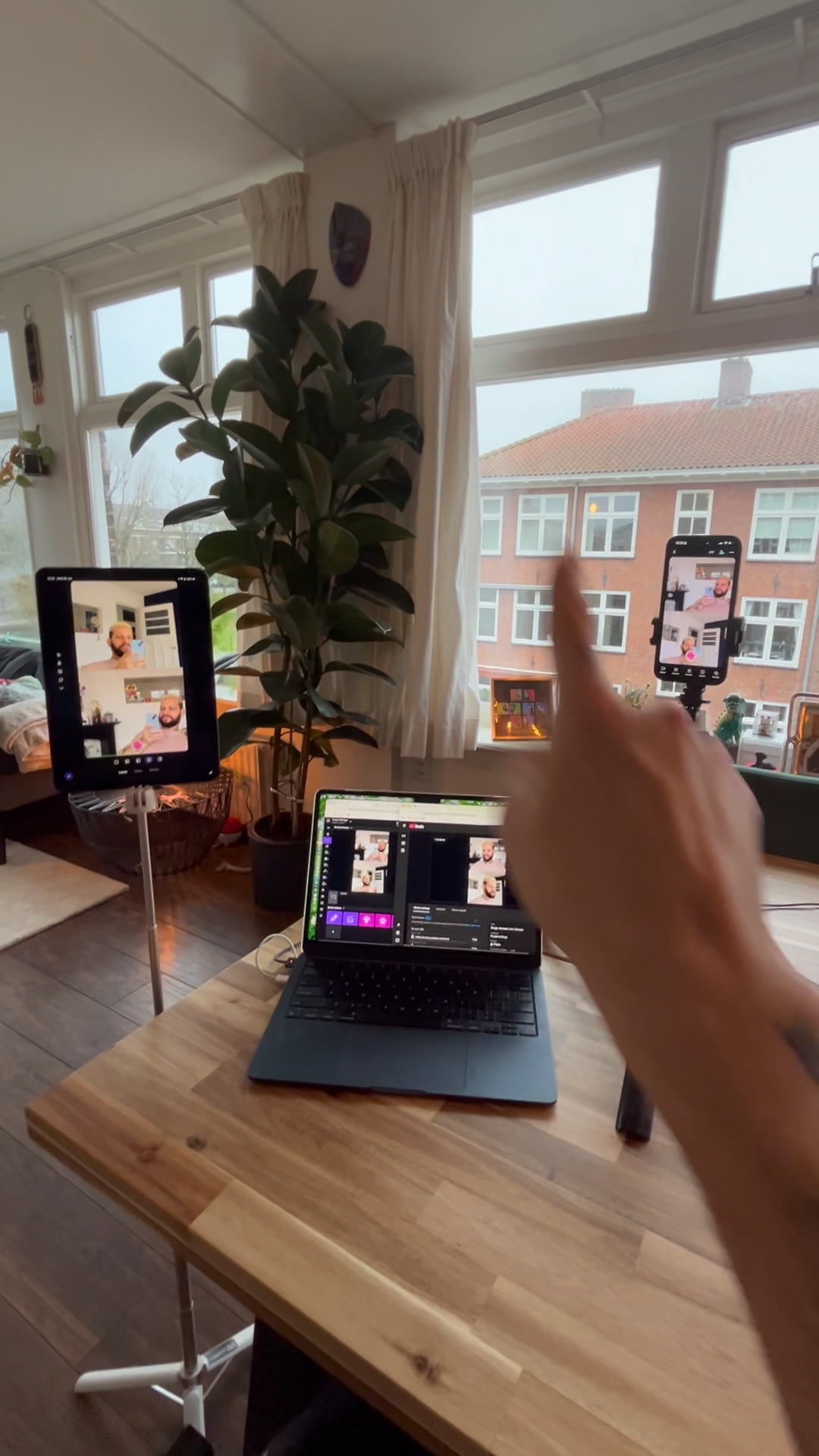
Two iOS devices and the Detail app are all you need to run a multi-cam Q&A live stream to YouTube and Twitch simultaneously, no cables required.
Detail's Add Hook feature reads your script and generates an attention-grabbing opener in one tap, right inside Record Script mode.
Detail lets you swap out a slide in a recorded presentation without re-recording a single second of footage.