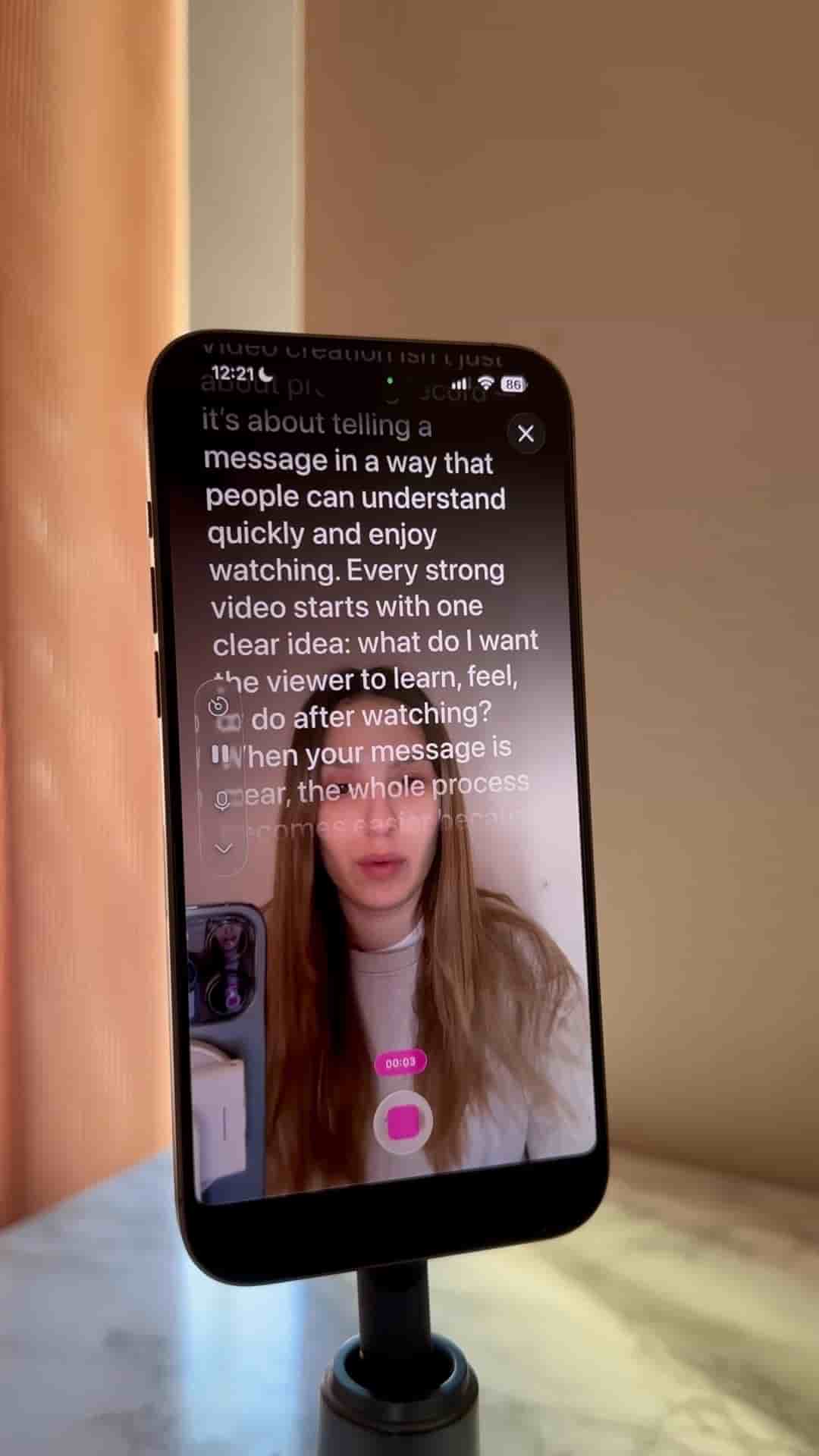
Detail's free iPhone app turns your script into a scrolling teleprompter so you stay on message and look natural on camera.
Reading a script on camera without looking stiff is one of those small problems that trips up a lot of people. The fix is having your script move with you, right on your phone screen, so your eyes stay forward and your delivery stays natural.
Once you open it, tap the Record Script preset at the top. From there, you can either paste in a script you've already written or generate one with AI directly inside the app.
Record your video while reading your script, staying on flow and still looking natural.
Before you hit record, dial in the teleprompter speed on the left side of the screen. Match it to how fast you naturally talk, and the words scroll at your pace instead of rushing or lagging behind you.
That's genuinely the whole setup. Script loaded, speed adjusted, record. You stay on message, you keep eye contact with the lens, and nothing feels robotic. The Detail app handles the scrolling so you can focus on actually delivering what you want to say.