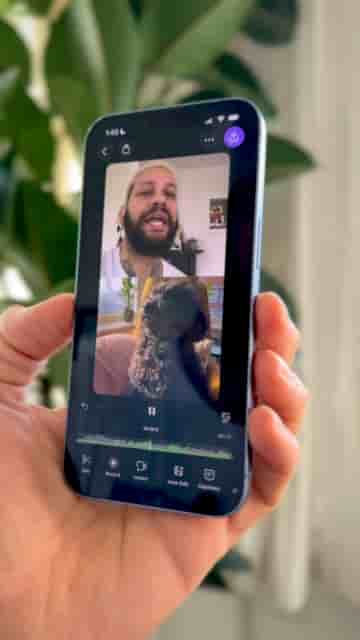
Detail makes split screen TikToks in seconds, with two options: stitch two existing clips or record yourself reacting live while a video plays.
Split screen videos are one of TikTok's most engaging formats, and Detail makes them fast enough that there's no excuse not to try one. There are two distinct ways to do it, depending on whether you want to stitch two existing clips together or talk over a video in real time.
Open Detail, start a new project, and tap Import to bring in your first video from your camera roll. From there, go to Layout and choose Split Screen. Tap Source, select either Top or Bottom, and import your second video. That's the whole process. You now have a split screen video ready to export.
Two videos, one screen, fast, simple, and perfect for TikTok.
The second option is better suited for reaction videos. Start a new project, go to Layout, and choose Split Screen. Tap Source, select Bottom, and import the video you want to show. Then tap Record and start talking while the video plays in the bottom frame. Your camera captures the top half live.
This is perfect for reaction videos.
No editing knowledge required. Both options take under a minute, and the result looks intentional rather than thrown together.