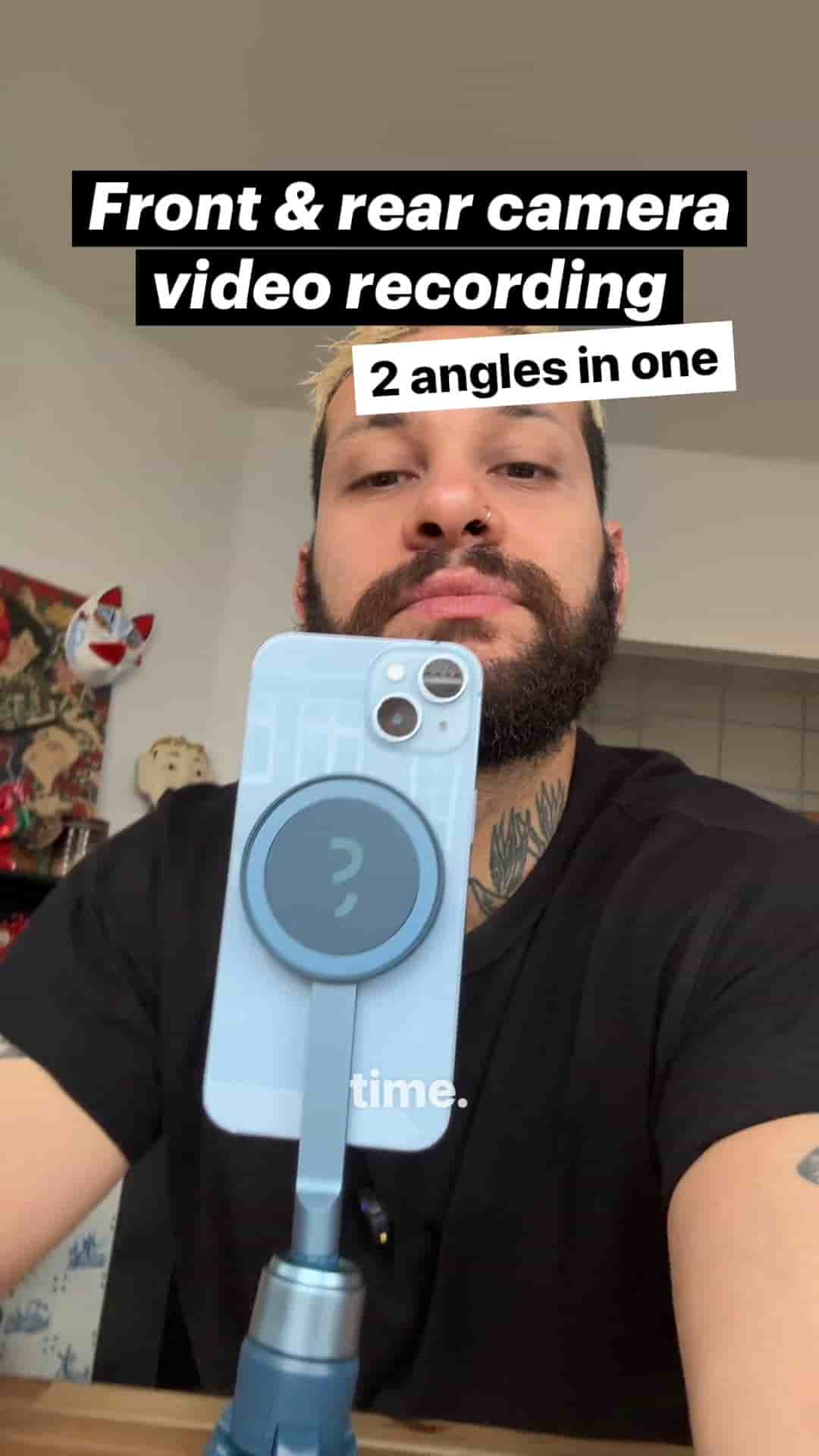
You can capture two angles in one take by recording with your front and back cameras at once in Detail. Set up a split screen layout and hit record.
You don't need two phones to get two angles. Your phone already has two cameras, and you can record with both at the same time.
The setup takes about a minute, and what you get back is two clean angles from a single take.
Mount your phone to a tripod. Open the Detail app and start a new project.
Go to layout and choose split screen. The top half is your front camera and the bottom half is your rear camera. That's the whole configuration.
The top is your front camera and the bottom is your rear camera.
Hit record and both angles are captured in one take. You aren't syncing two files from two devices or trying to line up a clap in the timeline. Both shots come from the same phone, so they're already together.
What happens after recording is up to you. You can keep the split screen as it is, with both angles visible at once. Or you can cut between the shots while editing, using one angle at a time and switching when the moment calls for it.
You get two clean angles with one phone.
One tripod, one phone, one take, and two ways to use the footage.