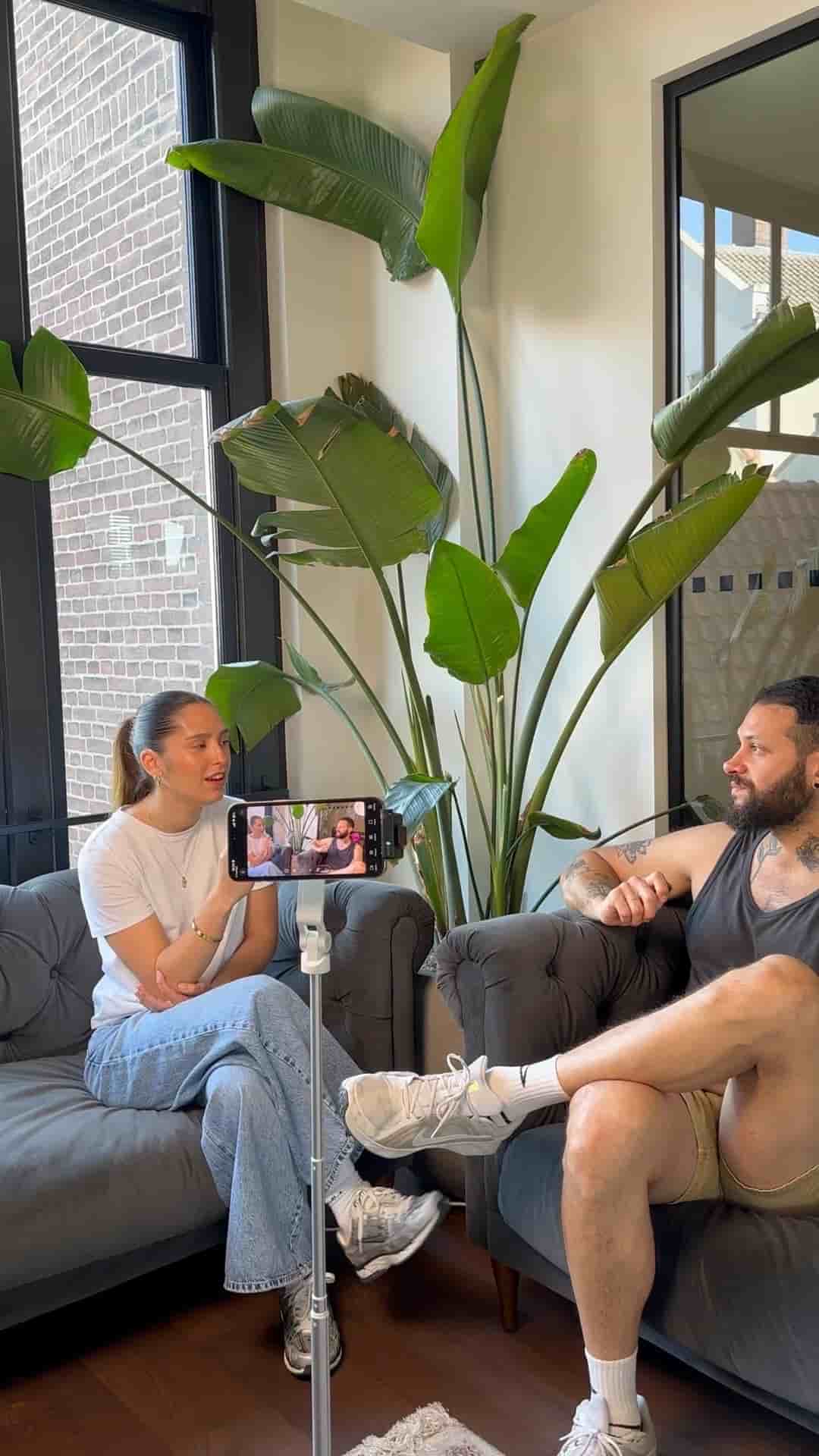
A tripod, one iPhone, and wireless mics are all you need to record and auto-edit a podcast video using the Detail app.
Recording a podcast video doesn't require a studio full of gear. Three things cover it: a tripod, one iPhone, and a set of wireless microphones.
The physical setup takes about a minute. Mount your iPhone on the tripod, connect the wireless mics, and hit record. That's the whole capture side of it.
Where this gets interesting is what happens after you stop recording. The Detail app has a podcast mode that handles the edit automatically. You tap auto-edit, choose podcast mode, assign each speaker to their mic, and within seconds you have a fully edited podcast video ready to go.
Tap auto-edit, assign each speaker, and in seconds you get a fully edited podcast video.
It also pulls out short clips organized by topic from your conversation, so you're not hunting through the full recording to find shareable moments. Those clips come out already separated.
"A set of wireless microphones, one iPhone, a tripod — that's all you need to start filming your podcast video."
For anyone who's been putting off starting a podcast because the editing felt like a wall, this setup removes that wall entirely. Capture, auto-edit, done.