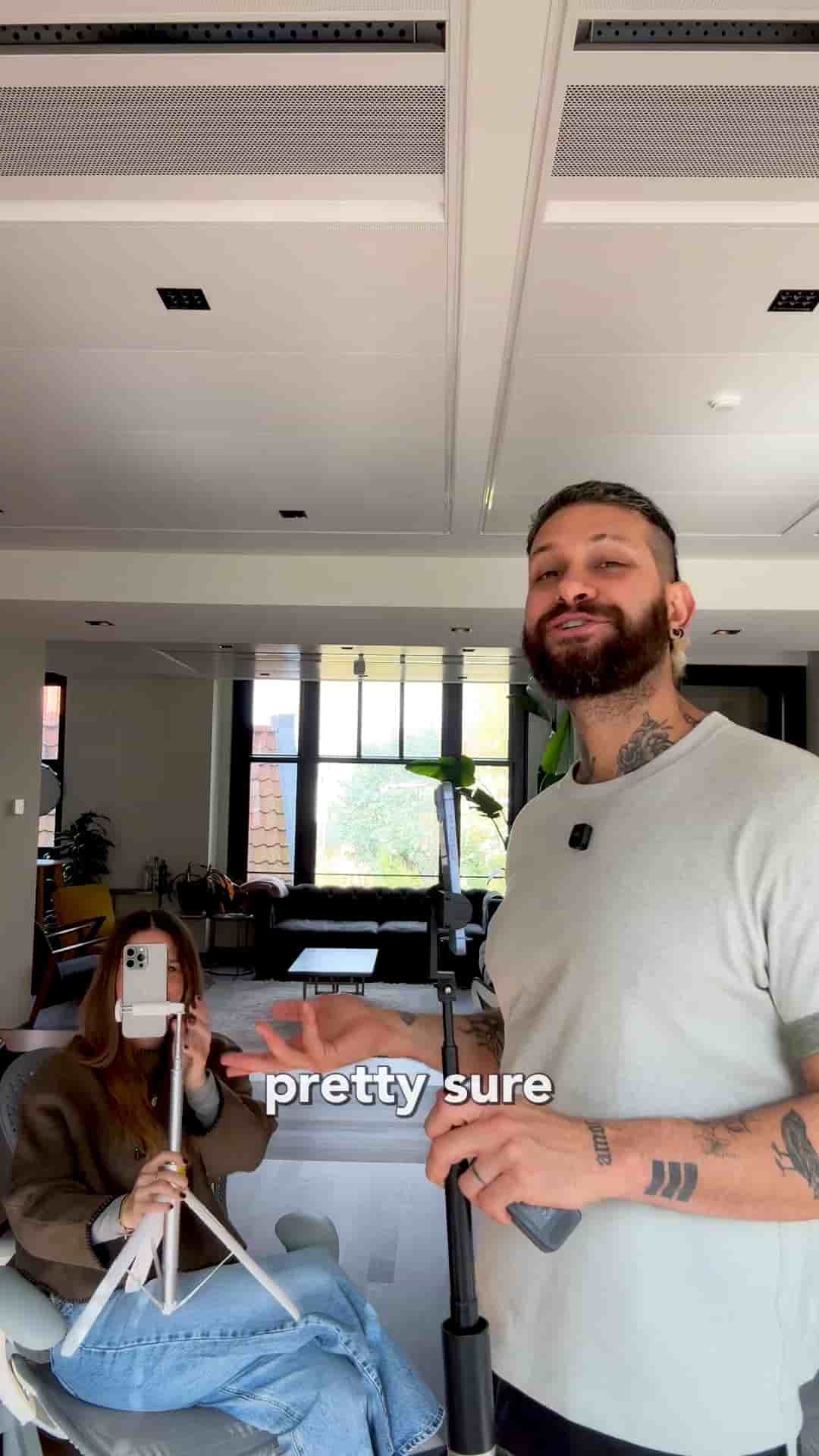
A multicam podcast or interview setup doesn't require expensive gear. Two iPhones and the Detail app get you two angles in one video.
A multicam video setup sounds like something that requires a production crew. It doesn't. If you have two people, you almost certainly already have everything you need: two iPhones.
The whole thing runs through Detail. Open the app on both phones, tap connect on both, and you're done with the hard part. You now have two cameras and two angles showing up in one screen.
Having a multicam setup with two videos in one screen is super easy.
From there, plug a microphone into whichever phone makes sense — it doesn't matter which one. Get your cameras positioned the way you want them, hit record on either phone, and start your podcast, interview, or whatever you're shooting.
Press record on either phone and both angles capture at once.
That's the whole setup. No switcher, no capture cards, no extra software. Just download Detail from the App Store and you're ready to shoot.