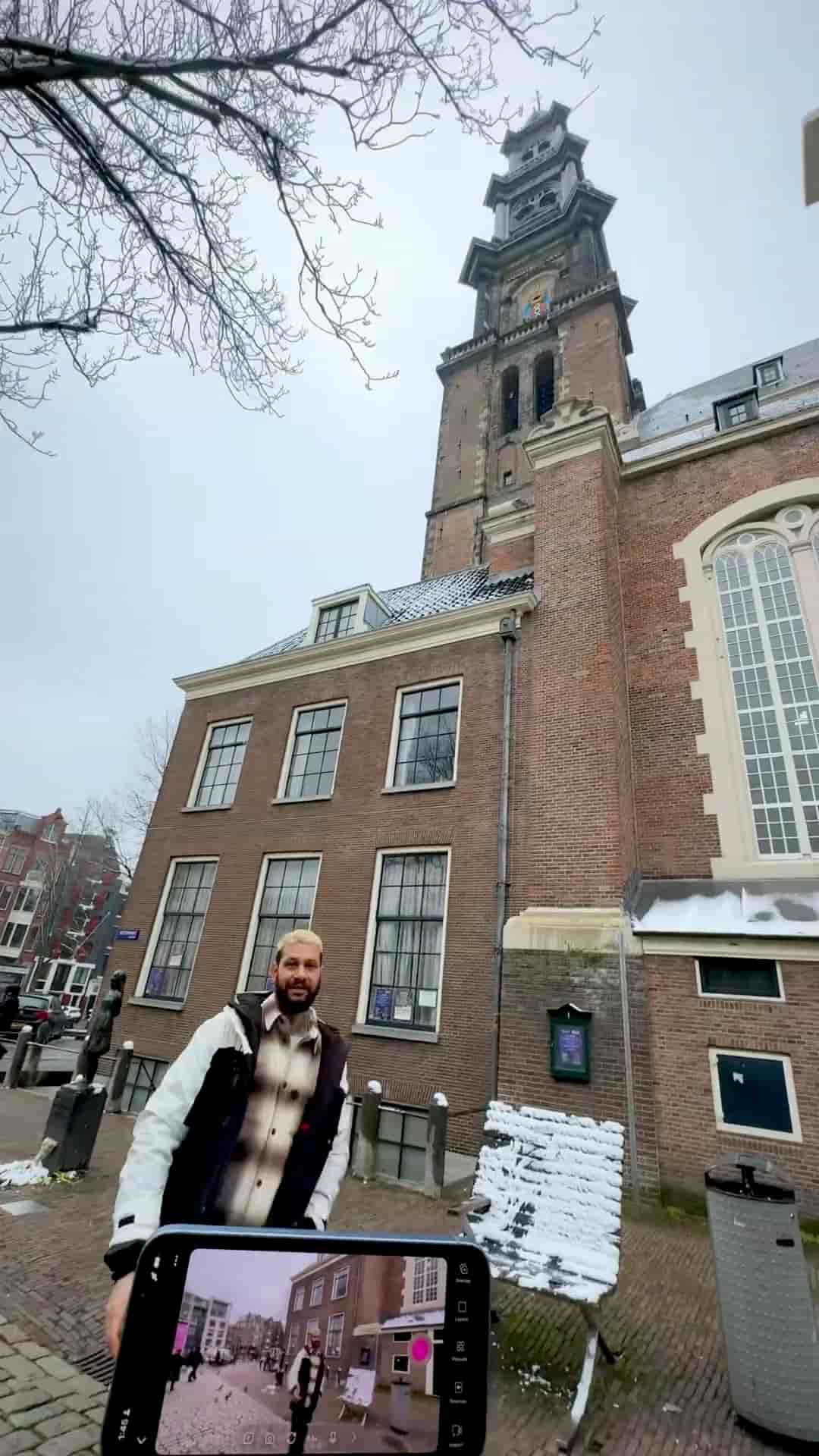
Live streaming a church, class, or conference takes only a phone and the Detail app. Set up a tripod, paste your stream keys, and broadcast to two platforms at once.
Live streaming a church service, a class, or a conference used to require a dedicated camera operator, a laptop, and a tangle of cables. With the Detail app on your phone, the whole setup collapses into a tripod and a few taps.
When you arrive at the venue, the first move is positioning. Set up your tripod facing the main stage or speaker before you do anything else. Once that's locked in, grab your phone and open Detail. Use the back camera — the image quality is noticeably better than the front.
Use the back camera. The quality looks better.
From there, tap the three dots in the corner and choose live stream. Detail lets you broadcast to two platforms simultaneously, so you can hit YouTube and Twitch at the same time without any extra gear or software.
Detail lets you live stream to two platforms at the same time, like YouTube and Twitch.
The one thing worth doing before you leave home: grab your stream keys from your browser and have them ready to paste. It saves you fumbling around on your phone at the venue. Paste the keys in, hit go live, and you're done.
Just set it, monitor it, and enjoy the event.
After that, there's nothing left to manage. Set it, monitor it, and actually be present for the event you're streaming.