A two-device teleprompter setup using an iPhone and iPad in Detail makes solo video production surprisingly simple and professional.
You don't need experience to make a great video. What you need is a setup that removes friction, and this one is about as simple as it gets.
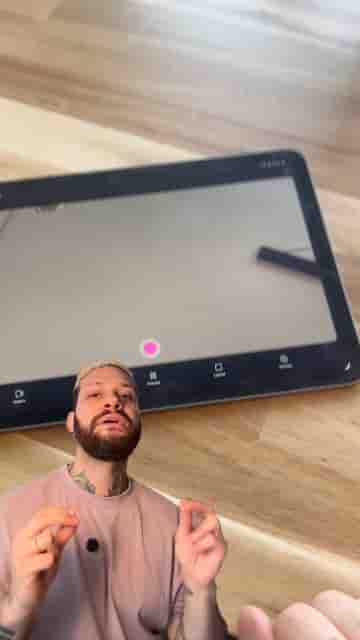
I use two devices: an iPhone and an iPad. The iPhone handles the main shot using the back camera, which produces noticeably better image quality. The iPad sits off to the side as a second angle — and more importantly, it runs the teleprompter so I can read my script while I'm filming. The script scrolls as I talk, which keeps delivery feeling natural rather than memorized.
Open the Detail app on both devices. Start a new project and tap connect on each one. They sync automatically, so there's no fiddling with settings to get them talking to each other.
From there, choose your camera for each device. On the iPhone, I use the back camera for the main shot. On the iPad, I use the front camera for the side angle. Mount them where you want: iPhone in front of you for the primary frame, iPad to the side.
On the iPad, open the teleprompter and paste your script. Adjust the scroll speed to match your pace.
Then hit record on the iPad. Both cameras start rolling at the same time.
While recording, I talk to the main camera and glance over at the iPad when I need the next line. It feels more natural than it sounds after a few minutes of practice.
Editing afterward is straightforward. You can switch between the two angles, pick the best shot for any given moment, or even keep it split screen if you want that multi-camera look.
It scrolls as I talk, which makes everything feel natural.
A simple setup, but the results look far more polished than the effort involved. Two devices, one app, and you're already ahead of most people starting out.
"You don't need experience to make a great video." — the only prerequisite is a willingness to start.