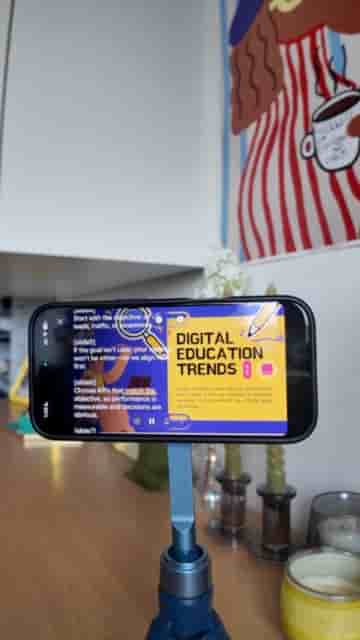
Detail's teleprompter feature automatically advances your slides as you read, so you can record a polished presentation without touching anything.
Recording a presentation while your slides change on their own, no clicker, no keyboard, no touching anything at all, sounds like it should be complicated. It isn't. Detail makes it a straightforward three-step workflow, and once you set it up, the whole thing just runs.
The key is in how you format your script. For every slide in your deck, you add a marker in square brackets: [slide 1], [slide 2], and so on. That's the only thing Detail needs to know when to advance. Type those markers at the right moments in your script and you're done with the setup.
One bracket marker per slide is all Detail needs to sync your script to your deck.
Open the Detail app, go to Present Slides, and import your PDF from Files. Then open the teleprompter option from the left menu and paste your script in. Once everything looks right, start recording. Detail displays your script as a teleprompter and automatically jumps to each slide at exactly the right moment as you read through it.
Detail automatically jumps to each slide at exactly the right moment.
Your hands stay in the air. The slides move themselves.
After you finish, Detail places each slide on the timeline as its own separate segment. If your camera feed overlaps with text on a slide, you can drag yourself to a different position or resize your video layer entirely. The layout is fully adjustable after the fact, so you don't have to get everything perfect during the recording itself.
"You can easily drag yourself or even resize yourself and change the layout."
Download Detail from the App Store and try it. The whole workflow takes minutes to learn, and you'll never reach for a clicker again.