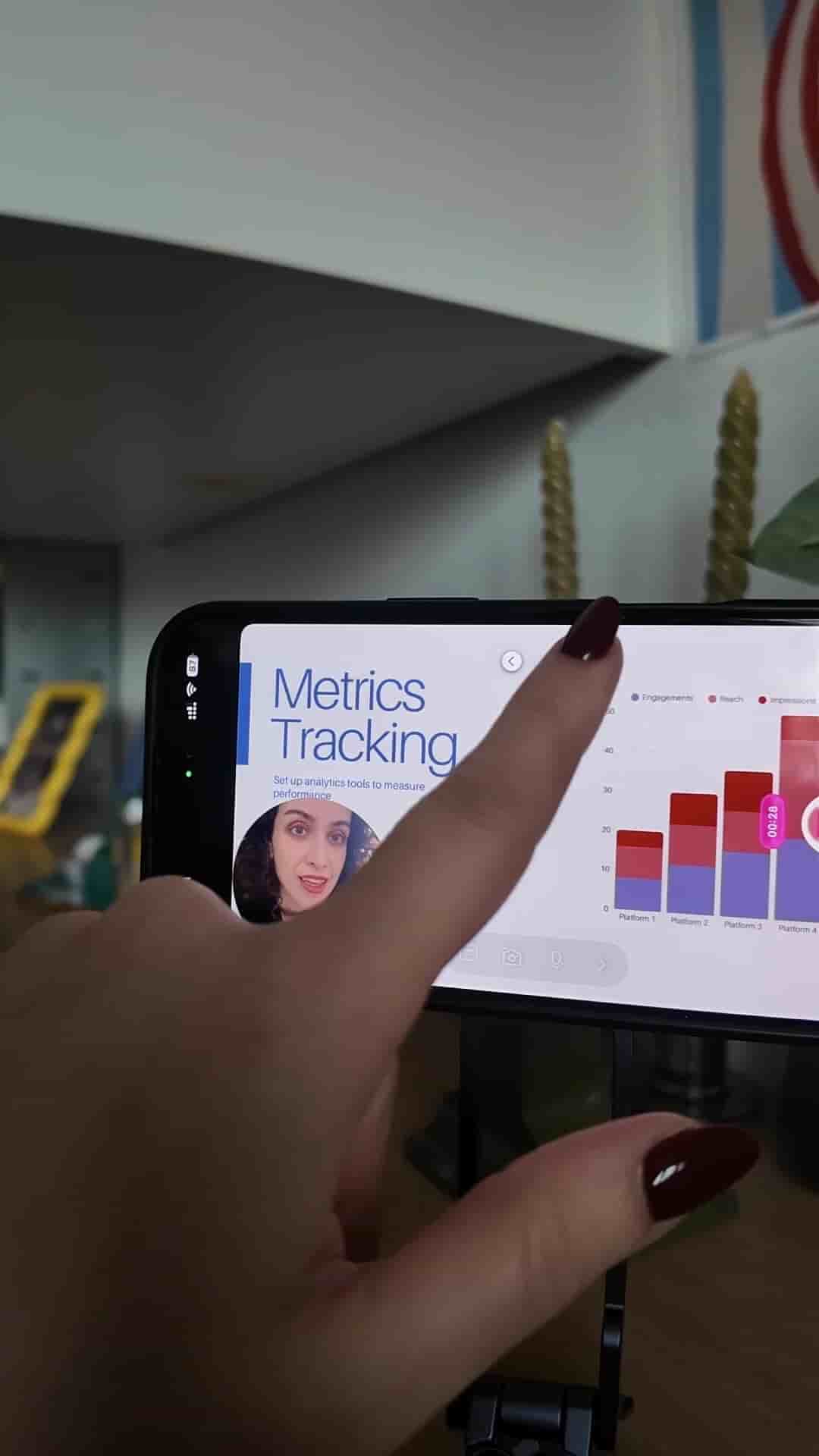
Detail lets you swap out a slide in a recorded presentation without re-recording a single second of footage.
Spotting a typo on a slide after you've already recorded your entire presentation is one of those small disasters that used to mean starting over from scratch. Re-record the whole thing, re-sync your audio, re-export. For a single slide with a single typo. It's the kind of friction that makes people put off recording presentations in the first place.
Detail removes that problem entirely.
The workflow is straightforward. Import your PowerPoint or Keynote deck as a PDF into Detail, set up your layout, and record yourself presenting. Navigating between slides takes a single click. When you're done, if you catch a mistake on any slide, you tap that clip, go to Sources, and swap out the slide. Your original recording stays intact. You're replacing the visual, not re-doing the take.
No need to re-record anything.
That's the core of it. The recording and the slide content are treated as separate layers, which means a fix to one doesn't force you to redo the other. Most presentation recording tools collapse these into a single file, so any change to the visuals means a new recording. Detail keeps them independent.
Your recording stays intact. You swap the slide, not the take.
If you've been avoiding presentation videos because the re-recording overhead felt too costly, that overhead is gone.