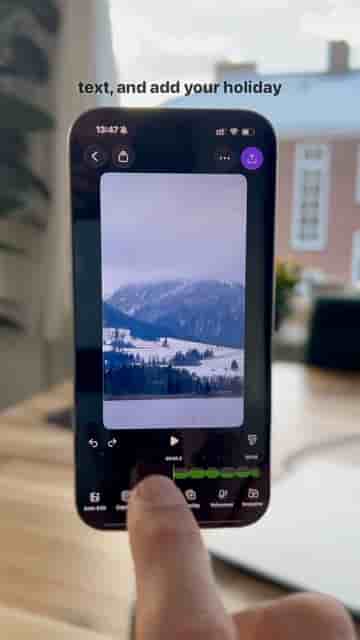
A few steady shots, one-second trims, and a pasted music link are all it takes to build a cinematic holiday postcard in the Detail app.
A holiday video doesn't need a camera crew or hours of editing to look good. With the Detail app and a few minutes, you can turn a handful of simple clips into something genuinely cinematic — the kind of thing people actually watch instead of scroll past.
Open Detail, start a new project, and either record directly inside the app or upload clips you already have. The footage itself doesn't need to be complicated. Hold your phone steady and focus on small, nice details: landscapes, quiet little moments, nothing fancy. The simpler the shot, the better it tends to cut together.
Keep it simple. Hold your phone steady and focus on small, nice details like landscapes, little moments, nothing fancy.
Once your clips are in, trim them down aggressively. Aim for around one second per clip. That pace keeps the video feeling dynamic and moving, which is exactly what a postcard should do — give people a feeling, not a documentary.
Tap Overlay, then Text, and type your holiday message. Simple always works best here. Detail gives you a range of fonts and color options, and you can trim the text so it lines up precisely with each clip. A word or phrase timed to a cut hits differently than text floating over the whole video.
"Simple always works best."
Find a track that matches the vibe on TikTok, YouTube, or Instagram, copy the link, then head back to Detail, tap Music, and paste it in. That's all it takes. The right song does more work than almost anything else in a short video like this.
The right song does more work than almost anything else in a short video.
Hit export, post it, and you have a cinematic holiday postcard ready to share. The whole process is fast enough to do with clips you shot the same day, which means there's no reason to wait until after the holiday to share what the holiday actually felt like.