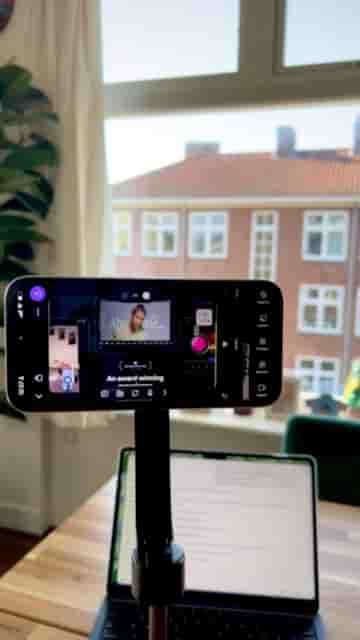
Record a PDF slide presentation with your face on screen using the Detail app — a few taps from upload to export.
Recording a video presentation with your slides and your face on screen used to mean juggling screen recorders, webcams, and editing software. With the Detail app, the whole thing collapses into a few taps.
Start by downloading Detail and opening it. Tap the "Present Slides" shortcut, then upload your PDF. That's your setup done. From there, tap "Record" and present your slides as you normally would.
If you want a script in front of you while you record, tap the teleprompter option, add your text, and read along as you go. No memorizing, no retakes because you blanked on a line.
When you're done recording, you have real control over how the final video looks. You can position yourself in the corner with no background, use a bubble overlay, go split screen, or choose a 70/30 split between the slides and your camera. You can also drag yourself anywhere in the frame and zoom in or out to get the framing right.
One tap adds captions to your finished video, no extra tools needed.
Once everything looks the way you want, tap Export and share your presentation wherever it needs to go — a class, a client, a course platform, anywhere.
It is super simple.
The whole workflow, from PDF to finished video, stays inside one app. For teachers, trainers, or anyone putting together an online presentation, that's a significant reduction in friction.