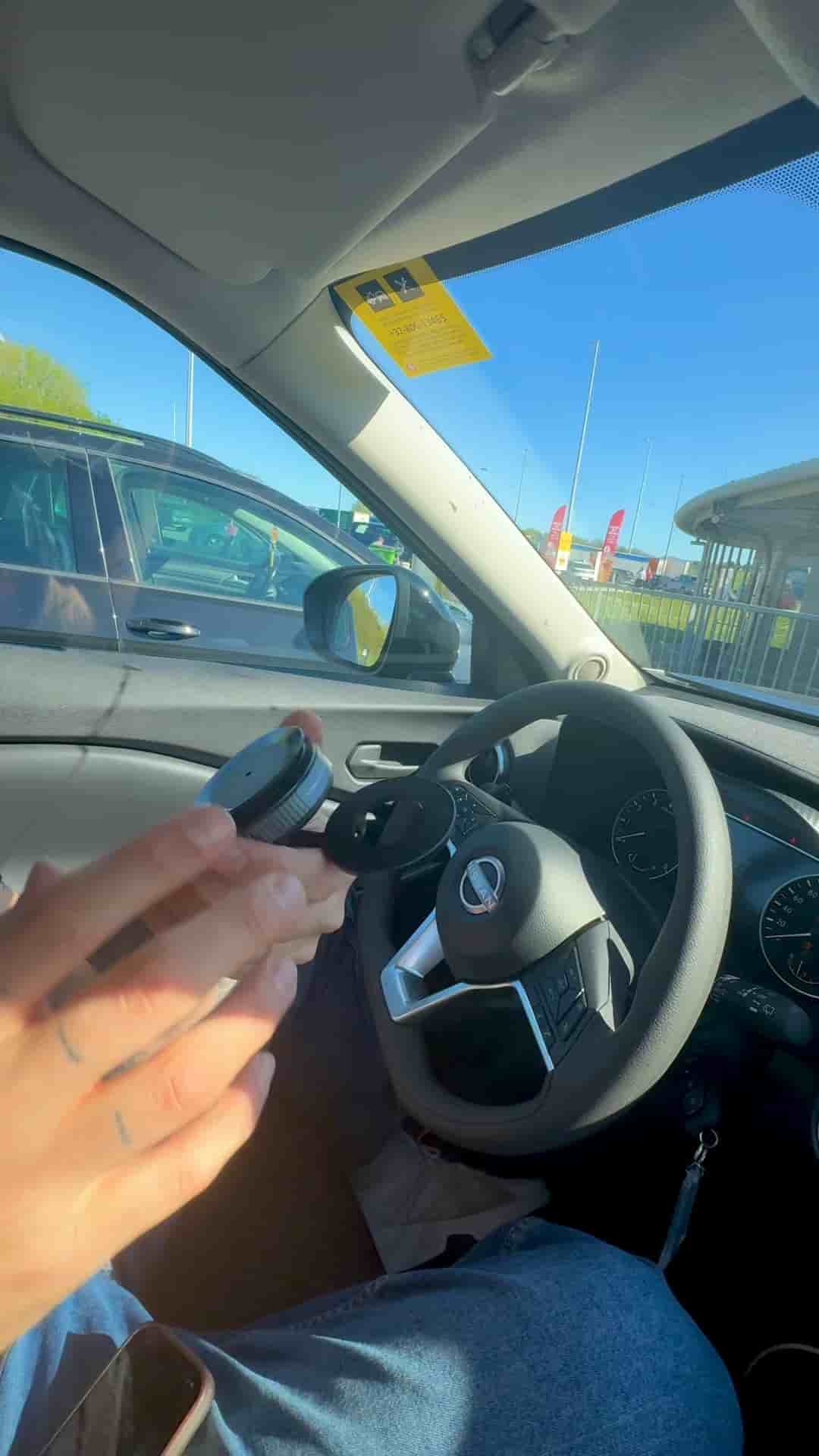
A phone mount, a DJI Mic Mini, and the Detail app are all you need to record a professional-looking podcast from your car.
You don't need a studio. A car, a small tripod, two microphones, and your phone will get you a podcast that looks genuinely professional.
The setup is minimal by design. Mount a flexible tripod anywhere on the dashboard or console, then plug in the DJI Mic Mini. That one move gives you two microphones, one for each person, with no extra gear required.
Two microphones, zero extra gear — just plug in the DJI Mic Mini and you're ready.
Open the Detail app and start a new project. For car recordings, the back camera is the better choice, and switching to the 0.5 lens gives you a wider field of view that fits both speakers in the frame comfortably. Hit record, and you're podcasting.
This is how your podcast can look.
The real work happens after you stop recording. Detail auto-edits the full video, frames the speakers automatically, and produces both long-form and short-form clips without you touching a timeline. You can switch layouts, flip to portrait, and add close-ups in seconds.
"You can auto edit the full video, frame the speakers, and you will get long and short clips instantly."
The result looks polished enough that nobody would guess it was recorded in a parking lot. Download Detail from the App Store and you can have a full episode ready before you've even made it back inside.