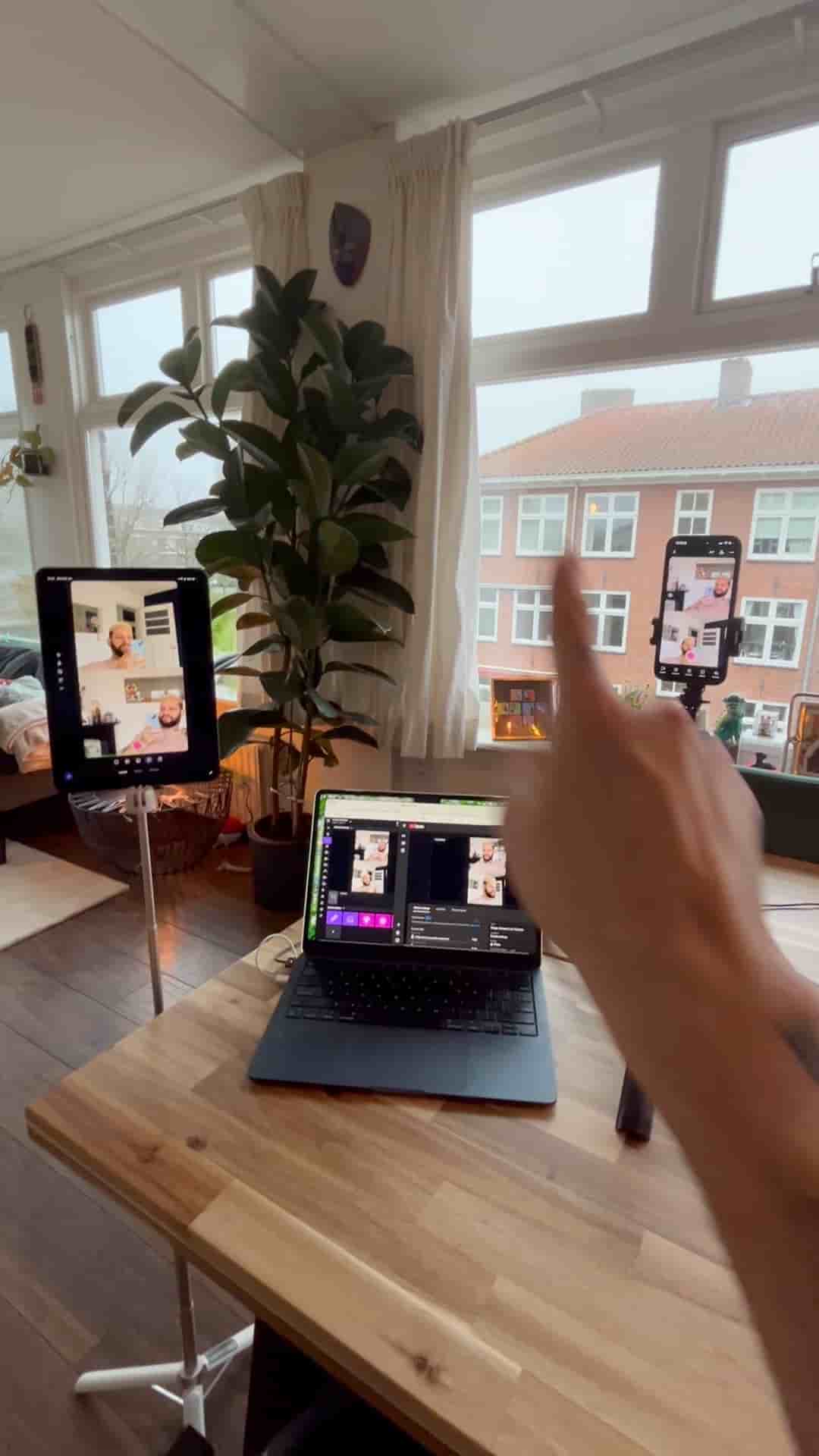
Two iOS devices and the Detail app are all you need to run a multi-cam Q&A live stream to YouTube and Twitch simultaneously, no cables required.
A professional multi-cam Q&A stream doesn't require a camera crew or a tangle of cables. Two iOS devices and the Detail app are all it takes, and the whole setup runs in under a minute.
Grab any combination of iPhone and iPad, or two iPhones, and download Detail on both. Open the app on each device, start a new project, tap the three dots, and hit Connect. That's it. Both cameras are now linked and feeding into a single stream.
The beauty is you can pick two platforms to go live at the same time.
Once the cameras are connected, take a moment to get the layout right. When you're happy with it, tap the three dots again and choose Live Stream. Detail lets you go live to two platforms simultaneously, so paste your stream keys for YouTube and Twitch and hit Go Live.
Two devices. Two platforms. Zero cables.
The result is a clean, multi-cam Q&A setup that would usually involve dedicated hardware, switchers, and a lot of setup time. With Detail handling the connection and the simulcast, the only thing left to focus on is the stream itself.