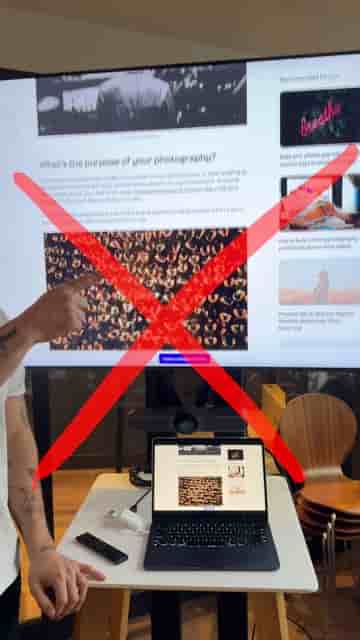
The Detail app turns your phone into a clean, professional slide-recording setup in minutes.
If you are recording your online classes on your phone but the results look rough, the fix is simpler than you think. The Detail app turns your existing slides into a proper recorded lesson without any extra gear, extra effort, or a desktop setup.
Start by downloading Detail on your phone. Then export your presentation as a PDF, or just take screenshots of your slides. Either format works fine. Open Detail, tap Present Slides, and upload whichever version you have. That is genuinely all the setup there is.
Once your slides are loaded, tap record and start teaching. Use the arrows to move to the next slide as you talk, the same way you would advance slides in front of a room.
Same lesson, way better result and no extra effort.
The difference in how the final video looks is significant, and the process to get there takes a couple of minutes at most.