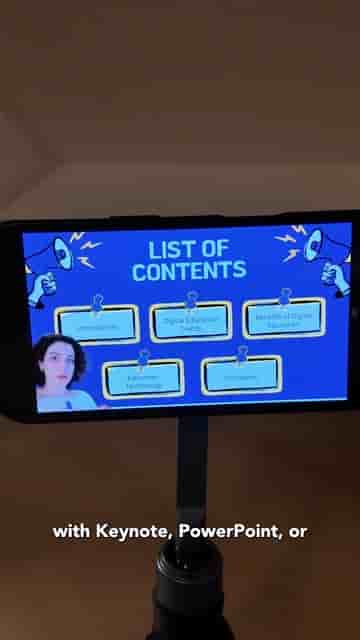
Detail lets teachers record and edit classroom presentations on iPhone, appearing picture-in-picture over PDF slides with per-slide clip editing built in.
If you want to record yourself teaching over slides on your iPhone, Detail is the tool worth knowing. It works with whatever you already use to build presentations: PowerPoint, Keynote, or even Canva. The whole process, from slides to finished video, runs inside one app.
Start by creating your presentation in whichever tool you prefer. When it's ready, export it as a PDF and save it to your Files app. That's the format Detail works with, and it takes about ten seconds to get there from any of the major slide tools.
Open Detail on your iPhone and tap Present slides from the shortcuts menu. Select your PDF from Files, and you're in. You'll appear in a picture-in-picture layout, positioned in front of your slides, so students see both you and the content at the same time.
Hit Record and start teaching. As you move through your slides, tap the button to advance them. Detail builds a timeline automatically, creating individual clips for each slide as you go.
Detail creates a timeline with clips for each slide.
That per-slide structure is where the editing becomes practical. After you finish recording, you can change layouts, swap out a slide if you made a mistake, or trim individual clips. You don't need a separate editing app or a desktop to clean things up.
It's a record and edit tool in one, perfect for classroom presentations.
When the video is ready, export it and share it with your class.
The pitch is straightforward: most tools that let you record over slides are either desktop-only, require separate software for editing, or bury the workflow under too many steps. Detail puts recording and editing in the same place, on a device most teachers already have. For anyone who builds in Canva but wants to actually teach on camera over those slides, the PDF export step is a small trade-off for a much cleaner recording experience.
Detail is available on the App Store.