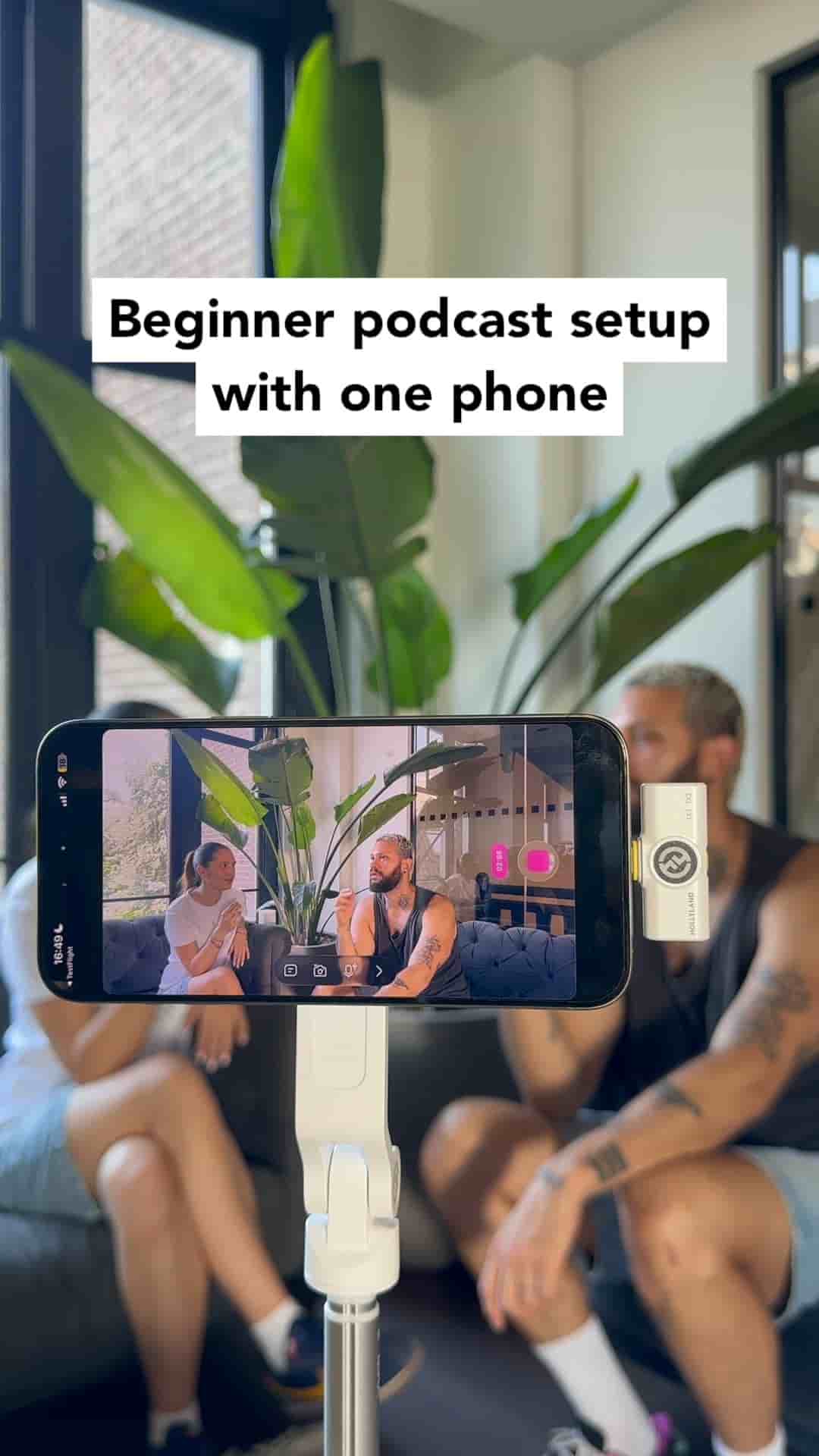
You only need a tripod, your phone, and two microphones to record and edit a podcast. Detail's auto-edit and podcast mode handle the rest.
Starting a podcast doesn't require a studio full of expensive equipment. A tripod, your phone, and a couple of microphones are genuinely all you need to get a real episode recorded and edited.
Set your phone on the tripod, connect your microphones, and hit record. That's the whole recording setup. No audio interface, no dedicated camera, no external recorder.
A tripod, your phone, and two microphones — that's the complete setup.
When you're done recording, open Detail and tap auto-edit. From there, choose podcast mode. The app lets you frame each speaker individually and pick whether you want to cut between them or show them side by side. Everything else is handled automatically.
Auto-edit, podcast mode, done.
The final result looks like a properly produced podcast video without any manual editing work.
Detail is available for free on the App Store. If you've been putting off starting a podcast because the setup felt too complicated or too costly, this removes both of those reasons.
"You can download it for free in the App Store."