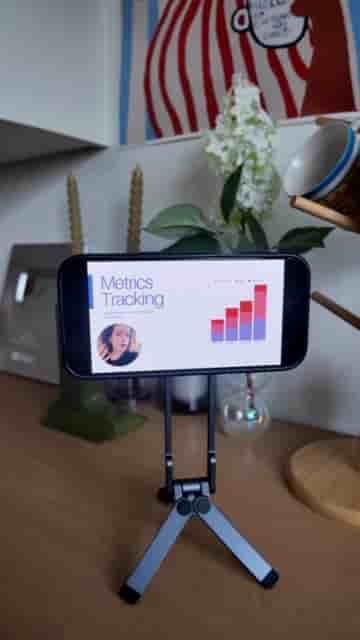
Detail on iPhone lets you record a slide presentation from any PDF, then replace individual slide clips without re-recording the whole thing.
Recording a slide presentation on your phone used to mean juggling a screen recorder, a camera app, and a prayer that you wouldn't fumble a slide transition. Detail cuts that down to a single workflow, and the whole thing runs on your iPhone.
The setup takes about thirty seconds. Export your PowerPoint, Keynote, or Canva deck as a PDF and save it to the Files app. Open Detail, tap "Present slides," import the PDF, and hit record. Detail handles the rest, syncing your camera footage to each slide as you speak.
Detail creates an editable timeline with individual clips per slide, so one bad take never means re-recording the whole thing.
What makes this genuinely useful is what happens after you stop recording. Detail builds an editable timeline where each slide gets its own clip. Spot a fumbled sentence or a wrong number on slide four? Replace that clip. Everything else stays exactly as recorded. No starting over, no splicing audio, no hunting for the right timestamp in a long take.
Spot a mistake? Just replace that one slide, you don't have to re-record everything.
Detail is free to download on the App Store.
"Download Detail for free in the App Store now and try it yourself."