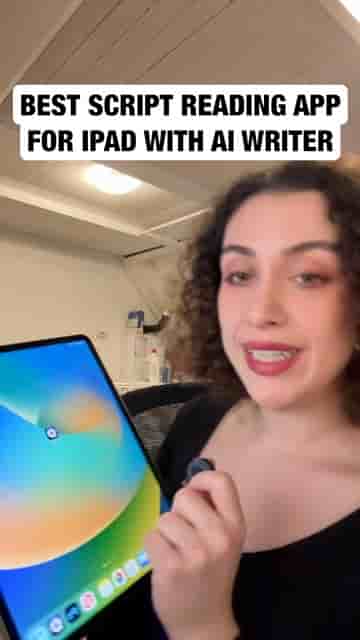
Detail is the cleanest teleprompter app for iPad, with AI script generation, adjustable scroll speed, and font size controls. Free on the App Store.
Detail is the teleprompter app I use for every single video I make, and getting started with it takes about two minutes.
Open Detail and head to Record Scripts. From there, you have two options: generate a script with AI or paste in your own. I use my own script, so I paste it in directly and move on to the settings that actually matter.
Two controls make or break your teleprompter setup: scroll speed and font size.
Scroll speed is the one to dial in first. Match it to your natural reading pace so you're not rushing or waiting on the words. Font size is just as important — bump it up until you can read comfortably without squinting, which keeps your eyes relaxed and your delivery looking natural on camera.
It's the cleanest teleprompter app for iPad I have found so far.
That cleanliness is what keeps me coming back to it. There's no clutter getting in the way between you and your script.