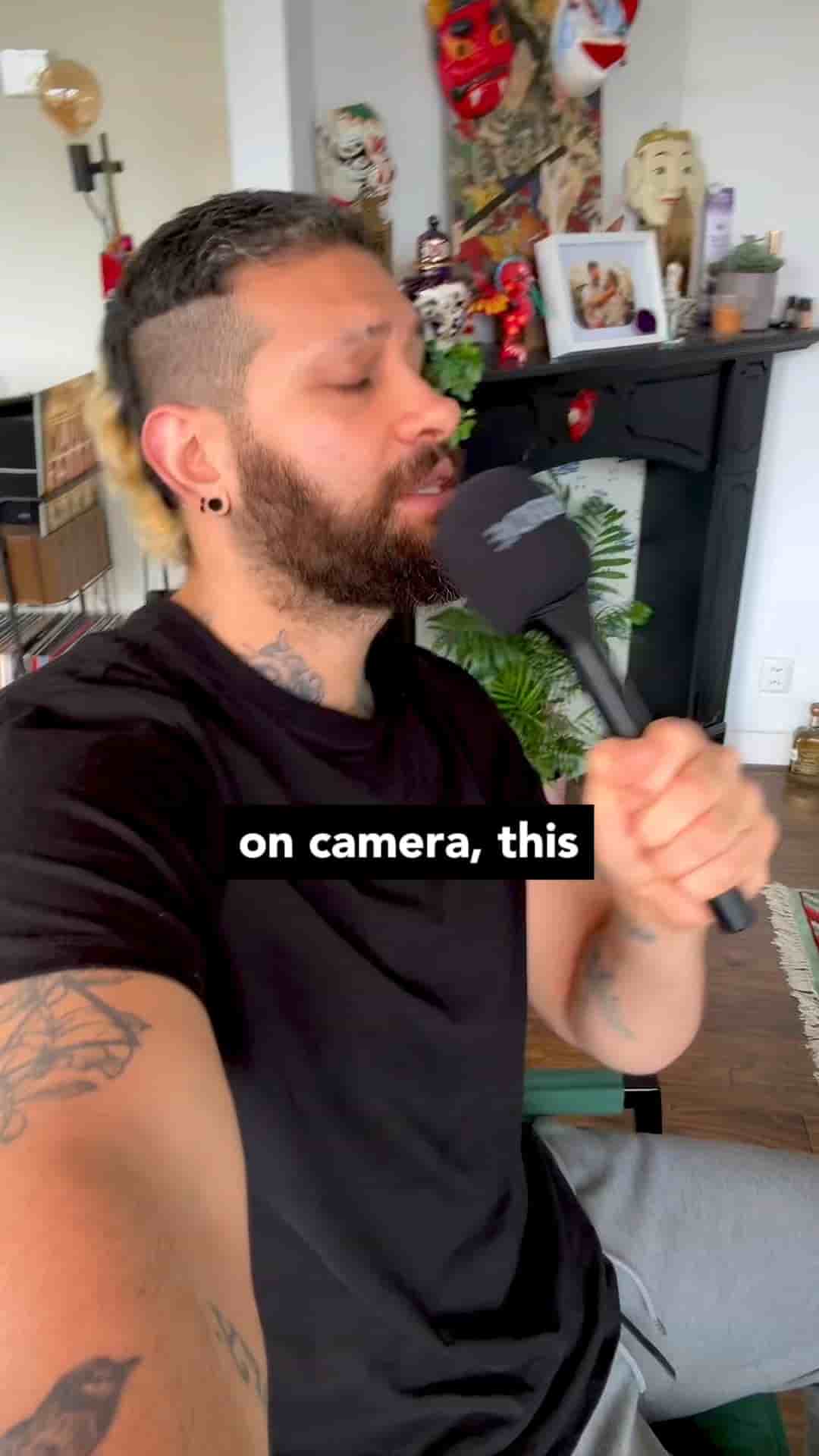
The Detail app's voice-tracking teleprompter feature lets you record straight to your iPad's front camera while your script scrolls automatically as you speak.
If you've ever blanked on camera mid-sentence, or spent an hour memorizing a script only to forget it the moment you hit record, there's a simpler way. Your iPad can handle this, and you probably already have the app to do it.
Open Detail, find the script or teleprompter feature, and paste in your text. That's the whole setup.
It feels natural and you don't have to memorize anything.
From there, switch on voice tracking. Your iPad's front camera becomes your recording camera, and your script stays right on screen the whole time. As you speak, the text scrolls to match your pace automatically. You never lose your place, you never have to glance away, and you never have to hold two things at once.
Voice tracking scrolls your script as you speak — no manual controls, no losing your place.
The difference this makes for people who get stressed about talking to camera is real. Most of that stress comes from the fear of forgetting what to say. When the words are right there, keeping pace with you, that fear disappears. You're just talking. The technology stays invisible.
No dedicated teleprompter hardware. No second person controlling the scroll speed. Just your iPad, your script, and a front camera that's already better than most people give it credit for.