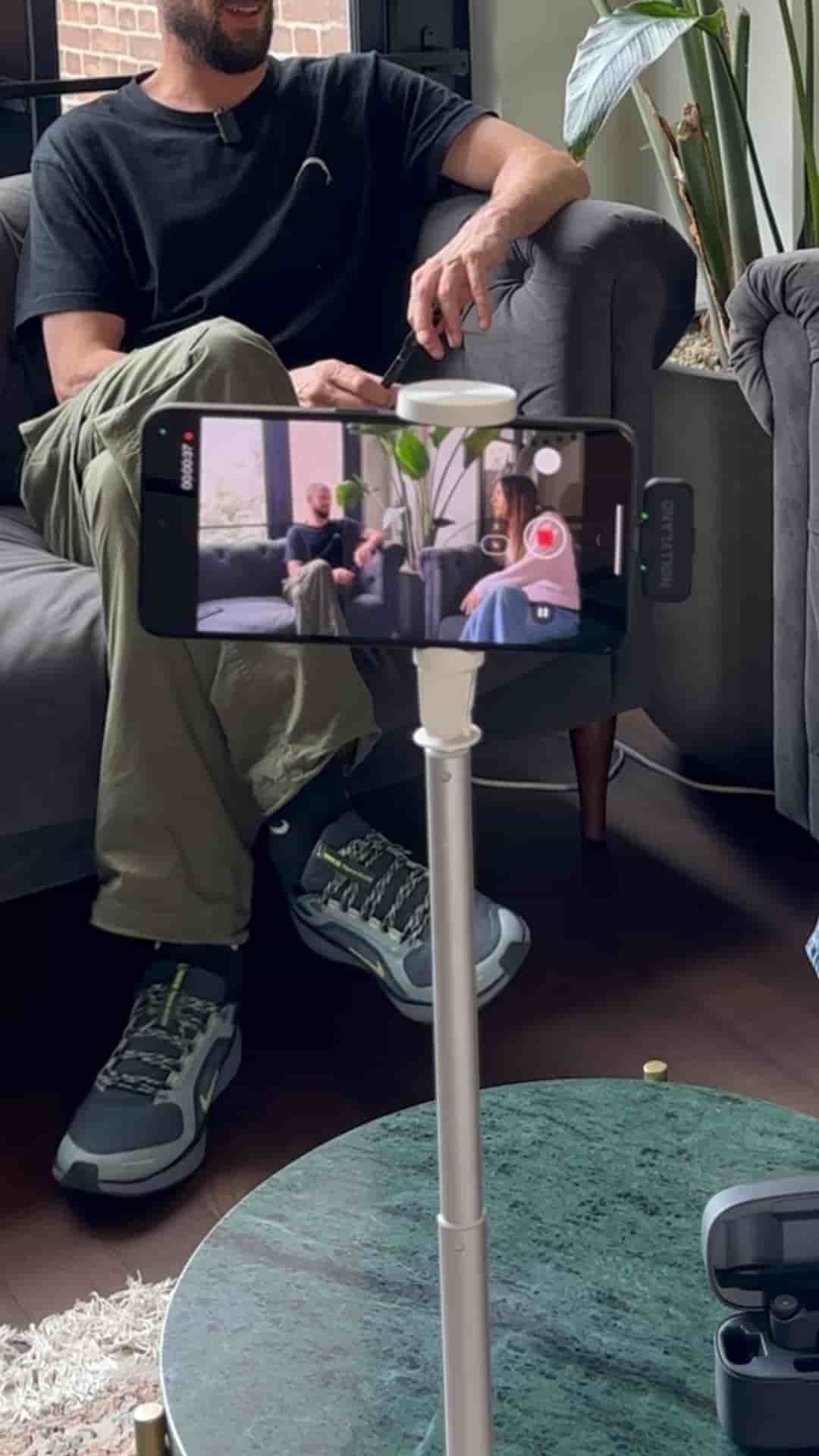
An Android phone, a tripod, and wireless mics are all you need to record a podcast. Subwave handles the rest, turning your video into an article, clips, and audio.
Starting a podcast on Android requires less gear than most people think. An Android phone, a tripod, and a pair of wireless microphones for better audio are the only essentials before you hit record.
Once you've filmed your episode, the workflow moves into Subwave. Upload your video, let it process, and you'll get a set of options: enhance the audio, remove filler words, or skip over silences. From there, publish your post.
Your audience can choose to watch, listen, or read your content, all in one place.
What comes out on the other side is more than a video file. Subwave generates an article based on your podcast and cuts the footage into short clips organized by the topics you covered. Those clips are ready to go as YouTube Shorts, TikToks, or Instagram Reels, with no extra editing required.
"You'll get an article based on your podcast and short clips separated in different topics you talked about."
The app is free and available on the Google Play Store.