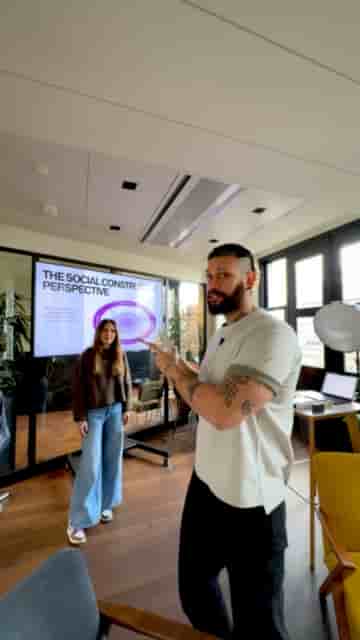
Two phones, two tripods, and the Detail app let you capture a wide shot and a close-up simultaneously, with both angles landing in one editable project.
Recording a talk or presentation with a single phone means you're stuck with one angle the whole time. Two phones changes that entirely, and the Detail app makes it surprisingly straightforward to pull off.
The setup requires both phones to have Detail installed. Once they're open, you connect them inside the app with a couple of taps, and from that point you're controlling two cameras at once.
Both angles sync into one project, so you edit everything in the same app.
With two phones connected, you can assign each one a distinct role. One phone handles the wide shot of the entire event, the other locks in a close-up of the speaker. For the wide shot, the 0.5x lens gives you the full room. For the close-up, the 5x lens pulls the speaker right into frame.
You have a wide shot of the entire event and then you can have a close-up of the speaker.
You'll want a tripod for each phone so both angles stay stable throughout the presentation. Once each shot is framed and ready, you hit record in the app and both cameras roll at the same time.
When the talk wraps up, both recordings land inside a single Detail project. No file transfers, no syncing across devices, no hunting for clips in two separate camera rolls. You edit the wide shot and the close-up together right there in the app, cutting between angles the same way a proper multi-camera edit works.
For anyone covering events, panels, or speaker sessions, this setup punches well above what most people expect from a two-phone rig.