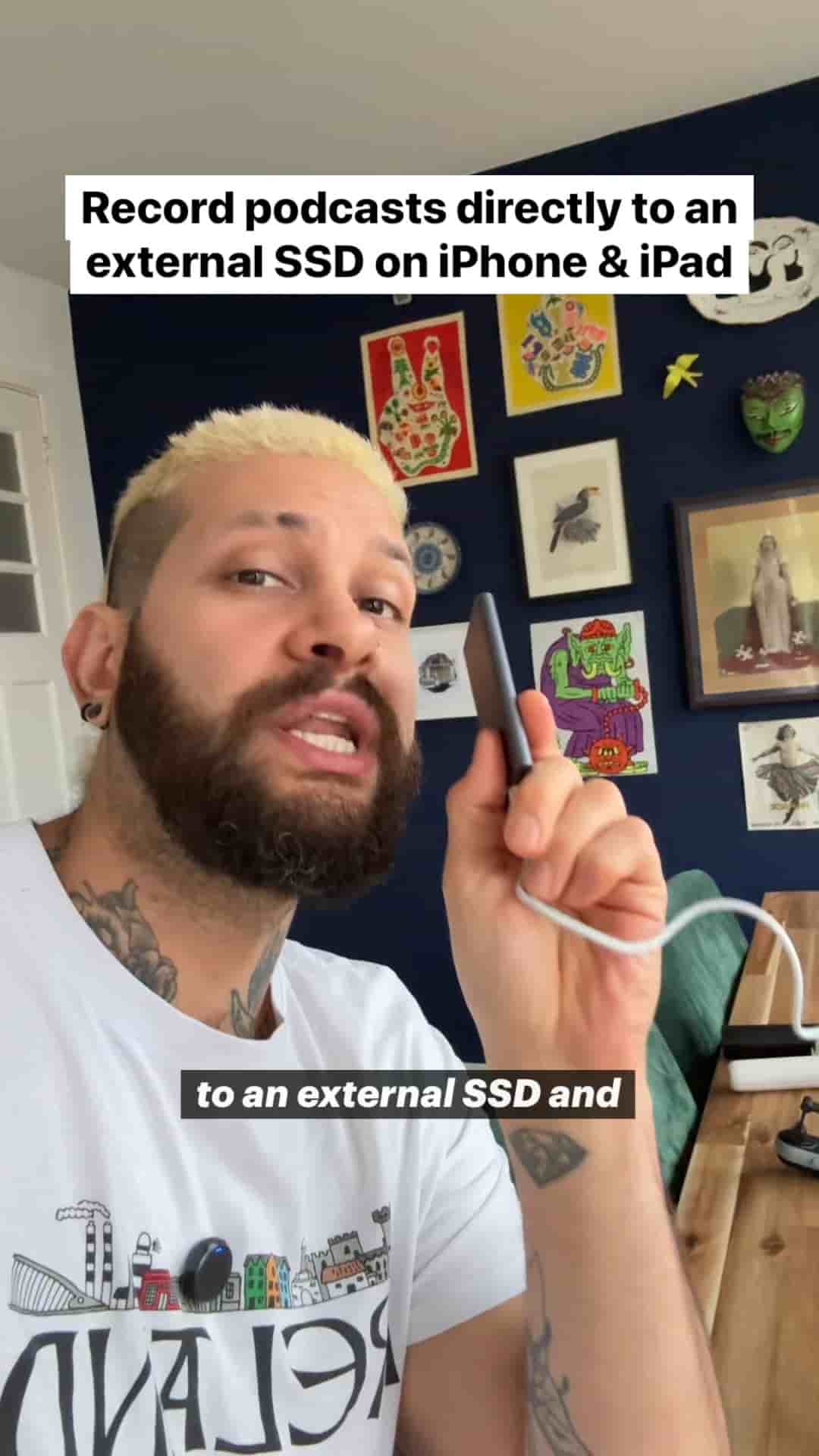
Plug an external SSD into your phone and Detail will record your podcast straight to it, so storage stops being a limit. Setup takes a few taps.
You can stop worrying about storage when you record your podcast. Point Detail at an external SSD and your phone's free space no longer sets the length of your episode. You can keep recording for hours.
The setup is short. Here is the full process.
Start by going to the App Store, downloading the Detail app on your phone, and opening it. Then:
Once the drive is selected, Detail knows where to send your footage.
My pro tip is to create a new folder just for Detail podcasts while you're choosing your location.
Create a new folder just for Detail podcasts so everything stays organized.
A podcast adds up to a lot of long recordings. Keeping them in one dedicated folder on the drive means you aren't digging through a pile of unrelated files when it's time to edit.
With the location set, start a new project and hit record. Your video is saved directly to the SSD instead of your phone.
You'll also see a hard drive icon in the project. That icon confirms the recording is going to external storage, so you don't have to guess.
Now you can record your podcast for as long as you want.
From here, the only limit is the size of your SSD, and that is a much easier thing to plan around than the free space on your phone.