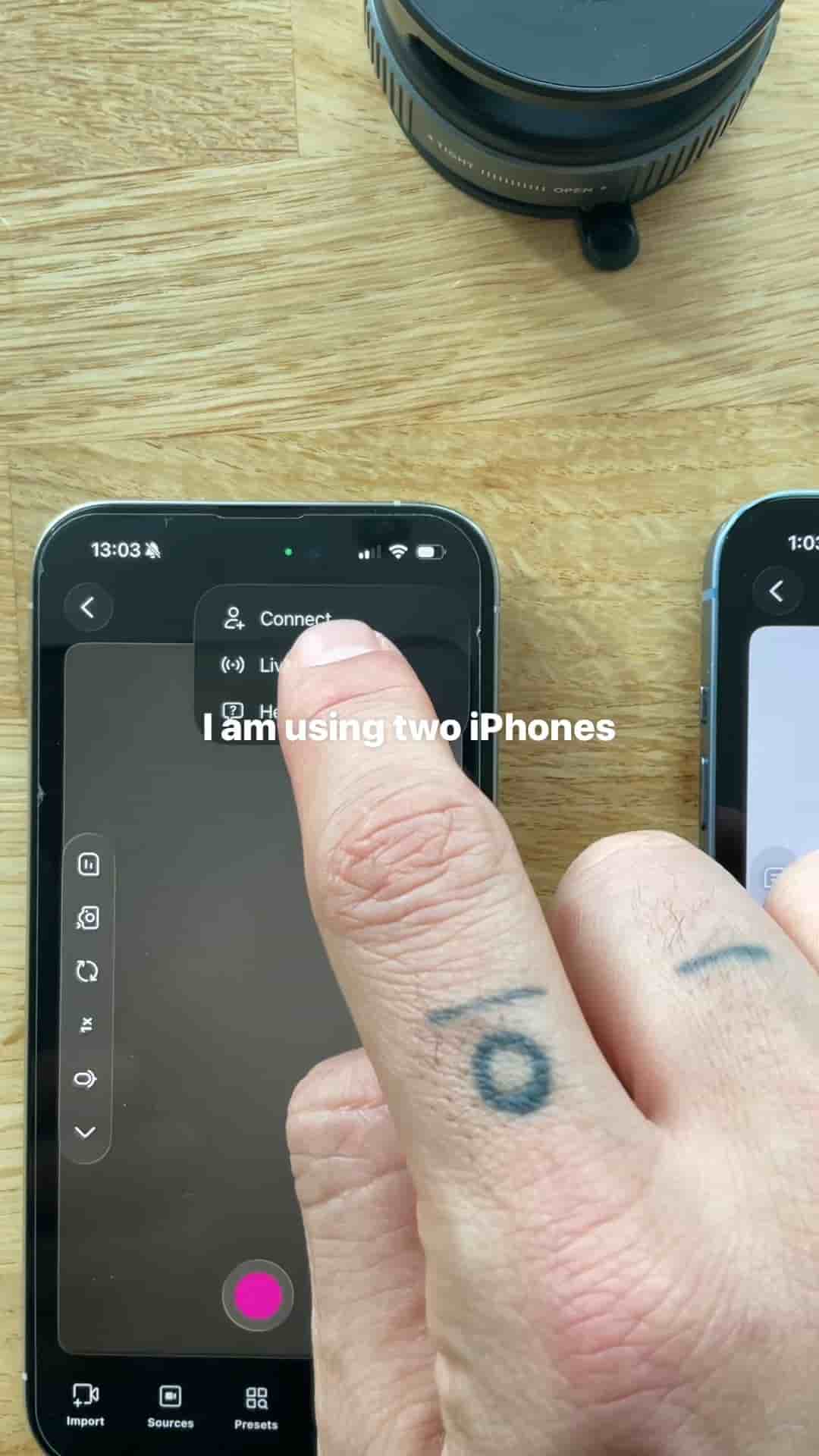
I shoot cooking videos at home with two iPhones and the Detail app. The setup takes under 15 seconds and needs no green screen.
You can make cooking videos at home, and the setup takes less than 15 seconds. All it takes is two iPhones, the Detail app, and a counter.
The reason to use two phones is angles. A cooking video works best when the viewer can see both what your hands are doing and who is doing it. One phone can't give you both, so I use two.
Open the Detail app on both iPhones and connect them. That's the whole technical part.
Then place the phones:
When everything looks good in the frame, tap record. Both angles capture at once, so there's no syncing footage afterward.
Once you've recorded, you have two ways to present the footage. You can keep the split screen, with both angles side by side. Or you can switch to a picture-in-picture layout, which is the one I'd pick. It looks incredible.
No green screen needed, super easy.
The picture-in-picture look is the sort of thing people assume needs extra gear or a lot of editing. Here it comes from two phones you already own and about 15 seconds of setup.
Home cooking is a natural fit for this. The counter is already your set, and the two angles give you a top-down view of the food plus your face as you talk through it. If you've been putting off making cooking videos because it seemed complicated, this removes most of the reasons.