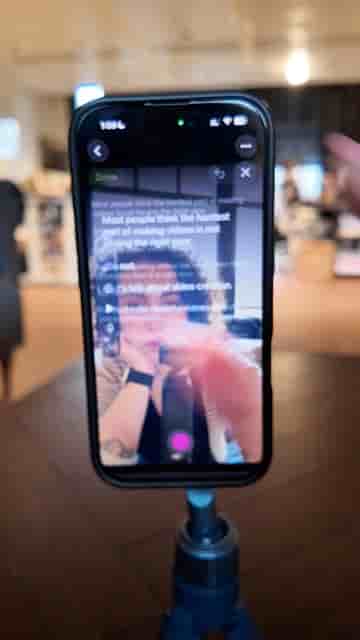
Detail's Add Hook feature reads your script and generates an attention-grabbing opener in one tap, right inside Record Script mode.
Writing the perfect hook is the hardest part of scripting a video. Most creators spend more time on those first five seconds than on the entire rest of the script, and still feel like they're guessing. Detail has a feature that takes that guesswork away in a matter of taps.
The workflow lives inside Detail's Record Script mode. You open the app, head to Record Script, and paste in whatever script you've already written — or let the AI draft one for you from scratch. From there, an Add Hook button appears. One tap, and the AI reads your script and generates a hook built specifically to grab attention and pull in more views. It isn't a generic opener; it's written against the actual content of your script.
The hook is generated from your script, so it fits your content rather than a generic template.
Once the hook lands, you hit Done and go straight into recording. The whole thing takes under a minute, and you're rolling with an opening that's already been optimized before you say a word on camera.
"The AI generates the best hook for your script that [is] designed to grab attention and get more views."
Detail is available on the App Store.