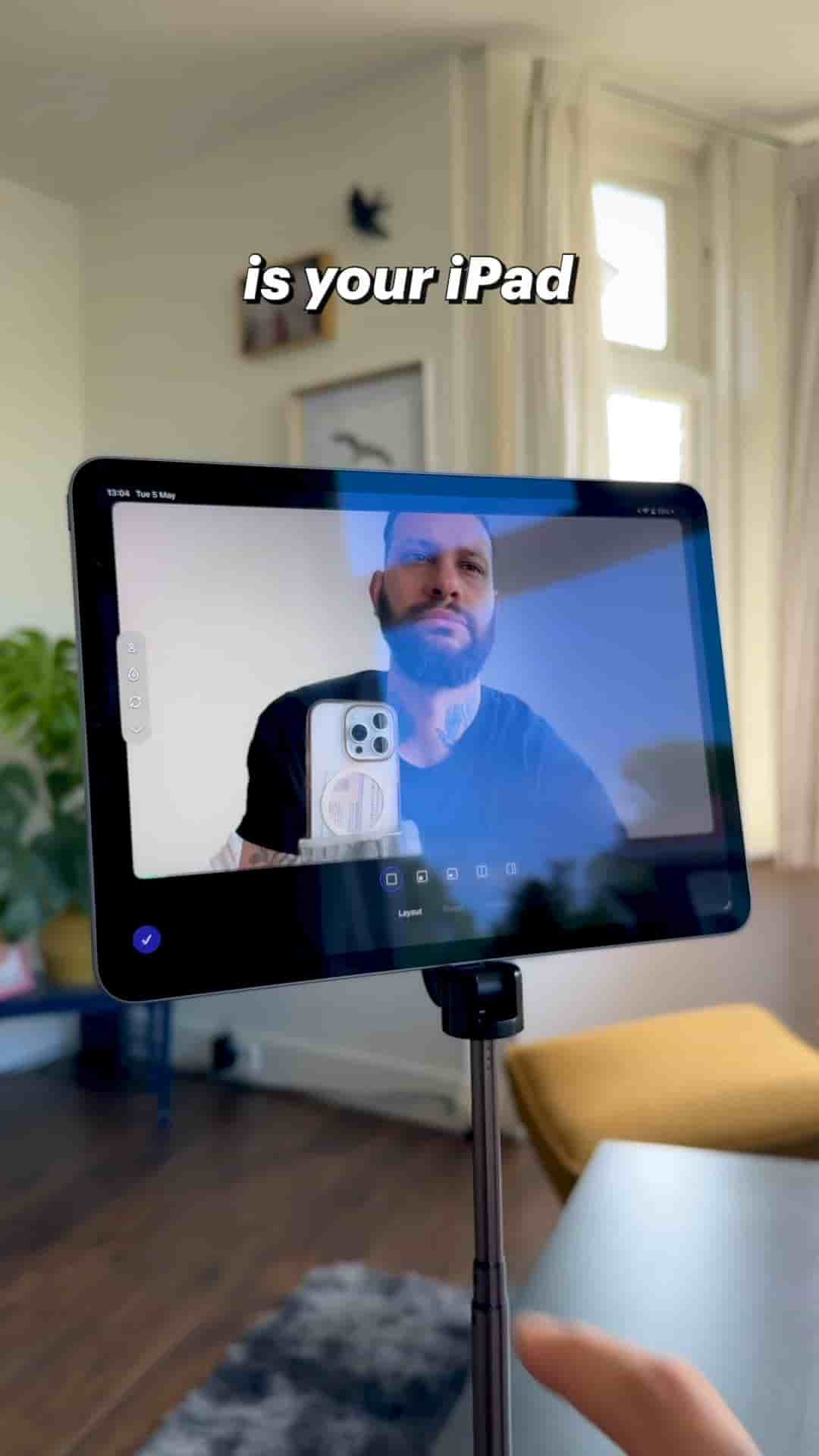
Detail's masking feature removes your video background on iPad instantly. No green screen, no setup.
You don't need a green screen to get a clean background on your videos. All you need is your iPad and the Detail app.
Open Detail, start a new project, tap Layout, and turn on Masking. That's it. Your background disappears immediately. From there you can drop in a photo, pick a solid color, reposition yourself in the frame, and resize however you want.
The best part is it works on footage you've already recorded too. Open any existing clip, go to Layout, turn on Masking, and you're done. No reshooting, no extra gear, no complicated setup.
That's how simple it is. Go for it.