Video Podcasts & Interviews
Record and Edit an Interview on Your Phone
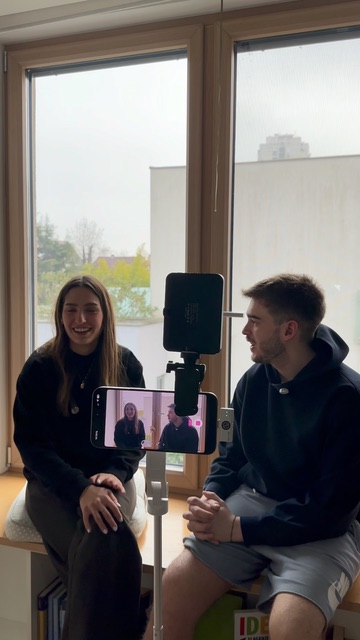
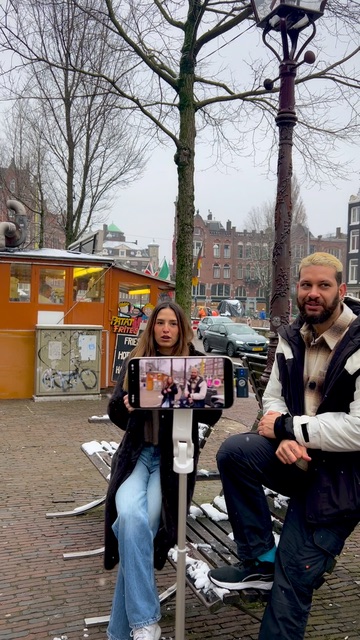
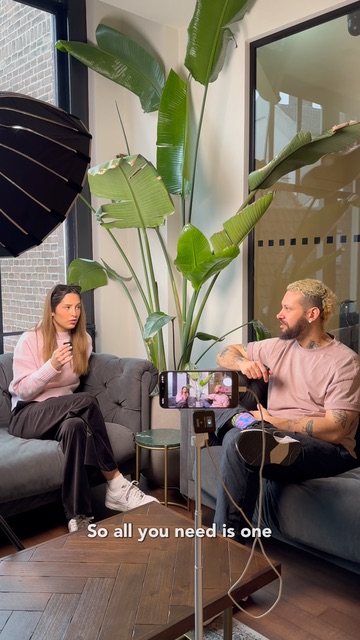
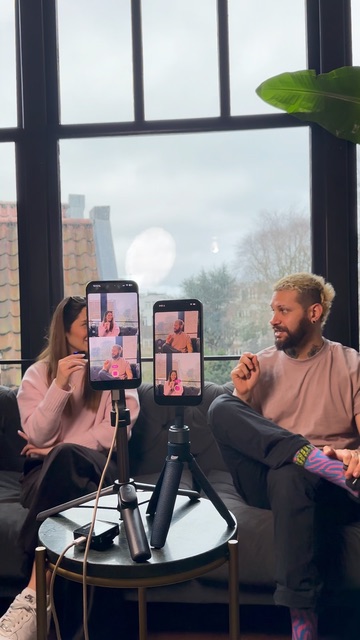
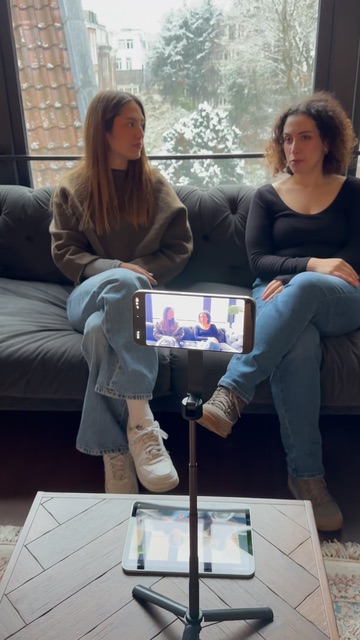
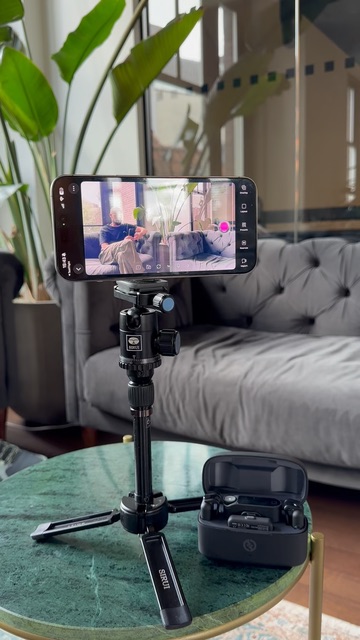
You only need a phone, a tripod, and wireless mics to film and edit a full interview. Detail's auto-edit podcast mode handles the rest in seconds.
41s watchSep 3
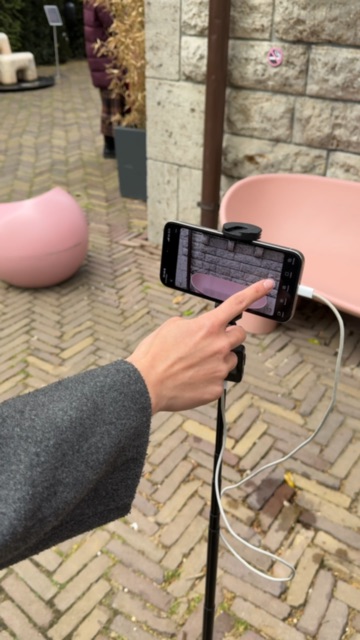
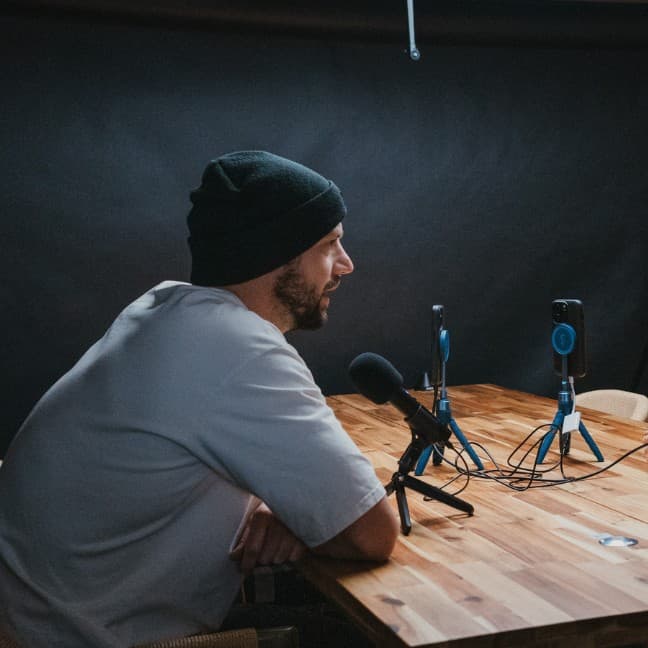
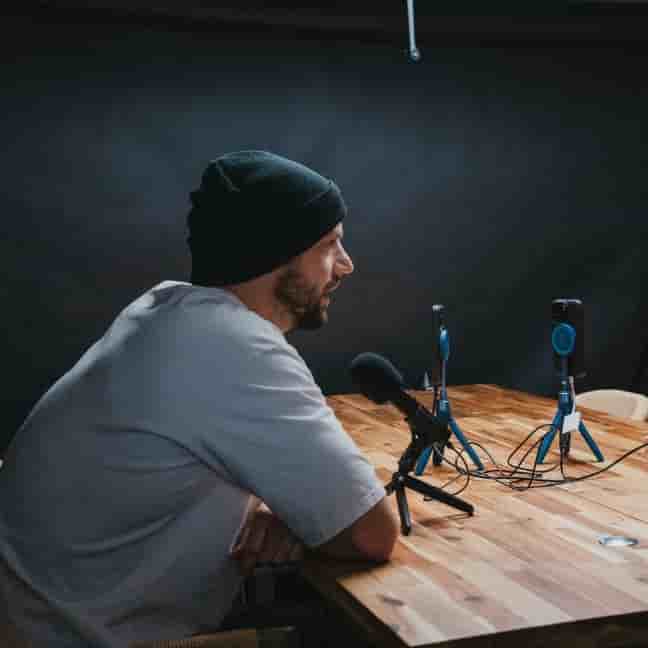
Learn how to record, edit, and publish professional video podcasts and interviews using just your iPhone or iPad. Step-by-step tutorials — no studio required.
You only need a phone, a tripod, and wireless mics to film and edit a full interview. Detail's auto-edit podcast mode handles the rest in seconds.
An Android phone, a tripod, and wireless mics are all you need to record a podcast. Subwave turns the footage into an article, short clips, and a full audio track automatically.
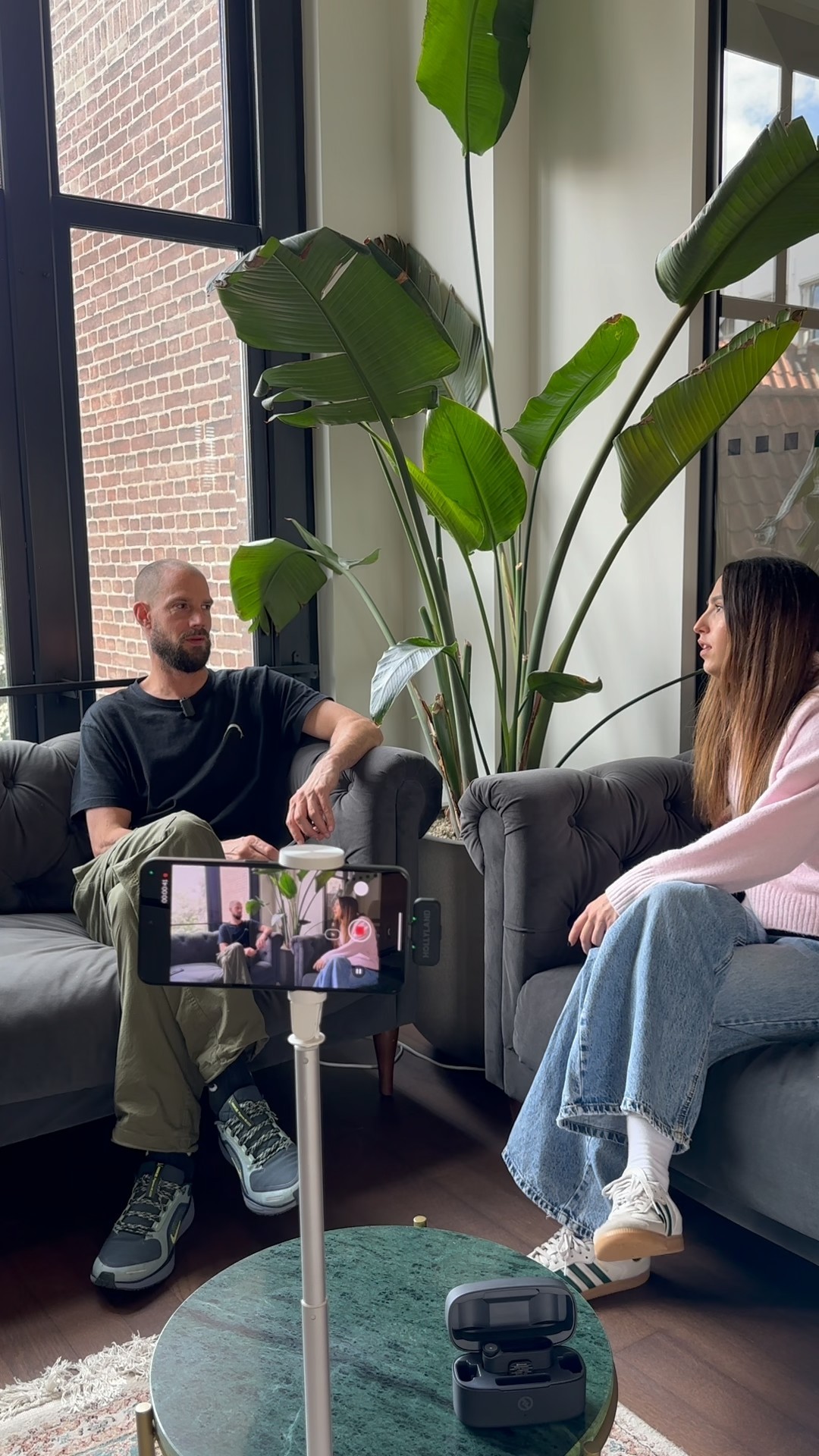
Learn the step-by-step process for connecting two iOS devices in the Detail app to create professional multi-camera recordings.
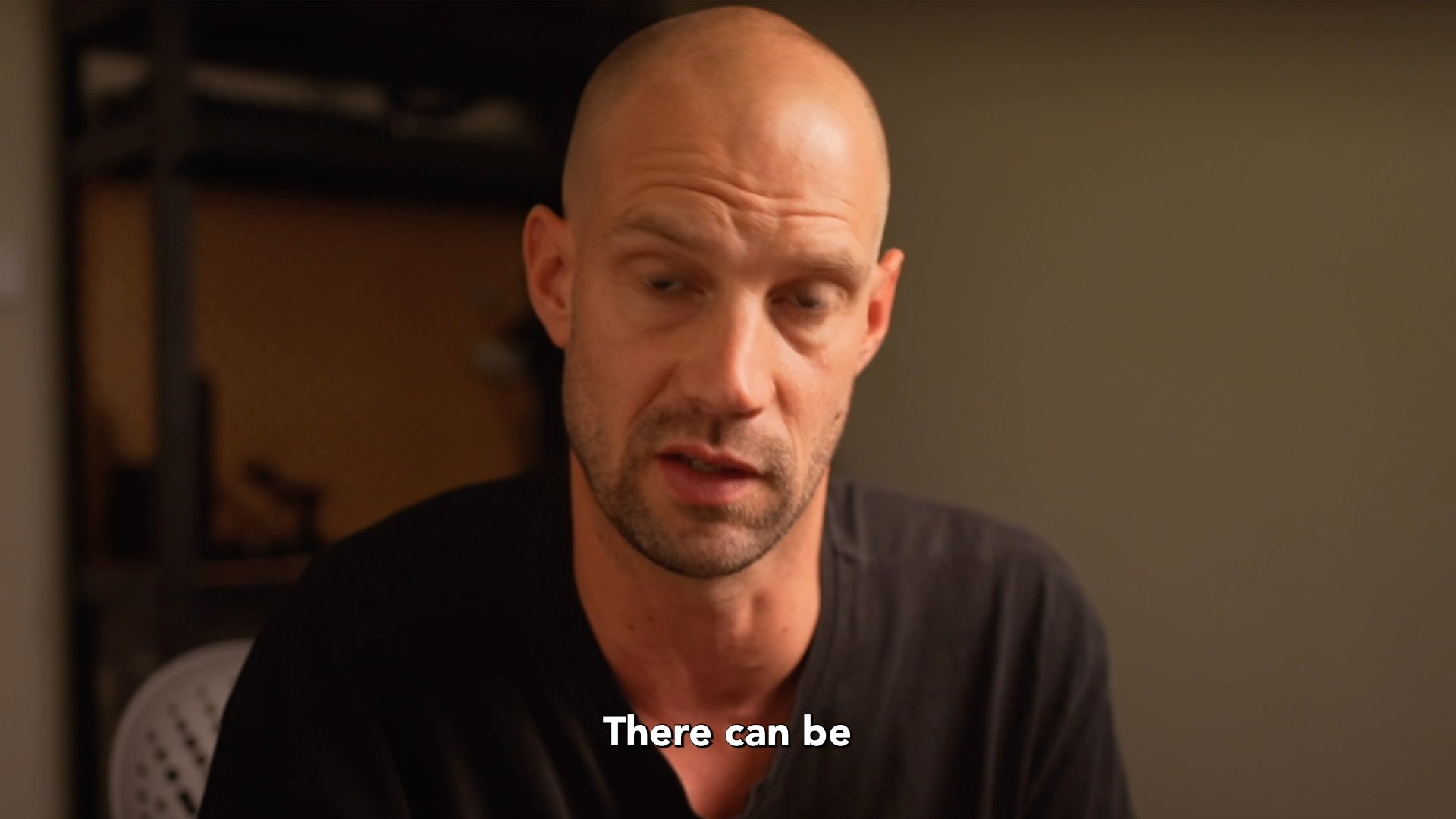
Learn how to add professional captions to your podcast clips completely free using just your iPhone and the Detail app.
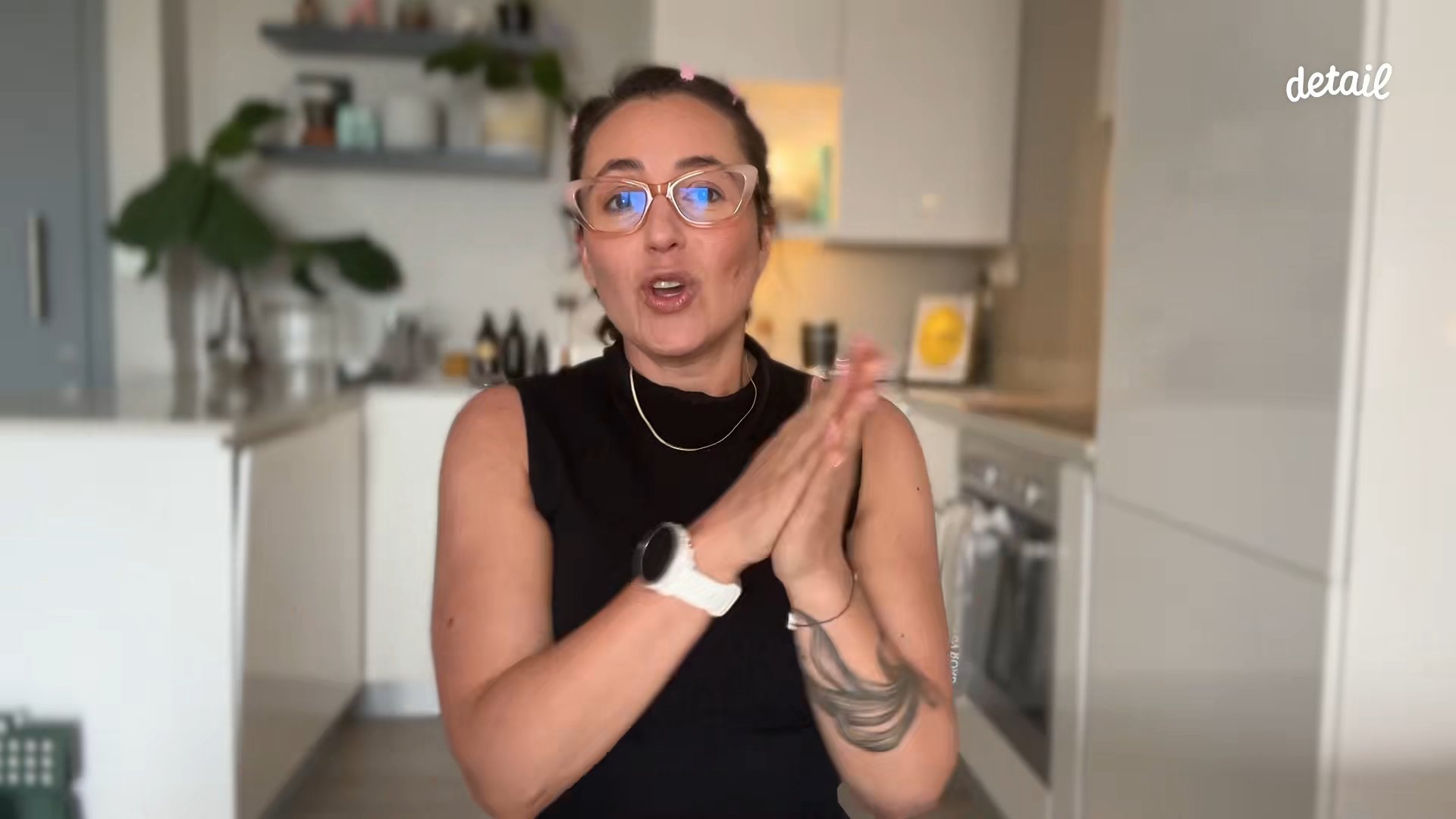
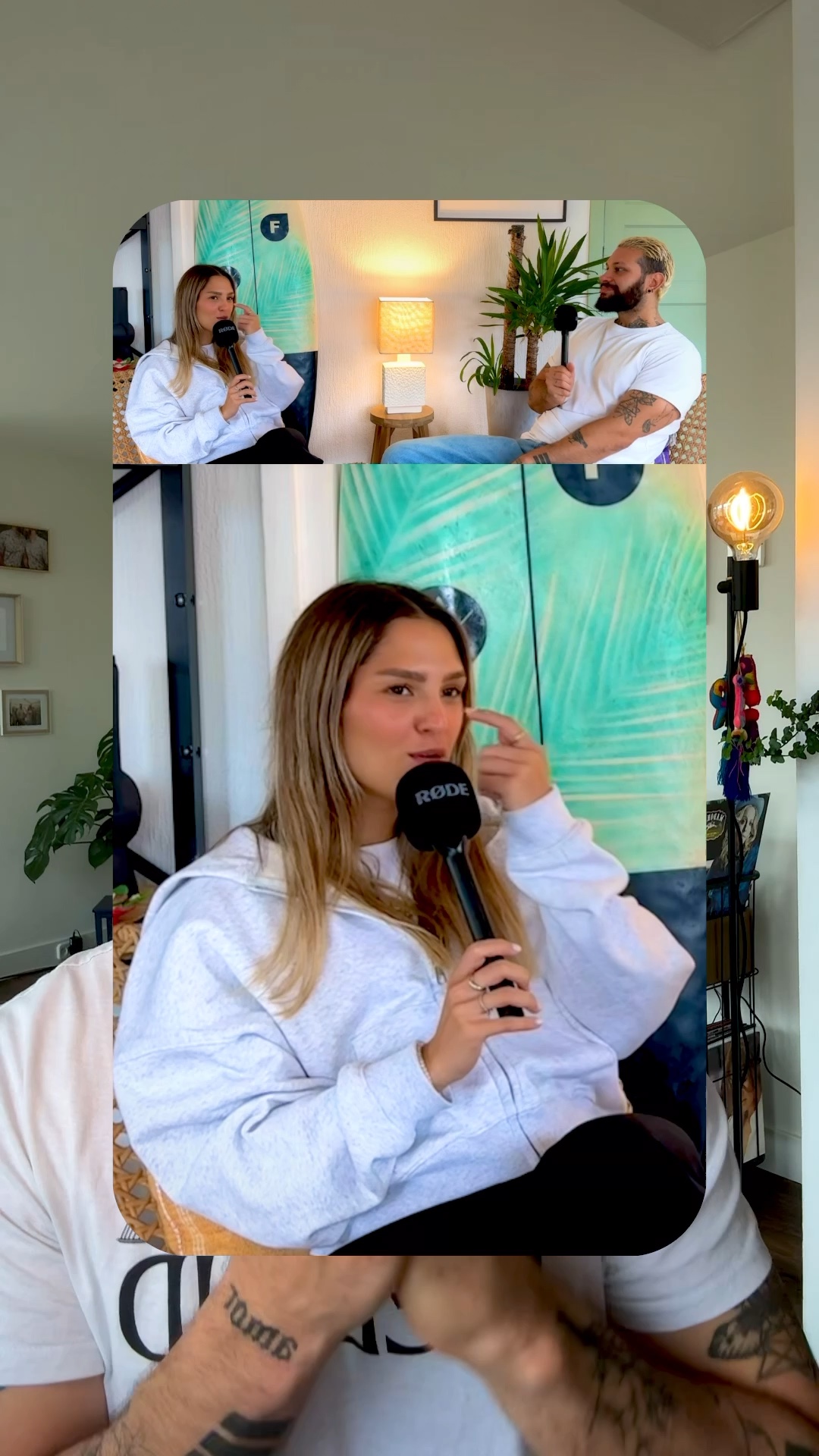
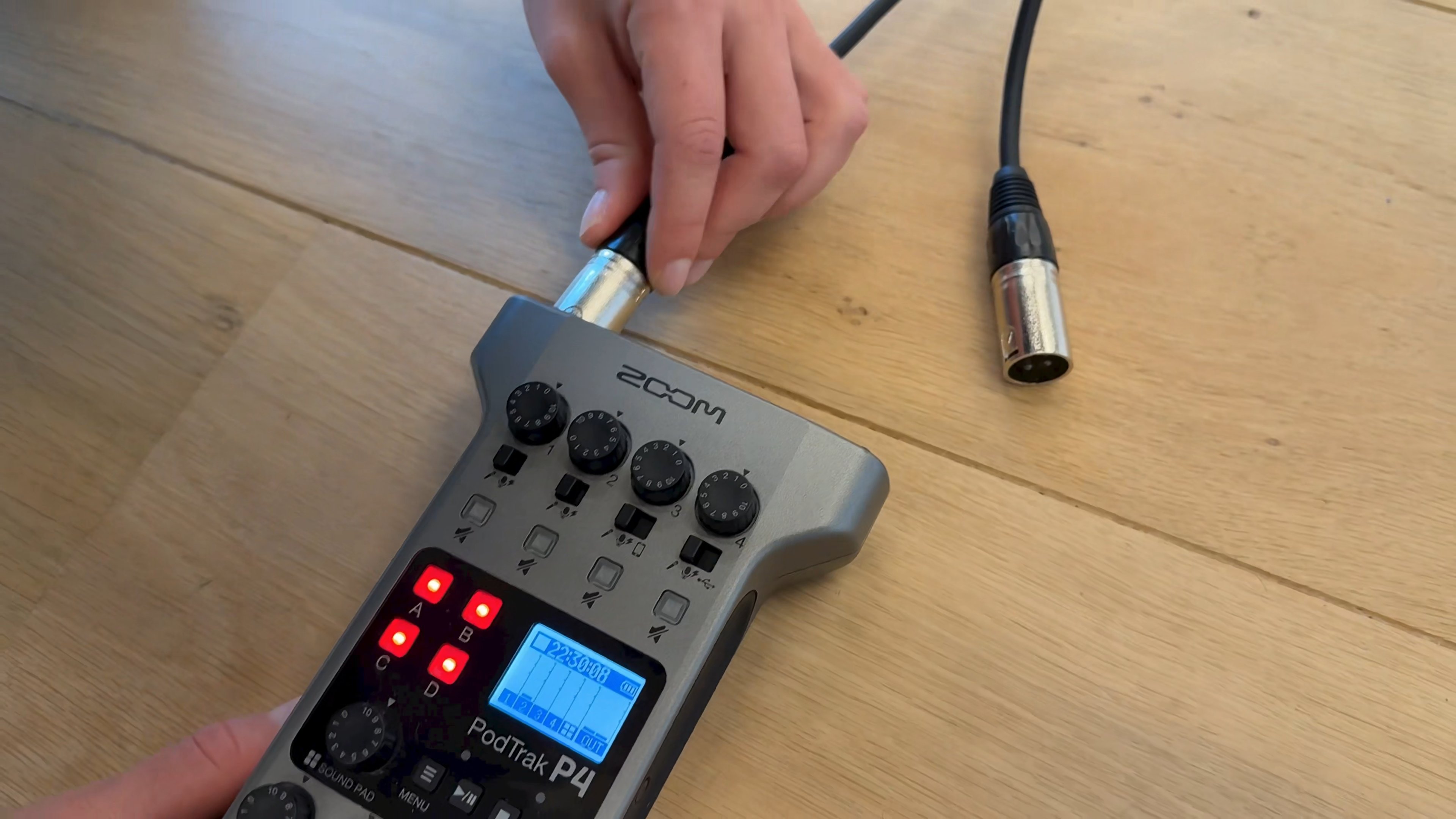
A practical walkthrough of creating professional podcast videos using two iPhones, Detail app, and external audio recording equipment.
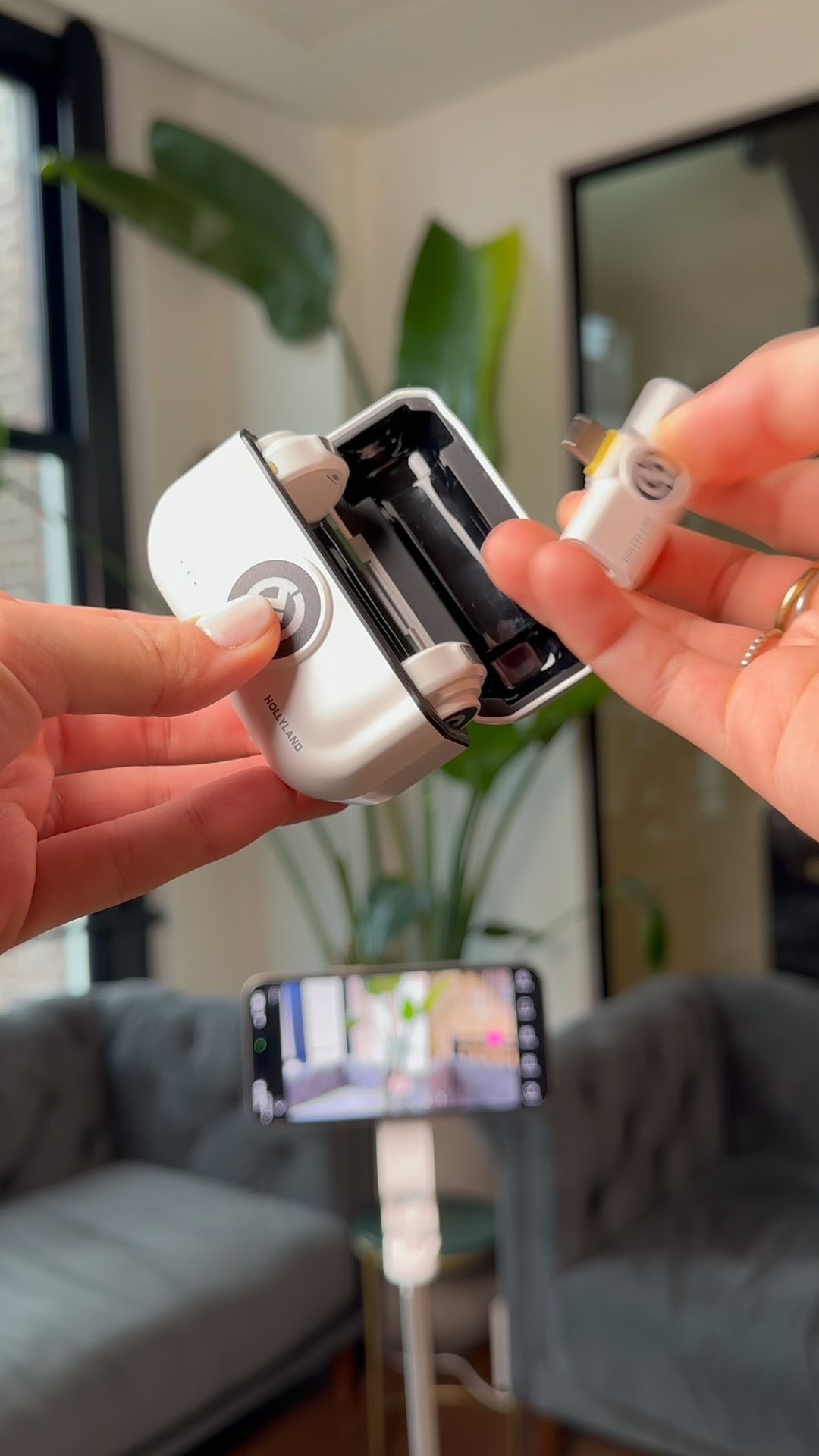
A tripod, a HollyLand Lark M2, and the Detail app are all you need to record and edit a podcast video entirely on your iPhone.
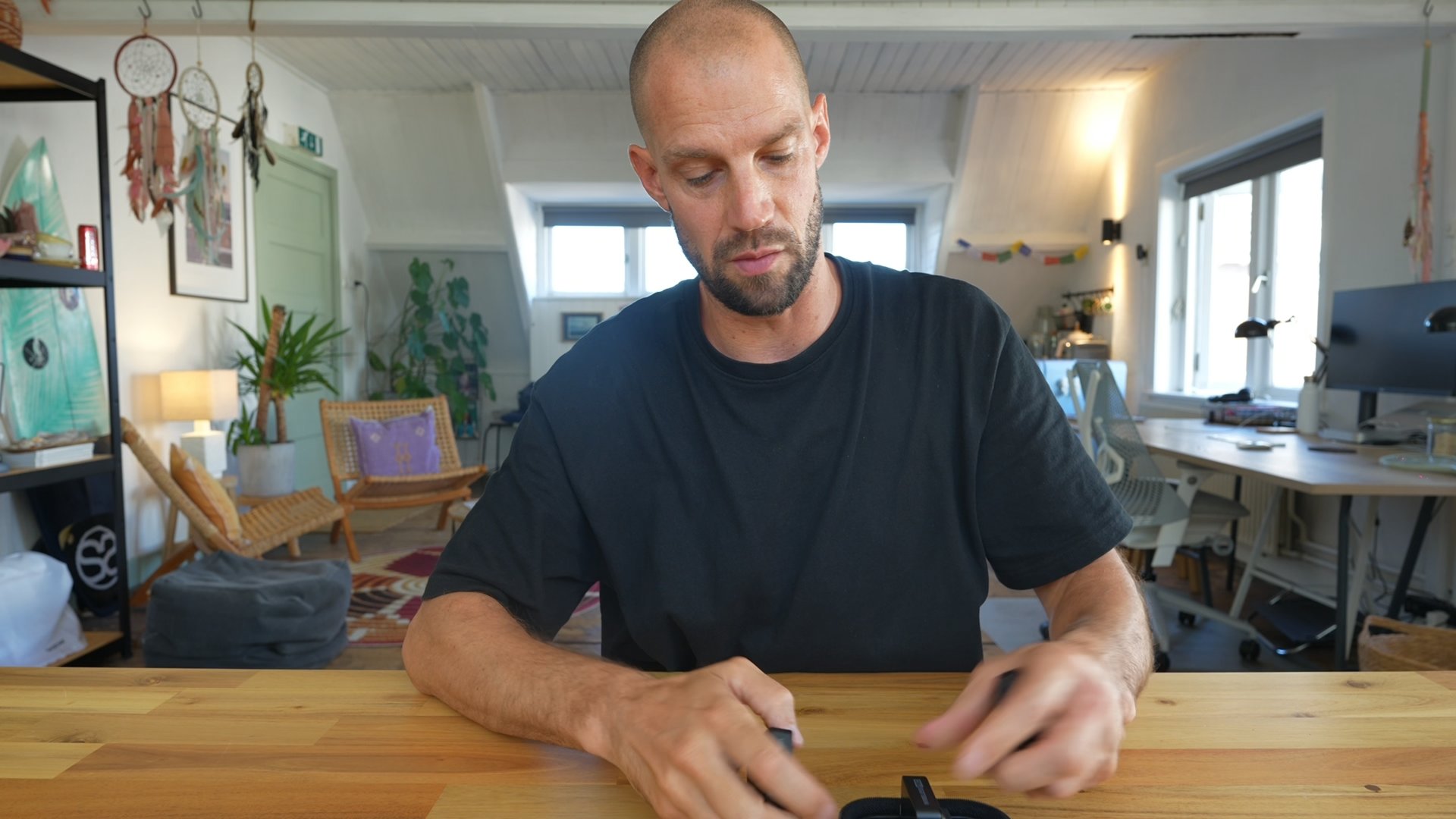
Learn how to record and edit professional podcasts using only your iPhone, one app, and minimal equipment. No experience needed.
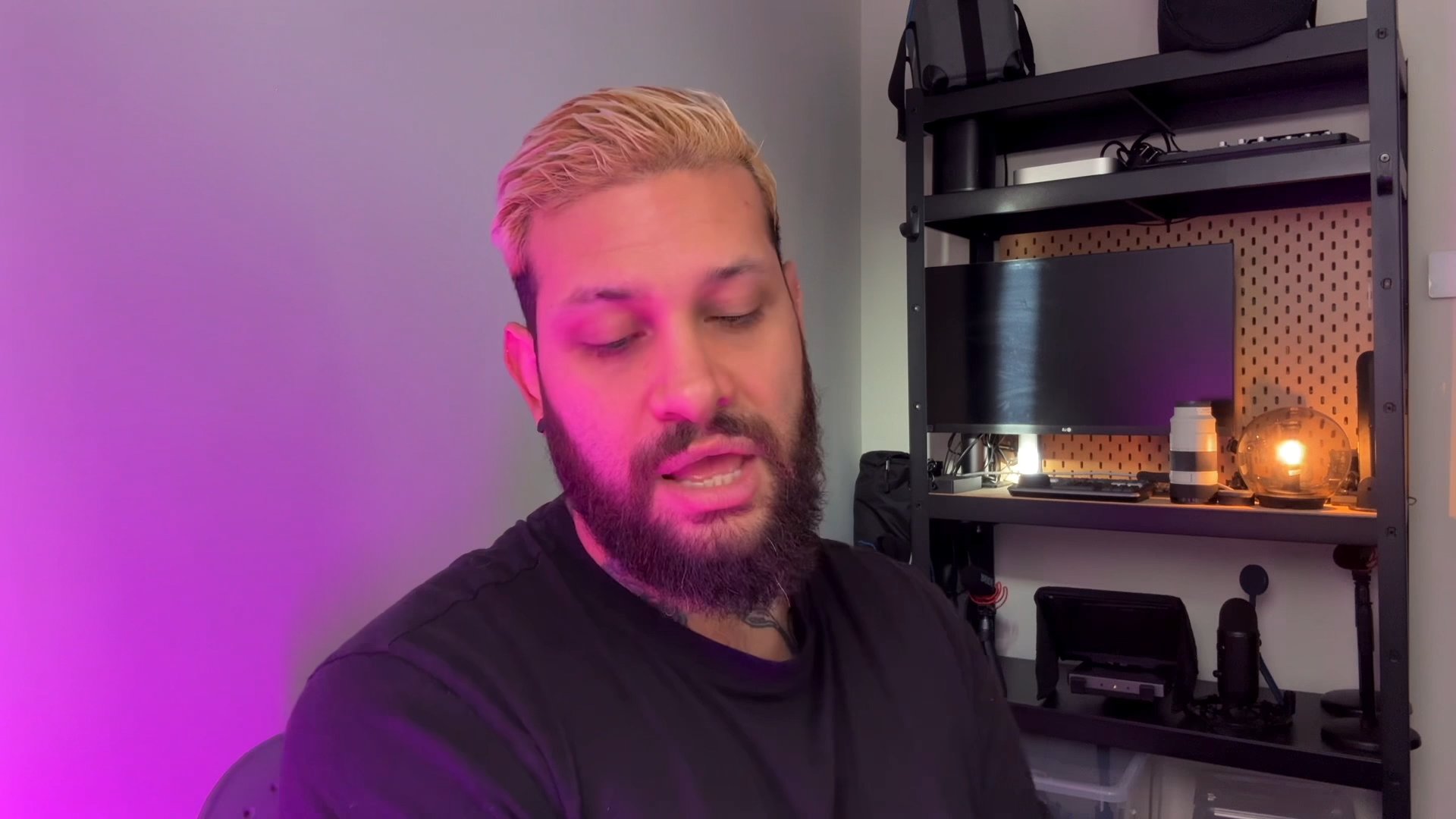
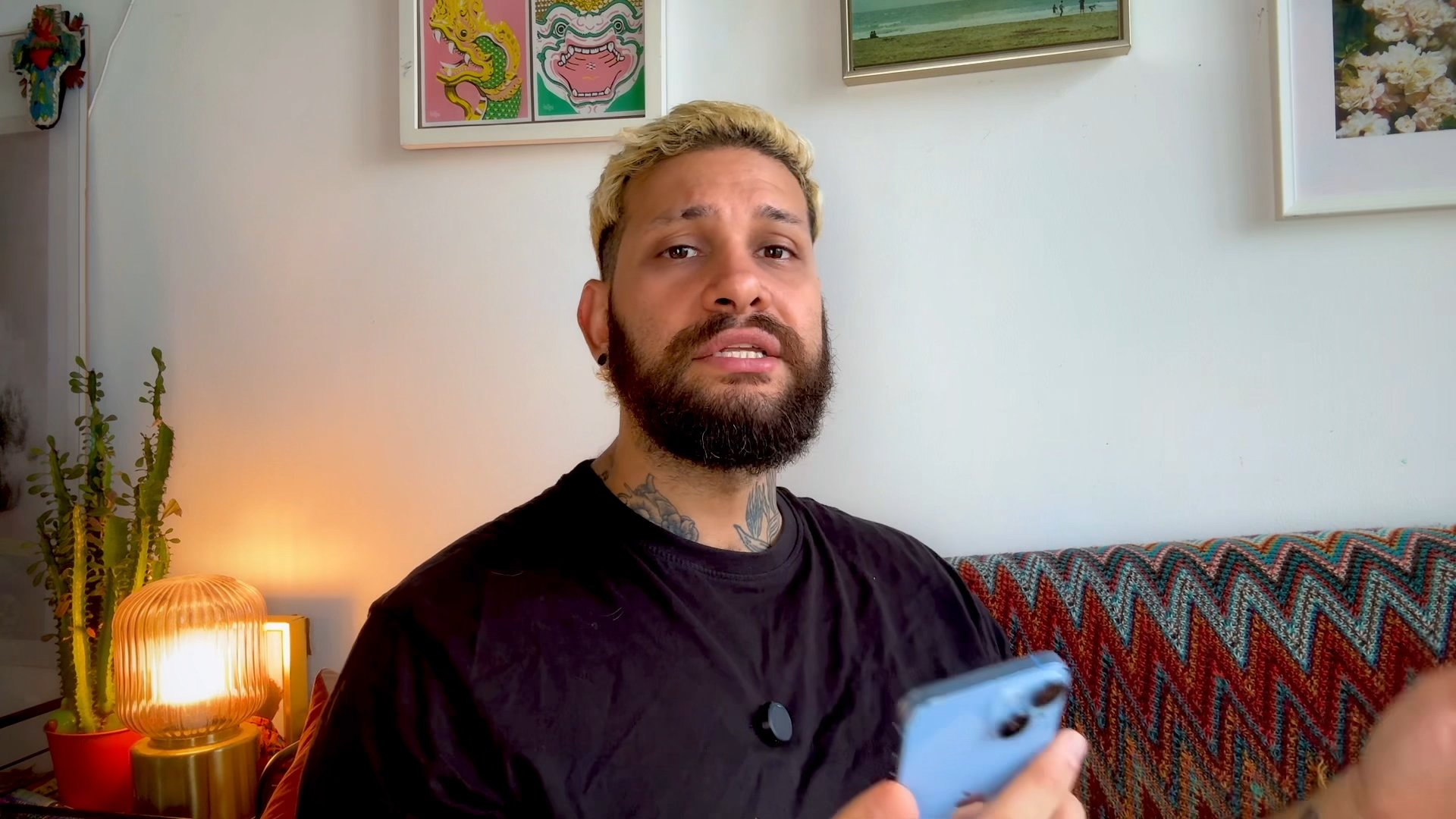
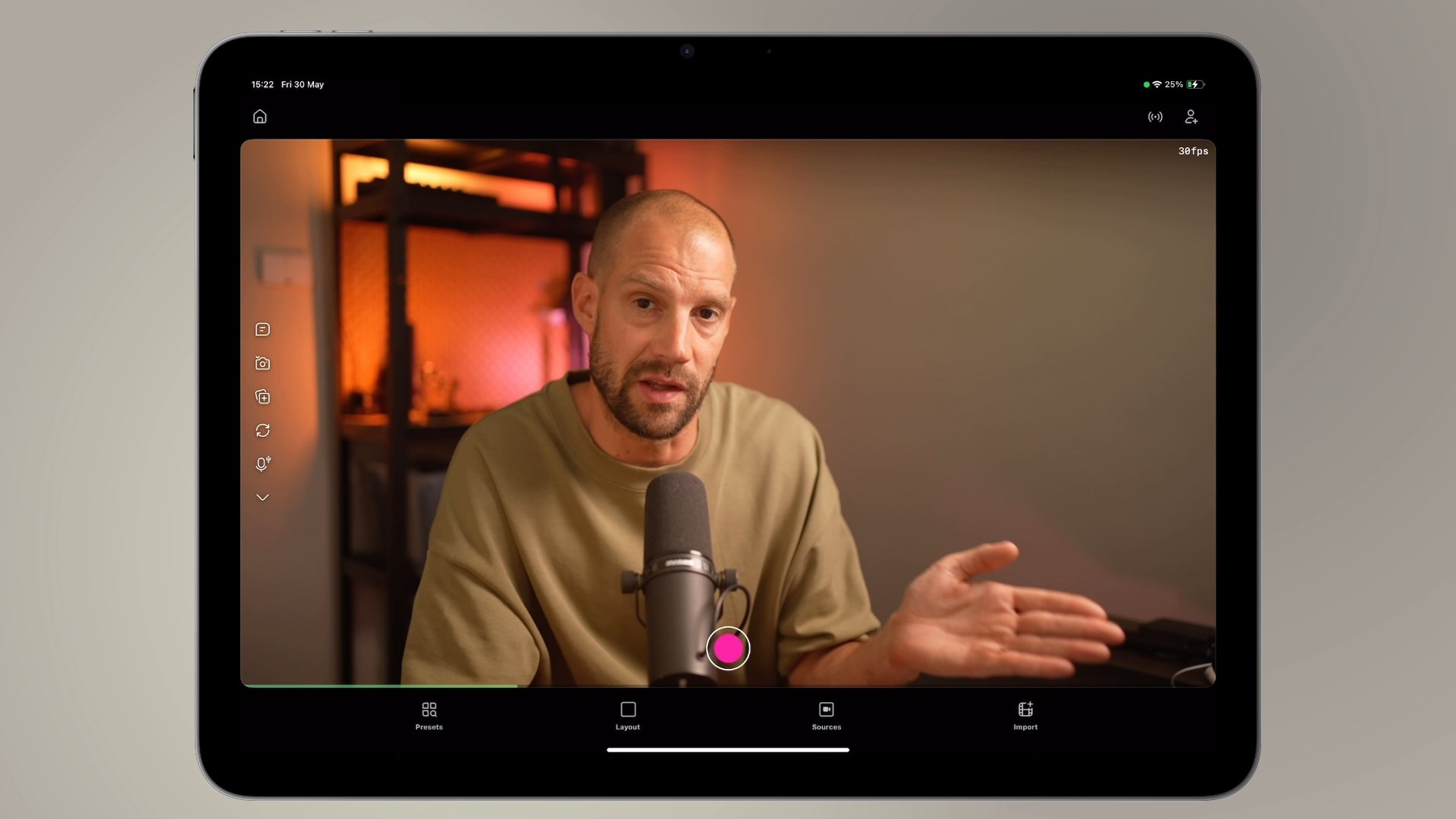
Learn how to turn your iPad into a complete podcast studio using the Detail app, dual cameras, and wireless microphones for professional results.
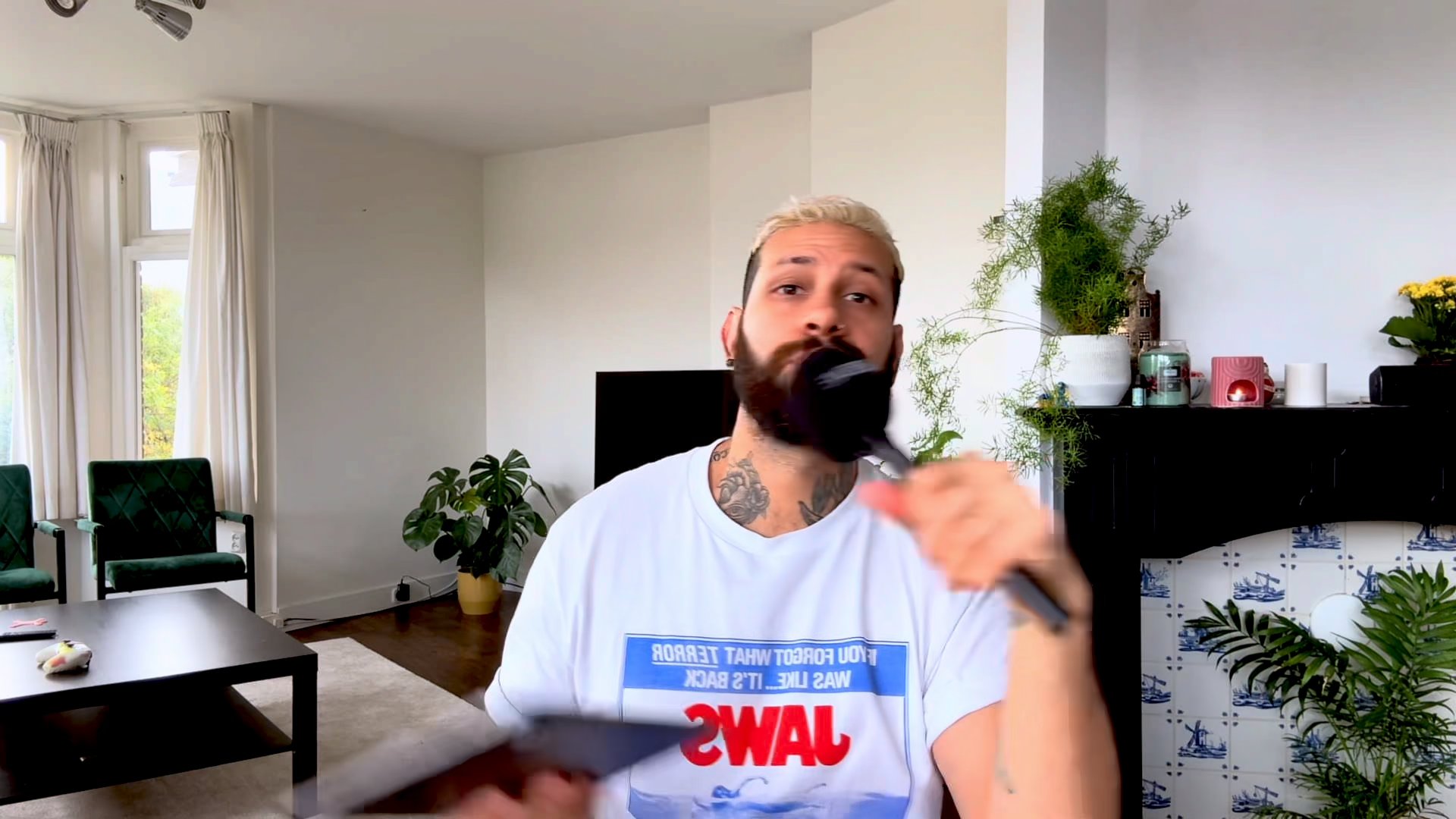
Learn how to record remote guests on Detail even when they don't have an iPad or iPhone using this cross-platform browser workaround.