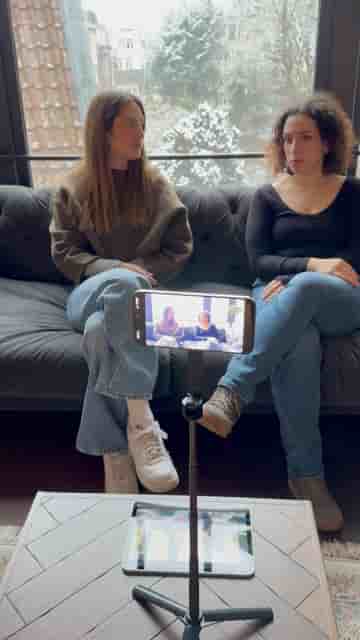
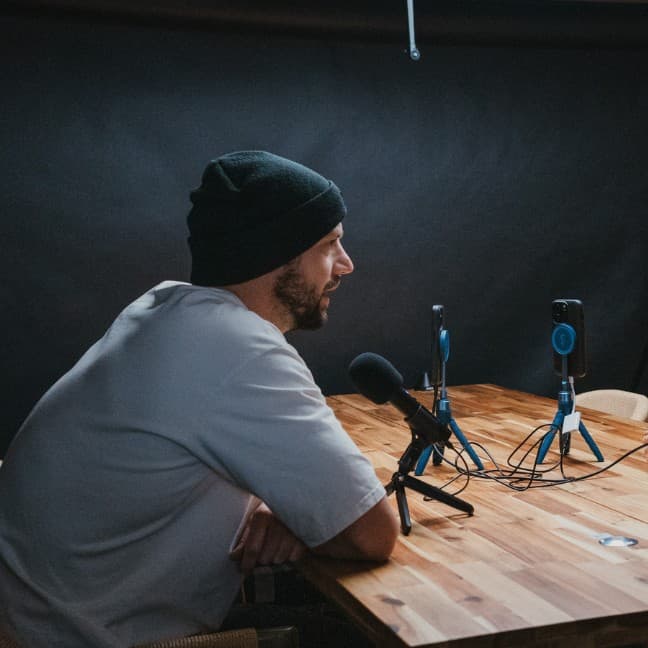
Your iPad can act as a second monitor for podcast recording in Detail, with just a few taps to connect both devices.
Running a podcast from your iPhone and wishing you had a bigger screen to keep an eye on things? Your iPad can fill that role, and the setup takes about a minute. The app that makes it possible is called Detail, available free on the App Store.
Start by opening a new project on both devices. On each one, tap the three dots in the top right corner and select Connect. From there, choose a layout — pick the single layout on both devices — and then swap sources. That's the whole thing. Your iPad is now connected to your iPhone and acting as a second monitor for your podcast session.
Open a new project on both devices, connect, pick the single layout, swap sources, and you're done.
Detail is built for exactly this kind of multi-device setup. Rather than being locked to one screen, you can split your workflow across iPhone and iPad — keeping your recording controls on one and your monitor view on the other. For podcasters who want a cleaner, more professional setup without buying additional hardware, it's a practical shortcut that costs nothing extra beyond the app itself.