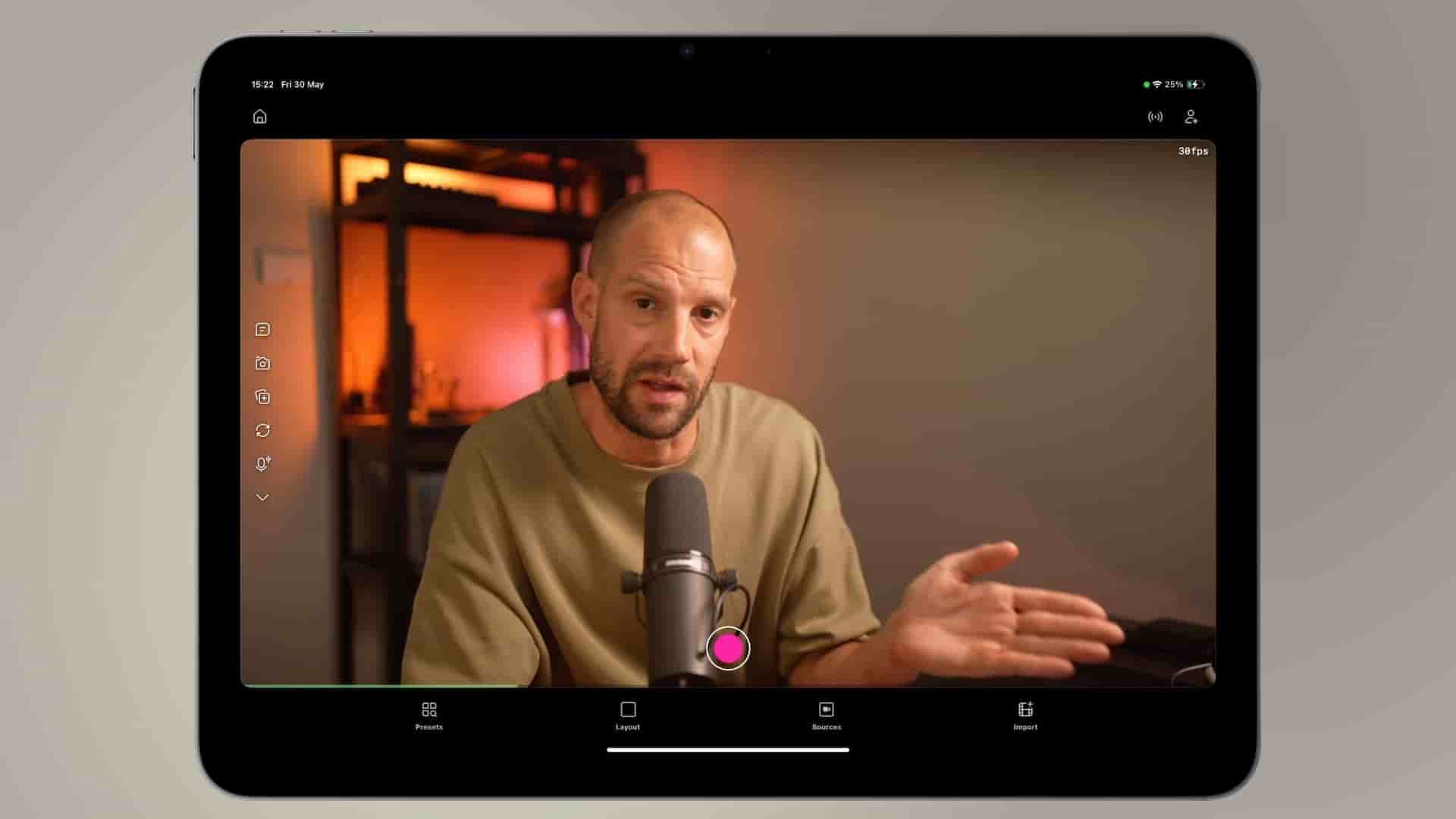
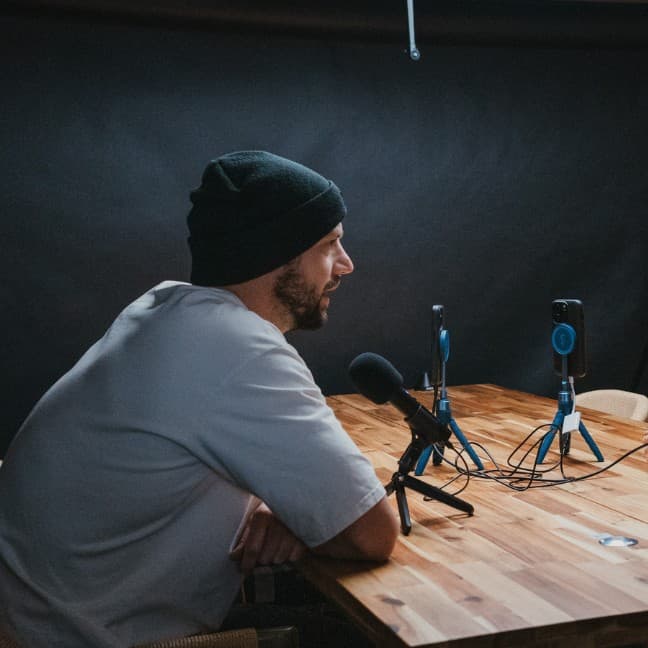
Learn how to record remote guests on Detail even when they don't have an iPad or iPhone using this cross-platform browser workaround.
Hey, this is Frank from Detail, and I want to show you a really cool hack that makes recording remote guests way more flexible than you might think. While the host still needs to run Detail on an iOS device, your guest can join from literally any browser on Android, Windows, or even a Chromebook.
This is one of those features that opens up your recording possibilities significantly. Not everyone has an iPad or iPhone, and that shouldn't limit who you can interview or collaborate with.
The process is surprisingly straightforward. On your iOS device running Detail, tap the plus person icon to open the connection sheet. From there, hit share link. You'll see options to copy it or send it via AirDrop (which is Apple technology), but you can also copy it manually and send it through any messaging platform like Signal, WhatsApp, or Telegram.
The beauty here is that once your guest has that link, they can open it on whatever device they have handy. I tested this using Chrome on my MacBook, but this works equally well on Android, Chromebook, or Windows machines.
When your guest opens the link, they'll first see a prompt to download Detail for iOS. But here's the key: they can simply click "join in browser" instead. The interface lets them select which camera to use, adjust their settings, and then join the video call.
Just like when you're recording with two iOS devices, the footage from the guest will be uploaded to Detail and will be downloaded on your iOS device so you can start editing right away.
One important tip if you're testing this locally like I did: make sure to mute yourself if your laptop and iPad are nearby. Otherwise, you'll create an audio feedback loop that nobody wants to deal with.
Now, let's talk about quality. When I tested this using my laptop's FaceTime HD camera, the quality was a little bit mediocre. But that's not a limitation of Detail itself. You can absolutely upgrade the quality by using a higher quality webcam or even connecting an external DSLR. The platform supports whatever camera your guest has access to.
Once you hit record, everything works seamlessly. The footage from the guest gets uploaded to Detail and downloaded to your iOS device automatically. Here's an important note: make sure your guest doesn't close the browser just yet after recording ends. The upload needs to complete first.
When you scroll back and forth on the timeline in Detail, you'll notice that the proxy file gets replaced with the high quality version. This means you're not stuck editing with compressed preview footage. You get the full quality upload for professional editing.
This cross-platform capability really changes the game for Detail users. You're no longer limited to only interviewing people who own Apple devices. Whether your guest is on Android, Windows, or any other platform with a modern browser, you can capture high quality footage and edit everything seamlessly on your iOS device.
I think this is a really cool hack for expanding your recording possibilities without compromising on quality or workflow. Happy creating, and I'll catch you on the next one.