Apple's new dual camera feature is exclusive to iPhone 17, but Detail lets you do it on iPhone 13 and newer with even better editing flexibility.
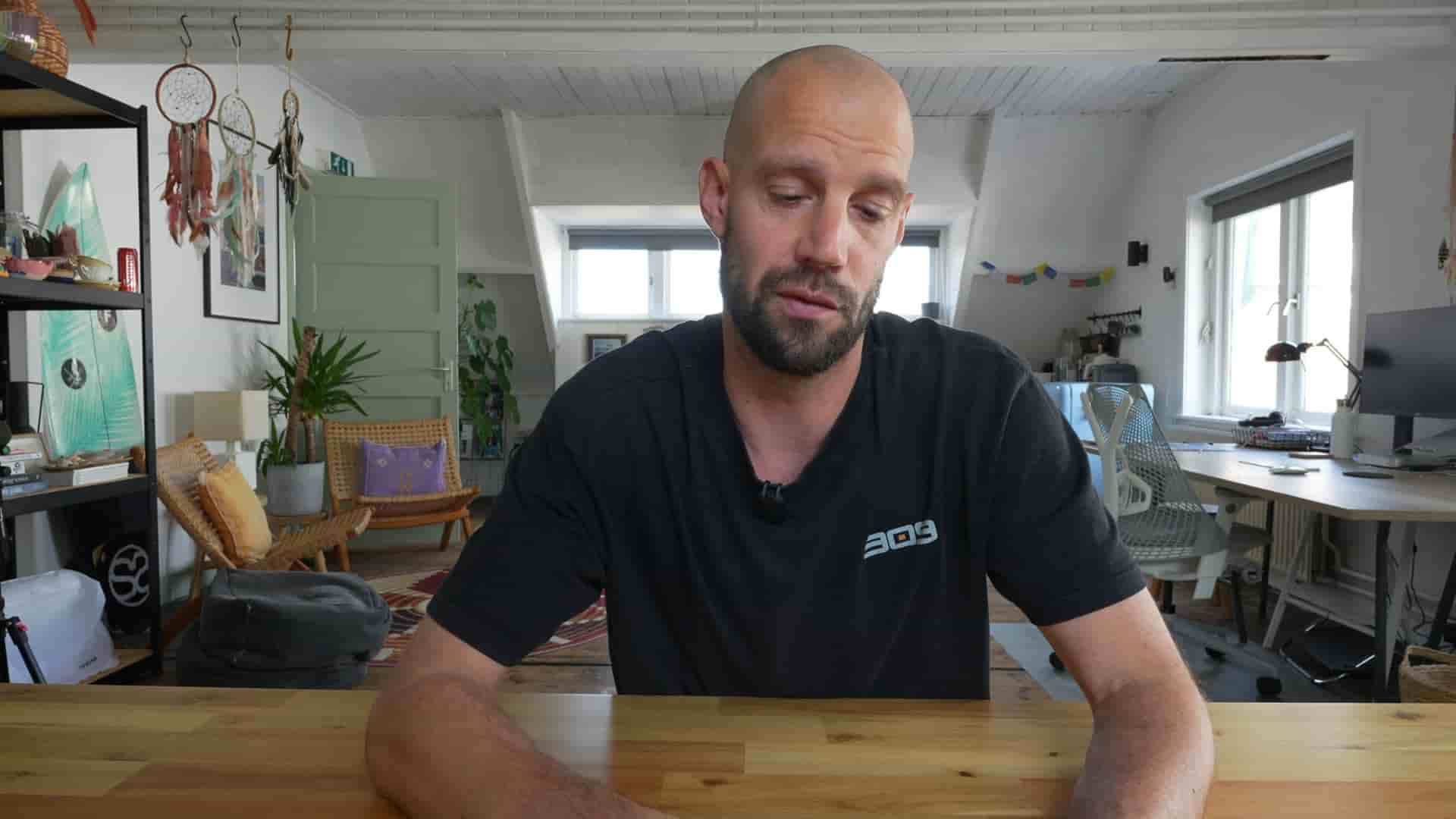
Hey, it's Frank from Detail, and I want to talk about something that's been bugging me a bit. Apple just introduced this new dual camera feature in iOS 26, and spoiler alert, it only works on the iPhone 17, 17 Pro, or iPhone Air. But here's the thing: you can actually do this with your iPhone 13, 14, 15, or 16 if you're using Detail. And honestly? Our version is way more flexible.
Let me show you exactly how to set this up and why I think Detail's approach is actually better than what Apple is offering.
First things first, you'll want to download Detail from the App Store. Once you open it up, click on the plus button to open a new project. Right away, you'll see the selfie camera view (I'm screen recording this so you can see exactly what I'm doing).
Now here's where it gets interesting. Tap on "Layout" and you'll see a bunch of options: picture in picture, square layouts, round layouts, or even split screen. I love the picture in picture option, so let's go with that one. Hit OK, and you're ready to roll.
The only thing you need to do now is press record and do your thing.
Here's what really matters and why I think Detail's approach is superior. When you're using iOS 26 and the iPhone 17 version, what you see is what you get. It's a baked in version. For me, that's actually not really interesting at all.
With Detail, we've been doing this for the last couple of years (so if you're new to the channel, pay attention to this part). Once you stop recording, you can go back in time, select any portion of your video, and make changes. Maybe you didn't like that layout. Maybe you just want to go selfie only for that section. You make a cut, then switch to picture in picture. Then maybe you want to make another cut and go to the rear camera only, or maybe split screen.
You're filming with the front and back camera, and once your recording is done, you can go back in time, start editing it, and decide what you want to show where.
You can even relocate where the images appear on screen. The flexibility is incredible.
This is called ISO recording. That means we're recording with two cameras at the same time. Apple can also do this, but what you see is what you get. It's baked in. And it's only exclusive to the iPhone 17 series: iPhone 17, iPhone 17 Pro, and iPhone Air.
Look, I think it's a great feature. It's cool that Apple implemented this. But it's weird that they actually don't do the ISO recording properly. With their version, you cannot change anything afterwards. With Detail, you can do this with your iPhone 13 if you want, and it works perfectly fine.
Maybe another thing as well, a nice bonus trick: you can also mask yourself. This is a little bit more GPU intensive, but like I said, this is such a cool feature. And this is something we've already been supporting for a long time.
So I don't know what's the deal because dual recording with an iPhone, front and back camera, masking... it's all there. Go check it out. Detail App Store link down below.
I would say happy creating, and I'll catch you on the next one.