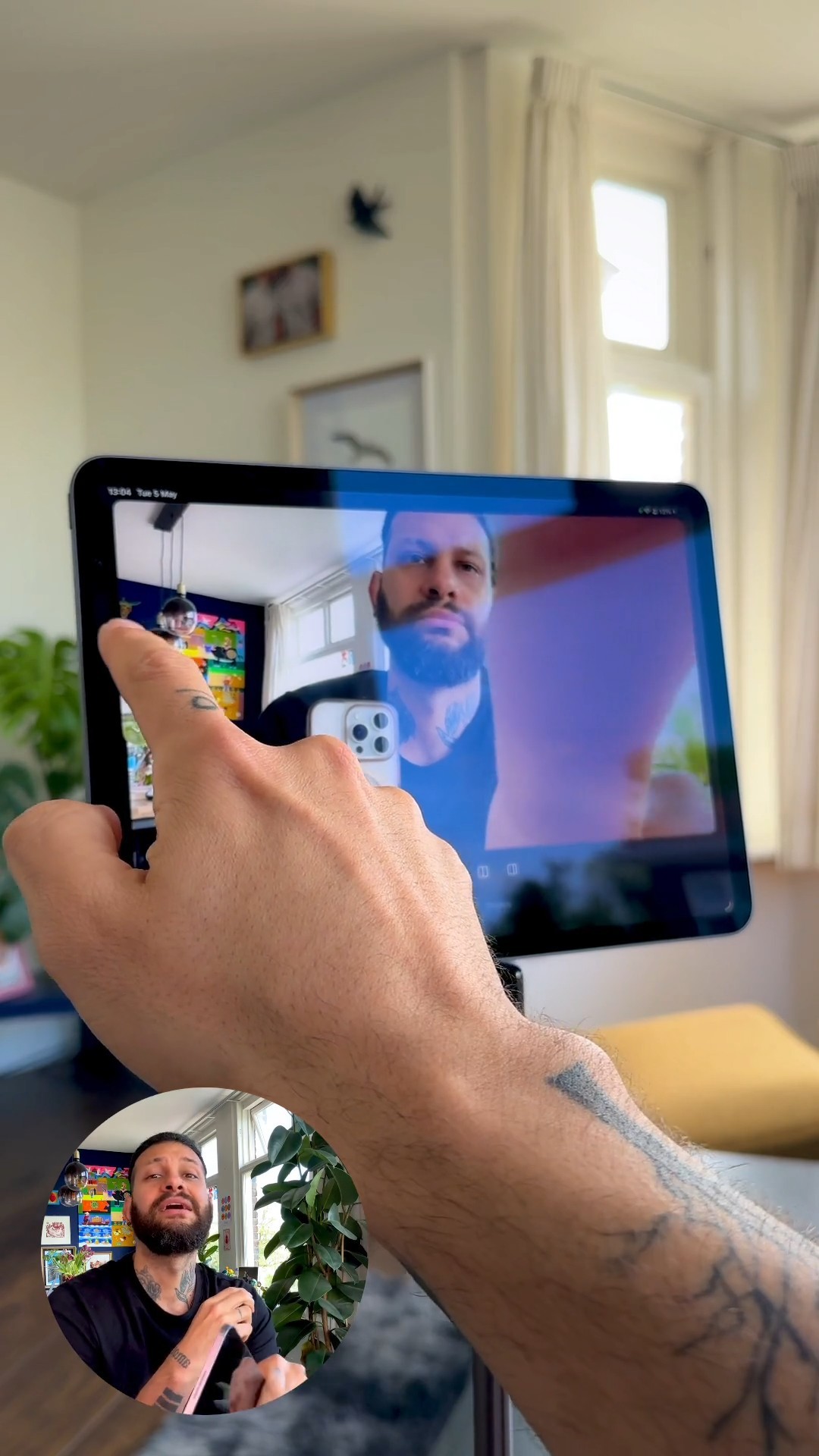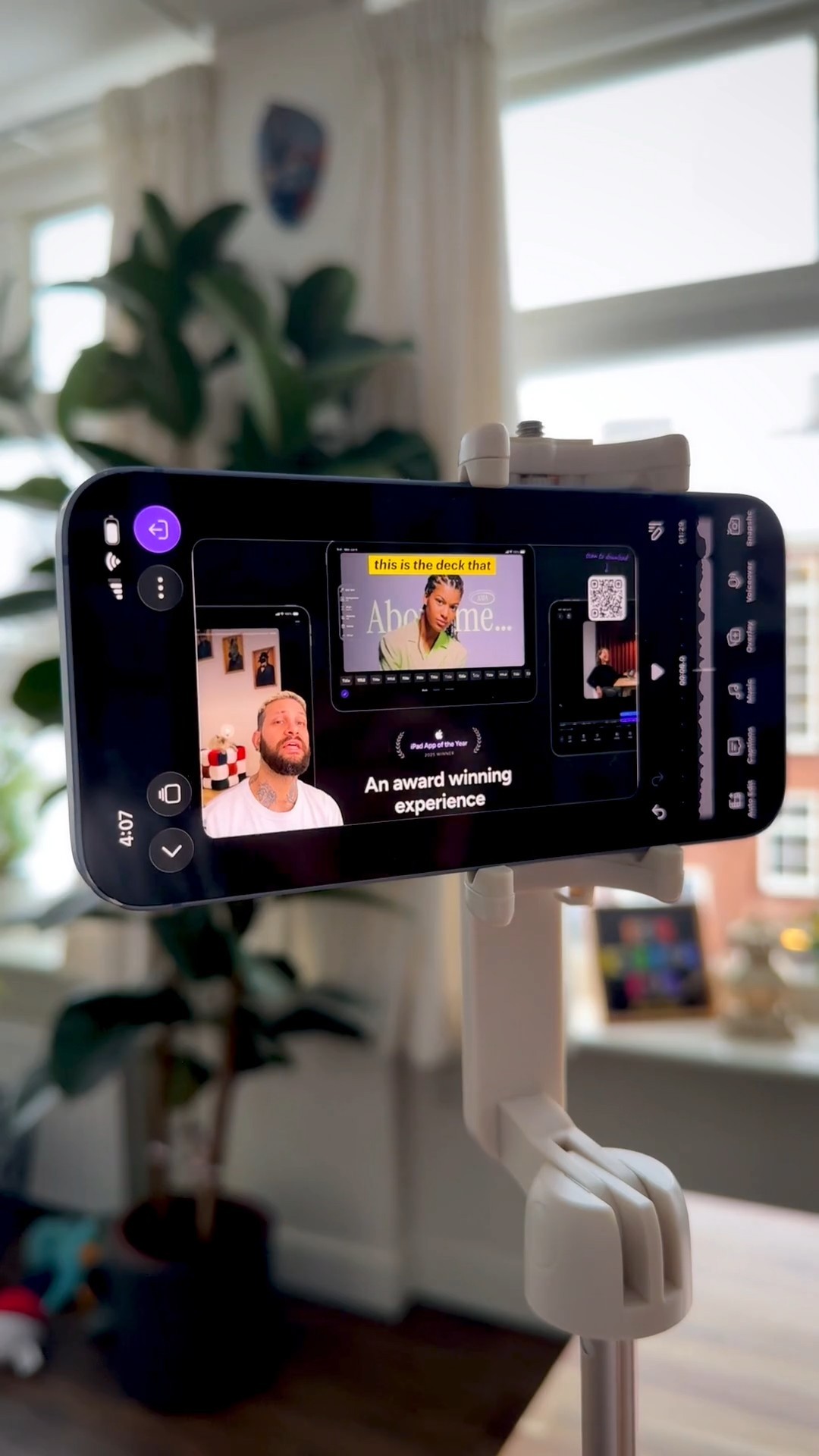
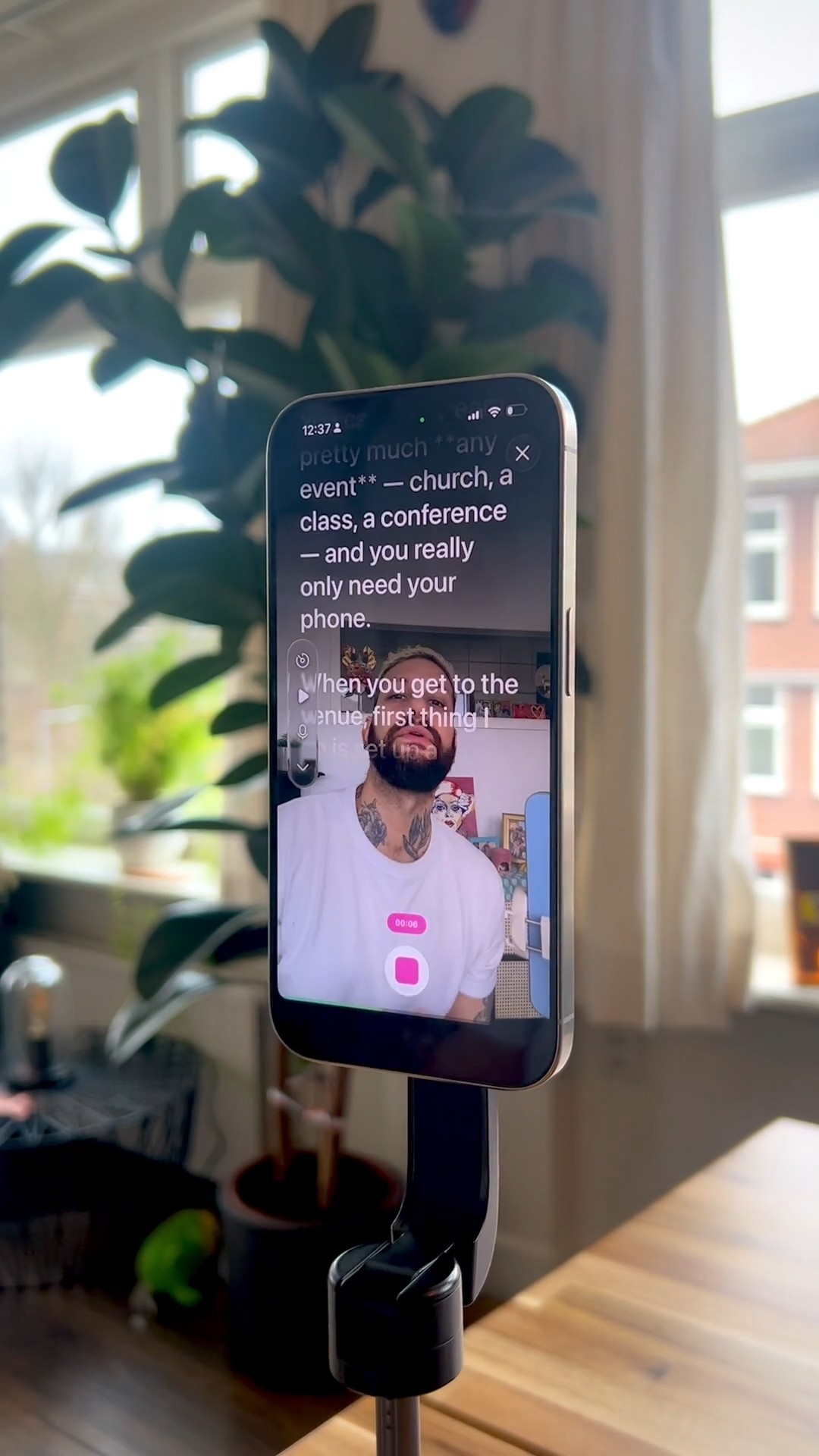
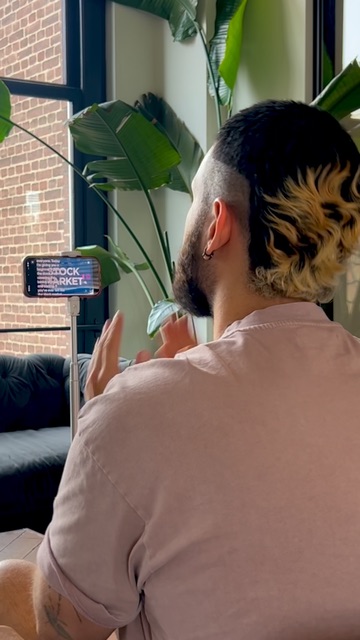
I use the teleprompter feature in the Detail app so I can record talking videos without memorizing a single line.
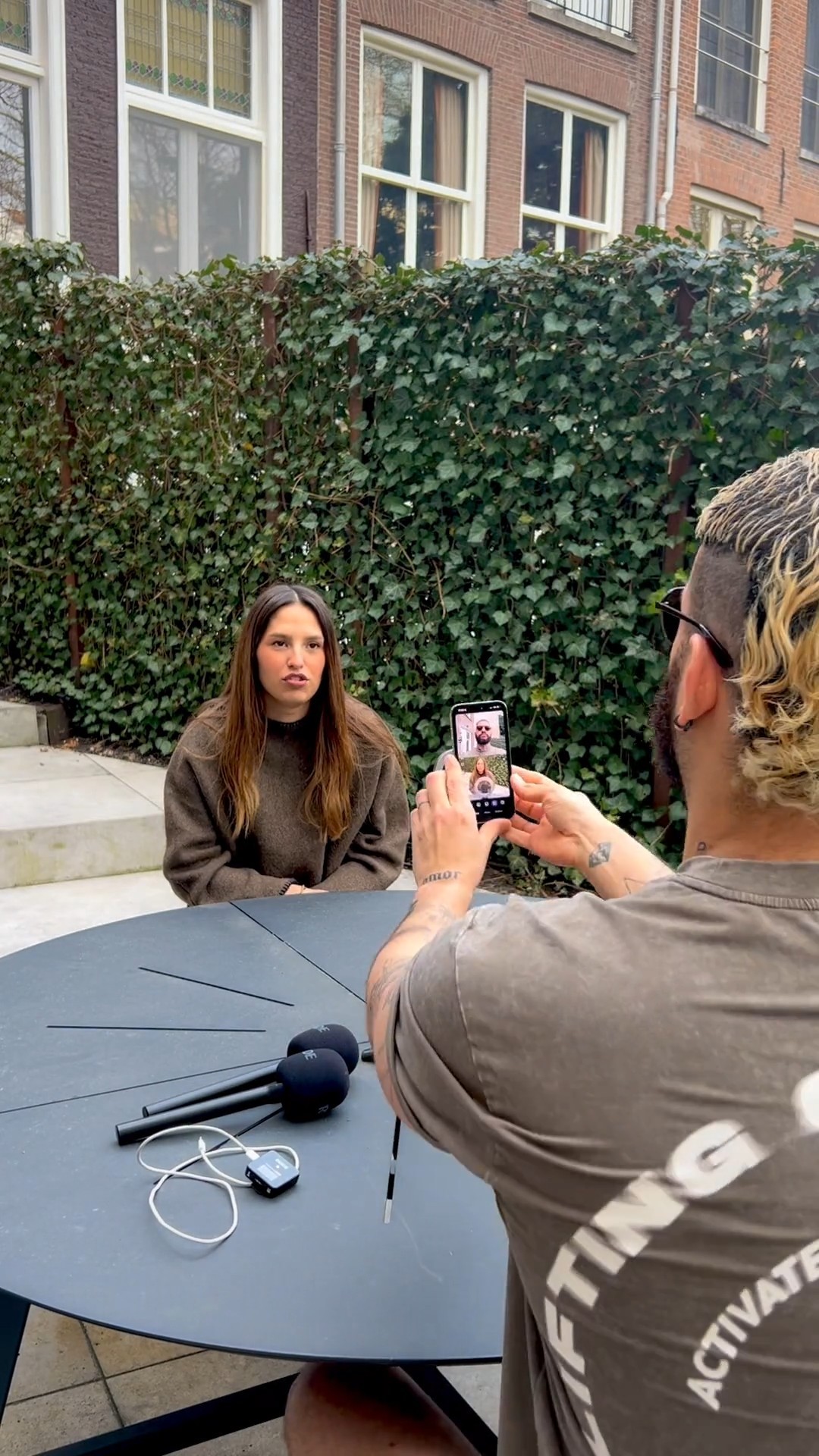
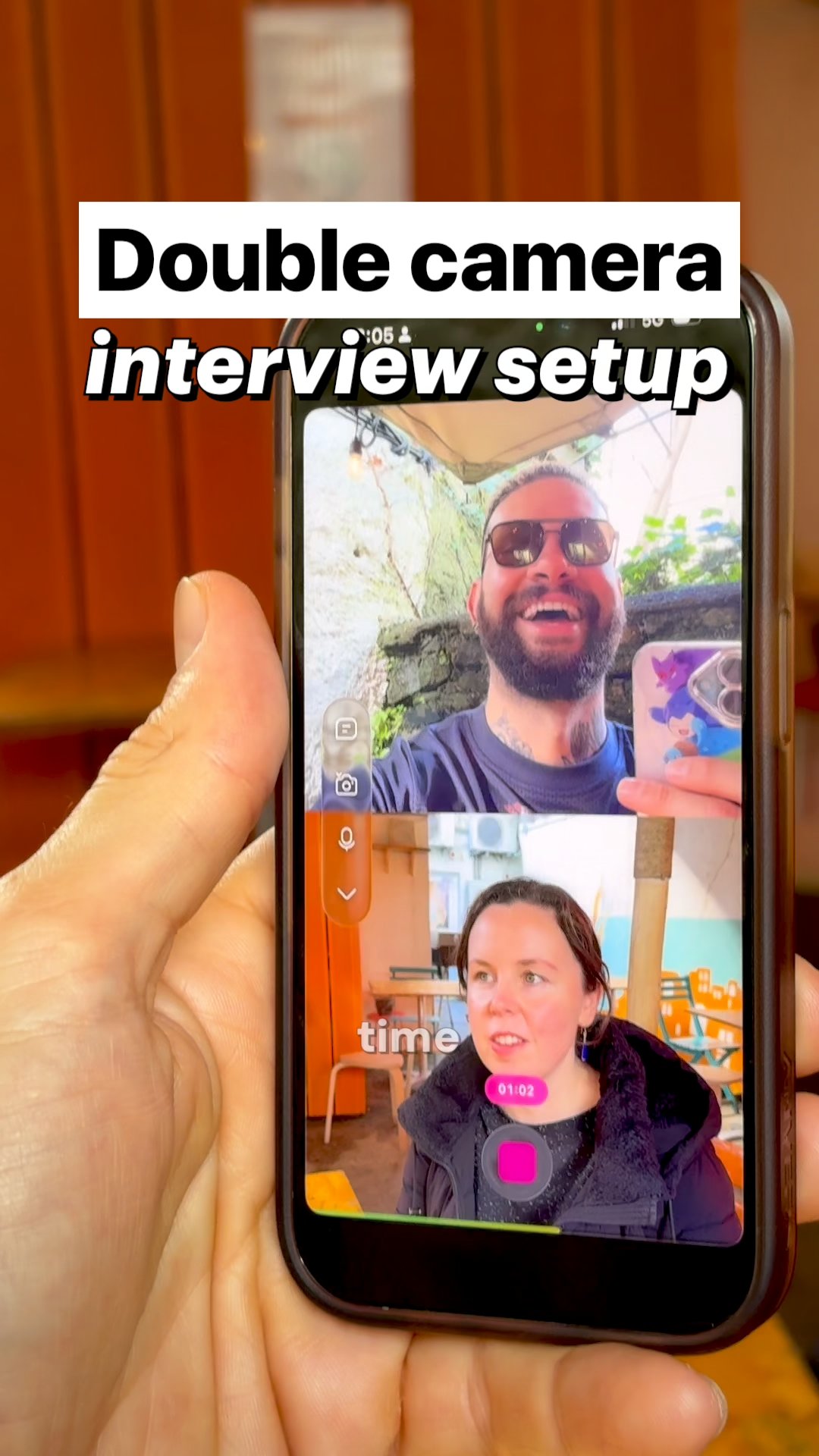
I film interviews with one phone by recording the front and back cameras at once in the Detail app. My guest and my reaction land in a single video.
One Subwave recording becomes a podcast, article, newsletter, and clips. This help center lists every guide, from account setup to growing and monetizing your channel.
Subwave turns one recording into a podcast feed, an article, a newsletter, and short clips. Setting up an account and channel takes about two minutes.
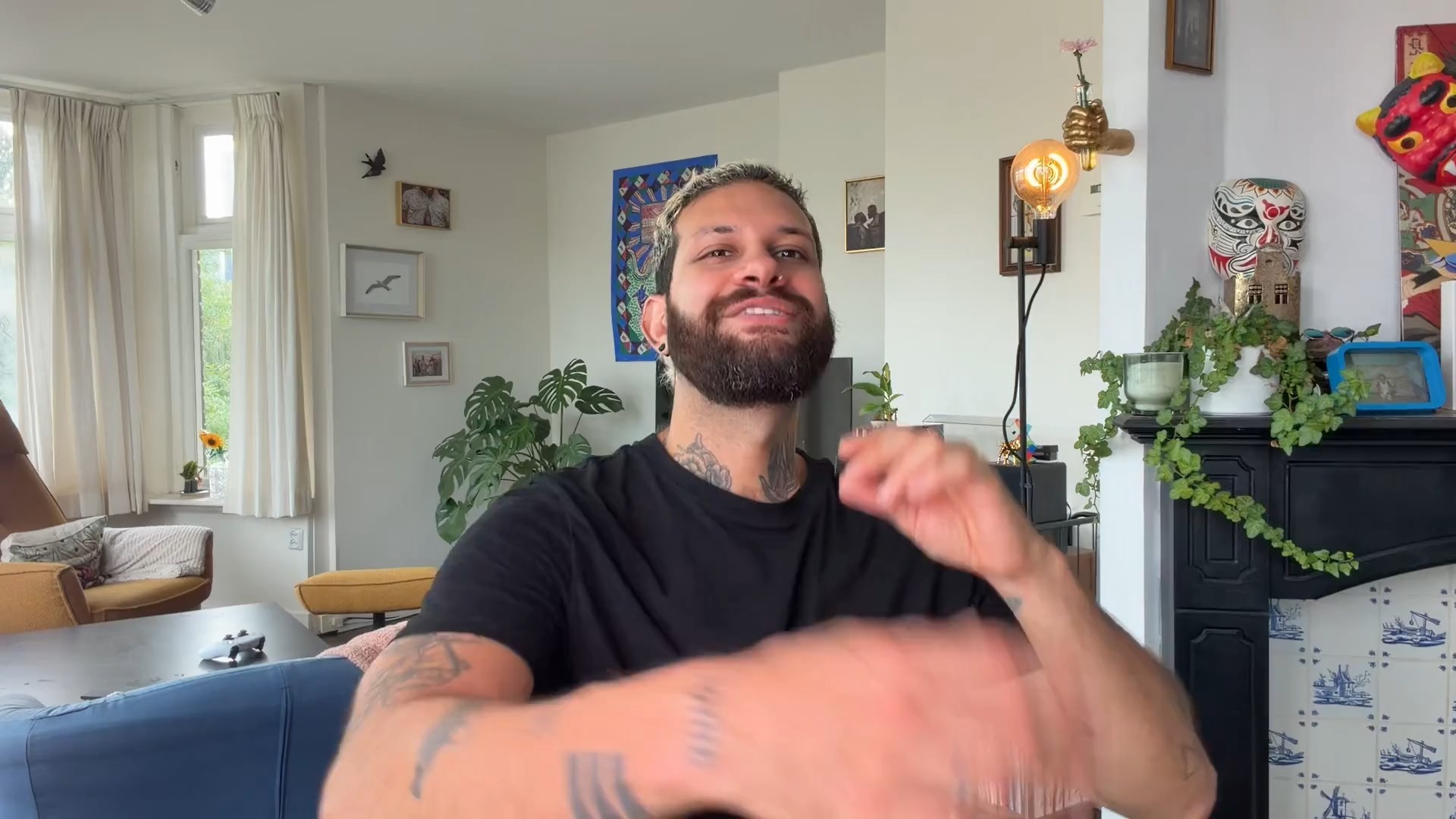
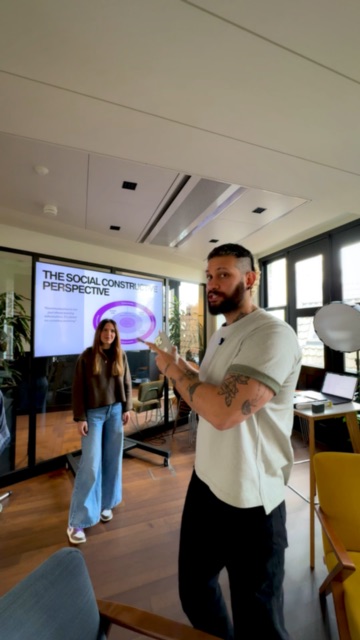
You can film a pitch video with slides and talking to camera using just your iPhone and the Detail app. No studio needed.
A phone, a tripod, and two mics are all you need to run a two-angle podcast from a small outdoor space.