
Subwave Academy
How to Connect Your Podcast RSS Feed to YouTube
Connect your podcast RSS feed to YouTube once through Subwave and every new episode appears on your channel automatically, with no manual uploads.
4m watchJun 18
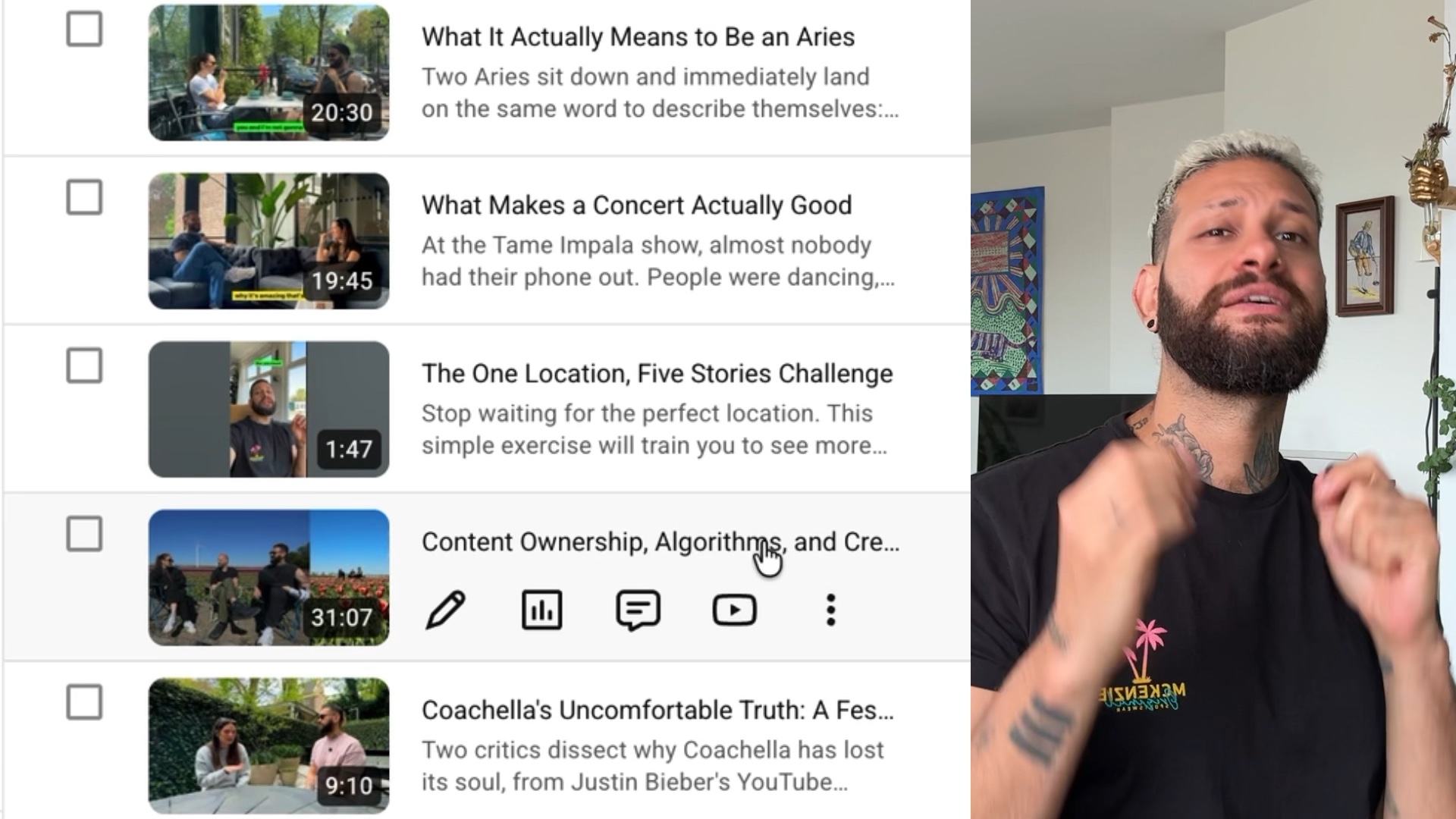
Connect your podcast RSS feed to YouTube once through Subwave and every new episode appears on your channel automatically, with no manual uploads.
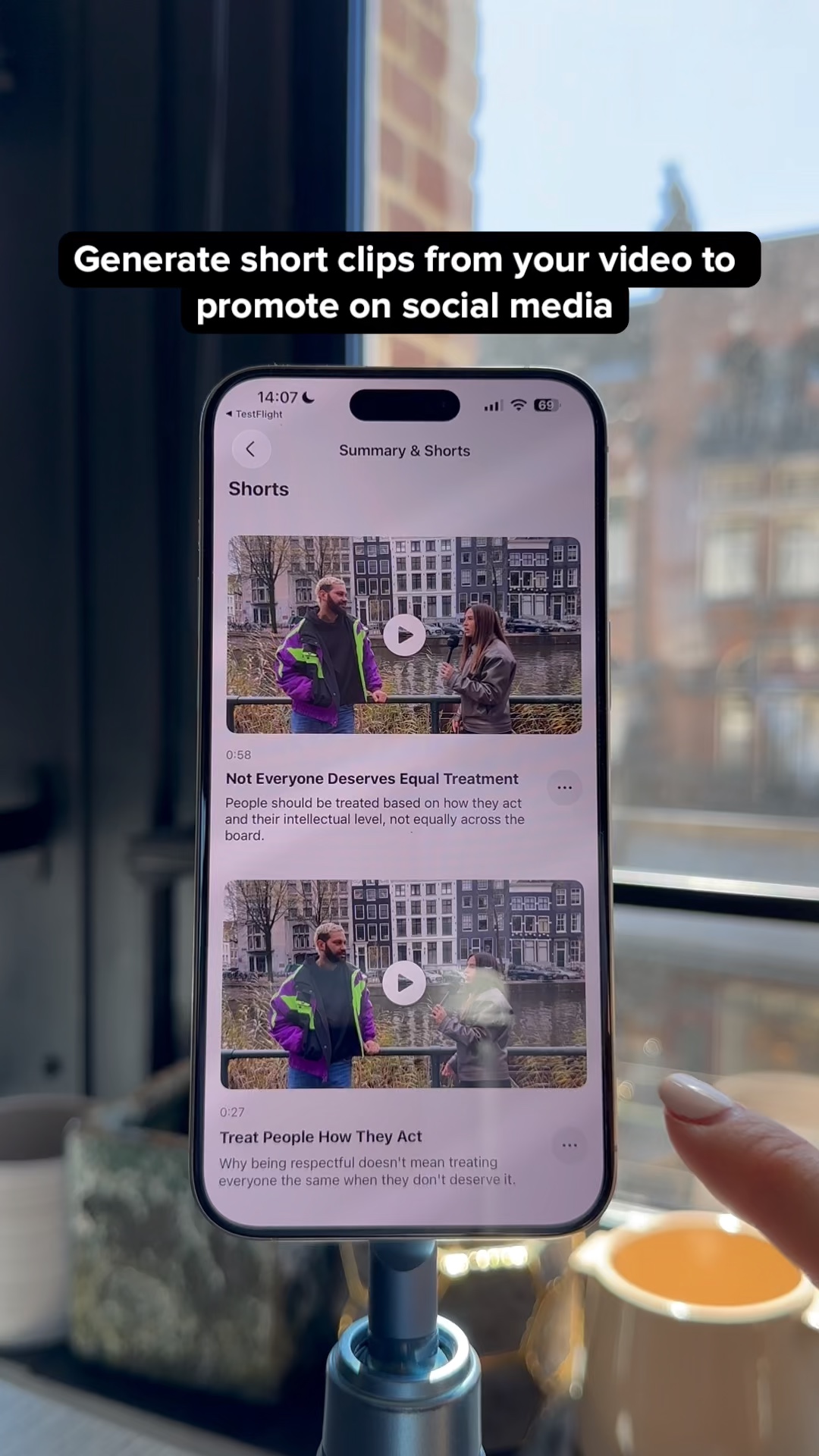
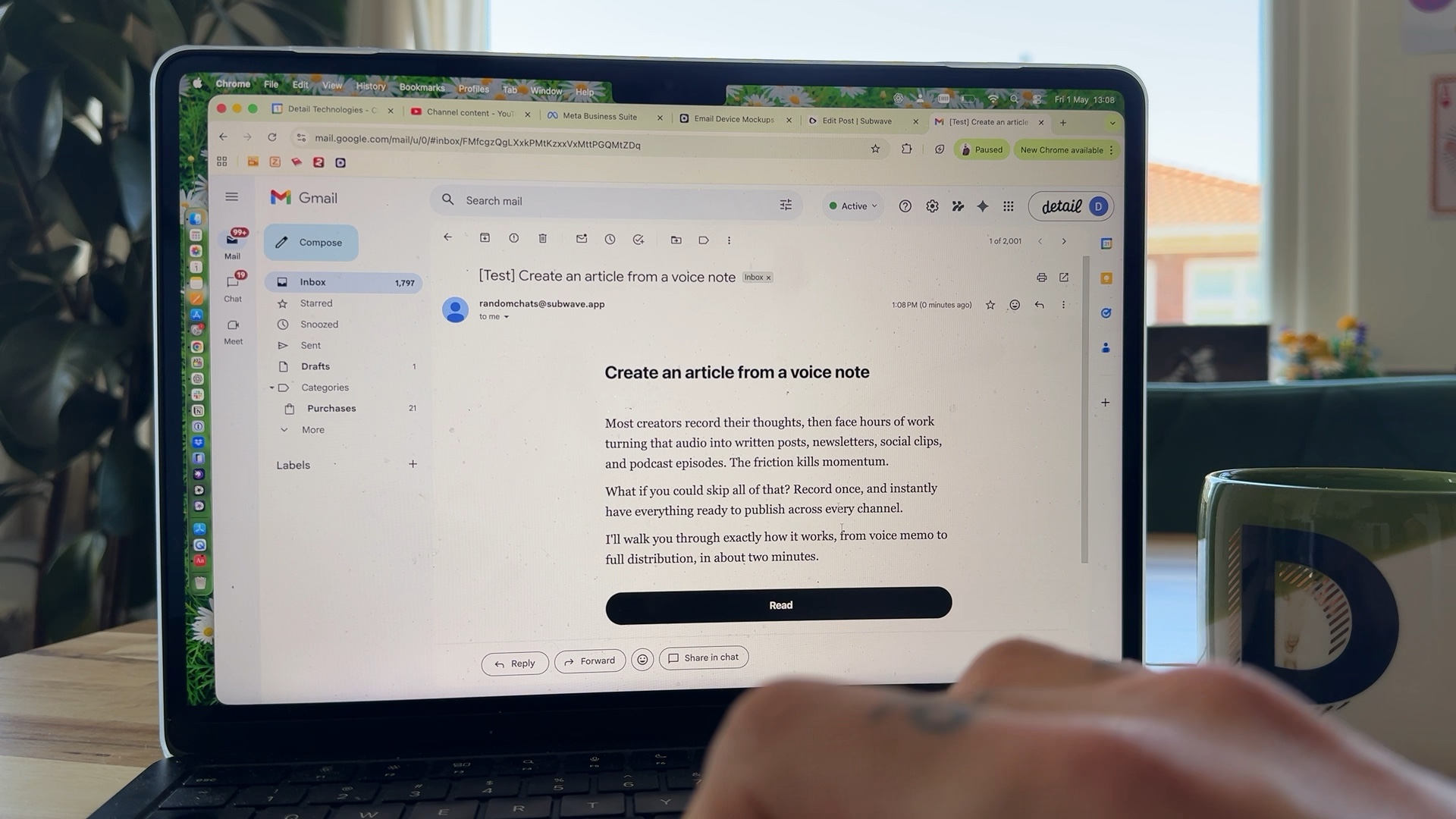
Subwave is a free podcast hosting app that distributes to Spotify, Apple Podcasts, and more, and generates titles, newsletters, and social clips from a single upload.
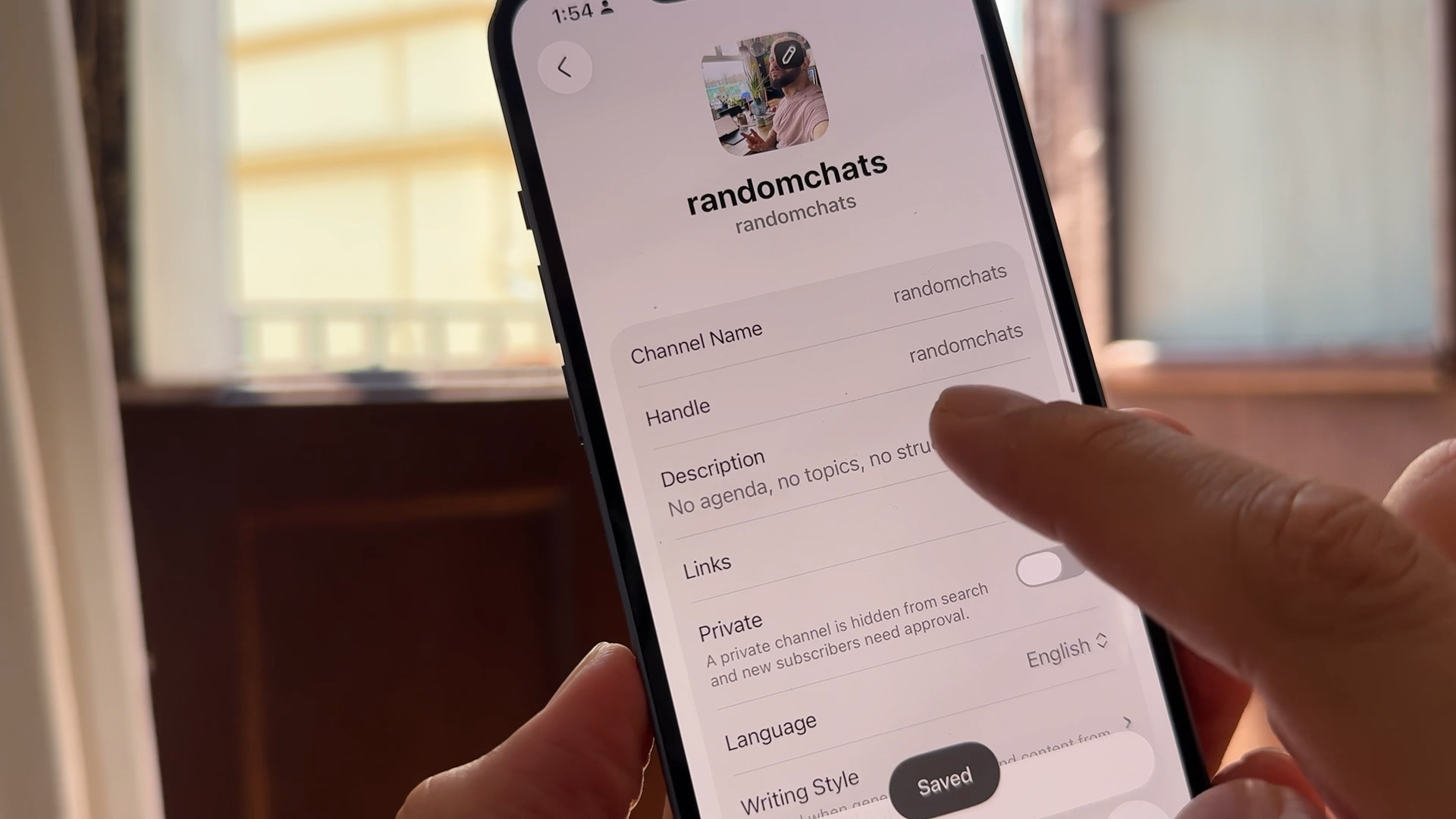
Frank published his first video podcast to Apple Podcasts in under 5 minutes using Subwave's RSS feed. You need three things: a Subwave account, some content, and an Apple ID.