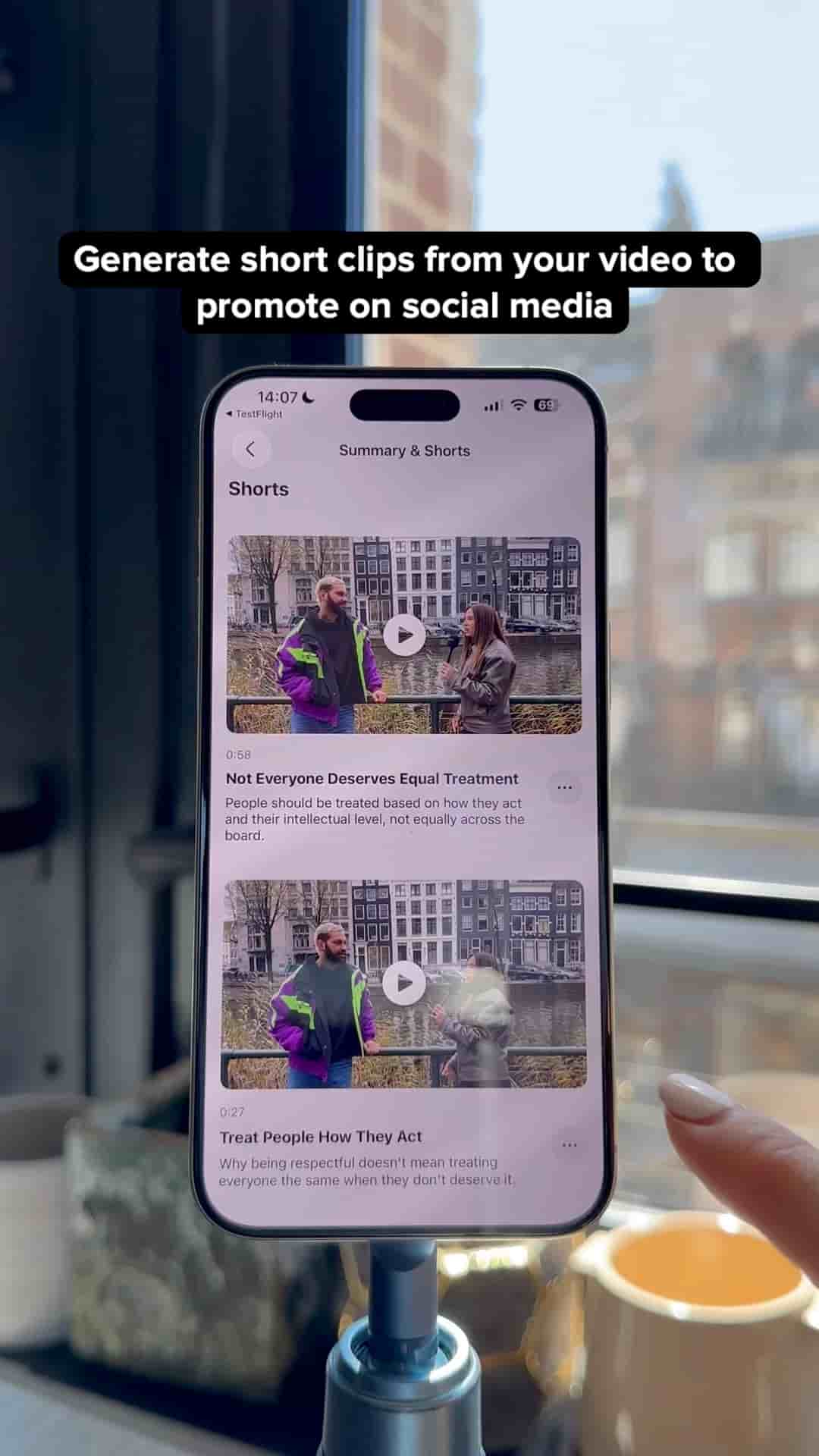
Subwave turns one uploaded video into short clips, a newsletter, and podcast show notes automatically. The app is available in the App Store.
Get Subwave: iOS · Android · Web
Upload a video, voice memo, or text file to Subwave, and it automatically turns into a podcast episode, a written article, an email newsletter, and short clips, no extra editing or writing required. Here's exactly how it works.
If you haven't already, create your Subwave channel. This is where all your posts will live.
Tap New Post and choose your source: upload a video file, a text file, or a voice memo. On iPhone, you can also open Voice Memos, tap Share, and send it straight to Subwave.
Give it a few seconds. From that one upload, Subwave automatically generates:
Preview the clips and pick the ones worth publishing. Edit the article if you want to tweak anything, though you don't have to. Then share your channel link. Your audience can read the article, watch the video, or listen to it as a podcast, all from the same post.
Related: