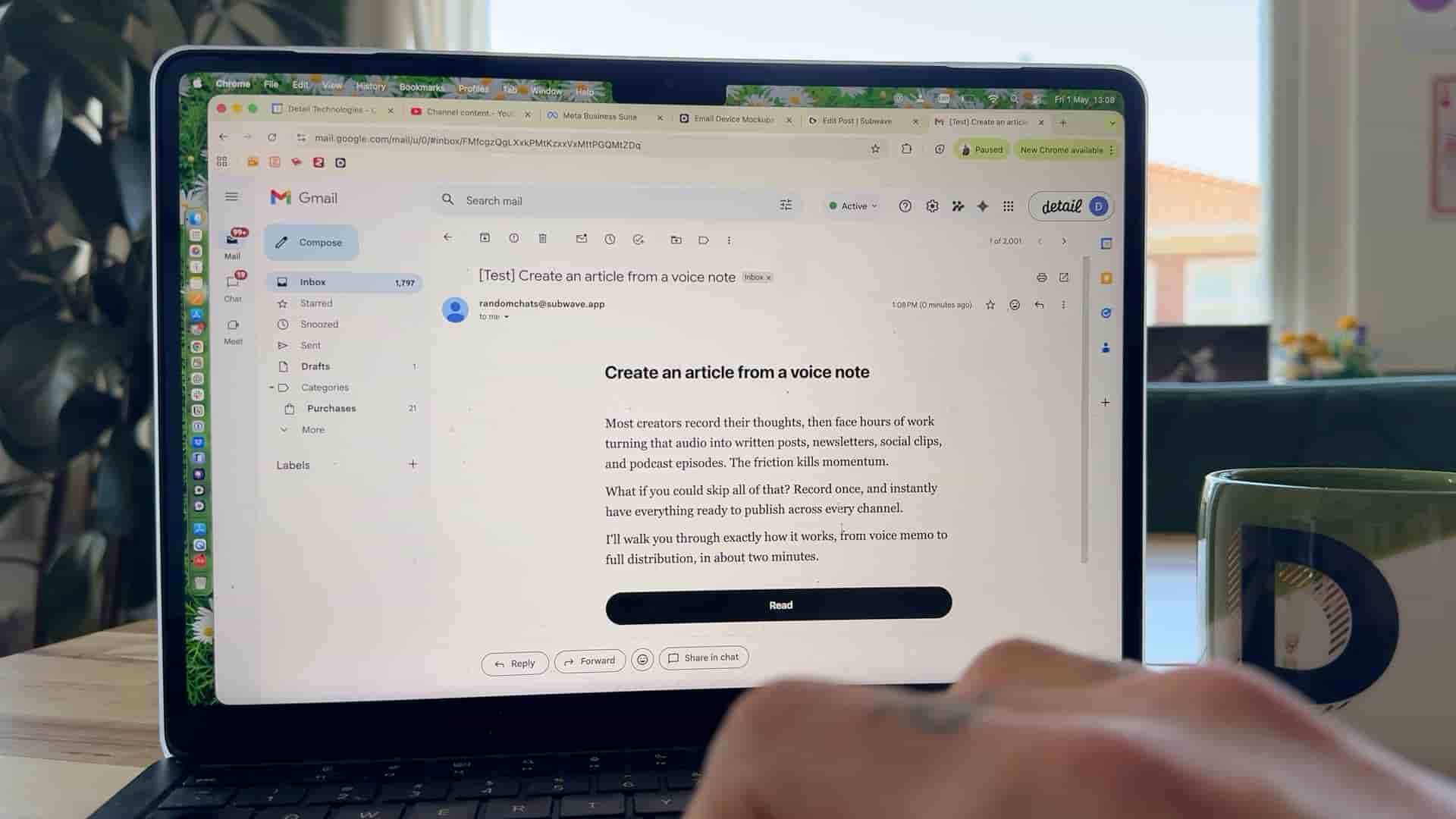
Learn how to turn a simple idea into a clean, shareable newsletter that reaches your audience automatically in one seamless flow.
Get Subwave: iOS · Android · Web
You can write, format, and send a newsletter from a single screen on Subwave, no separate email tool, no switching between a writing app and a sending platform. Here's exactly how to set it up, from your first word to landing in your subscribers' inbox.
Before you write anything, make sure your channel is set up. This is where your content lives, and it's how people subscribe to you. Once it's ready, share your channel link so people can subscribe. Later, when you publish a post and turn on Email Subscribers (Step 5), that's when they'll actually get it in their inbox.
Go into your channel and tap "New Post." You've got two ways to start:
Either way, the editor stays simple, you get what you need without it feeling overloaded.
Add headings to structure your content, then format as you go:
That's genuinely all you need for a well-formatted, easy-to-read post.
If you're writing this post yourself, feel free to skip to Step 5. But it's worth knowing: whenever Subwave generates a draft for you from a recording, it uses your writing style to shape the tone. You'll find this under Channel Settings > Writing Style. Subwave sets a default style automatically when you create your channel, or you can paste in something you've already written and it'll learn your tone from that instead. Full walkthrough here: Create Your Custom Writing Style.
Once you're happy with the writing and formatting, tap "Next." Subwave generates a short description and a newsletter version summarizing your post, edit this, adjust the tone, or leave it as is. Choose when to publish, and set your visibility: subscribers only, or unlisted so only people with the link can access it.
Then flip on Email Subscribers. When enabled, Subwave emails your subscribers automatically the moment you publish, so every post isn't just going live on your channel, it's also landing directly in their inbox.
Related: