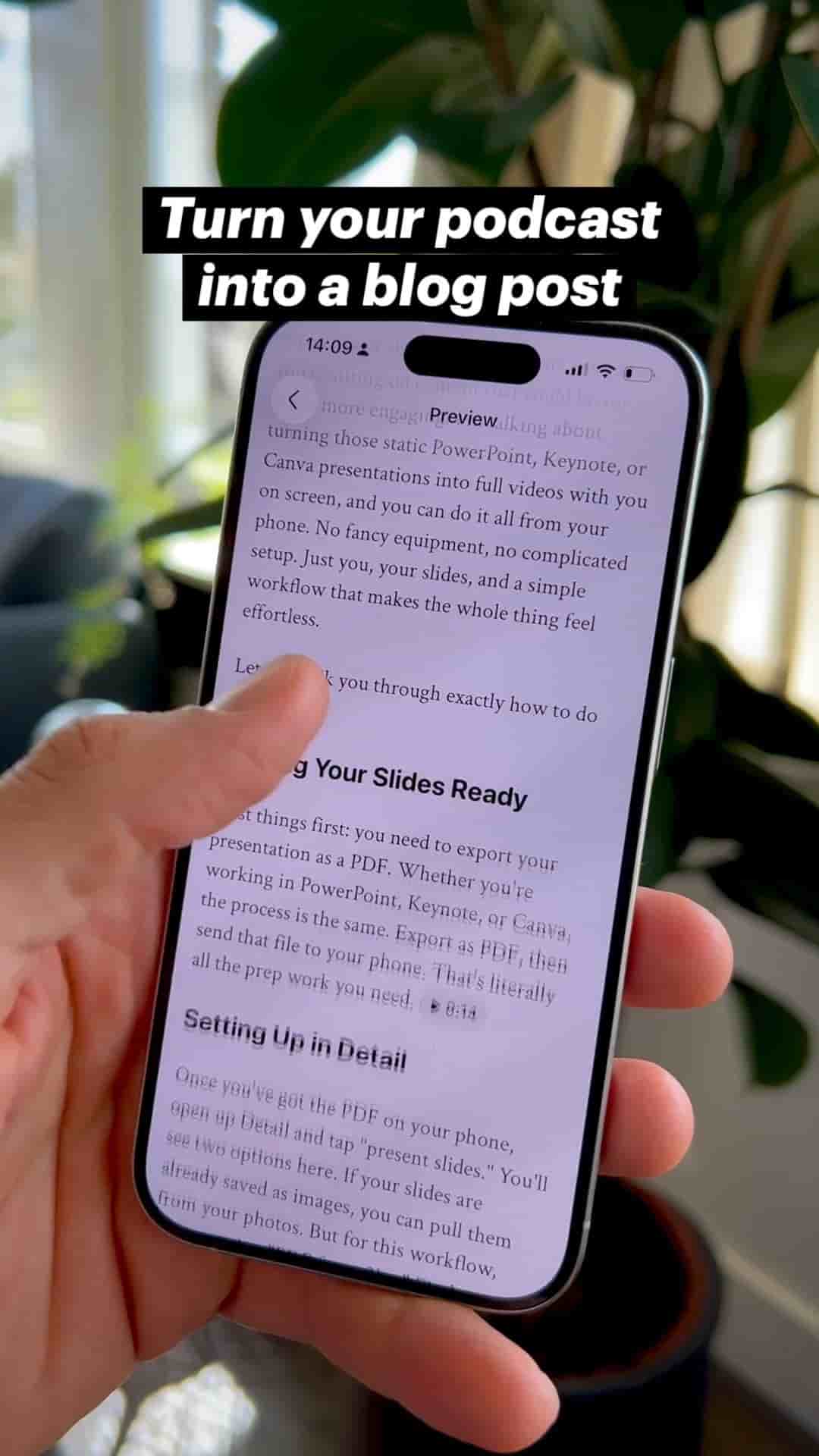
Learn how to automatically transform your podcast episodes into polished blog posts without rewriting or extra work.
Get Subwave: iOS · Android · Web
You can turn a recorded podcast episode into a polished, ready-to-publish blog post in seconds, no rewriting or manual formatting required.
Export your podcast from Detail (or wherever you recorded it) as a video or audio file.
Go to your channel and tap New Post. This works the same on web or your phone.
Upload the exported episode. Subwave processes it automatically.
You'll get a full, clean blog post based on your episode, formatted and ready to share, no editing required (though you can tweak it if you want).
Grab a shareable link, download clips to promote on social, or send the episode out as a newsletter to your subscribers. One upload, one place to hit publish.
Related: