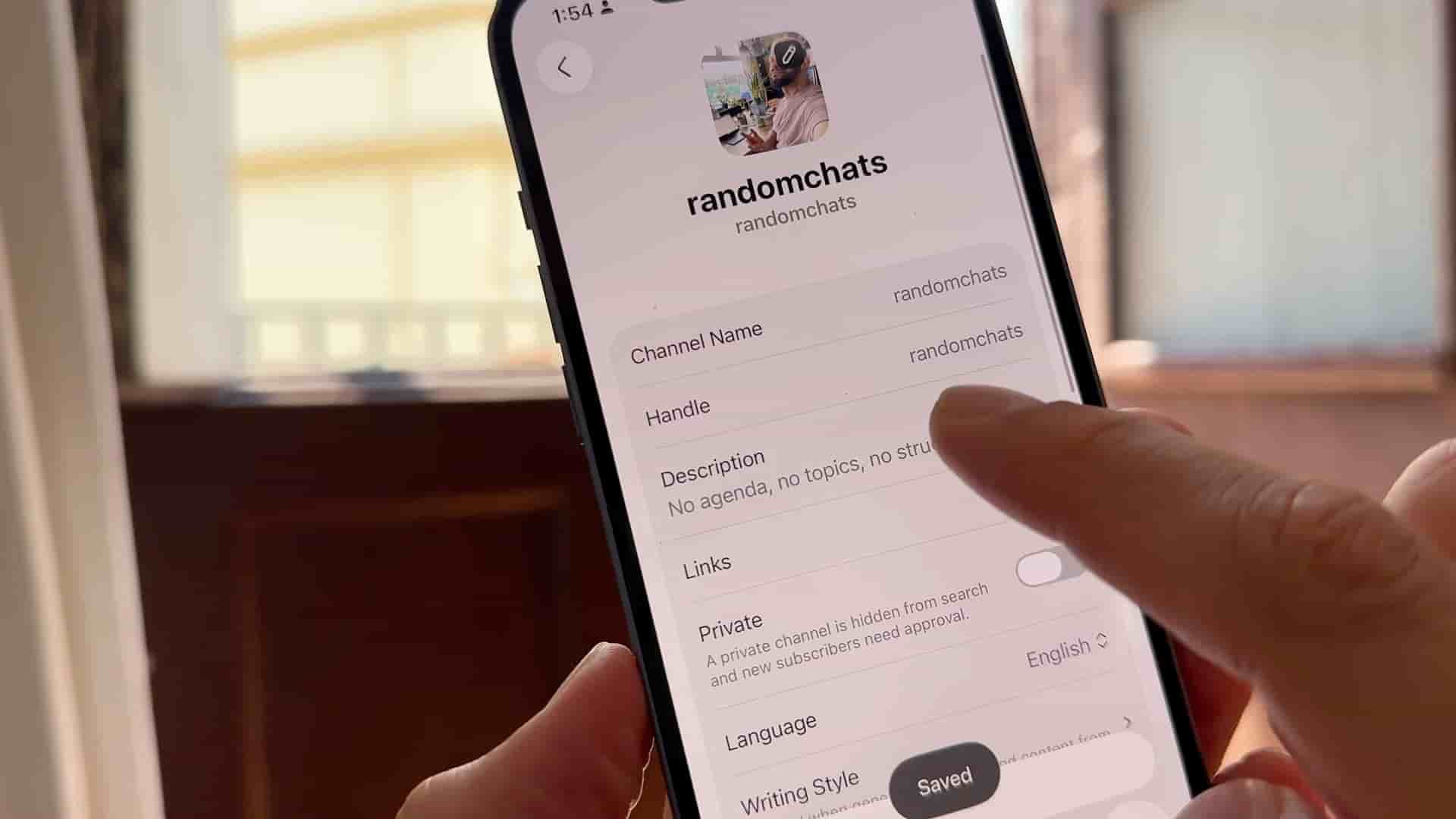
Subwave is a free podcast hosting app that distributes to Spotify, Apple Podcasts, and more, and generates titles, newsletters, and social clips from a single upload.
Recording a podcast is easy. The part that stops most people is everything after: figuring out where to host it, how to get it onto Spotify and Apple Podcasts, and what to do once it's live. Most platforms charge you monthly, cap how many episodes you can upload, or make you pay extra just to reach certain directories. Subwave cuts all of that out.
The app is free, and it walks you through setup in four steps that take minutes rather than hours.
When you open Subwave, the first thing you do is create your channel. Add a name, write a description of what your podcast is about, and upload your cover art. That artwork is what listeners will see when they find your show on Spotify, Apple Podcasts, and everywhere else, so it's worth getting right before you move on.
From there, go into hosting settings. Make your channel public so platforms can find it, select a category so your show surfaces in the right place when people browse, then enter your name and email. That's the entire setup. Hosting is ready to go.
Once hosting is configured, Subwave automatically generates your RSS feed. Think of it as a unique link that tells Spotify, Apple Podcasts, Amazon Music, YouTube, and every other major platform where to find your episodes. You submit that link to each platform once, and from that point on every episode you publish shows up everywhere automatically.
It is free, it's simple, and it does more than most paid platforms out there.
Tap "new post," upload your audio or video file, and hit publish. You don't need to write a title or description — Subwave generates those for you automatically. Beyond the episode itself, one upload also produces a newsletter ready to send to subscribers, short clips you can download for TikTok, Instagram, or YouTube, and show notes. No extra tools, no extra subscriptions.
One upload produces the episode, a newsletter, social clips, and show notes automatically.
For anyone who has bounced off the friction of traditional podcast hosting, that single-upload workflow changes the math on whether starting a show is worth the effort. Subwave has platform-specific walkthrough videos for submitting your RSS feed to Apple Podcasts, Spotify, and YouTube if you need a hand with that step.