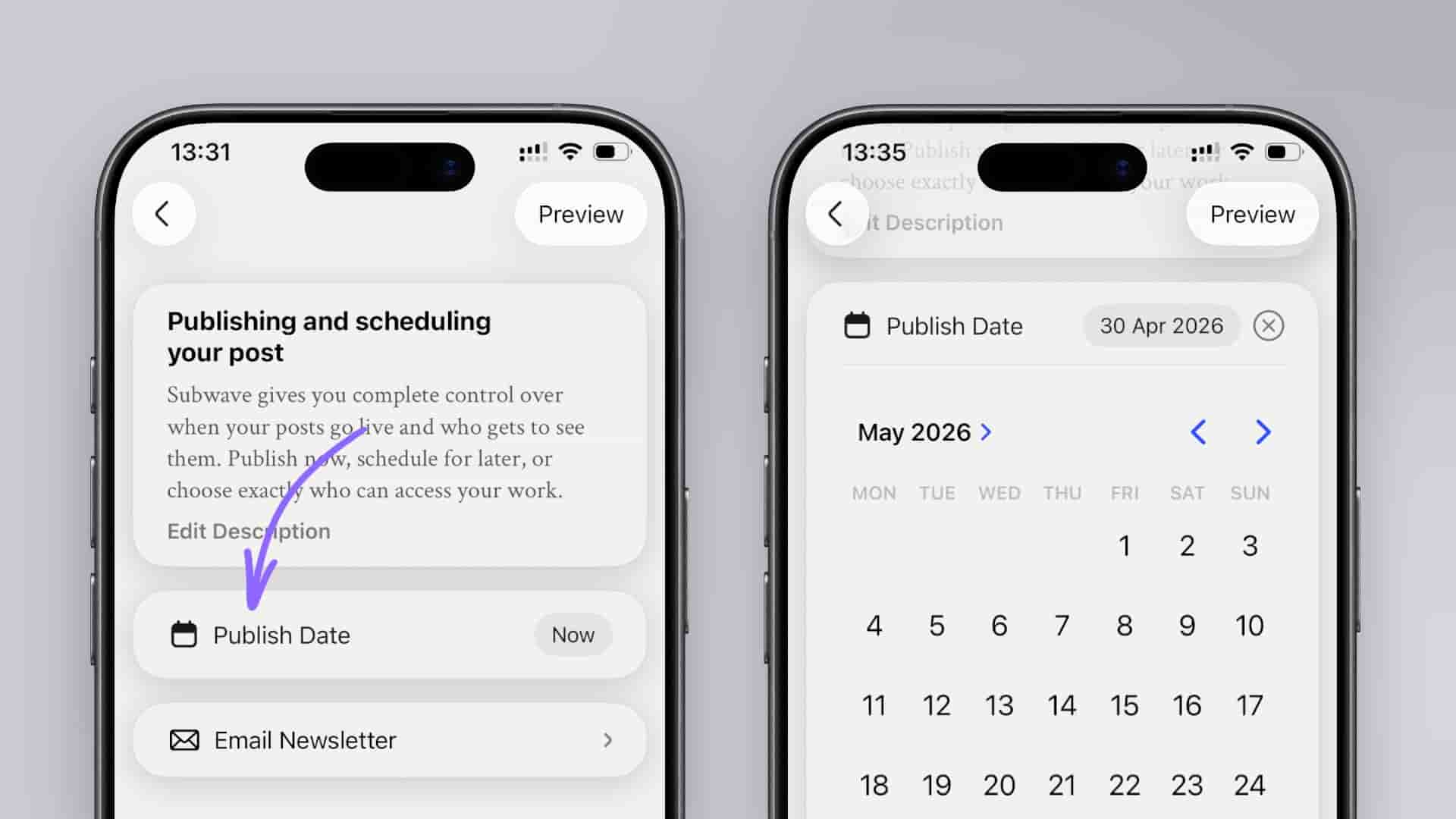
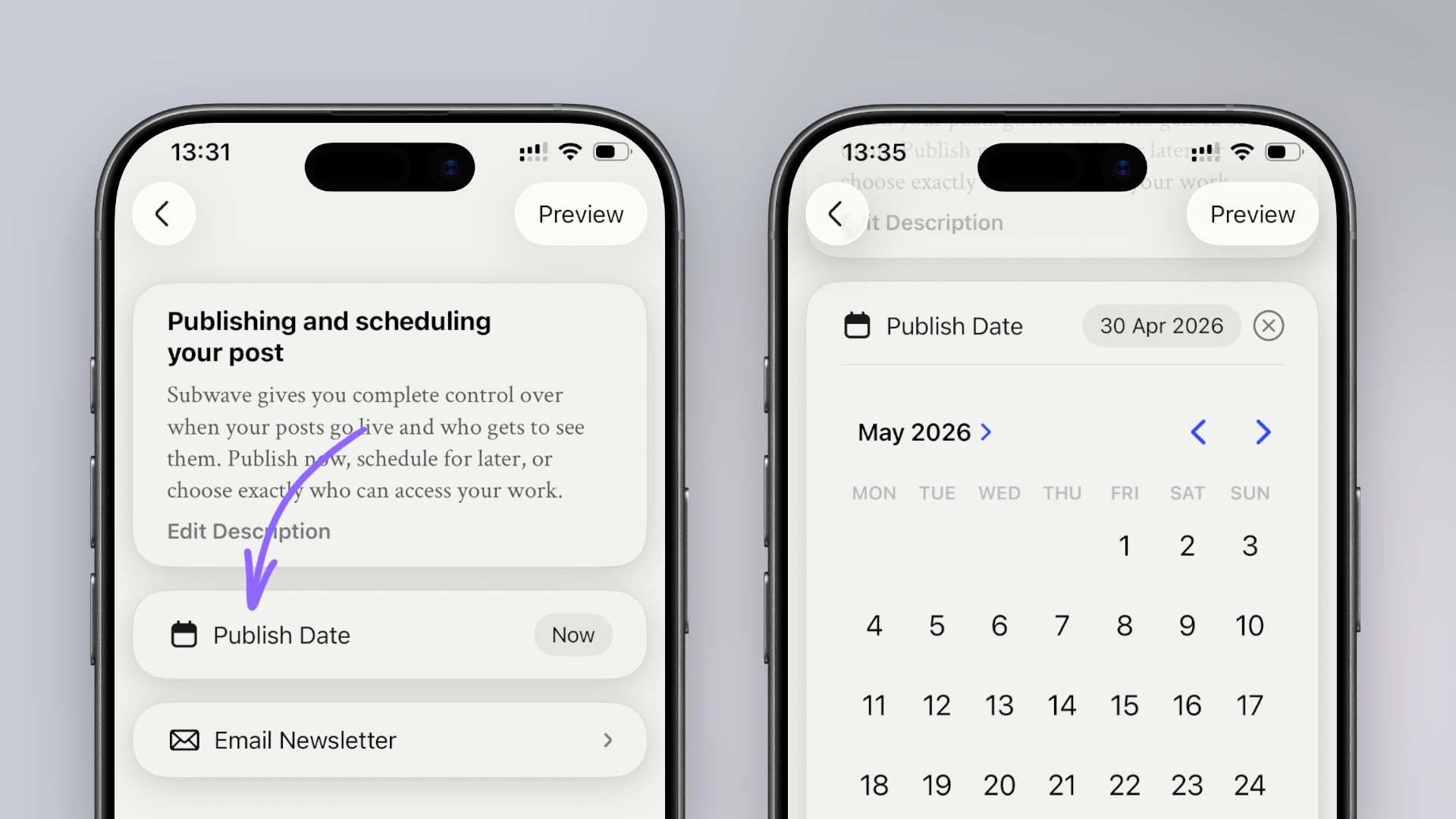
Subwave lets you publish instantly or schedule for the exact right moment, with visibility controls to decide who sees your post.
Get Subwave: iOS · Android · Web
You can publish your Subwave post right away or schedule it for a specific time, and you decide who gets to see it. Here's how to do both.
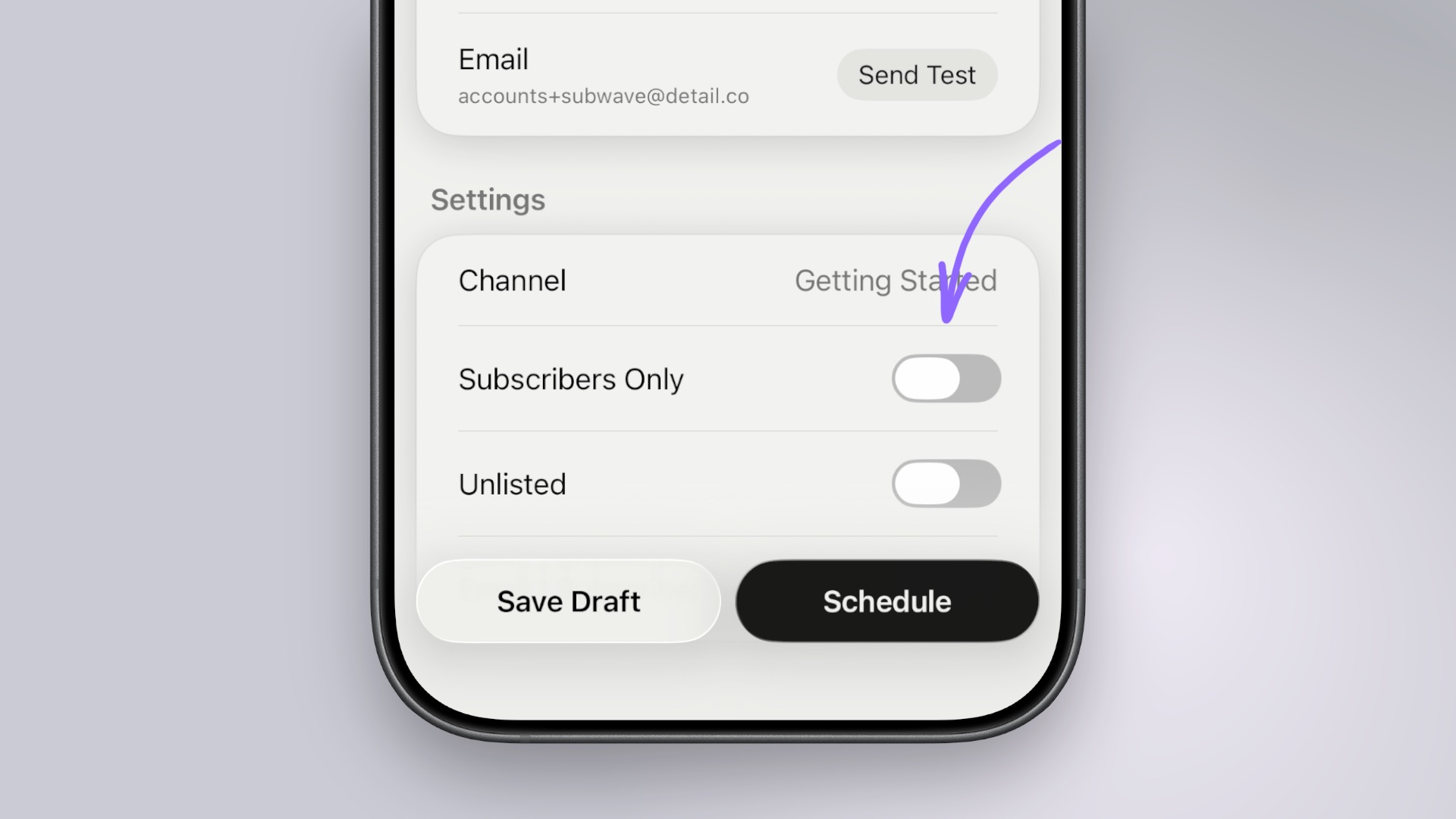
Before you publish or schedule, open Settings. You'll see two visibility toggles:
Turn them on or off to get the combination you want. You can also change these settings after publishing, from the post settings.
When your post is ready, tap Publish. Your post goes live on your channel immediately and is visible to whoever you've set as your audience.
Subwave takes care of the rest. Your post stays as a draft and publishes automatically at the time you set. You can edit or cancel a scheduled post at any time before it goes live.
Related: