Learn how to record professional multi-person podcasts using just one or two iPhones with wireless microphone systems.
Recording a professional podcast with multiple people used to require expensive studio setups and complicated equipment. But with today's technology, you can capture high-quality four-person conversations using nothing more than an iPhone or two and some affordable wireless microphones. I'm going to walk you through exactly how we do this at Detail, including a clever hack if you're using systems that weren't designed for more than two people.
The beauty of modern smartphones is that they're incredibly capable recording devices. My colleague Diego recently recorded a four-person podcast using just one iPhone (or maybe it was an iPad, doesn't really matter). The device handled the front and back cameras simultaneously, and the results were amazing. But the real challenge isn't the video. It's getting clean audio from four different people speaking.
Most wireless microphone systems on the market today come with one receiver and two microphones. I'm a big fan of the Rode wireless systems. They come in a really professional charge case, and when you pull out one or two of the microphones, they connect automatically to the receiver. You can pop one on with a magnet, and you're good to go with two microphones on one receiver.
But there's a limitation: they're quite bulky. For podcast setups, you're probably better off using something like Lavaier mics that go in your pocket with a small lapel mic attached. The problem there is they're a little harder to set up, with more fussing around wires that guests or clients might not be comfortable with.
Recently, I discovered the Holylab LARC M2 Max system, and it's changed the game. This isn't a sponsored video, by the way. If anyone from Rode or Holylab is watching, feel free to reach out because I genuinely think you're both building great gear and we use both of them.
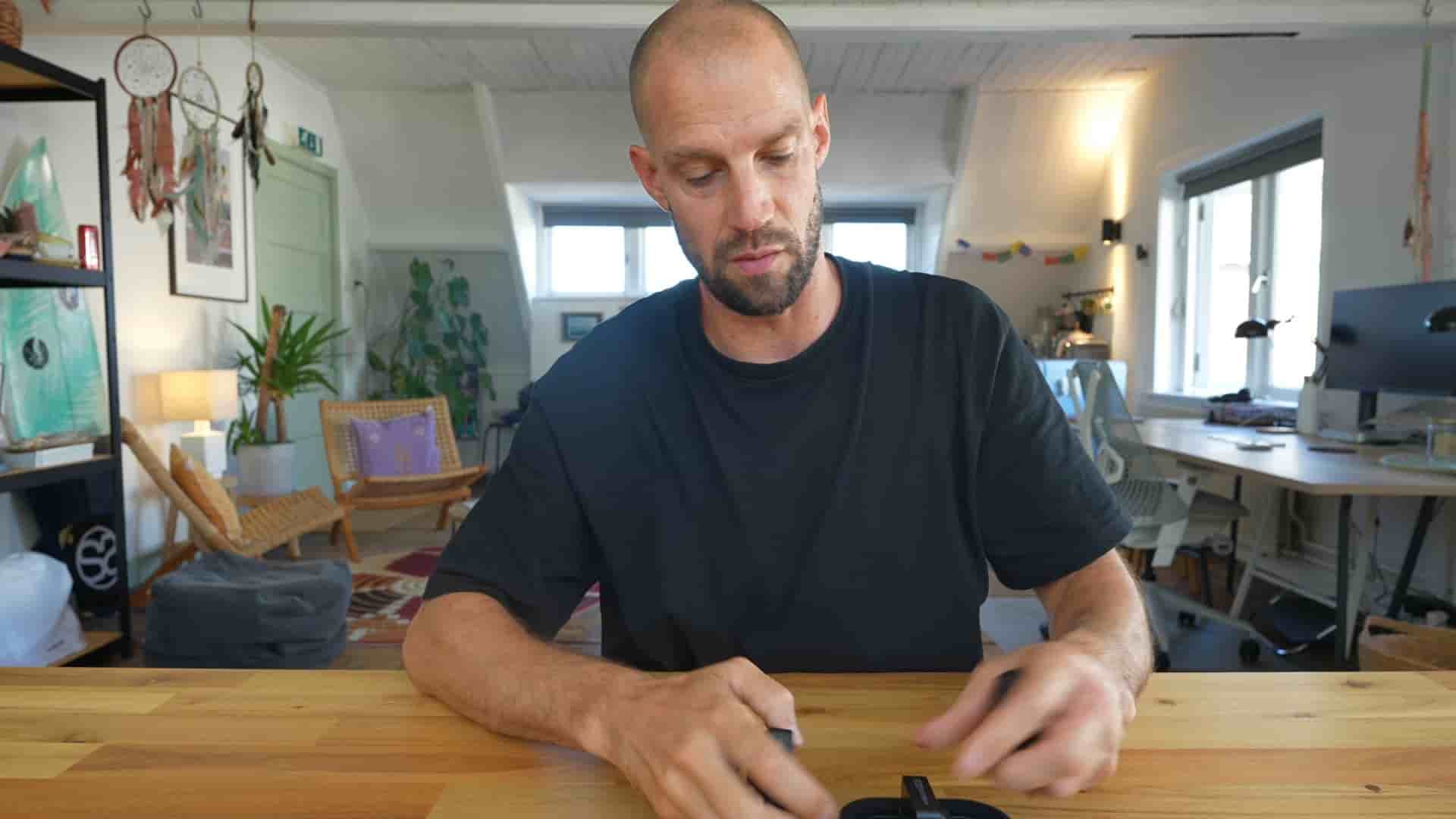
The Holylab Max 2 kit is remarkably similar to the Rode system in concept. It has the same charge box design with USB-C, opens up with a slick look. But the microphones themselves are incredibly small compared to the Rode units. The Rode mics are heavy and substantial, while these are tiny. Both sound great and work really well, but the size difference is notable.
Here's where things get interesting. What happens when you want to record with four people? The Rode system only has one receiver with two microphones. But Holylab updated their firmware to solve this exact problem.
I bought a second pair of the LARC M2 Max systems. The beauty is you can combine four microphones to one receiver. When you pull out the microphones, they connect and you can see the color indicators (purple and yellow for the first pair, blue and mint green for the second).
To enable this, you press the settings button on the receiver, go to settings, and after updating the firmware, you'll see the four microphone option. Switch it from two to four microphone mode. Then you pull out the microphones from your second set and pair them. Suddenly, they're all connected with their corresponding colors showing on the receiver.
You have this receiver, use a USB-C or lightning cable (both included in the kit), put it into your iPhone, and you have four microphones connected. It's crazy.
When recording in the Detail app, you tap new recording in the library, attach the receiver with the four microphones, and all four mics appear as options. You can hand one to each of your colleagues or friends, and you're ready to go.
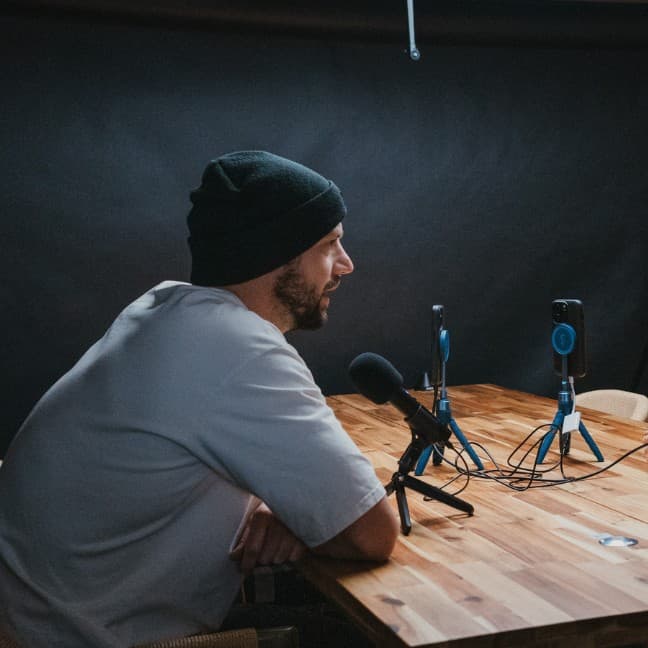
The reason we built this capability into Detail is that you can record the front and back camera at the same time on your iPhone. We recorded a podcast with four people using just one iPhone with the receiver connected to four microphones. With speaker diarization, the AI can actually tell who's speaking during the auto edit process. That's really beautiful because you can do split screen recordings, vertical or horizontal orientations, and the whole setup just works.
Now, what if you already own a Rode system or another brand that only supports two microphones per receiver? Who wants to buy new equipment if you have a perfectly fine working set? There's a great hack for this, and it's where Detail really shines.
You cannot simply plug in a hub and add more microphones because your iPhone will only discover one microphone input. But Detail allows you to connect up to two iOS devices, and every iOS device can have one receiver connected.
Here's how it works: connect one receiver (like the Rode system) to an iPhone, and connect another receiver (like the Holylab system) to an iPad. That gives you four microphones across two receivers on two devices.
In the Detail app on your iPad, hit the connect button. Then on your iPhone, open Detail and hit the connect button. The devices will connect to each other automatically. Now you have your Holylab receiver connected to your iPhone (one receiver, two microphones) and your Rode set connected to your iPad (one receiver, two microphones). Your iPhone has two microphones and your iPad has two microphones, giving you a complete four-person setup.
There's literally no more excuse not to make multi-camera, multi-angle, multi-microphone content. The technology is accessible, relatively affordable, and the setup process is straightforward once you understand these approaches. Whether you invest in a system designed for four microphones or use the two-device hack with equipment you already own, professional podcast recording is within reach for anyone with a couple of iPhones and some wireless mics.
The barrier to entry for high-quality podcast production has never been lower. With a bit of knowledge about how these systems work together, you can create content that rivals what used to require thousands of dollars in studio equipment.