Detail's podcast mode turns a single phone recording into a fully edited video plus topic-sorted short clips for TikTok, Reels, and Shorts.
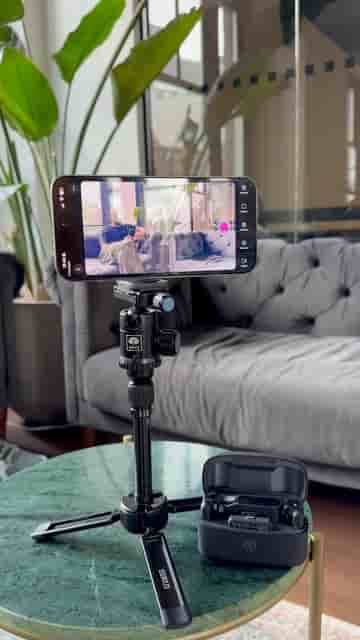
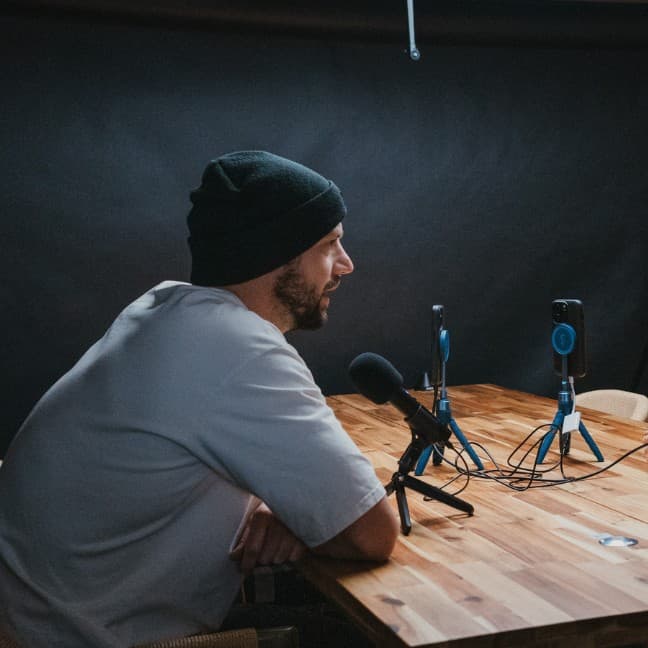
A tripod, one phone, and a pair of wireless microphones. That's the full kit you need to record, film, and edit a podcast episode ready to publish across every major platform.
The workflow is straightforward. Press record, film your episode, and when you're done, tap auto-edit and select podcast mode. From there, you frame each speaker individually, wait a few seconds, and Detail handles the rest.
One phone, one tripod, wireless mics — and Detail edits the whole thing for you.
The output is a fully edited podcast video, plus a set of short clips already separated by topic. Each clip maps to something specific you discussed during the episode, so you're not sitting there manually cutting highlight after highlight. You pull from those clips directly for TikTok, Instagram Reels, and YouTube Shorts.
"You'll receive a fully edited podcast video, along with short clips separated into different topics you talked about."
That's the part worth paying attention to: the clips aren't just trimmed moments, they're organized by subject. If you talked about three different things in a one-hour episode, Detail gives you three buckets of content, not a pile of footage you have to sort through yourself.
Detail is available on the App Store. The setup takes a few minutes, the recording works like any camera app, and the editing happens on the same device you filmed on. No desktop software, no file transfers, no waiting on an export to finish on a laptop somewhere else.
For anyone who has been putting off starting a podcast because the post-production felt too heavy, this changes the math considerably.