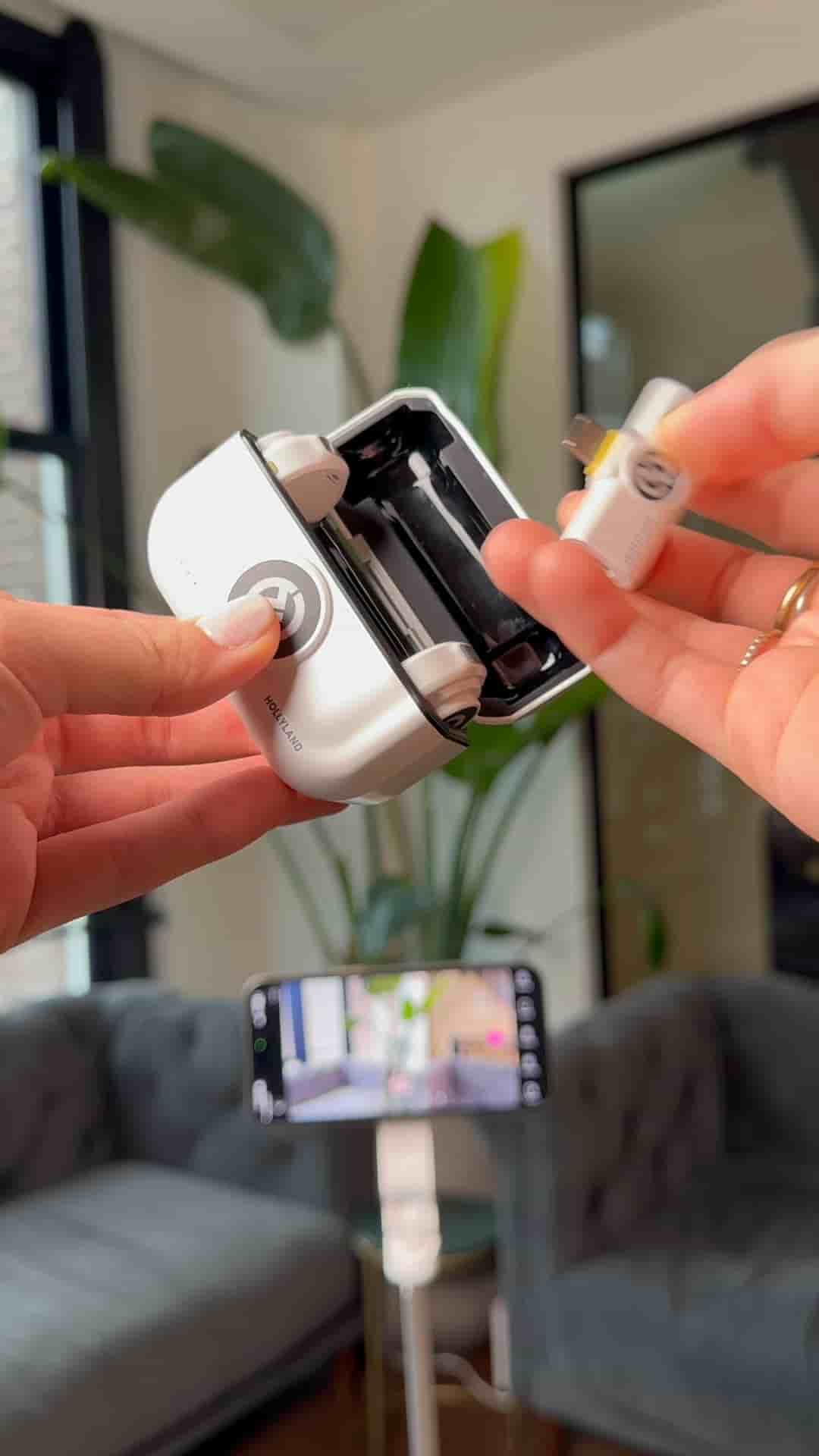
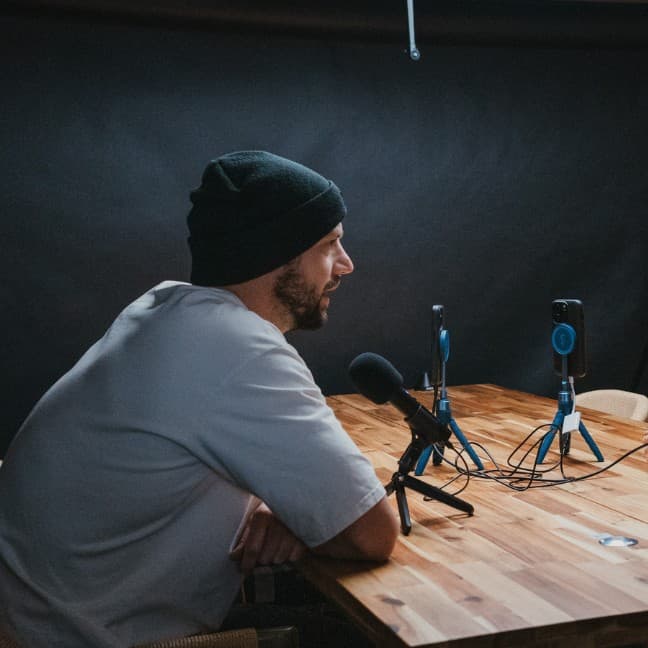
A tripod, a HollyLand Lark M2, and the Detail app are all you need to record and edit a podcast video entirely on your iPhone.
Recording a podcast with just your iPhone is genuinely simpler than most people think, and the gear list is short: a phone, a tripod, and a decent mic.
The setup starts with mounting your phone on a tripod to keep the shot steady. From there, connect your microphones. A solid option here is the HollyLand Lark M2, a compact wireless mic that pairs cleanly with a mobile setup without adding bulk or cable clutter.
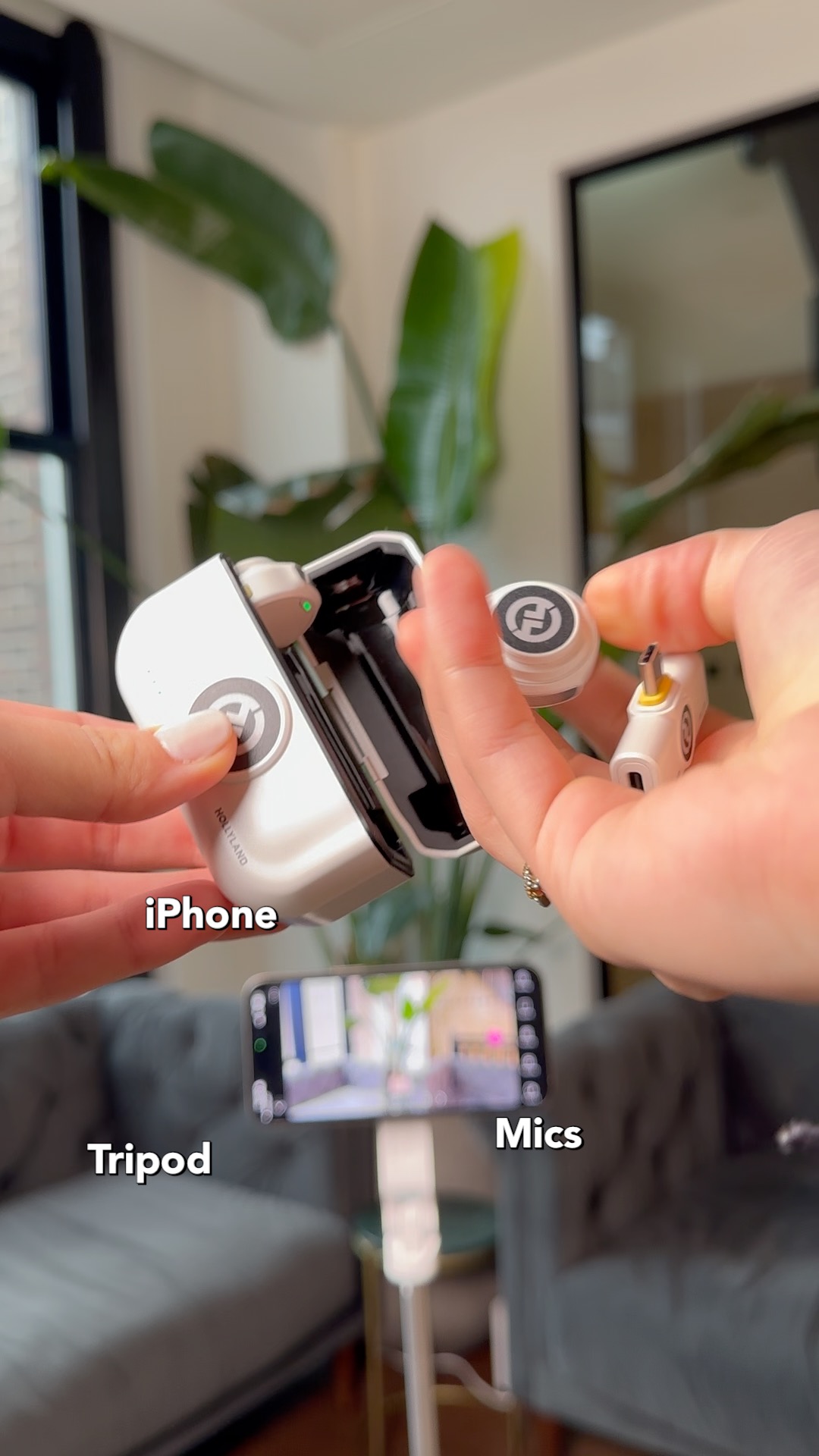
Once your gear is in place, the whole recording and editing workflow lives inside the Detail app. It handles podcast video natively, and its podcast layouts give the finished product a polished, broadcast-style look without any post-production gymnastics. The layouts are purpose-built for the format, so the visual presentation takes care of itself while you focus on the conversation.
One app handles recording, editing, and podcast layouts — no desktop required.
If you have been putting off starting a podcast because the technical side felt like too much, this setup removes most of the friction.