Learn how to launch a professional-looking video podcast using only your iPhone and the Detail app, no fancy studio or team required.
Starting a YouTube podcast doesn't require a fancy studio, expensive equipment, or a production team. If you have an iPhone and a story to tell, you're already equipped to begin. I'm going to walk you through exactly how to set up a one-person video podcast that looks professional and sounds great, all from your phone.
The beauty of this setup is its simplicity. You don't need to invest thousands of dollars before testing whether podcasting is right for you. With a few smart choices and the right app, you can start creating content today.
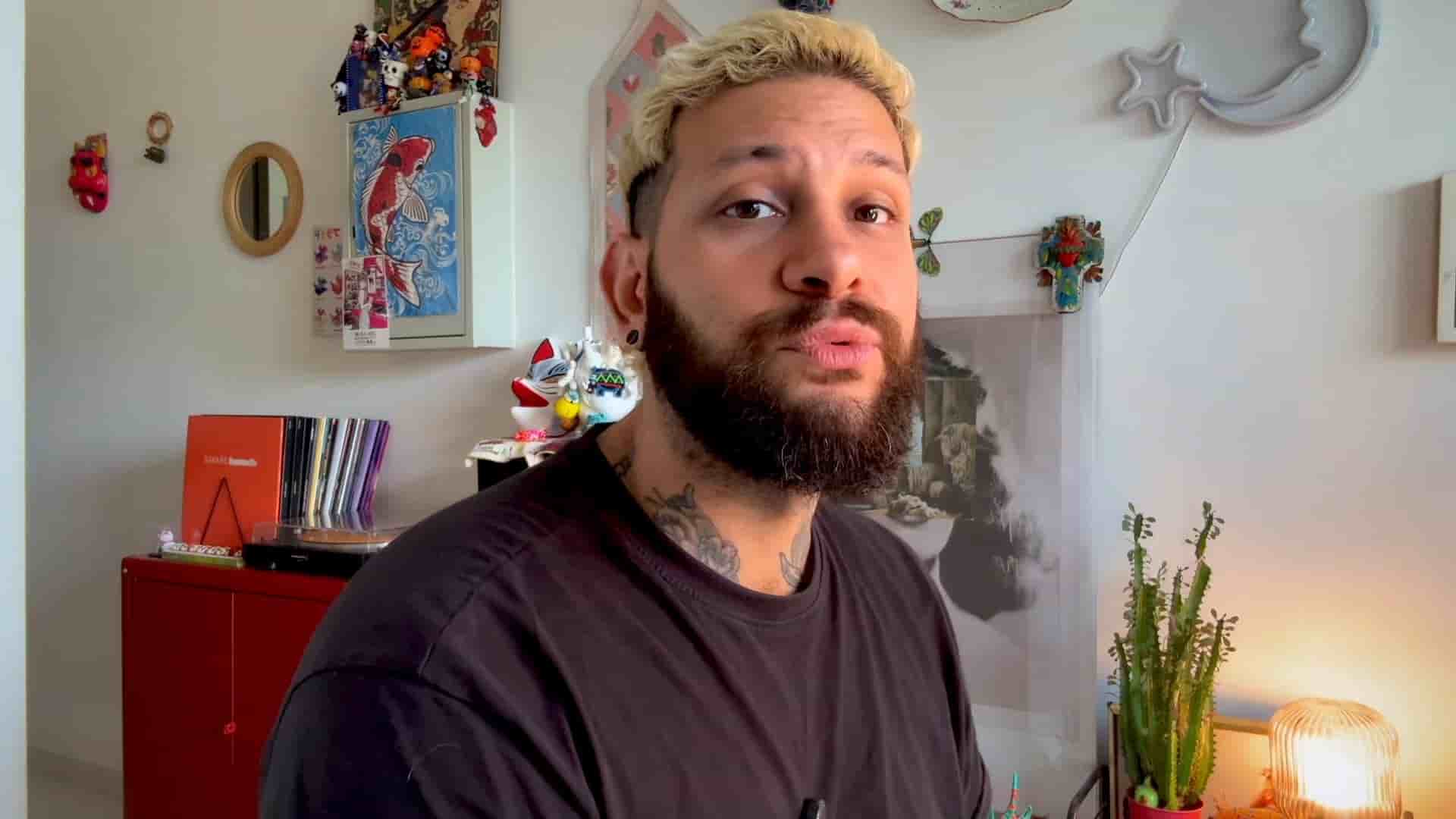
First things first: find a quiet spot with good lighting. Natural light works great, but if you're filming at night, a ring light or even a key light will do the trick. I use a $50 light box and a small NanLight. These are super helpful to get you started, but don't overthink it. People care about real content, so a nice room is enough.
The key here is consistency. Once you find a spot that works, stick with it. Your audience will come to recognize your setup, and it becomes part of your brand.
Forget about juggling multiple apps. Detail lets you record, edit, and export all in one place, which is a game changer for solo creators.
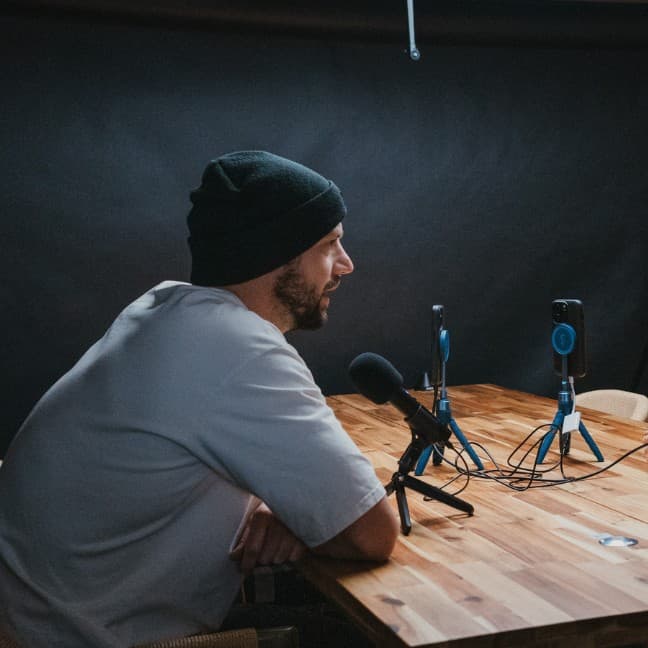
Here's the workflow: Open Detail and start a new project. Then mount your iPhone to a tripod. A desk tripod or a suction mount works great if you're filming at a desk, but if you're not filming at a desk, any phone tripod will do.
Next, you need to get your audio right. Wireless microphones are best. I use a 30. If you don't have one, just use your iPhone's mic in a quiet room. Detail has an audio enhancement feature that can clean it up later.
Don't overthink it. People care about real content, so a nice room is enough.
One feature I absolutely love is Detail's teleprompter. Use it for bullet points or a full script to write down what you want to say. This is super helpful to keep you on track. Just make sure you keep it natural. Reading word for word can feel stiff, so use it as a guide rather than a crutch.
Once you're set, hit record and start talking. Introduce yourself and your topic. If you mess up, don't worry. You can cut and redo later. But honestly, people like natural content, so just keep it as it is. Remember, don't overthink it.
The beauty of recording on your phone is the intimacy it creates. You're speaking directly to your audience in a way that feels personal and authentic. Embrace that.
The best part about recording inside Detail is that your project is ready to edit instantly. No extra software or file transfers needed.
First, cut out mistakes in seconds. Just tap split and delete. Then remove awkward silences. All you need to do is go to the transcript tab, hit silences, and then delete.
Next, add background music. All you need to do is paste the YouTube link, or it can be from any other social media platform. Detail automatically loops it to fit your podcast, so no need to adjust or add any extra sounds. This feature alone saves hours of fiddling with audio levels and timing.
Hit export and you're done. If you need help with your podcast title and description for YouTube, hit export and then content. AI will generate it for you. All you have to do now is upload it to YouTube and you're good to go.
That's it. We did everything with no fancy studio, no extra software. Just an iPhone, Detail, and your stories. Detail is here to help you bring those stories to the world.
Just an iPhone, Detail, and your stories. That's all you need to start.
The barrier to entry for creating content has never been lower. What matters now isn't the equipment you have, but whether you have something worth saying and the courage to share it. Your first episode won't be perfect, and that's okay. What matters is that you start. The skills, the polish, the confidence—all of that comes with practice.
So grab your iPhone, download Detail, and start recording. Your audience is waiting.