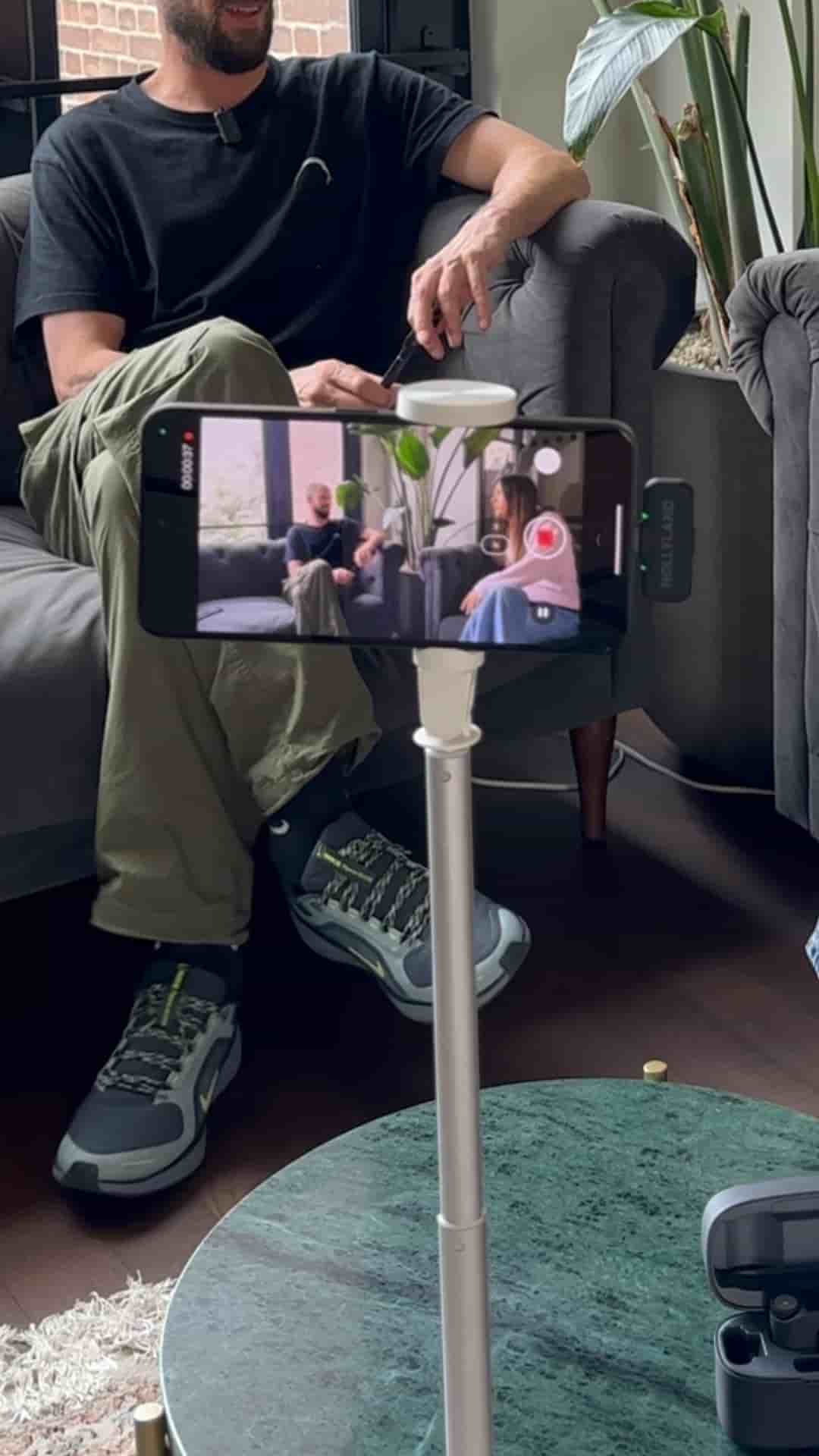
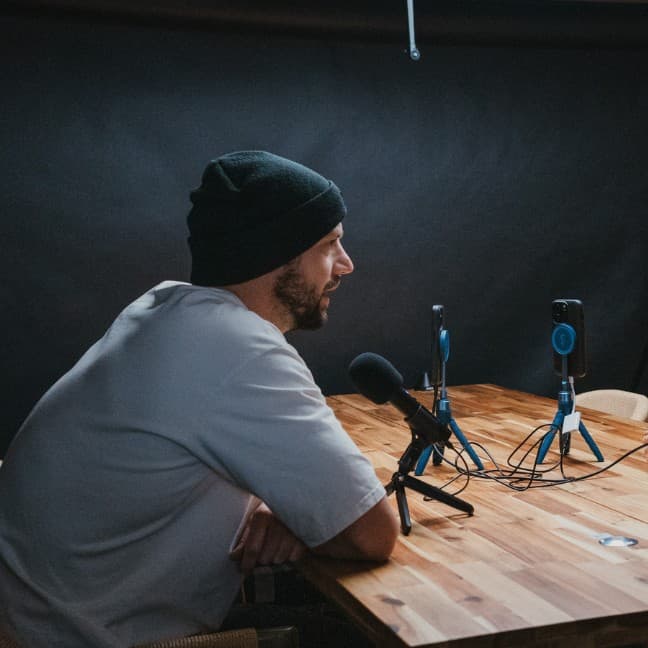
An Android phone, a tripod, and wireless mics are all you need to record a podcast. Subwave turns the footage into an article, short clips, and a full audio track automatically.
Recording a podcast on Android takes almost no gear. An Android phone, a tripod, and a pair of wireless microphones for clean audio are the whole setup.
Once you've filmed your episode, you upload the video to Subwave. From there, the app handles the heavy lifting: you can enhance the audio, strip out filler words, or skip over dead silences before you do anything else.
When you publish, Subwave generates an article based on your podcast automatically. It also cuts short clips organized by the topics you covered in the episode.
Your audience can choose to watch, listen, or read — all in one place.
Those short clips are ready to post directly to YouTube Shorts, TikTok, and Instagram Reels. No extra editing, no separate export workflow.
Subwave is free and available on the Google Play Store. The workflow is straightforward: film, upload, process, publish. Your audience gets to pick how they consume the content, and you get distribution across every major platform from a single recording.