Learn how to record and edit professional podcasts using only your iPhone, one app, and minimal equipment. No experience needed.
If you've been thinking about starting a podcast but feel overwhelmed by all the technical requirements, I have great news. You can create professional-quality podcast content using just your iPhone and one app. No expensive studio setup, no complicated equipment, and no prior experience needed.
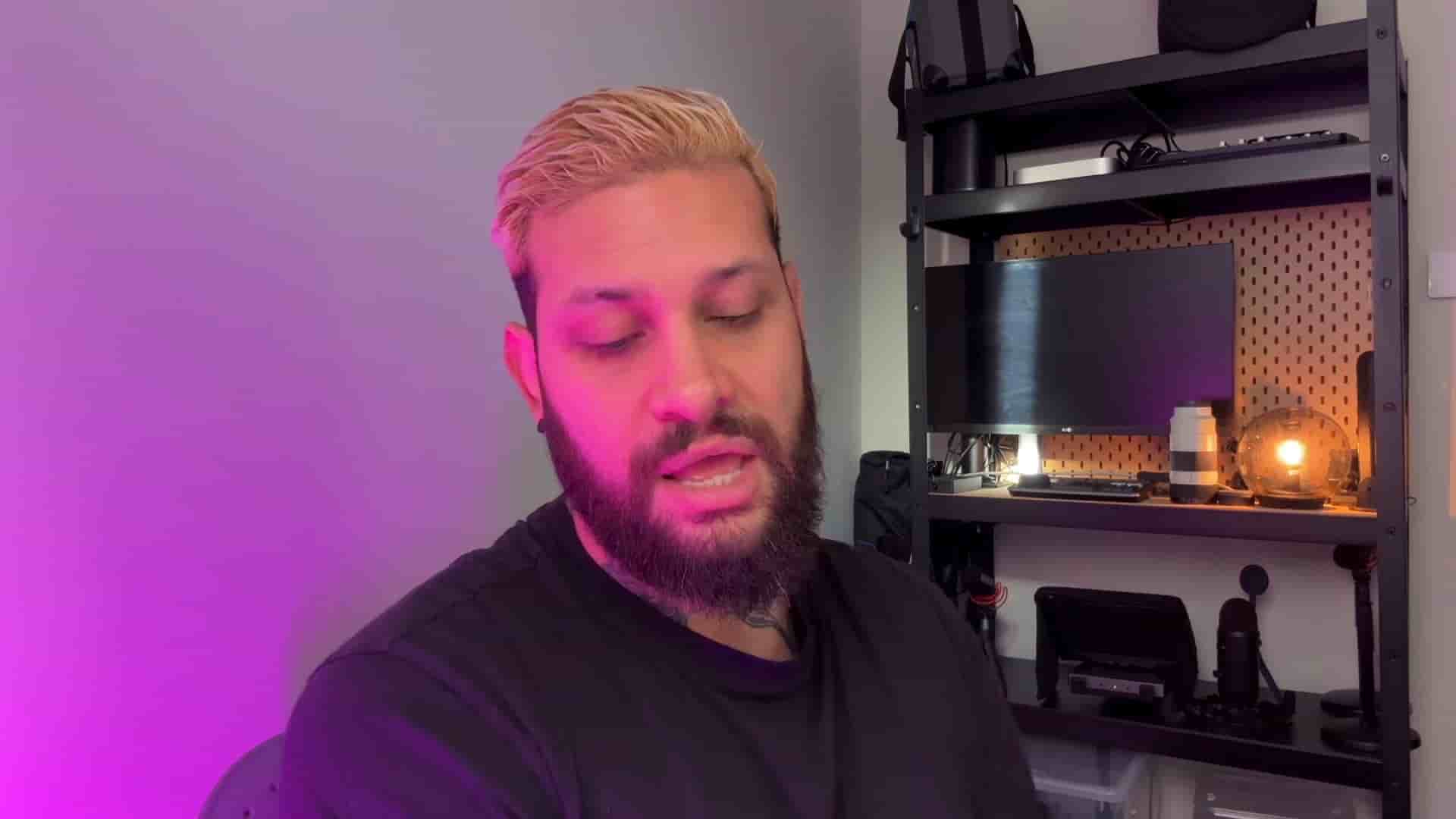
I'm Diego from Detail, and I'm going to walk you through exactly how to record and edit killer podcast episodes with minimal gear and maximum simplicity.
Getting started with podcasting doesn't require breaking the bank. Here's what you actually need:
Your iPhone with the Detail app. This single combination handles both recording and editing. That's it. No need for separate recording software, editing suites, or expensive computers.
A sturdy tripod. I use a SmallRig that costs about $20, but honestly, any stable tripod will work. The key is making sure it can hold your phone securely without wobbling. This is a small investment that makes a huge difference in your video quality.
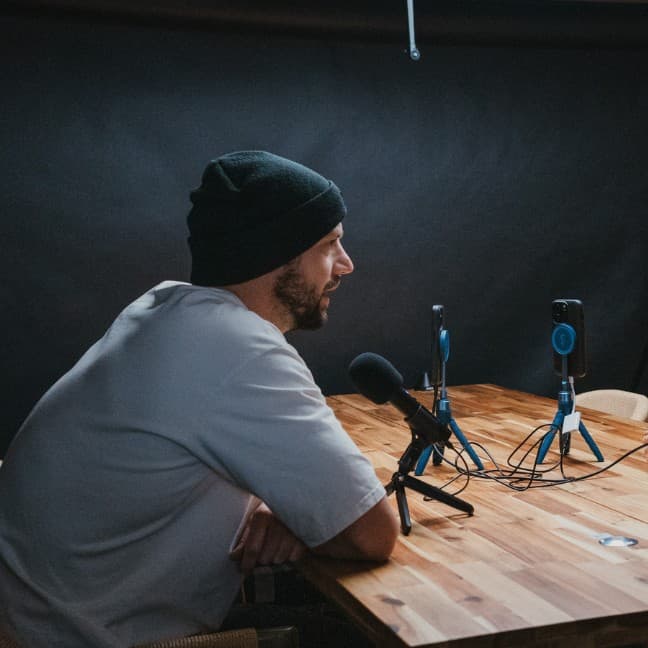
A good microphone. This is where you want to spend a bit more money. Audio can make or break your podcast, so don't go for the cheapest option available. I'm using a Hollyland Wireless microphone system that runs about $100. The beauty of this setup is that it comes with two microphones, which is perfect if you plan to have guests on your show.
The beauty of filming with your phone is that it's completely wireless. You can do this anywhere you want. I'm recording in a simple setup with two chairs and a softbox (which I use because the light coming from behind can sometimes be too harsh, but this is optional).
Here's the setup process:
Position your tripod in front of where you and your guest will sit. Open the Detail app on your phone and start a new project. Flip the camera to face you. Make sure you're filming in landscape mode. This is important because it gives you way more options when you're editing later.
Plug in your microphones. Just plug them in and you're ready. Give one to your guest, and you're all set to record.
That's the entire setup. Simple, right?
Once your podcast is recorded, you can do everything inside the same app. This is where things get really exciting.
Choose your aspect ratio. You can do landscape or portrait depending on where you're posting. This flexibility means you can optimize for YouTube, Instagram, or any platform you're targeting.
Use the AI auto-edit feature. This is a game changer. The AI will automatically frame each speaker, create chapters, and generate captions. You just give it a few seconds to process.
Once it's done, you listen through and frame each speaker. When you hear yourself talking, you frame yourself. When your guest speaks, you frame them. Hit go, and the app creates smooth transitions from one speaker to another.
The AI will automatically frame each speaker, create chapters, and generate captions. You just give it a few seconds to process.
You can also use layouts to create a cool split screen effect if you prefer that look.
Remove silences with one tap. Go to the silences section and you can immediately delete all of them. This alone will make your podcast sound so much more professional and keep your audience engaged.
Add captions. You have tons of options here with different fonts and colors. Captions are crucial for social media where most people watch without sound.
When your full episode is done, you have two options. You can export the full clip, or you can go to the media section and let AI create clips based on the conversation. These clips are perfect for TikTok or Instagram and help you promote your full episode.
The app will even generate titles, captions, hashtags, and more for your social media posts. You don't even have to worry about the copy. Everything is done for you.
If you've ever wanted to start a podcast, there's nothing holding you back anymore. It's easier than ever, and you don't need much to get started. Just hit record, practice a little, and you'll get the hang of it in no time.
The most important step is the first one. Stop overthinking the equipment, the setup, or whether you're "ready." You have everything you need right in your pocket. Create and share your story with the world. I'll see you on the next one.