Reaction Videos
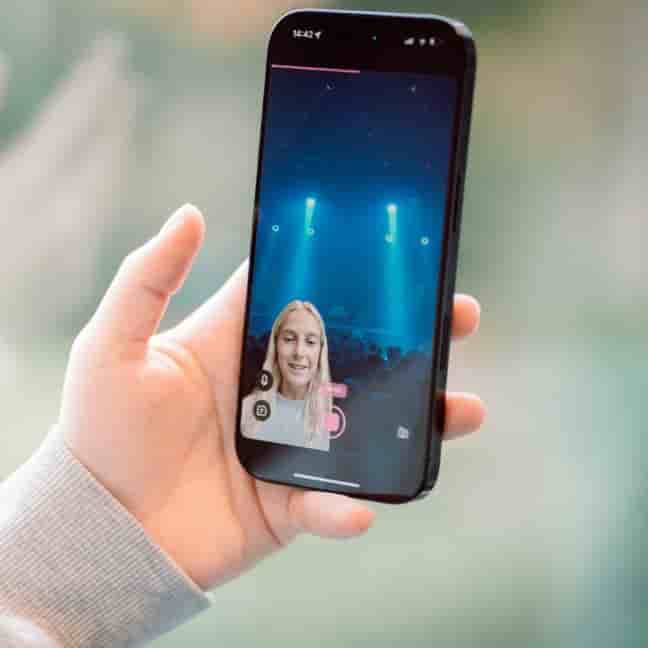
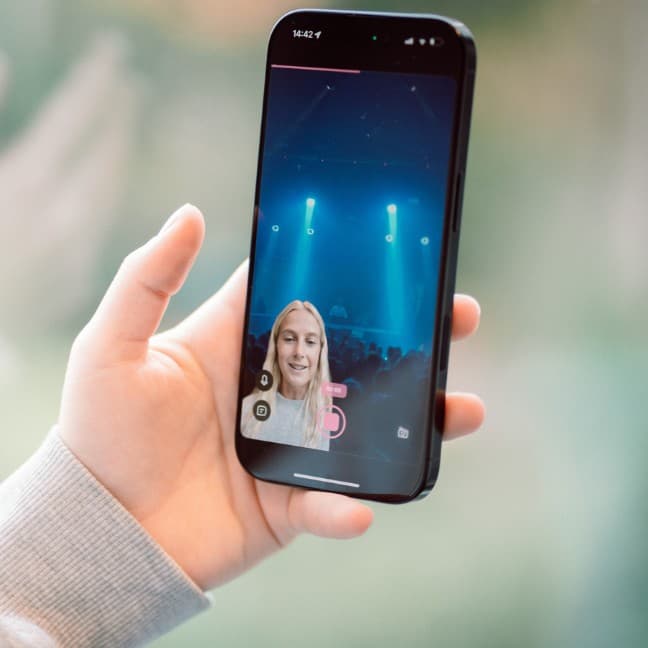
The easiest way to make reaction videos on your iPhone. Record, split, and publish in seconds — no editing skills needed.
The easiest way to make reaction videos on your iPhone. Record, split, and publish in seconds — no editing skills needed.
Learn how to easily resize and position your face in reaction videos using Detail app, with full flexibility to adjust everything after recording.
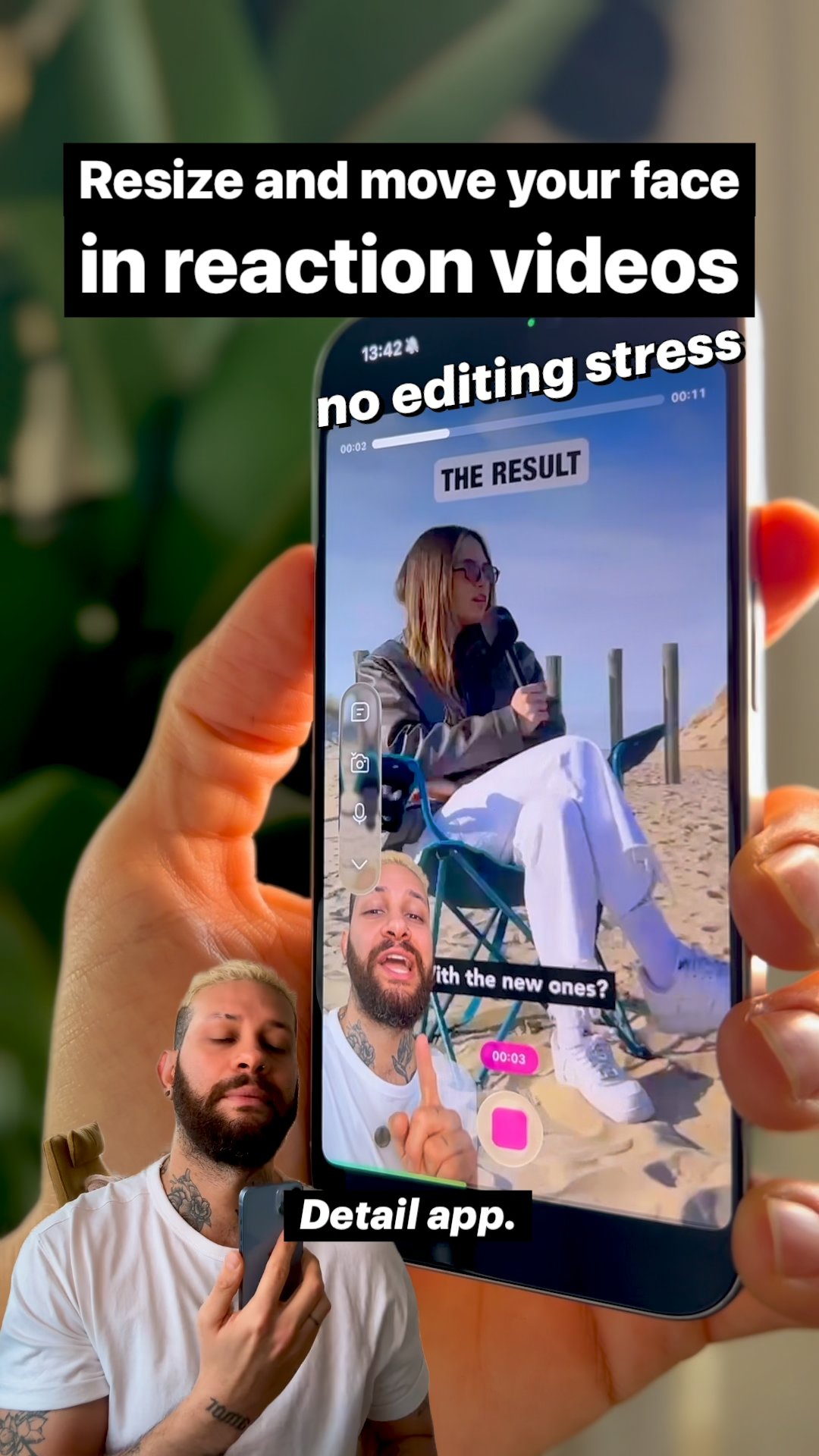
Learn how to create professional reaction videos on your iPhone in minutes using Detail's simple workflow for YouTube, TikTok, and Instagram content.
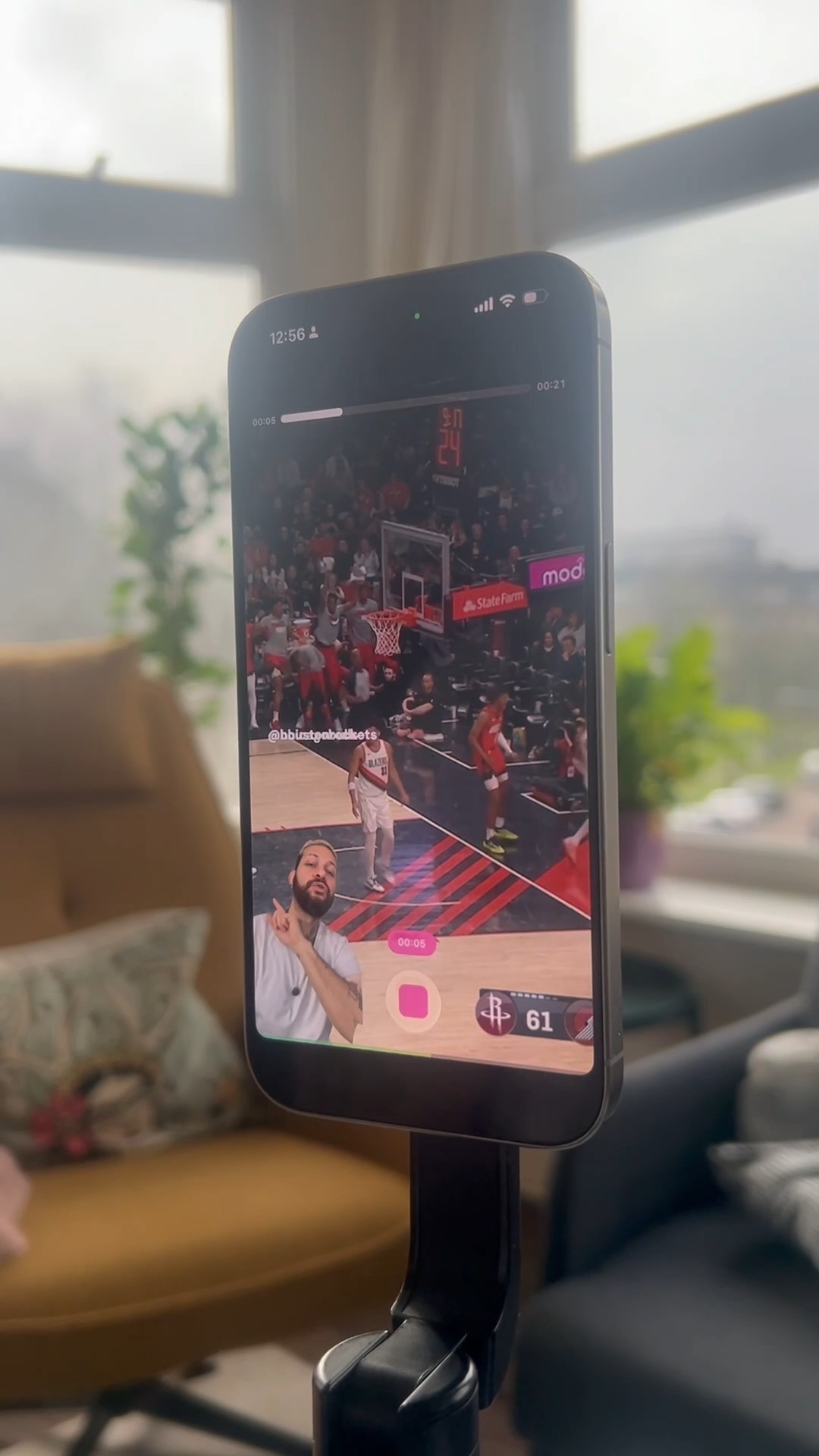
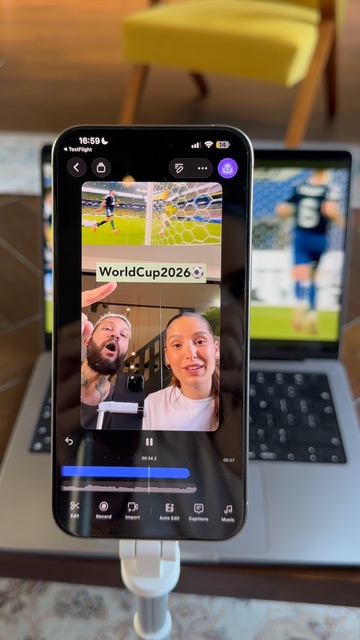
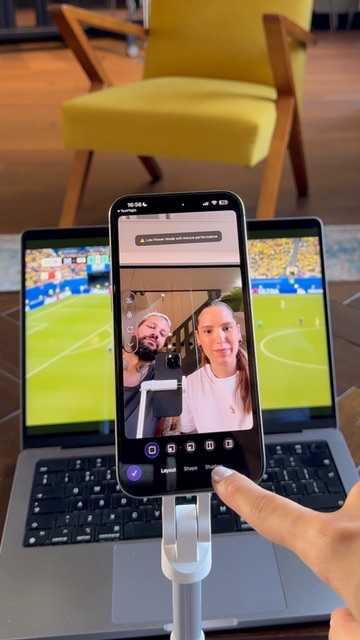
Filming a two-person reaction video takes a tripod, one phone, and the Detail app — pick a split layout, swap sources, frame your clip, and hit record.
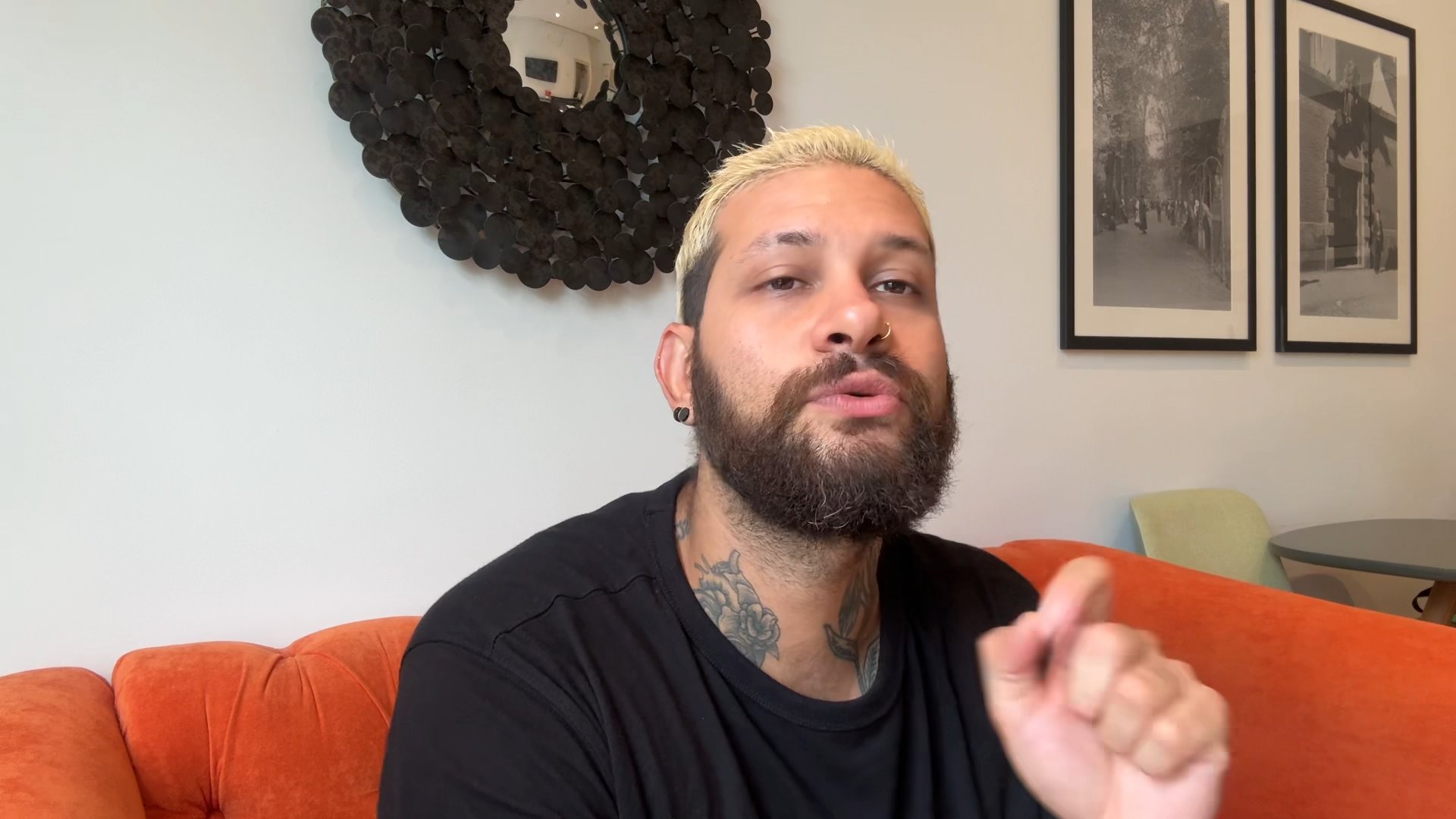
Voice-only reaction videos take two minutes in Detail: import a link from TikTok, YouTube, or Instagram, record your voiceover while the video plays, trim, and export.
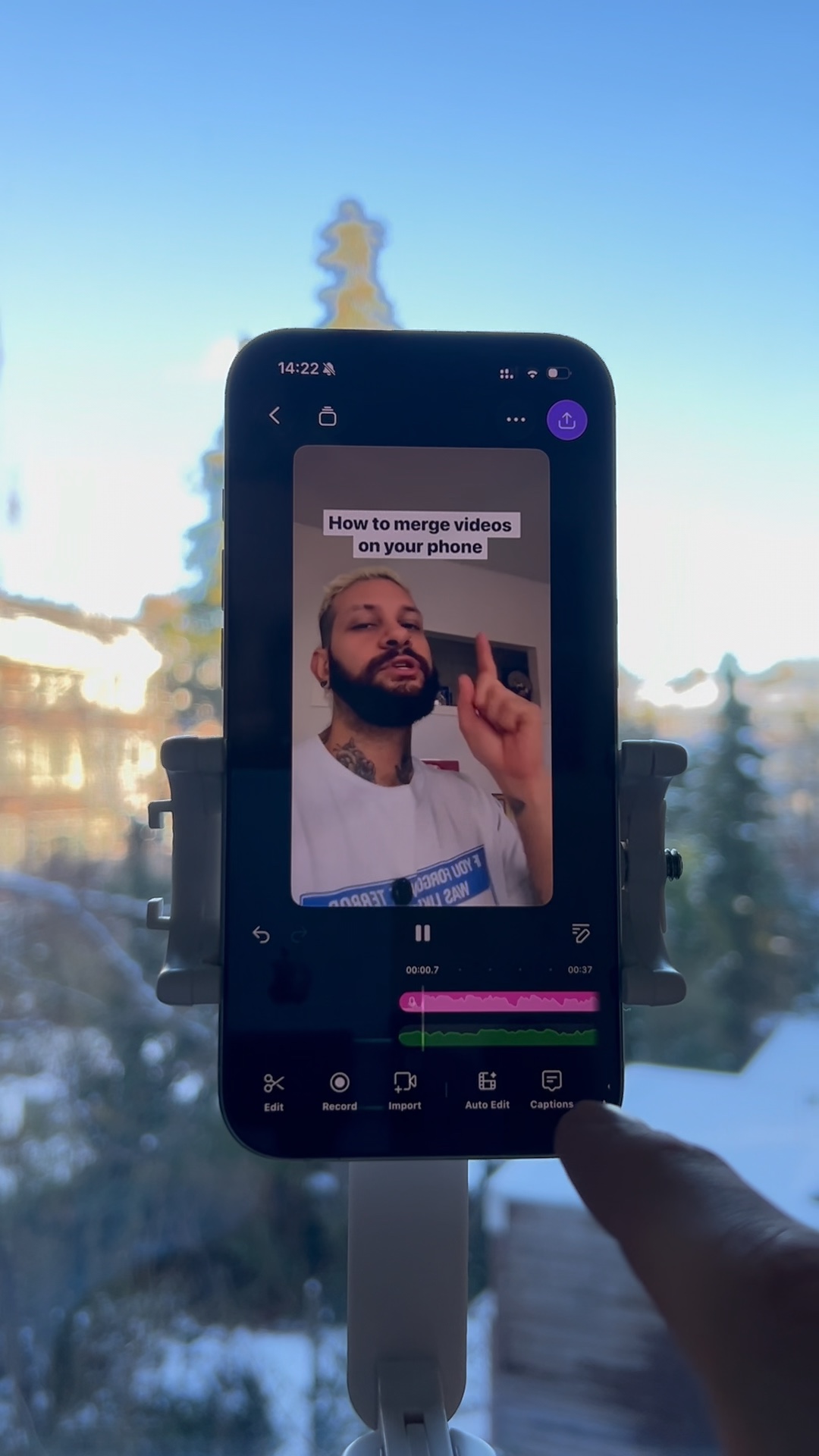
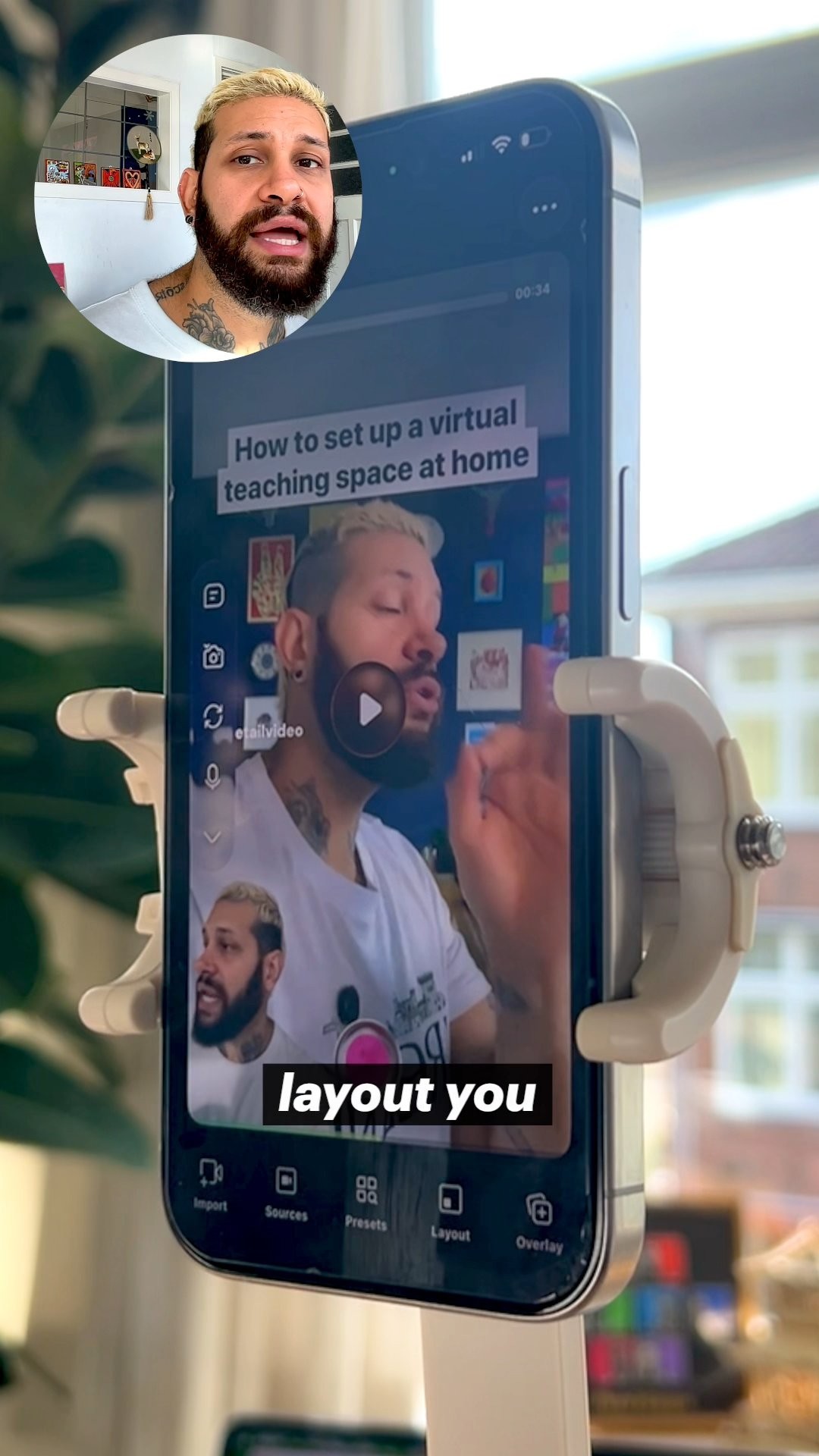
Detail's reaction video shortcut on iPhone handles the layout automatically so you can import a clip, record your response, and adjust framing all in one place.
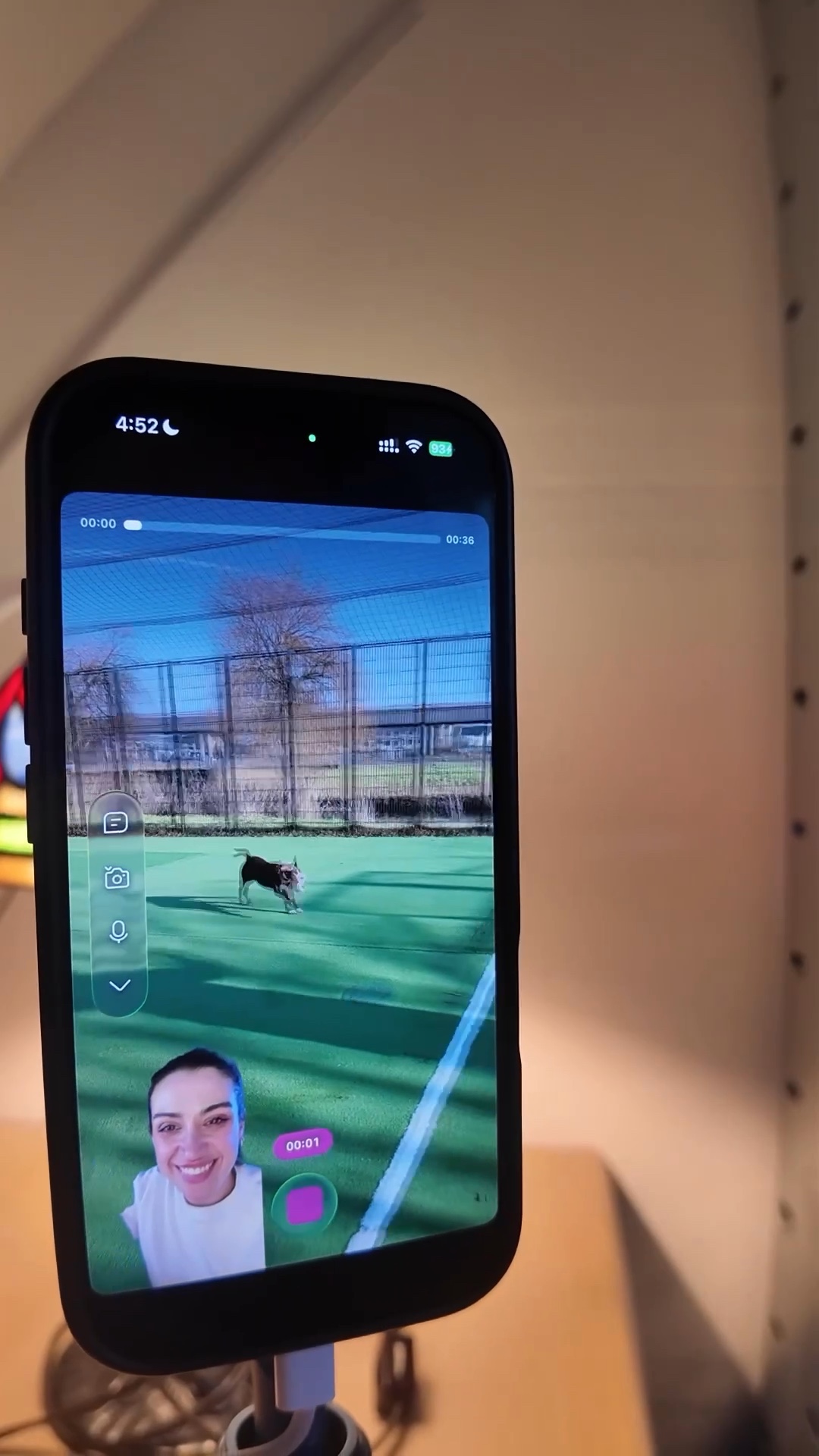
Learn how to react to multiple Instagram videos in a single project using the Detail app, without constantly switching between apps.
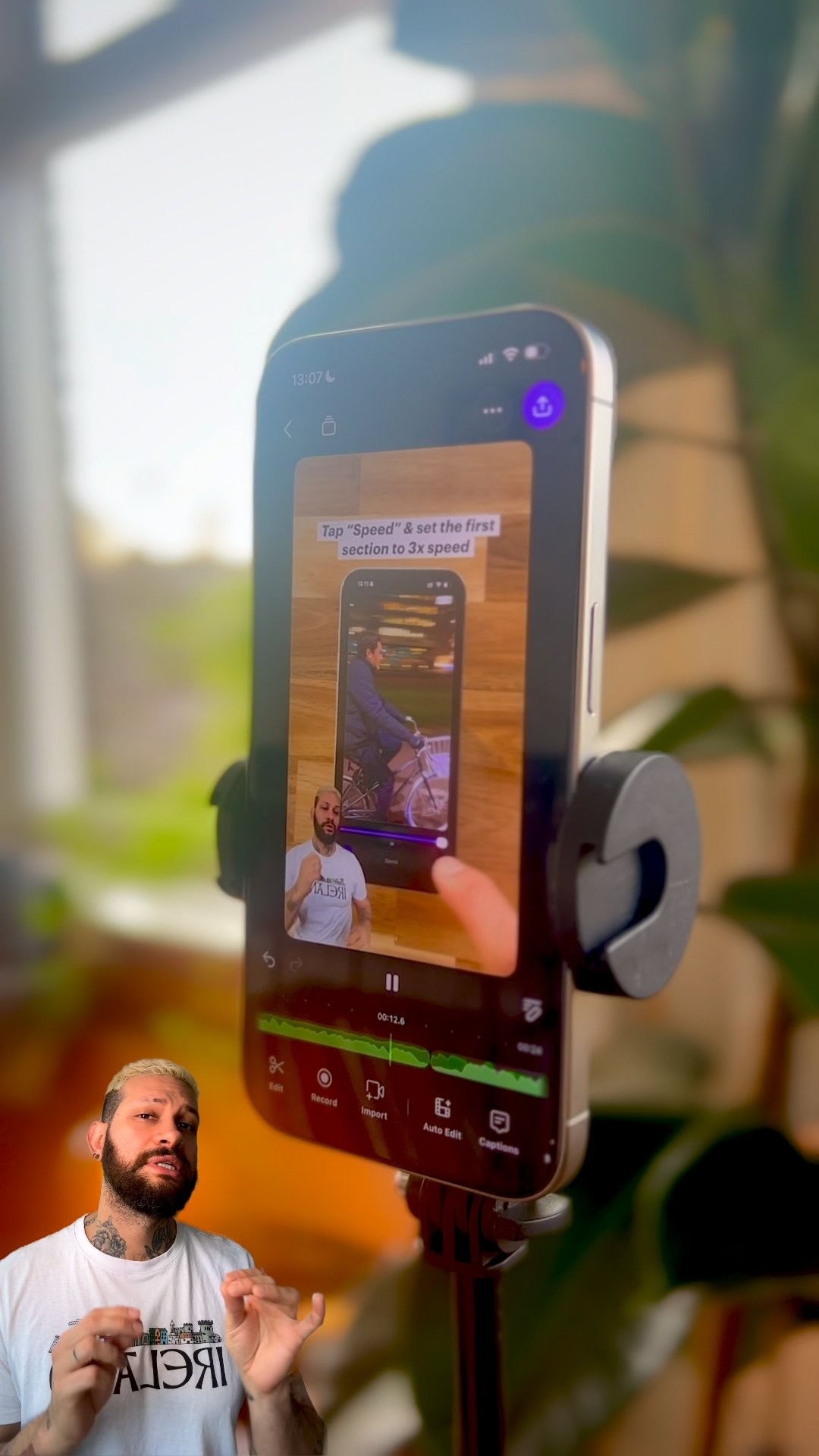
Transform already-shot footage into professional picture-in-picture real estate walkthroughs using one simple app, no reshooting required.
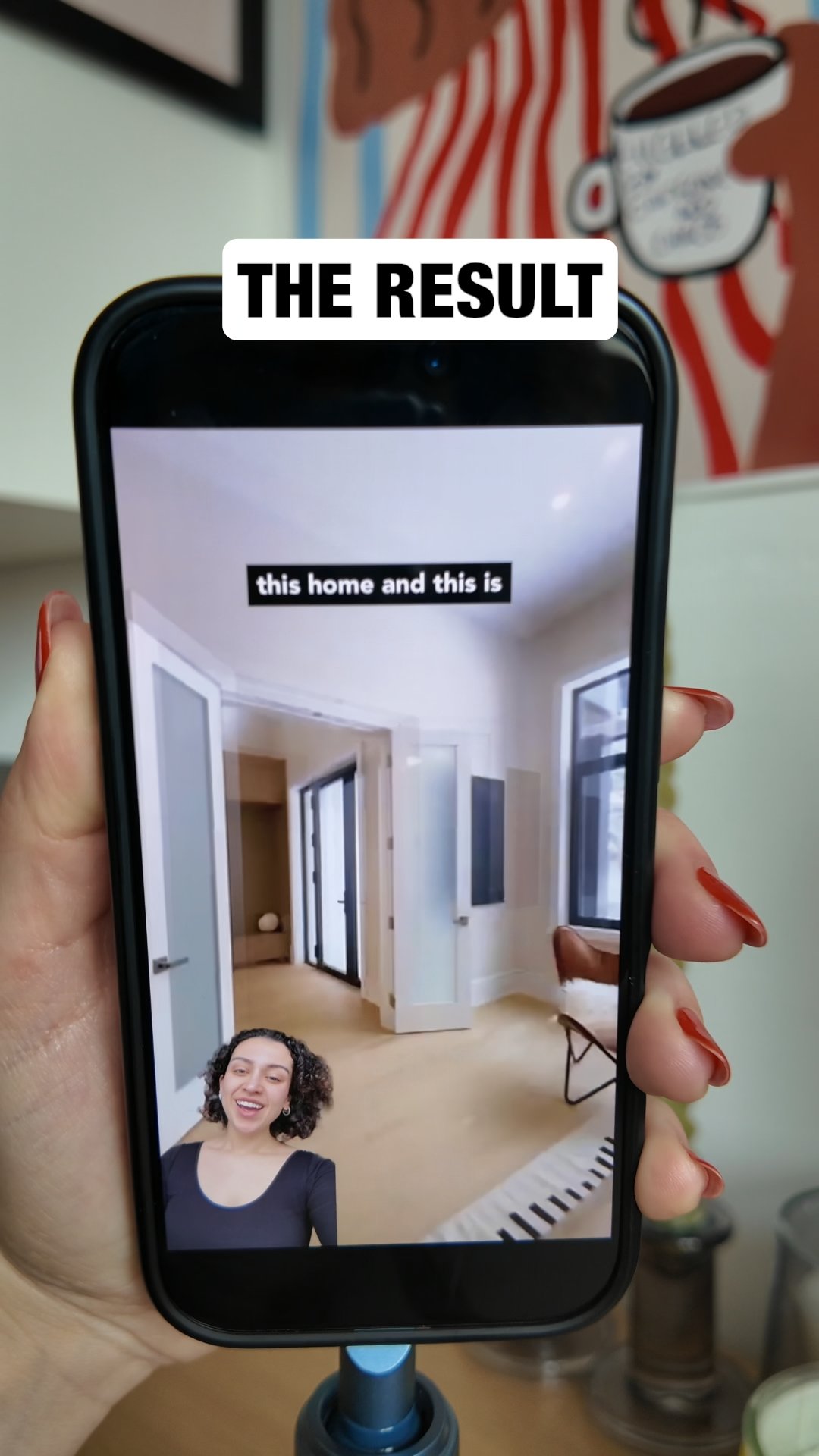
Learn how to create professional reaction videos instantly using just your iPhone and the Detail app, with no manual editing required.