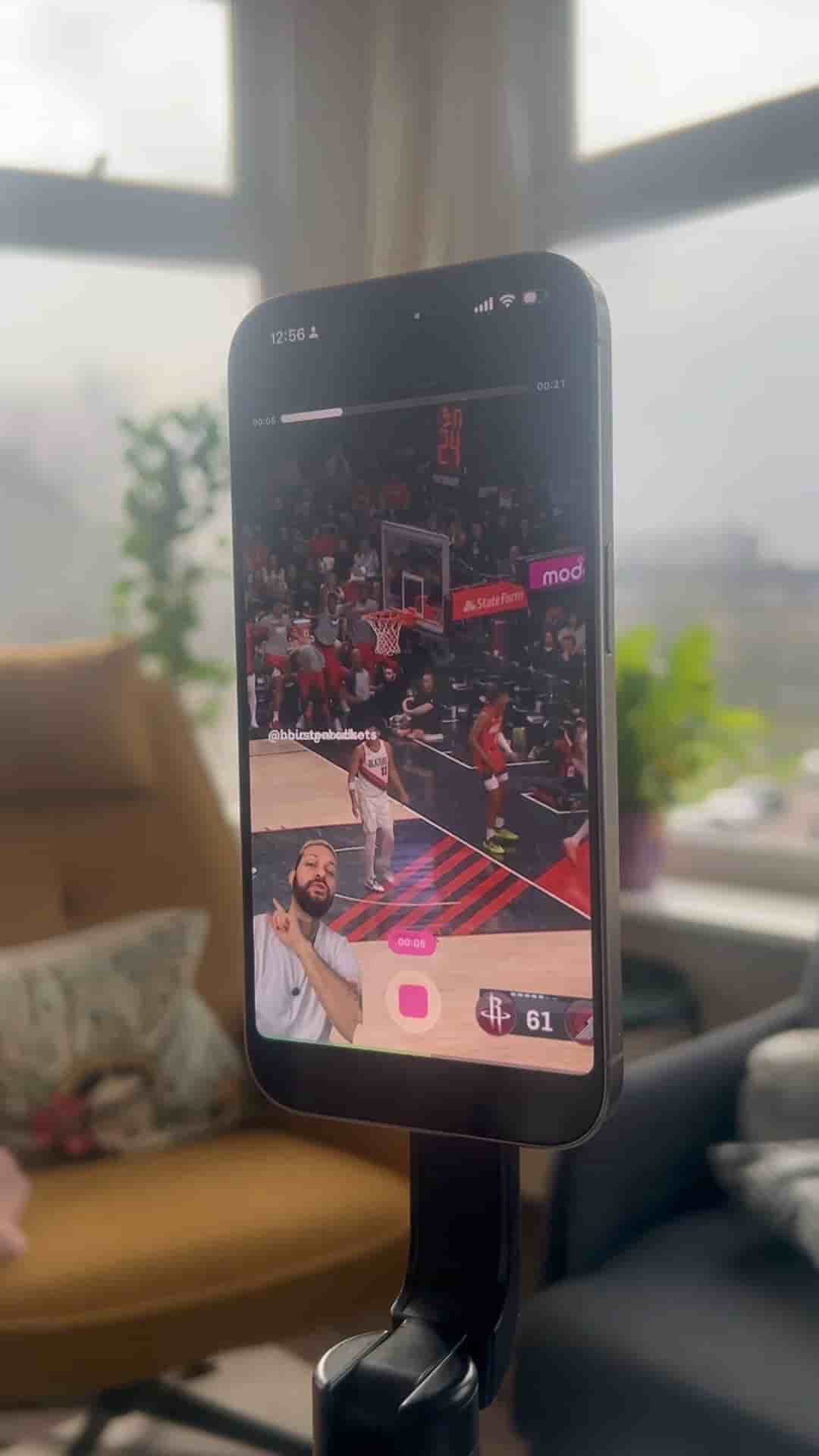
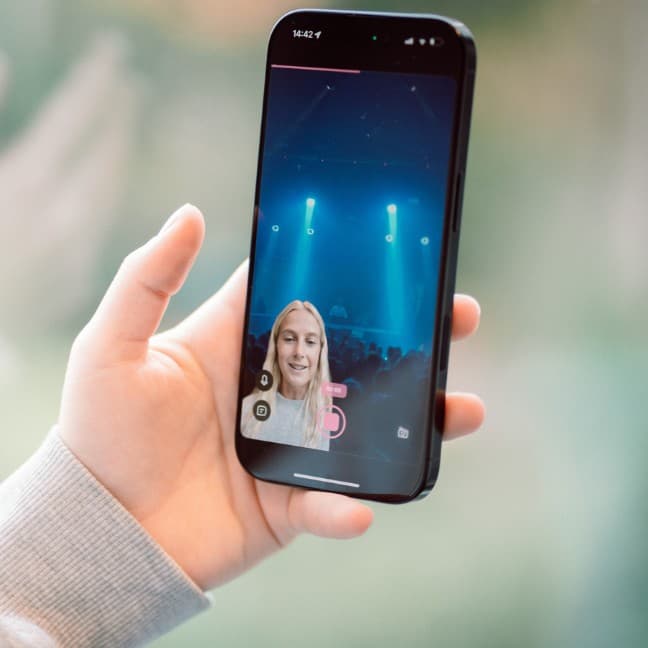
Reaction videos for basketball highlights take minutes inside Detail: grab a link, paste it, record your take, and draw directly on the footage.
Reaction content for basketball highlights takes maybe five minutes with the right setup, and the whole workflow lives inside the Detail app.
The process starts by grabbing any highlight from YouTube, TikTok, or Instagram. Copy the link, open Detail, and use the reaction video shortcut to paste it in. From there, hit record and you're in reaction mode — watching the clip and capturing your take in real time, no switching between apps, no complicated editing setup.
Grab a link from YouTube, TikTok, or Instagram, paste it into Detail, hit record, and you're reacting in real time.
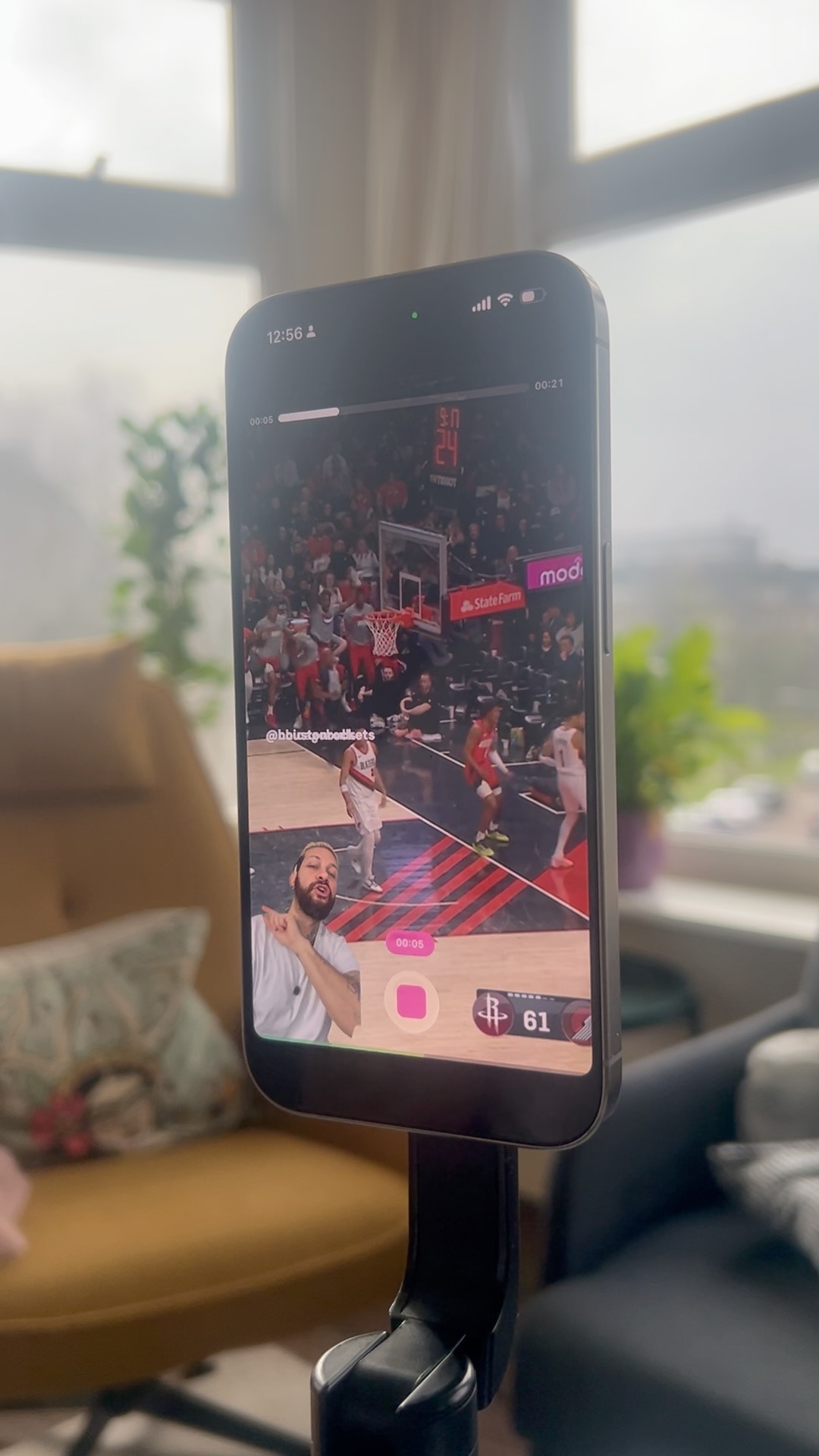
The part that makes the video more fun comes after recording. Tap overlay, then draw, and you can sketch directly on the footage — circling players, highlighting positioning, calling out a specific play. It's a small touch, but it adds a layer that keeps viewers engaged with what you're actually pointing at rather than just listening to commentary.
"You can draw directly on the video to highlight place or circle players. It makes the video more fun."
Fast, simple, and everything in one place. That's the whole pitch.