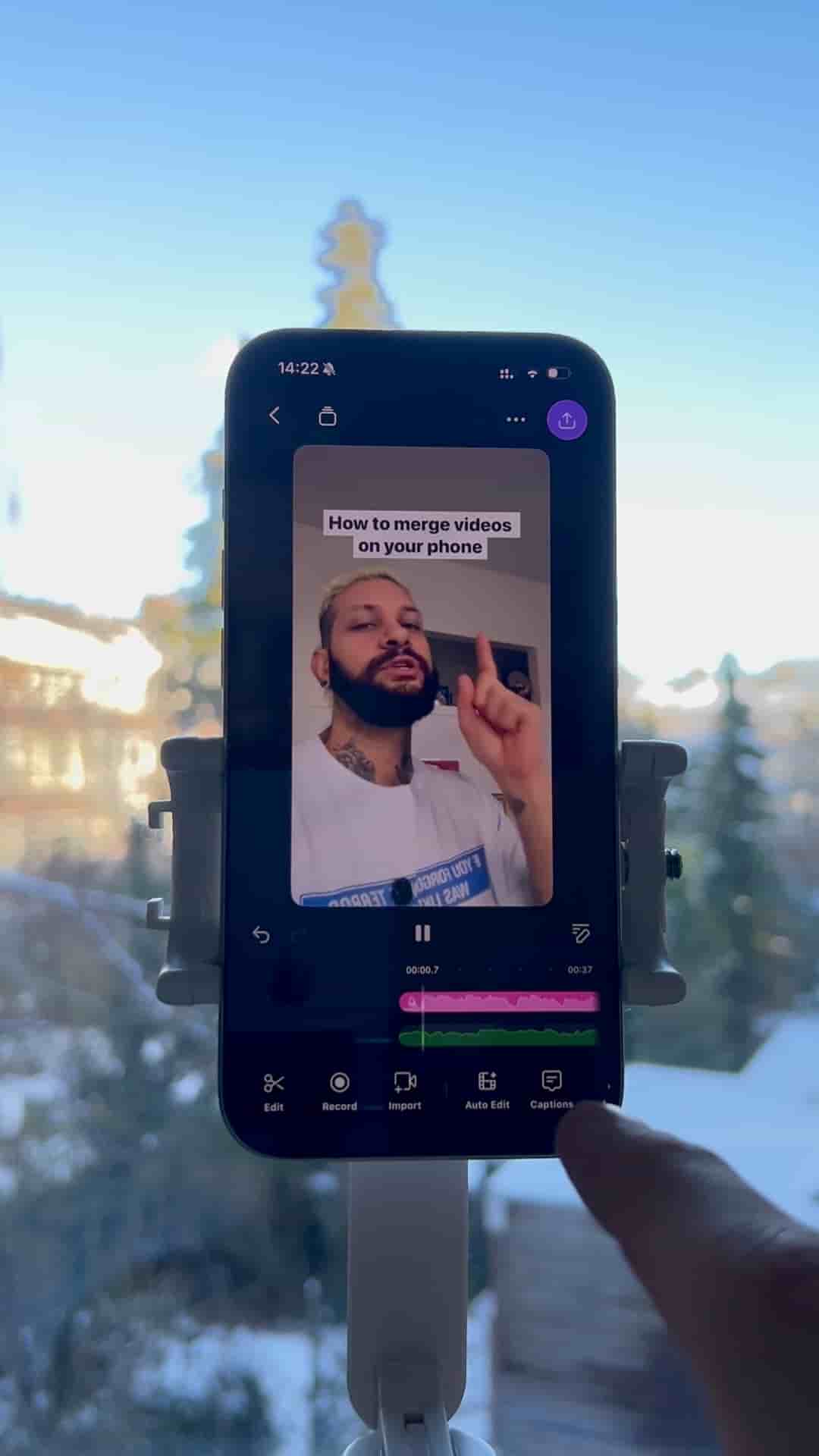
Voice-only reaction videos take two minutes in Detail: import a link from TikTok, YouTube, or Instagram, record your voiceover while the video plays, trim, and export.
Reaction videos don't require a camera, a ring light, or a complicated setup. All you need is a link and the Detail app, and the whole thing takes about two minutes.
The workflow is straightforward. Grab the video you want to react to from TikTok, YouTube, or Instagram and copy its link. Open Detail, start a new project, tap Import, then Import from URL, and paste the link. The video loads directly into your project.
Done, clean, simple, and no camera needed.
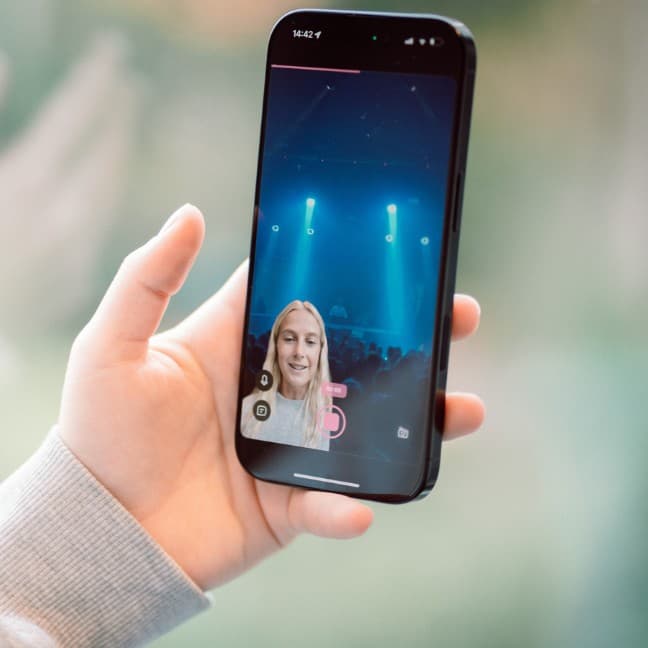
From there, head to the VoiceOver section and hit record. The video plays in the background while you talk over it, so your reaction is synced to exactly what you're watching. Trim anything you don't need, then export. That's the whole process.
No face cam. No screen recording workarounds. No second device propped up next to your phone. Just your voice layered over the original video, ready to share.