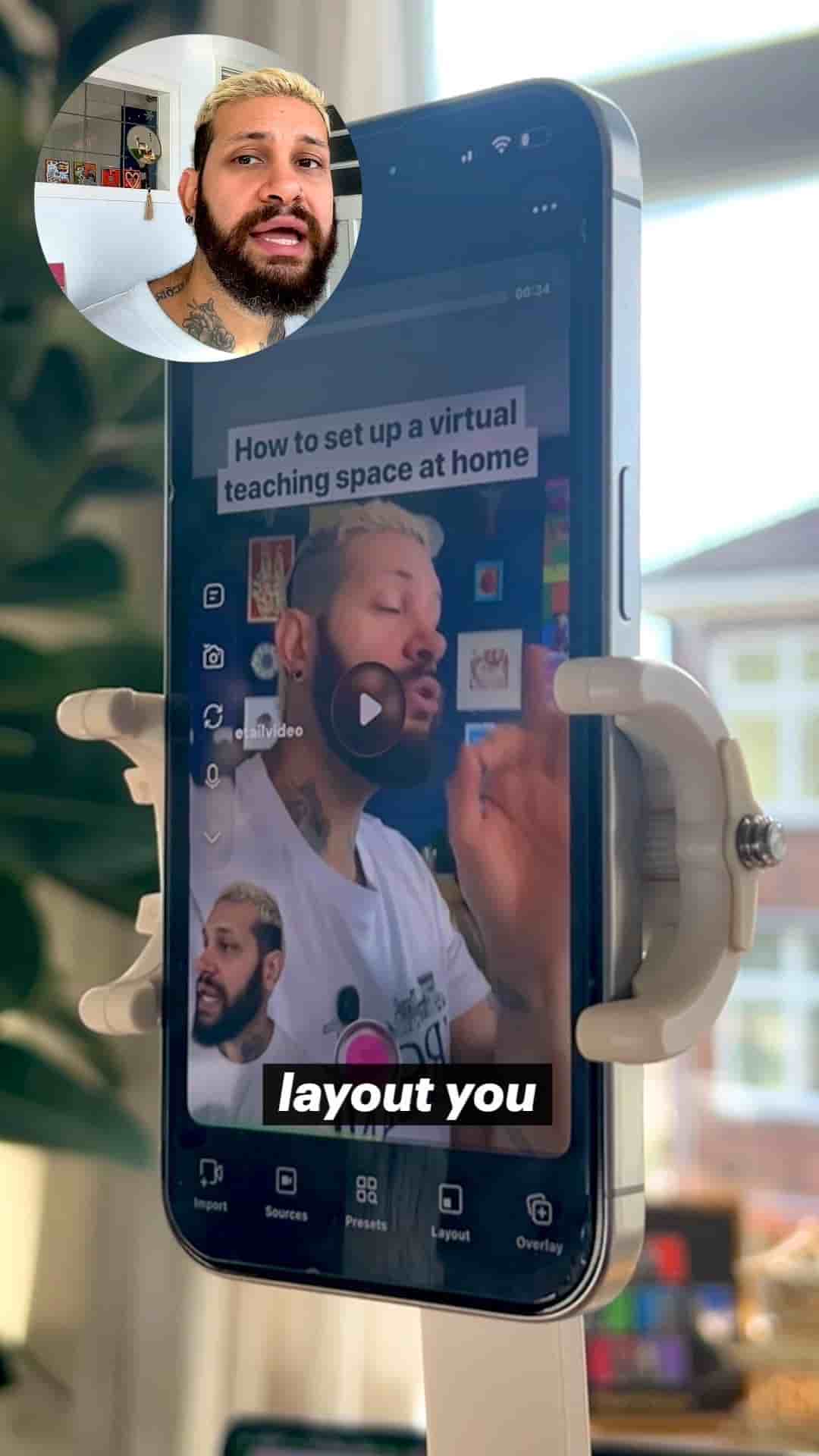
Learn how to create reaction videos directly from your phone using the Detail app, from importing trending content to auto-editing your clips.
Starting a reaction channel doesn't require expensive equipment or complicated software. You can do everything right from your phone, and I'm going to show you exactly how.
The secret is using the Detail app on your phone. This app streamlines the entire process, from importing videos to recording your reactions to editing everything into shareable clips.
First, open Detail and select the reaction video layout from the home menu. This sets up the split-screen format that reaction videos are known for.
Next, find a trending video that you actually care about. This is important because your genuine interest will come through in your reaction. You can grab content from TikTok, YouTube, or Instagram. Copy the link to that video, then import the URL into Detail. Paste it and download.
What I love about using Detail is that you can grab any video from YouTube, Instagram, or TikTok, and react in the same project and keep it all in one app. You're not jumping between different platforms or tools.
Once the video is loaded, you're going to be in the reaction layout. Frame your shot however you want, then tap record and talk naturally.
You have complete control during recording. You can scroll through the video, play or pause at any time, and keep your reaction going. The interface is designed to be intuitive, so you can focus on your actual reaction instead of worrying about technical details.
Here's a nice feature: if you are recording a reaction and the video playing in the back is shorter, it's just going to keep looping. This is great so you don't have to loop it yourself or worry about timing.
Once you're done recording, tap Auto Edit. This is going to trim all the dead spots and generate your clips and long form videos automatically. No manual editing required.
What you get is a whole bunch of clips from that same reaction. The app breaks down your longer recording into shareable segments. You can adjust the volume from the back video and your voice to get the mix just right.
From here, you're going to export and post. That's it.
Remember that consistency wins.
The key to building a successful reaction channel isn't fancy equipment or perfect editing. It's showing up regularly with genuine reactions to content you care about. Repeat this tomorrow, and the day after that. Consistency is what builds an audience.
With Detail, you have everything you need in one app to start, grow, and maintain a reaction channel, all from your phone. No excuses, just action.