Filming a two-person reaction video takes a tripod, one phone, and the Detail app — pick a split layout, swap sources, frame your clip, and hit record.
Reaction videos are everywhere, but most people assume you need multiple cameras, a second device, or some complicated editing setup to pull one off with two people in frame. You don't. With a tripod, your phone, and the screen you're reacting to, you can record everything in a single take.
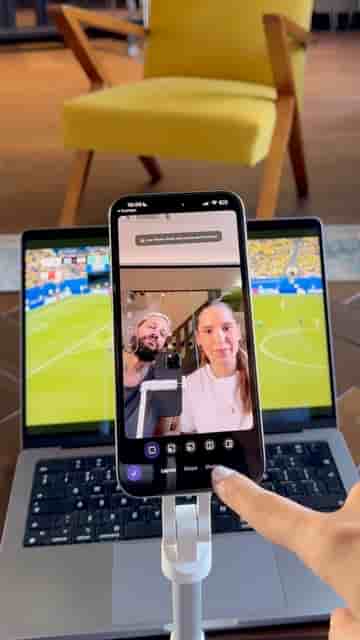
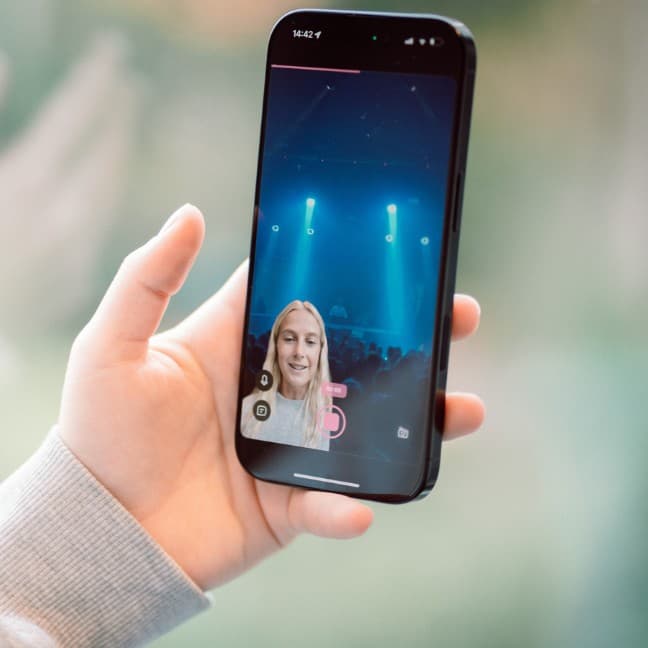
The key is Detail, an app that handles the split-screen composition before you ever press record. Open a new project, tap Layout, and select the split one-third layout. That gives you a classic reaction video frame: the content takes up most of the screen, and the reactor sits in the remaining slice.
A tripod, your phone, and the screen you're reacting to — that's the whole setup.
From there, swap the sources so each feed is in the right position, then frame the clip you're going to react to. Once everything looks good, press Record and start filming. The composition is already done; you just focus on the reaction itself.
"And that's it!" — the entire workflow fits in under a minute before you hit record.
For anyone making reaction content regularly, it removes the part of the process that usually takes the longest: getting two feeds into one clean frame without touching a timeline.