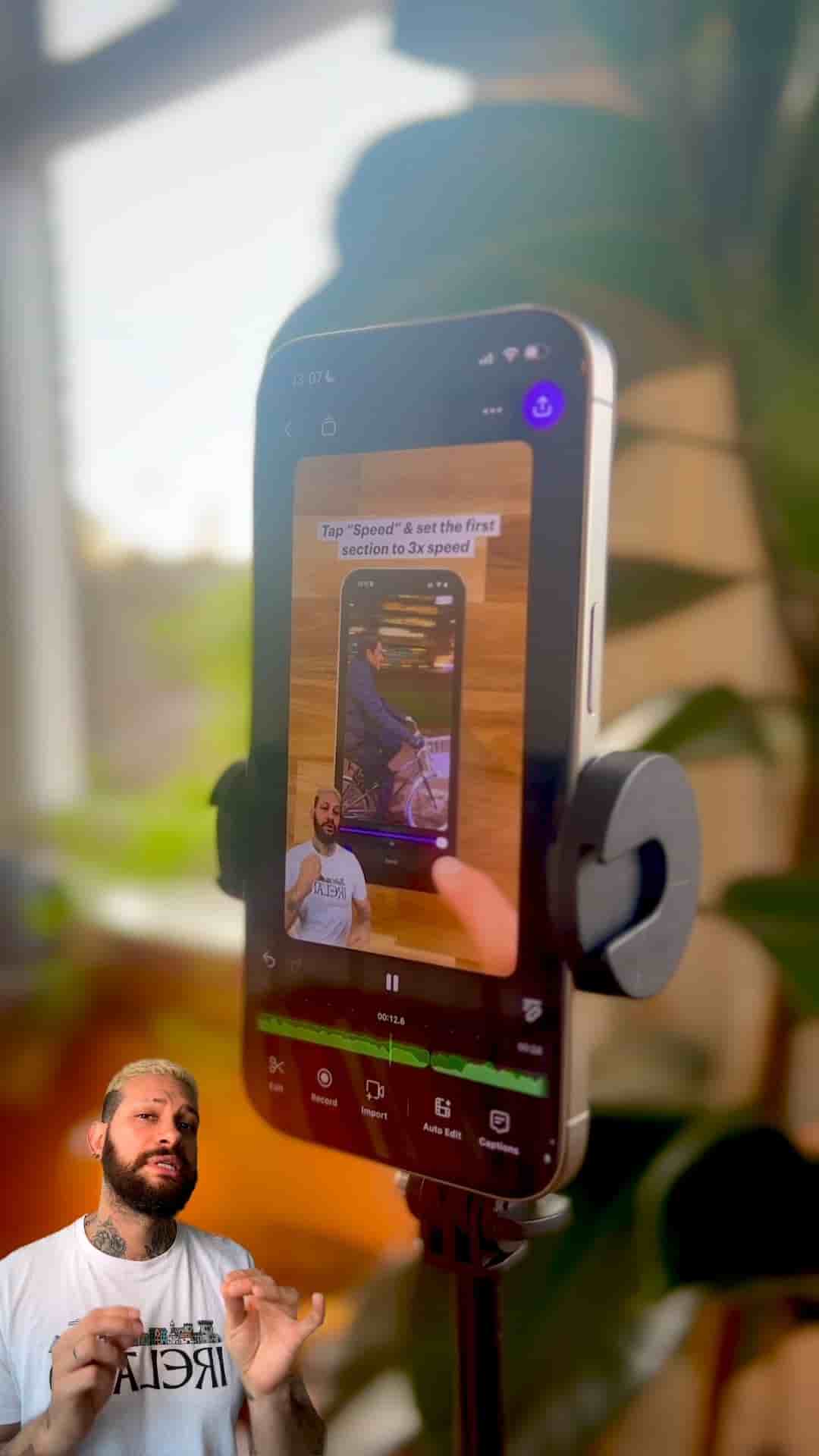
Learn how to react to multiple Instagram videos in a single project using the Detail app, without constantly switching between apps.
If you've ever wanted to create reaction videos to Instagram content without the hassle of jumping between apps and managing multiple projects, there's a streamlined workflow that makes it incredibly simple. Using the Detail app's reaction video shortcut, you can compile multiple Instagram reaction videos into a single timeline, making your editing process faster and more efficient.
The process begins with Instagram itself. Open the app and navigate to the video you want to react to, then copy the link. Once you have the link, switch over to the Detail app and tap the reaction video shortcut. Here's where it gets easy: paste the link, and you're already in reaction mode. No complicated setup, no fiddling with settings.
Hit record and start reacting naturally. One helpful tip: use AirPods or earbuds so you can hear the video clearly while you're talking. This makes your reactions feel more genuine and allows you to respond in real time without any audio confusion.
Here's where this workflow really shines. Instead of creating separate projects for each reaction video, you can add multiple Instagram videos to the same timeline. Copy the next Instagram link you want to react to, go back to Detail, tap source, then media, then URL. Paste the new link and record your next reaction.
Now both reactions live in the same timeline, you can keep adding as many videos as you want.
This approach transforms what could be a tedious, multi-project process into a streamlined workflow where all your reactions live together in one place.
The Detail app offers flexibility in how your reaction appears on screen. Navigate to the layout settings where you can resize and reposition your face anywhere on the screen. This customization lets you make the reaction feel more natural and visually engaging, rather than being stuck with a default picture-in-picture setup that might cover important parts of the original video.
The beauty of this method is its simplicity: copy, paste, react, and repeat. Whether you're creating a compilation of reactions to trending content or building a series of responses to videos in your niche, this workflow eliminates the friction that often makes content creation feel like a chore. All your reactions organized in one project means easier editing, faster publishing, and more time actually creating content instead of managing files.