Transform already-shot footage into professional picture-in-picture real estate walkthroughs using one simple app, no reshooting required.
If you've ever wanted to add professional commentary to real estate footage you've already filmed, I've got the perfect solution for you. No need to reshoot everything or invest in expensive editing software. There's an app called Detail that makes this incredibly simple, and I'm going to walk you through exactly how to use it.
The beauty of this approach is that you can take existing property videos and transform them into polished walkthrough presentations without stepping foot back in the property. You record your narration once, overlay yourself on the footage, and you're done. Let me break down the process step by step.
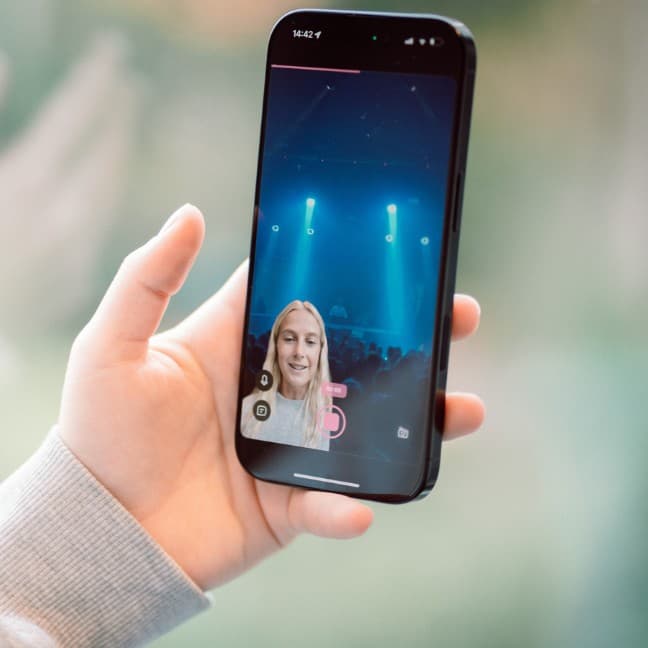
First, open the Detail app and create a new project. Navigate to the layout section and select the picture-in-picture option. This is where the magic starts to happen.
Next, head to the left menu and click on the masking tool. This feature is genuinely impressive because it removes your background in seconds. No green screen needed, no complicated setup. Just quick, clean background removal that makes your overlay look professional.
Once you've got the masking set up, go to sources and select the video you want to use as your background. This would be your pre-recorded property walkthrough footage. When everything looks aligned and ready, hit record.
Now here's where it gets really convenient: you can record yourself narrating the home tour on camera without refilming the entire property walkthrough. You're essentially adding your expert commentary and presence to footage that already exists. This saves an enormous amount of time and allows you to refine your presentation without coordinating another property visit.
After you finish recording, the app gives you flexibility to adjust the final look. You can change the layout with several options including circle, split one-half, and split one-third formats.
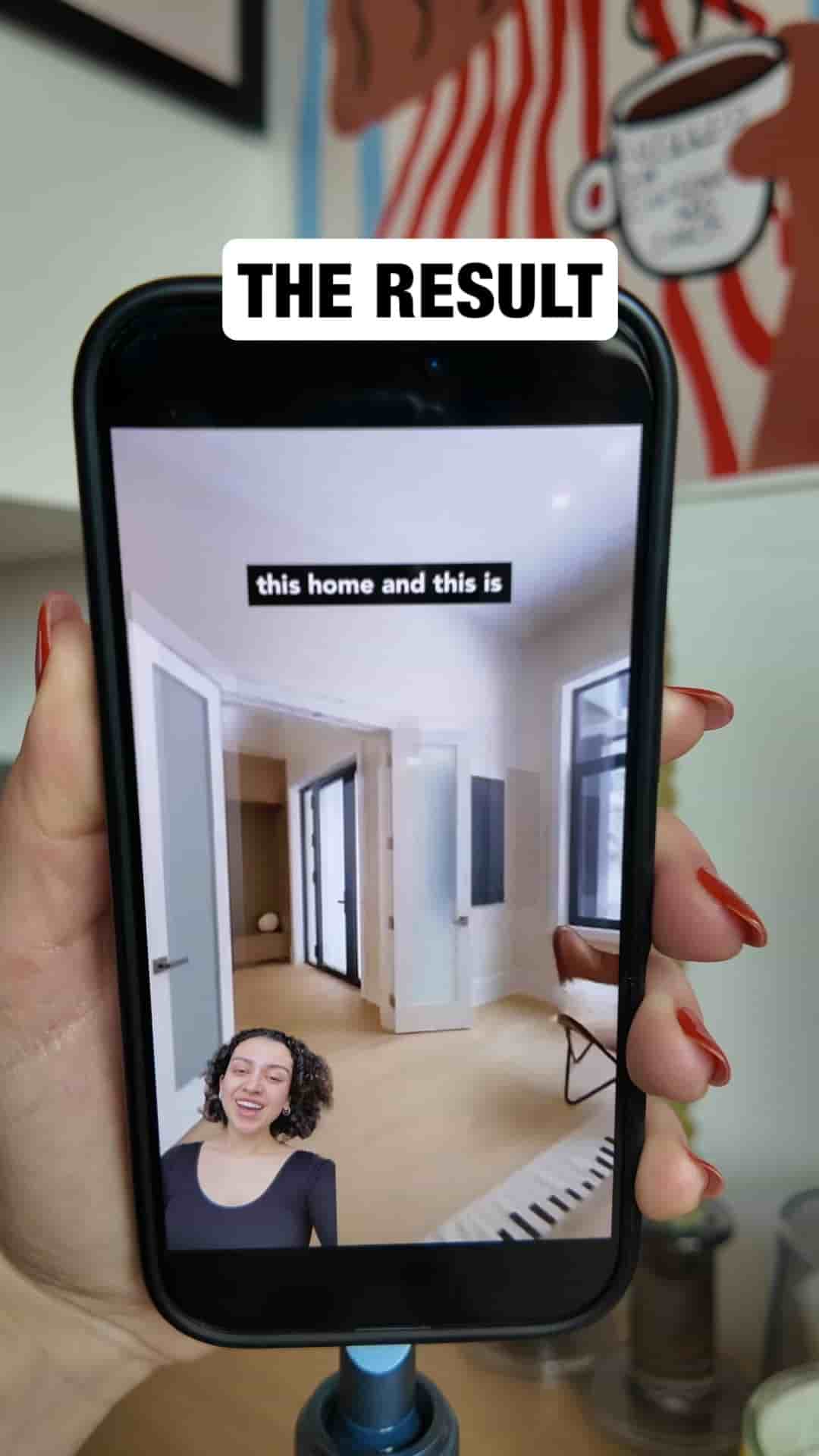
I like the picture and picture with masking the most, so I'm going to go with that one.
You have complete control over your positioning. Resize yourself to be as prominent or subtle as you want. Drag your image to different parts of the screen, placing yourself wherever makes the most sense for the footage. This customization ensures you're not blocking important details of the property while still maintaining your presence in the video.
One of the final touches I always recommend is adding captions. Go to the captions section and generate captions for your video automatically. This makes your content more accessible and increases engagement, especially since many people watch videos without sound.
To make the captions more readable, you can add a background with just one click. This ensures your text stands out clearly against whatever is happening in the background footage.
The end product looks genuinely professional and polished. What makes this process so appealing is how straightforward it is. You're not spending hours learning complex editing software or wrestling with technical challenges. The app handles the heavy lifting while you focus on delivering your message effectively.
The Detail app is available in the App Store, making it accessible for anyone with an iOS device. Whether you're a real estate agent looking to enhance your listings, a property manager creating virtual tours, or anyone else working with property videos, this tool delivers professional results with minimal effort. The combination of background removal, flexible layouts, and automatic captions creates a final product that looks like it took far more work than it actually did.